

Speechify Text-to-Speech Software for Accessible Audio Content Creation
Speechify is an AI-powered text-to-speech tool that converts written text into natural audio, supporting multiple languages and platforms to enhance accessibility and productivity.
- Best for
- Accessibility for Reading
- Key capability
- Natural-Sounding Voices
Save Speechify, follow its updates and vote on it — everything stays in your account.
Sign in or create a free account

What is Speechify?
Speechify is an AI-powered text-to-speech software designed to convert written text into natural, human-like audio. It aims to improve accessibility and productivity by enabling users to listen to content instead of reading it. The tool supports multiple languages and voices, making it suitable for diverse users including those with reading difficulties and language learners.
Key features of Speechify
Speechify offers high-quality voice synthesis, multi-platform support, customizable reading speeds, and integration with various document types. It enhances accessibility and learning by providing natural-sounding audio output and supports users in consuming content hands-free.
Natural-Sounding Voices
Uses advanced AI to produce clear, human-like speech in multiple languages.
Multi-Platform Availability
Accessible via web, mobile apps, desktop, and browser extensions.
Customizable Playback Settings
Users can control speed, voice selection, and audio output preferences.
Document and Web Page Integration
Supports reading PDFs, emails, articles, and other text formats.
Offline Listening
Allows users to download audio files for use without internet connection.
Pros and cons of Speechify
Pros
- High-quality, natural-sounding voices
- Supports multiple languages and accents
- Cross-platform availability including mobile and desktop
- Customizable playback options
- Helps improve accessibility for reading difficulties
Cons
- Premium features require subscription
- Free plan has usage limitations
- Some voices may sound less natural depending on language
Key use cases for Speechify
Accessibility for Reading
Helps users with dyslexia, ADHD, or visual impairments by converting text into natural-sounding speech.
Content Consumption
Allows busy professionals and students to listen to articles, documents, and books on the go.
Language Learning
Supports language learners by providing clear pronunciation and customizable reading speeds.
Productivity Enhancement
Enables multitasking by turning written content into audio, improving workflow efficiency.
Audio Book Creation
Converts written books and documents into audio format for convenient listening.
How Speechify works
- 1
Upload or Paste Text
Users input text by uploading documents or pasting text directly into the app.
- 2
Select Voice and Language
Choose from a variety of AI-generated voices and supported languages.
- 3
Customize Playback
Adjust reading speed and voice pitch to suit personal preferences.
- 4
Listen or Download Audio
Stream the audio directly or download it for offline listening.
Who is using Speechify
Speechify pricing
Free
$0/month
Basic access with limited voices and daily usage caps.
Premium (monthly)
$29/month
Unlimited access to premium voices, faster processing, and offline downloads.
Premium (annual)
$139/year
Plans and prices are as published by the vendor and can change. Check the official site before you buy. Open the pricing page (opens in a new tab)
Compare similar tools
How Speechify lines up against the tools people weigh it against.
SpeechifySpeechify vs Balabolka: For Podcasts, Videos & eLearning
Speechify Murf AI
Speechify vs Murf AI: Which Delivers Better TTS Quality in 2026?
Speechify ElevenLabs
Speechify vs Elevenlabs: Voice Cloning, API Access & Pricing
Frequently asked questions about Speechify
Yes, Speechify is designed to assist users with dyslexia by converting text into easy-to-understand audio.
Offline listening is available with the Premium subscription through downloadable audio files.
Speechify supports multiple languages including English, Spanish, French, German, Chinese, and Japanese.
Yes, Speechify has apps for both iOS and Android platforms.
It depends on your specific needs and how you plan to use the tool. The official website and documentation are the best sources for the latest details.
Some tools offer a free plan or trial with limited features. Availability can vary, so confirm on the official website.
Yes, it can help with that use case depending on how you configure it and what features are available. You’ll get the best results with clear inputs and a defined goal.
Yes, it can help with that use case depending on how you configure it and what features are available. You’ll get the best results with clear inputs and a defined goal.
Conclusion
Reading support sits at the center of Speechify, which converts text into natural-sounding speech for people with dyslexia, ADHD or visual impairments. Text goes in as an uploaded document or is pasted directly into the app, and PDFs, emails, articles and other text formats are supported. Users pick a voice and language, adjust reading speed and voice pitch, and then stream the audio or download it. Supported languages include English, Spanish, French and German, along with Chinese and Japanese.
Beyond accessibility, busy professionals and students can listen to articles, documents and books on the go, and language learners get clear pronunciation at customizable reading speeds. It is accessible via web, mobile apps for iOS and Android, desktop and browser extensions. Content creators and publishers can also convert written books and documents into audio format for convenient listening.
The free plan gives basic access with limited voices and daily usage caps. Premium brings unlimited access to premium voices, faster processing and offline downloads, and offline listening is available only with that subscription. The page also notes that some voices may sound less natural depending on language.
Sources
Sign in to review this tool.
Sign In to ReviewNo reviews yet
Be the first to share how this tool worked for you.
Ask about pricing, limits, or how it compares — or answer someone else.
Sign In to AskNo questions yet
Have a question about using or paying for this tool? Be the first to ask.
Featured on TiorAI



Alternative Tools
Explore similar AI tools that might fit your needs
Natural Reader
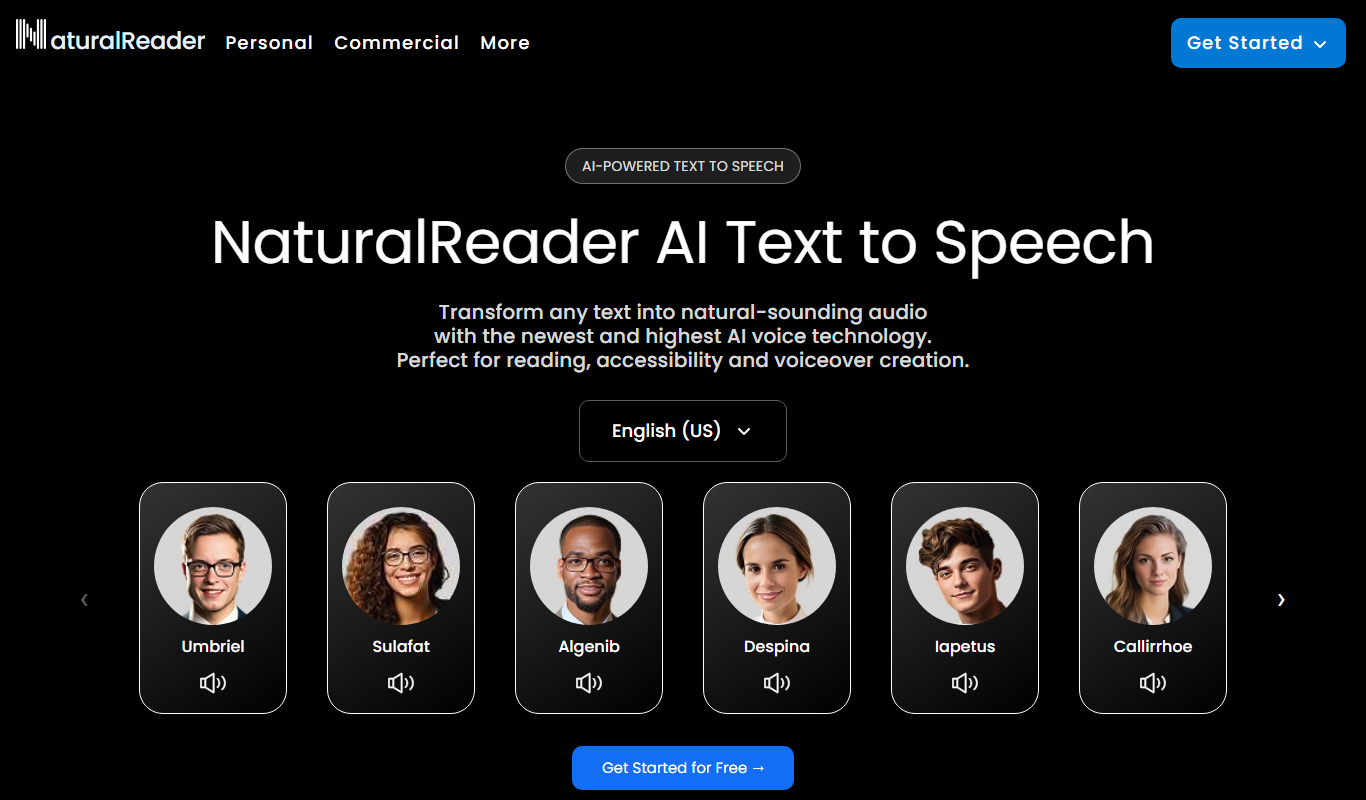
Natural Reader is a text-to-speech software that converts written text into natural, human-like speech across multiple languages and platforms, supporting accessibility and content consumption.

ReadSpeaker
ReadSpeaker is an AI text-to-speech platform that converts written text into natural, human-like audio across multiple languages, designed to enhance accessibility and user engagement.

ChatGPT
ChatGPT is an AI chatbot by OpenAI powered by GPT-4o. It handles writing, coding, research, data analysis, and natural conversation. Free tier available, Plus at $20/month.

Claude
Claude is an AI assistant by Anthropic with a 200K token context window built on Constitutional AI for safer responses. Free tier available, Pro at $20/month.

Gemini & Gemini Advanced
Gemini and Gemini Advanced are Google’s advanced AI language models designed for conversational AI, content generation, and coding assistance, supporting multiple languages and accessible via web and API.

Canva
Canva is an online design platform with Magic Design, Magic Write, and Text to Image AI tools. Offers 1M+ templates for graphics, presentations, and videos. Free plan available, Canva Pro at $15/month.

Notion AI
Notion AI is an AI-powered assistant embedded in the Notion workspace that helps users generate, edit, and summarize content to boost productivity and collaboration.

Grammarly
Grammarly is an AI-based writing assistant that provides real-time grammar, spelling, punctuation, style, and tone suggestions to improve written communication across web, desktop, and mobile platforms.

Midjourney
Midjourney is an AI image generation tool creating high-quality artwork from text prompts via Discord. Plans start at $10/month. Known for exceptional visual quality with Midjourney V6.

ElevenLabs
ElevenLabs is an AI platform that converts text into natural-sounding speech and allows voice cloning from audio samples, supporting multiple languages and offering an API for integration.

Perplexity AI
Perplexity AI is an AI search engine delivering real-time cited answers using GPT-4o and Claude 3.5. Free tier available, Pro at $20/month.

Runway
Runway is a cloud-based AI platform that enables creators and developers to edit videos, generate images from text, and apply advanced AI effects through an intuitive interface and API access.
More AI Speech-to-Text tools
Other tools in the same category, for when this one is not quite the fit.

Nuance Dragon
Nuance Dragon is a powerful speech recognition software that converts spoken words into text with high accuracy, supporting multiple languages and professional use cases such as medical and legal transcription.

Picovoice
Picovoice is an on-device voice AI platform that enables offline speech recognition, custom wake word detection, and speech-to-intent processing for embedded and mobile applications, prioritizing privacy and low latency.
Speechmatics
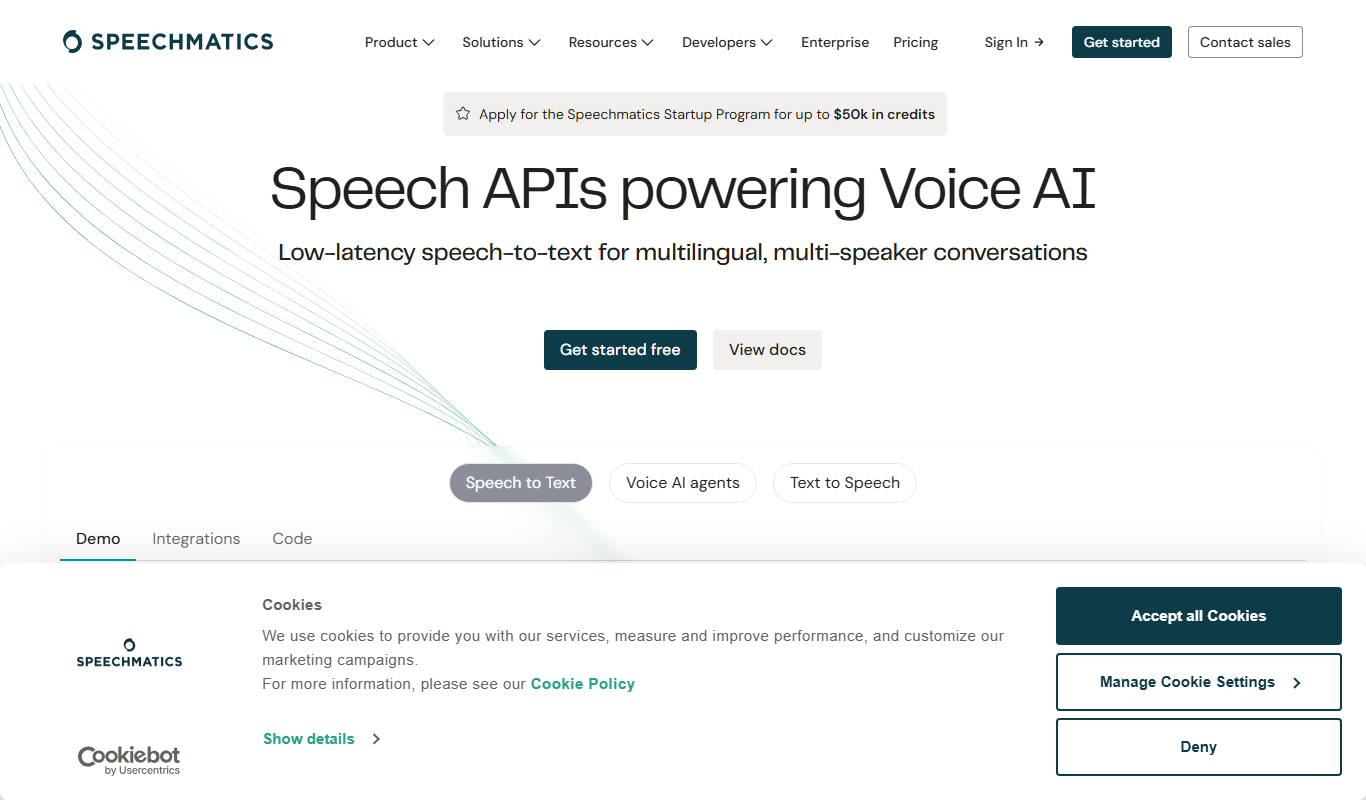
Speechmatics is an AI-powered speech-to-text transcription software that converts audio and video into accurate text transcripts supporting multiple languages and real-time processing.

Speechling
Speechling is a nonprofit pronunciation and speaking practice platform with feedback from human coaches.

ELSASpeak
ELSASpeak is an AI-powered English pronunciation coach that provides real-time feedback to help users improve their accent and fluency through personalized lessons and speech recognition technology.

Interprefy
Interprefy is a cloud-based platform that enables real-time remote simultaneous interpretation for multilingual events, allowing participants to listen to live translations in their preferred language via web or mobile devices.
Rhasspy
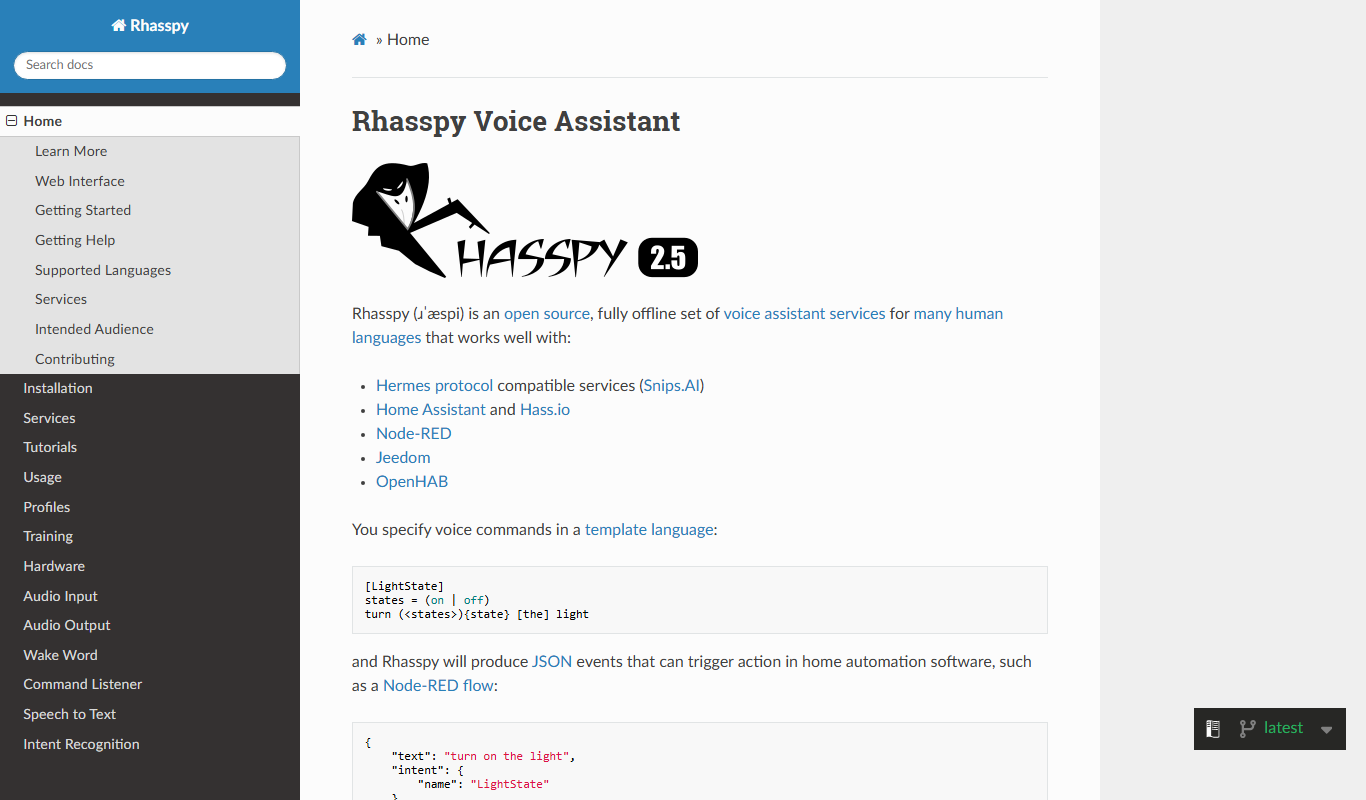
Rhasspy is an open-source, offline voice assistant platform that enables users to build custom voice-controlled smart home systems with privacy and multilingual support.
Speechnotes
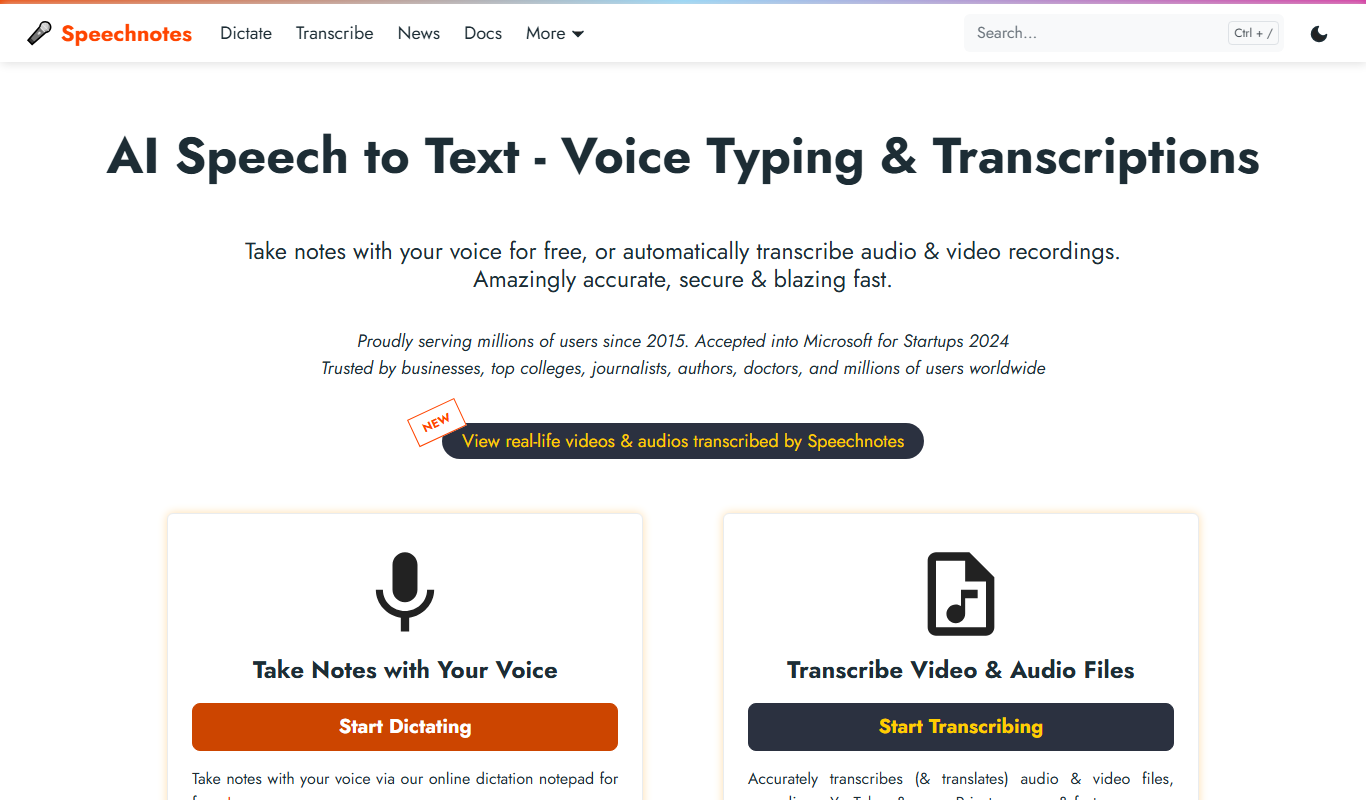
Speechnotes is an AI-powered speech-to-text application that converts spoken language into text in real time, supporting multiple languages and voice commands for punctuation.