

Nuance Dragon Speech Recognition Software for Accurate AI Speech-to-Text
Nuance Dragon is a powerful speech recognition software that converts spoken words into text with high accuracy, supporting multiple languages and professional use cases such as medical and legal transcription.
- Best for
- Medical Transcription
- Key capability
- High Accuracy Speech Recognition
Save Nuance Dragon, follow its updates and vote on it — everything stays in your account.
Sign in or create a free account
What is Nuance Dragon?
Nuance Dragon is speech recognition software that converts spoken words into written text with high accuracy. Nuance is now Microsoft. Dragon is designed for professionals across industries such as healthcare, legal and business, and supports hands-free dictation and voice commands.
Key features of Nuance Dragon
Dragon offers real-time speech-to-text transcription, voice command customization, multi-language support, and integration with popular applications. Its adaptive learning improves recognition accuracy over time, making it a reliable tool for boosting productivity and reducing manual typing.
High Accuracy Speech Recognition
Delivers up to 99% accuracy with adaptive learning tailored to individual voices.
Custom Voice Commands
Allows users to create personalized commands to automate repetitive tasks.
Multi-Application Support
Integrates seamlessly with Microsoft Office, web browsers, and other productivity apps.
Transcription of Audio Files
Converts pre-recorded audio files into editable text documents.
Multi-Language Support
Supports dictation in several major languages including English, Spanish, French, and more.
Pros and cons of Nuance Dragon
Pros
- Highly accurate speech recognition with adaptive learning
- Customizable voice commands to improve workflow
- Works offline ensuring data privacy
- Supports transcription of audio files
- Integrates with popular productivity applications
Cons
- Relatively high upfront cost for professional editions
- Steeper learning curve for advanced features
- Limited mobile platform support
Key use cases for Nuance Dragon
Medical Transcription
Enables healthcare professionals to dictate patient notes and medical records efficiently with high accuracy.
Legal Documentation
Assists legal professionals in creating case notes, contracts, and other legal documents through voice dictation.
Business Productivity
Helps business users transcribe meetings, write emails, and create reports faster by converting speech to text.
Content Creation
Supports writers and content creators in drafting articles, blogs, and scripts using voice commands.
Accessibility
Provides an alternative input method for users with disabilities or those who prefer voice over typing.
How Nuance Dragon works
- 1
Install Software
Download and install Dragon on your Windows computer.
- 2
Set Up Microphone
Connect and calibrate a compatible microphone for optimal voice capture.
- 3
Create User Profile
Train the software to recognize your voice and speech patterns through a brief setup process.
- 4
Start Dictating
Speak naturally to transcribe text in real-time or use voice commands to control your computer.
- 5
Edit and Save
Review the transcribed text, make corrections if needed, and save or export your documents.
Who is using Nuance Dragon
Nuance Dragon pricing
Dragon Professional v16
Contact us
Locally installed speech recognition for individuals and organizations, optimized for Windows 11 and backwards-compatible to Windows 10.
Dragon Legal
Contact sales
Specialized version tailored for legal professionals with legal vocabulary.
Dragon Medical Practice Edition
Contact sales
Designed for healthcare providers with medical terminology and compliance features.
Plans and prices are as published by the vendor and can change. Check the official site before you buy. Open the pricing page (opens in a new tab)
Frequently asked questions about Nuance Dragon
Dragon Professional v16 runs on Windows; it is optimized for Windows 11 and backwards-compatible to Windows 10.
Yes, Dragon can transcribe pre-recorded audio files into editable text.
No, Dragon operates primarily offline after installation, ensuring privacy and speed.
Yes, it supports several languages including English, Spanish, French, German, Italian, and Dutch.
It depends on your specific needs and how you plan to use the tool. The official website and documentation are the best sources for the latest details.
Yes, it can help with that use case depending on how you configure it and what features are available. You’ll get the best results with clear inputs and a defined goal.
Yes, it can help with that use case depending on how you configure it and what features are available. You’ll get the best results with clear inputs and a defined goal.
It depends on your specific needs and how you plan to use the tool. The official website and documentation are the best sources for the latest details.
Conclusion
Now part of Microsoft, the desktop edition, Dragon Professional v16, is optimized for Windows 11 and backwards-compatible to Windows 10. A microphone is set up and a voice profile trained before dictation starts. It handles live speech-to-text as well as transcription of pre-existing audio files from a single speaker, with an Auto Transcribe Folder Agent for batches of recordings. Custom voice commands insert boilerplate text or signatures, and macros automate multi-step workflows by voice.
Dragon Professional Anywhere offers flexible, cloud-hosted speech recognition for organizations, and Dragon Anywhere Mobile extends documentation with professional-grade mobile dictation. The product family also includes Dragon Legal, Dragon Legal Anywhere and Dragon Law Enforcement. Healthcare and legal professionals are among the documented audiences, alongside business users and people with accessibility needs.
Sources
Sign in to review this tool.
Sign In to ReviewNo reviews yet
Be the first to share how this tool worked for you.
Ask about pricing, limits, or how it compares — or answer someone else.
Sign In to AskNo questions yet
Have a question about using or paying for this tool? Be the first to ask.
Featured on TiorAI



More AI Speech-to-Text tools
Other tools in the same category, for when this one is not quite the fit.

Pocketalk
Pocketalk is a portable translation device; the current S2 model supports 92+ languages and includes a 5-year eSIM.

The TWIML AI Podcast
The TWIML AI Podcast is a free podcast platform offering expert interviews and discussions on artificial intelligence and machine learning topics.

Veritone
Veritone is an AI-powered media intelligence platform that automates transcription, content analysis, and advertising verification for audio and video media.
Verbling
Verbling is an online platform that connects language learners with native-speaking tutors for live video lessons, offering personalized and flexible language education.

i2OCR
i2OCR is a free online OCR tool that extracts editable text from images and PDFs in over 100 languages without requiring registration or software installation.
PromptSmart
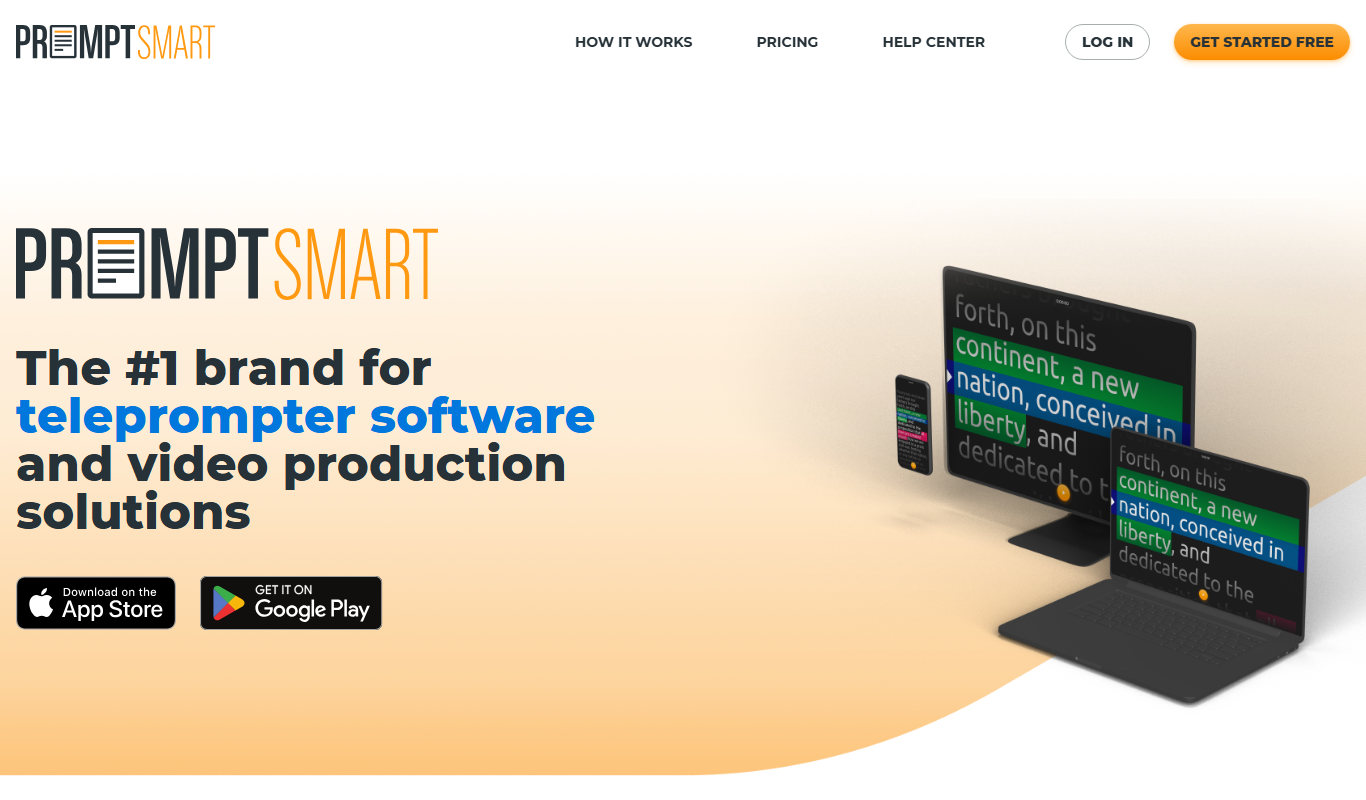
PromptSmart is a teleprompter app that uses voice recognition technology called VoiceTrack to scroll your script in real time as you speak, allowing for natural and flexible presentations.

E2Language
E2Language is an online platform offering comprehensive preparation courses for IELTS, PTE, and TOEFL exams, featuring AI-powered speaking practice and personalized writing correction.

Augmedix
Augmedix is an AI-powered medical documentation platform that combines speech recognition and remote medical scribes to automate clinical note-taking for healthcare providers.