

From my experience with EnglishCentral, I found it excels at combining authentic video content with AI-driven speech recognition to provide practical speaking practice. The instant feedback on pronunciation helps learners identify and correct mistakes in real time, which is invaluable for language acquisition. After spending time with the platform, I can say it’s particularly well-suited for self-motivated learners and ESL students who want flexible, engaging practice outside traditional classrooms. However, the free tier is somewhat limited, and the speech recognition may occasionally misinterpret strong accents. Overall, if you want to improve your English speaking skills through interactive video lessons, EnglishCentral delivers solid, user-friendly results.
EnglishCentral Online English Learning Platform with Video-Based Language Practice
EnglishCentral is an online English learning platform that uses video lessons and AI-powered speech recognition to help users improve their English speaking and listening skills through interactive practice and instant feedback.
- Best for
- English Language Learning
- Key capability
- Video-Based Lessons
Save EnglishCentral, follow its updates and vote on it — everything stays in your account.
Sign in or create a free account
What is EnglishCentral?
EnglishCentral is an online English language learning platform that uses video content combined with speech recognition technology to help learners improve their English skills. It offers interactive lessons where users watch videos, practice speaking by recording themselves, and receive instant feedback to enhance pronunciation and fluency. The platform supports learners worldwide, from beginners to advanced levels, and is used by individuals, schools, and corporations.
Key features of EnglishCentral
EnglishCentral’s main features include a large library of video lessons, speech recognition for speaking practice, personalized learning paths, vocabulary building tools, and progress tracking. It integrates interactive quizzes and real-time feedback to make language learning engaging and effective.
Video-Based Lessons
Extensive library of authentic videos covering everyday conversations, business English, and more.
Speech Recognition Feedback
AI-powered speech analysis provides immediate pronunciation and fluency feedback.
Personalized Learning Paths
Customized lesson plans based on user proficiency and goals.
Vocabulary Building Tools
Interactive exercises to learn and retain new words effectively.
Progress Tracking Dashboard
Visual reports to help learners understand their strengths and areas for improvement.
Pros and cons of EnglishCentral
Pros
- Interactive video lessons with real-world content
- Instant speech recognition feedback improves pronunciation
- Personalized learning paths adapt to user needs
- Accessible on multiple platforms including mobile apps
- Suitable for individual learners and institutions
Cons
- Limited free content compared to premium subscription
- No formal certification upon course completion
- Speech recognition may struggle with strong accents
Key use cases for EnglishCentral
English Language Learning
Users can improve their English speaking, listening, reading, and vocabulary skills through interactive video lessons.
Speech Practice and Assessment
Learners practice speaking by recording themselves and receive instant feedback using speech recognition technology.
ESL Education for Schools and Institutions
EnglishCentral provides tailored solutions for schools and language institutions to enhance English learning curricula.
Self-Paced Online Learning
Individuals can learn English at their own pace with a vast library of videos and personalized learning paths.
Corporate English Training
Businesses can use EnglishCentral to train employees in English communication skills for professional development.
How EnglishCentral works
- 1
Create an Account
Sign up on EnglishCentral’s website or app to start your personalized English learning journey.
- 2
Choose Your Learning Path
Select your level and interests to receive tailored video lessons and exercises.
- 3
Watch and Practice
Watch engaging videos, then practice speaking by recording your voice and getting instant feedback.
- 4
Track Your Progress
Monitor your improvement through detailed reports and adjust your learning plan accordingly.
Who is using EnglishCentral
EnglishCentral pricing
Free
$0/month
Access to limited video lessons and basic practice features.
Premium
$15/month
Unlimited access to all videos, advanced speech feedback, and personalized coaching.
Plans and prices are as published by the vendor and can change. Check the official site before you buy. Open the pricing page (opens in a new tab)
Frequently asked questions about EnglishCentral
Yes, EnglishCentral offers lessons for all levels, including beginners.
Yes, EnglishCentral has apps available for both iOS and Android.
EnglishCentral offers progress reports but does not issue formal certificates.
Yes, EnglishCentral offers a free trial period for its Premium subscription.
It depends on your specific needs and how you plan to use the tool. The official website and documentation are the best sources for the latest details.
Some tools offer a free plan or trial with limited features. Availability can vary, so confirm on the official website.
Yes, it can help with that use case depending on how you configure it and what features are available. You’ll get the best results with clear inputs and a defined goal.
Sign in to review this tool.
Sign In to ReviewNo reviews yet
Be the first to share how this tool worked for you.
Ask about pricing, limits, or how it compares — or answer someone else.
Sign In to AskNo questions yet
Have a question about using or paying for this tool? Be the first to ask.
Featured on TiorAI



Alternative Tools
Explore similar AI tools that might fit your needs
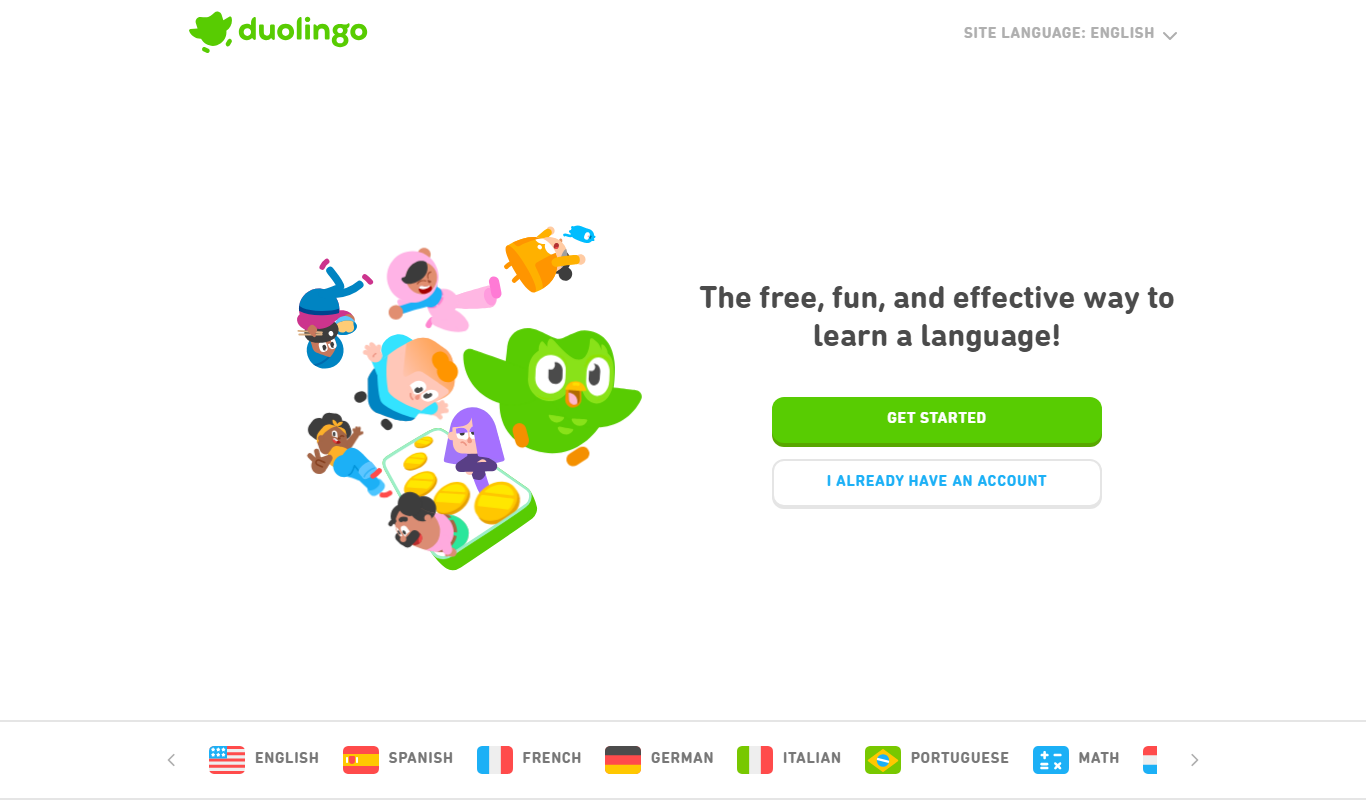
Duolingo
Duolingo is a free and subscription-based language learning app that uses gamified lessons and speech recognition to help users learn and practice multiple languages on web and mobile platforms.

Babbel
Babbel is a subscription-based language learning app offering interactive lessons, speech recognition for pronunciation, and cultural insights to help users learn new languages effectively on web and mobile platforms.
More AI Speech Synthesis tools
Other tools in the same category, for when this one is not quite the fit.
Tactus Therapy
Tactus Therapy is a mobile app designed to help children with speech delays improve their articulation through interactive exercises and progress tracking.
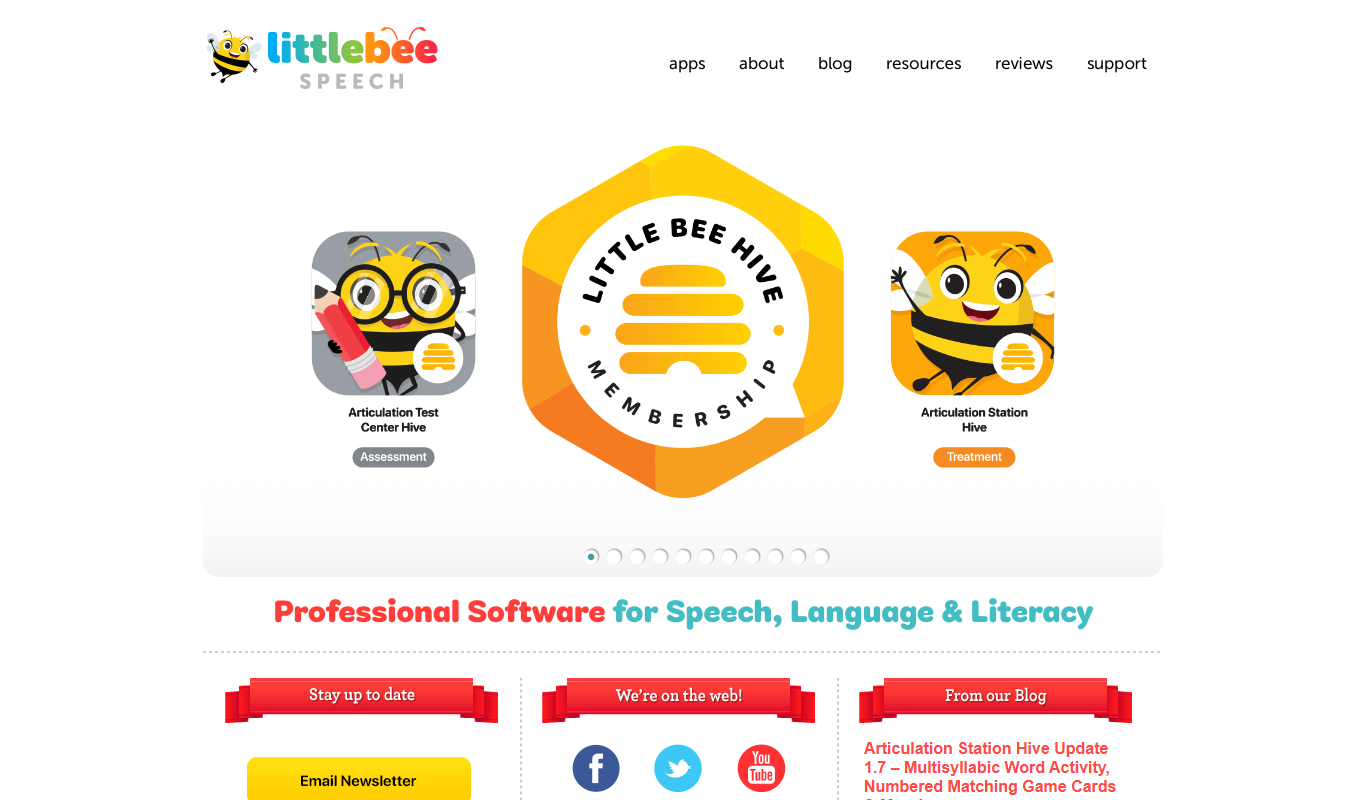
Articulation Station
Articulation Station is a mobile app by Little Bee Speech that helps children practice and improve their speech articulation through interactive exercises and audio modeling.
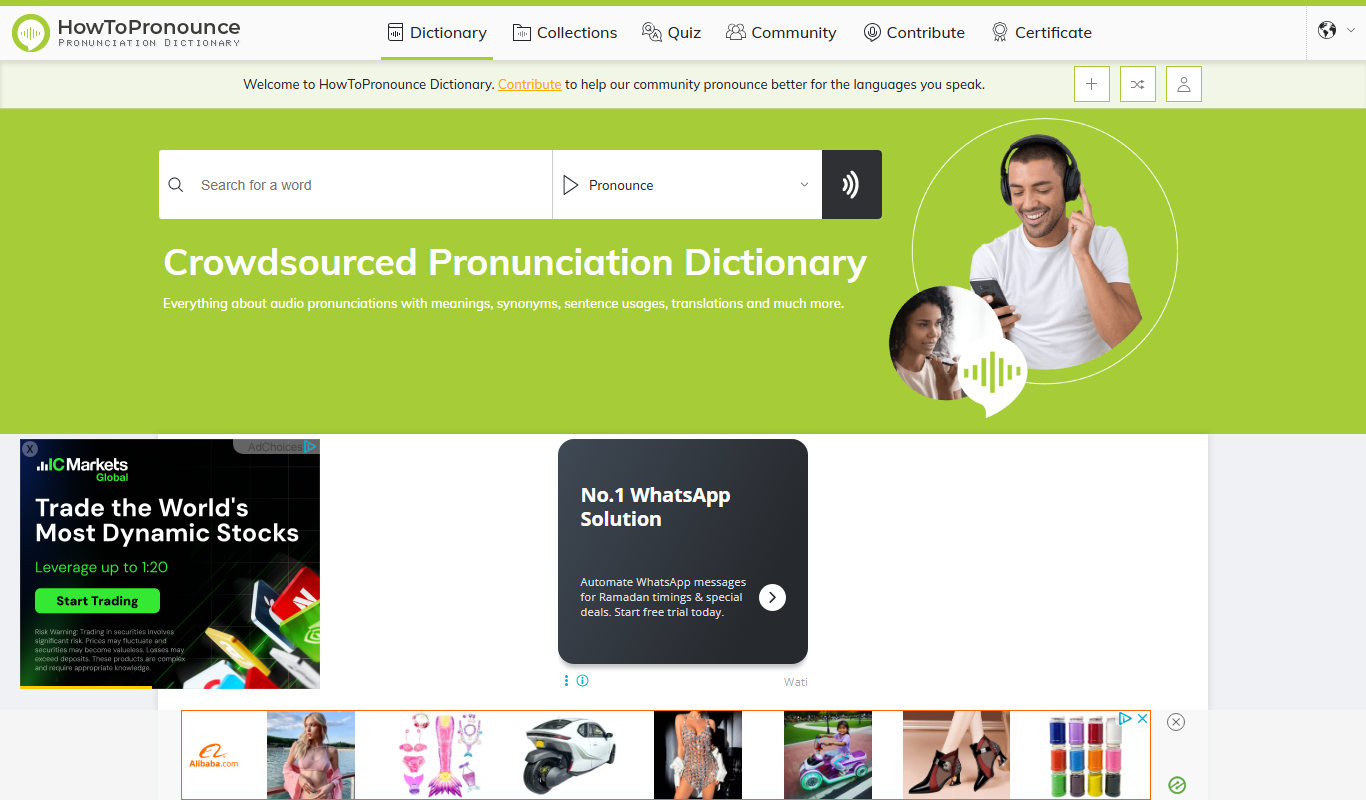
HowToPronounce
HowToPronounce is a free online tool that provides audio pronunciations and phonetic spellings for words in multiple languages, helping users learn correct pronunciation through native and expert recordings.

NVDA Screen Reader
NVDA is a free, open-source screen reader for Windows that helps visually impaired users access digital content through speech and braille output.

Audible
Audible is a subscription-based platform offering a vast library of audiobooks, podcasts, and spoken-word content with features like offline listening and Whispersync for Voice.

EnglishClass101
EnglishClass101 is an online platform offering audio and video lessons, vocabulary tools, and cultural insights to help learners of all levels improve their English skills.

Speakly
Speakly is an AI-powered language learning app that personalizes vocabulary and speaking practice to help users learn new languages efficiently through real-life conversation simulations and speech recognition feedback.

TTSReader
TTSReader is a free online text-to-speech tool that converts written text into natural sounding speech with multi-language support and audio export options.