

Advanced AI Speech-to-Text Transcription Software for Accurate Audio Conversion
Speechmatics is an AI-powered speech-to-text transcription software that converts audio and video into accurate text transcripts supporting multiple languages and real-time processing.
- Best for
- Media Transcription
- Key capability
- Multilingual Support
Save Speechmatics, follow its updates and vote on it — everything stays in your account.
Sign in or create a free account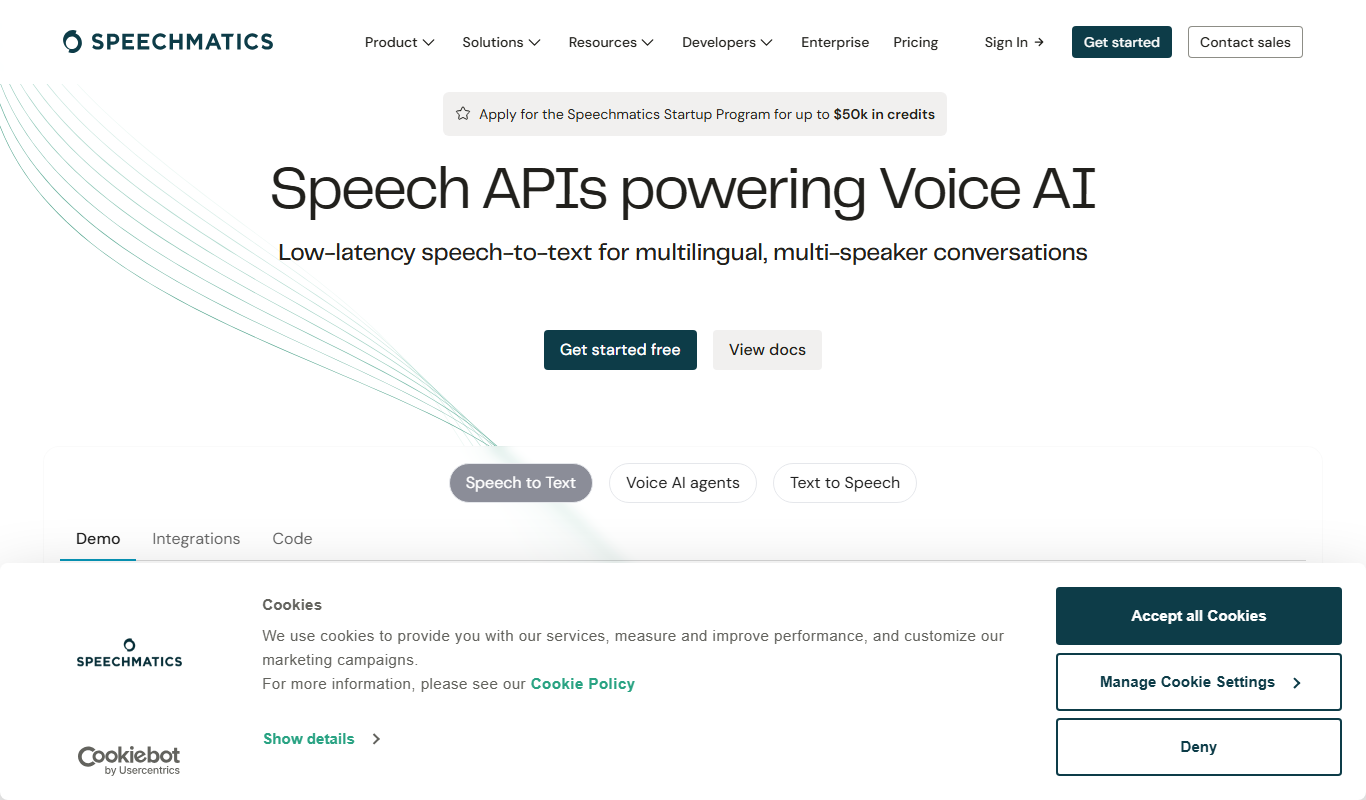
What is Speechmatics?
Speechmatics is an AI-driven speech-to-text transcription platform that converts spoken language into written text with high accuracy. It leverages advanced machine learning models to support multiple languages and dialects, enabling businesses and individuals to transcribe audio and video content efficiently. The platform offers cloud-based and API solutions, making it adaptable for various industries including media, legal, and enterprise communications.
Key features of Speechmatics
Speechmatics provides real-time and batch transcription, supports a wide range of languages, offers customizable vocabulary, and integrates easily via API. Its technology adapts to different accents and noisy environments, ensuring reliable transcription quality across diverse audio sources.
Multilingual Support
Supports transcription in over 30 languages and dialects with high accuracy.
Custom Vocabulary
Allows users to add industry-specific terms and names to improve transcription relevance.
Real-Time and Batch Transcription
Offers both live transcription for streaming audio and batch processing for pre-recorded files.
API Integration
Robust API enables seamless integration into existing workflows and applications.
Speaker Diarization
Identifies and separates different speakers within the audio for clearer transcripts.
Pros and cons of Speechmatics
Pros
- Supports a wide range of languages and dialects
- Flexible API for easy integration
- Custom vocabulary to improve transcription accuracy
- Real-time and batch transcription options
- Speaker diarization for multi-speaker audio
Cons
- Pricing can be complex for high-volume users
- Accuracy depends on audio quality and background noise
- No dedicated mobile app for on-the-go transcription
Key use cases for Speechmatics
Media Transcription
Convert audio and video content into accurate text transcripts for subtitles, captions, and content indexing.
Enterprise Meeting Transcripts
Automatically transcribe meetings, interviews, and conference calls to improve documentation and accessibility.
Legal and Compliance
Generate precise transcripts for legal proceedings, compliance audits, and regulatory reporting.
Market Research
Transcribe focus groups and customer interviews to analyze feedback and sentiment efficiently.
Accessibility Enhancement
Provide real-time or post-production captions to make audio content accessible to hearing-impaired audiences.
How Speechmatics works
- 1
Upload Audio or Video
Users upload their audio or video files to the Speechmatics platform or send data via API.
- 2
Select Language and Settings
Choose the language and any custom vocabulary or domain-specific terms to improve accuracy.
- 3
Processing and Transcription
The AI engine processes the audio, converting speech into text using deep neural networks.
- 4
Review and Export
Users review the transcript, make edits if necessary, and export in various formats like TXT, SRT, or JSON.
Who is using Speechmatics
Speechmatics pricing
Pro
Pay-as-you-go
Pro plan on pay-as-you-go billing.
Free
$100 credit
Free plan with $100 credit.
Enterprise
Enterprise plan.
Plans and prices are as published by the vendor and can change. Check the official site before you buy. Open the pricing page (opens in a new tab)
Frequently asked questions about Speechmatics
Speechmatics supports over 30 languages and dialects including English, Spanish, French, German, Mandarin, and more.
Yes, Speechmatics provides a comprehensive API for easy integration into custom workflows and software.
Yes, the platform supports both real-time streaming transcription and batch processing of recorded files.
Accuracy varies depending on audio quality and language, but Speechmatics uses advanced AI models to deliver high-precision results.
It depends on your specific needs and how you plan to use the tool. The official website and documentation are the best sources for the latest details.
Yes, it can help with that use case depending on how you configure it and what features are available. You’ll get the best results with clear inputs and a defined goal.
Integration support depends on the tool and its available connectors or API. Check the official documentation or integrations page to confirm what is supported.
Conclusion
Audio or video files are uploaded to the platform or sent via API, and users choose the language along with any custom vocabulary or domain-specific terms. Transcription runs live for streaming audio or in batches for pre-recorded files, and speaker diarization separates different speakers. Finished transcripts can be reviewed, edited and exported in formats like TXT, SRT or JSON.
Typical users include media and broadcasting companies, legal professionals and law firms, and accessibility service providers. Accuracy depends on audio quality and background noise. A free plan with $100 credit sits alongside Pro on pay-as-you-go billing and an Enterprise tier.
Sources
Sign in to review this tool.
Sign In to ReviewNo reviews yet
Be the first to share how this tool worked for you.
Ask about pricing, limits, or how it compares — or answer someone else.
Sign In to AskNo questions yet
Have a question about using or paying for this tool? Be the first to ask.
Featured on TiorAI



Alternative Tools
Explore similar AI tools that might fit your needs

Trint
Trint is an AI transcription platform that converts audio and video files into editable, searchable text with high accuracy, supporting multiple languages and collaboration features.
More AI Audio Editing tools
Other tools in the same category, for when this one is not quite the fit.
AI-Spy
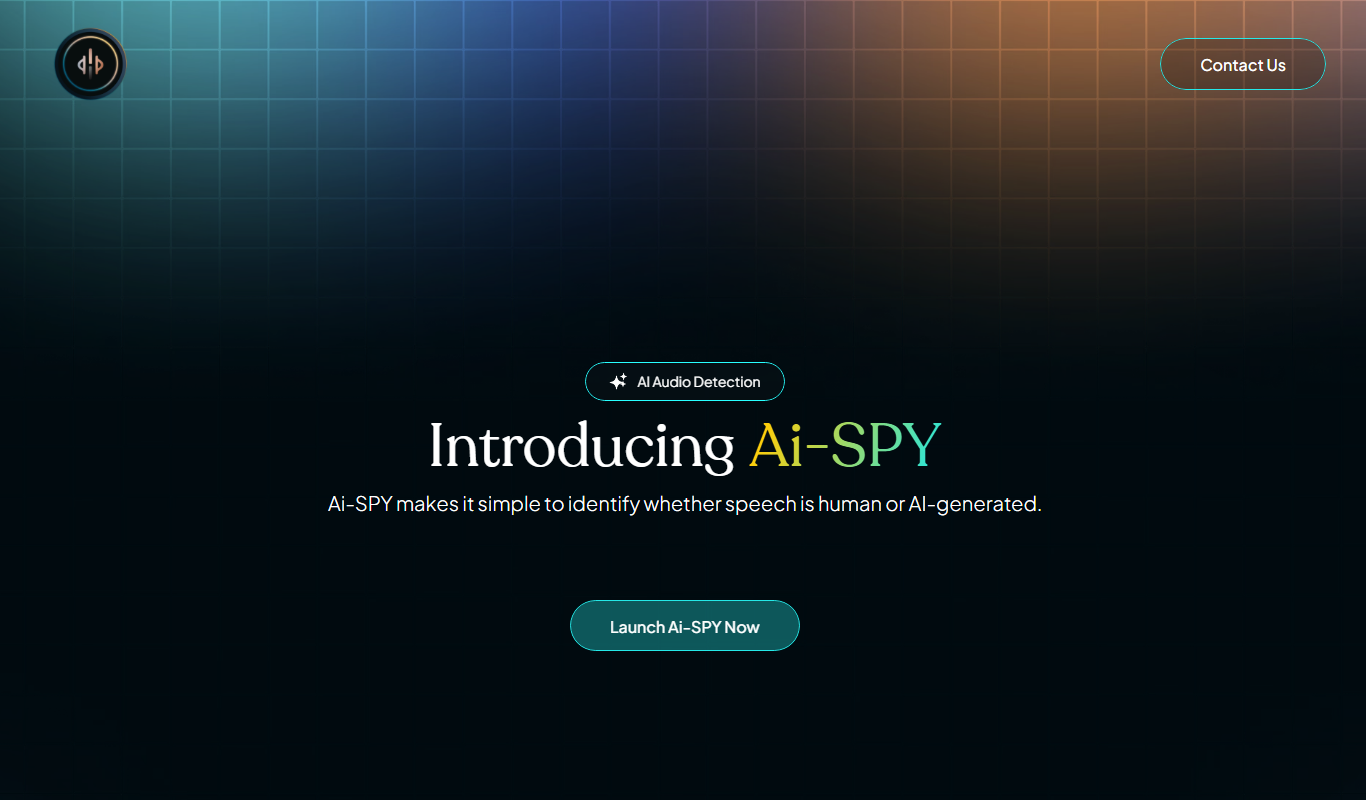
AI-Spy detects whether audio is AI-generated or human: upload an mp3 or wav file or a link and get an authenticity result.

Santelmo
Santelmo Audio Engineering offers paid mixing and mastering, music production, podcast cleanup, film scoring and foley and AI music services, bought per job.

Koolio.ai
koolio.ai combines studio-grade processing with smart automation to transform raw concepts into polished audio in minutes, from podcast episodes to audiobooks and ads.

Xound.io
Xound.io is an AI voice cleaner that removes background noise, corrects pitch and levels audio for YouTubers, TikTokers and podcasters, with a free tier.

Artificial Studio
Artificial Studio is a platform that brings 60+ AI tools together for image, video, audio, 3D, marketing and design work.

article2audio
article2audio is an article narration service for publishers and readers that turns an HTML post, including images, tables, code blocks and footnotes, into audio.

Udio AI | Make your music
Udio AI is an online platform that uses artificial intelligence to generate original music tracks quickly and easily, suitable for creators and producers needing royalty-free compositions.

AI Mastering
AI Mastering is an online service that uses artificial intelligence to automatically master audio tracks, providing musicians and podcasters with professional-quality sound quickly and affordably.