

Canva has become the go-to design tool for non-designers and professionals alike. Magic Write, Magic Design, and Magic Edit make it remarkably easy to create polished visuals without design experience. The free tier is genuinely useful, and Canva Pro unlocks a substantially more powerful AI workflow. For teams needing consistent brand-safe visual content at scale, Canva is unbeatable value.
Canva AI – Online Design Platform with Magic AI Tools for Everyone
Canva is an online design platform with Magic Design, Magic Write, and Text to Image AI tools. Offers 1M+ templates for graphics, presentations, and videos. Free plan available, Canva Pro at $15/month.
- Best for
- Social Media Graphics
- Key capability
- Magic Design
Your actions
Save Canva, follow its updates and vote on it — everything stays in your account.
Sign in or create a free account

What is Canva?
Canva is an online graphic design platform founded in 2013 in Australia. It has evolved into a comprehensive AI-powered design suite with over 225M monthly visitors. Canva’s Magic AI tools allow anyone to create professional-quality graphics, presentations, videos, and documents regardless of design experience.
Key AI features include Magic Write (AI copywriting), Magic Design (auto-generate designs from prompts), Magic Edit (AI photo editing), Text to Image, and Magic Animate. Canva offers 1M+ templates across every design category.
Key features of Canva
Canva’s Magic AI suite transforms the design process. Magic Design generates complete branded designs from a single prompt. Magic Write produces on-brand copy directly inside designs. The AI image generator creates custom visuals. Magic Eraser and Magic Edit enable non-destructive photo editing. Brand Kit maintains consistent colors, fonts, and logos across all designs.
Magic Design
Auto-generate complete designs, presentations, and social posts from a text prompt.
Magic Write
Generate on-brand copy and captions directly within your Canva designs.
Text to Image
Create custom AI-generated images from text descriptions without leaving Canva.
Magic Edit & Eraser
Remove backgrounds, erase objects, and make AI-powered edits to any photo.
Brand Kit
Maintain consistent brand colors, fonts, and logos across all team designs.
1M+ Templates
Access over one million professionally designed templates across every category.
Pros and cons of Canva
Pros
- Extremely easy to use — no design experience required
- Comprehensive Magic AI suite
- Massive library of 1M+ templates
- Available on all devices including mobile
- Generous free tier
Cons
- Less precise control than professional tools like Adobe Illustrator
- AI image quality not as high as Midjourney or DALL-E
- Exported files may need further editing for print-ready work
- Can feel overwhelming with too many features for simple tasks
Key use cases for Canva
Social Media Graphics
Create scroll-stopping posts, stories, and ads for Instagram, TikTok, LinkedIn, and more.
Presentations
Build professional presentations with AI-generated layouts, animations, and speaker notes.
Marketing Materials
Design flyers, brochures, banners, and email graphics with branded consistency.
Video Creation
Produce short-form videos, reels, and animated graphics with drag-and-drop tools.
Logo Design
Design logos and brand identity elements using the AI-powered logo maker.
Documents
Create polished reports, proposals, and resumes with professional templates.
How Canva works
- 1
Sign Up for Free
Create a free account at canva.com — no credit card required, no design experience needed.
- 2
Choose a Template or Start Fresh
Browse 1M+ templates or use Magic Design to auto-generate a layout from a prompt.
- 3
Use Magic AI Tools
Access Magic Write for copy, Text to Image for custom visuals, or Magic Edit to modify photos.
- 4
Customize Your Design
Adjust colors, fonts, images, and layouts using the intuitive drag-and-drop editor.
- 5
Download or Share
Export in PNG, JPG, PDF, MP4, or share directly to social media platforms.
Who is using Canva
Small business owners and entrepreneurs
Social media managers and content creators
Marketing and communications teams
Educators and students
Non-profit organizations
Freelance designers
Canva pricing
Free
$0/month
250K+ templates, 5GB storage, basic AI tools.
Canva Pro
$15/month
Full Magic AI suite, 100GB storage, Brand Kit, background remover, scheduler.
Canva Teams
$10/user/month
All Pro features, team Brand Kit, collaboration tools, centralized billing.
Canva Enterprise
Custom
Advanced security, custom workflows, SSO, dedicated account manager.
Plans and prices are as published by the vendor and can change. Check the official site before you buy. Open the pricing page (opens in a new tab)
Compare similar tools
How Canva lines up against the tools people weigh it against.
 Gamma App Canva
Gamma App vs Canva: UI Design, Prototyping & Collaboration
 Beautiful.ai Canva
beautiful.ai vs Canva: Which AI Design Tool Wins in 2026?
 Clipchamp Canva
Clipchamp vs Canva: Which AI Video Tool Is Worth It in 2026?
 CapCut AI Canva
Capcut AI vs Canva: Free Tier, Export Options & Resolution
 Krita AI Canva
Krita AI vs Canva: Best for Marketing, Art & Product Images?
Canva
PicsArt
Canva vs PicsArt: Which AI Design Tool Wins in 2026?
Frequently asked questions about Canva
Yes, Canva has a generous free plan with 250,000+ templates, 5GB storage, and basic AI tools.
Magic Design auto-generates complete customized designs from a text description or uploaded content.
Yes, Canva includes a Text to Image AI generator with 500 generations/month for Pro users.
Canva Pro ($15/month) includes the full Magic AI suite, 100GB storage, Brand Kit, and background remover.
Yes, Canva Pro and Teams are widely used by professional designers, marketing teams, and agencies.
Sign in to review this tool.
Sign In to ReviewNo reviews yet
Be the first to share how this tool worked for you.
Ask about pricing, limits, or how it compares — or answer someone else.
Sign In to AskNo questions yet
Have a question about using or paying for this tool? Be the first to ask.
Featured on TiorAI



Alternative Tools
Explore similar AI tools that might fit your needs
Free
Figma
Figma is a cloud-based design tool for creating user interfaces and prototypes collaboratively in real time, accessible via web and desktop apps.

Free
PicsArt
PicsArt is a comprehensive photo editing and AI art generation platform that enables users to create, edit, and enhance images with advanced AI tools across web and mobile devices.

Free
Visme
Visme is a web-based platform for creating presentations, infographics, and marketing visuals with customizable templates and data visualization tools.
Free
VistaCreate
VistaCreate is an online graphic design tool offering templates, stock assets, and animation features to create social media and marketing visuals easily.
Free
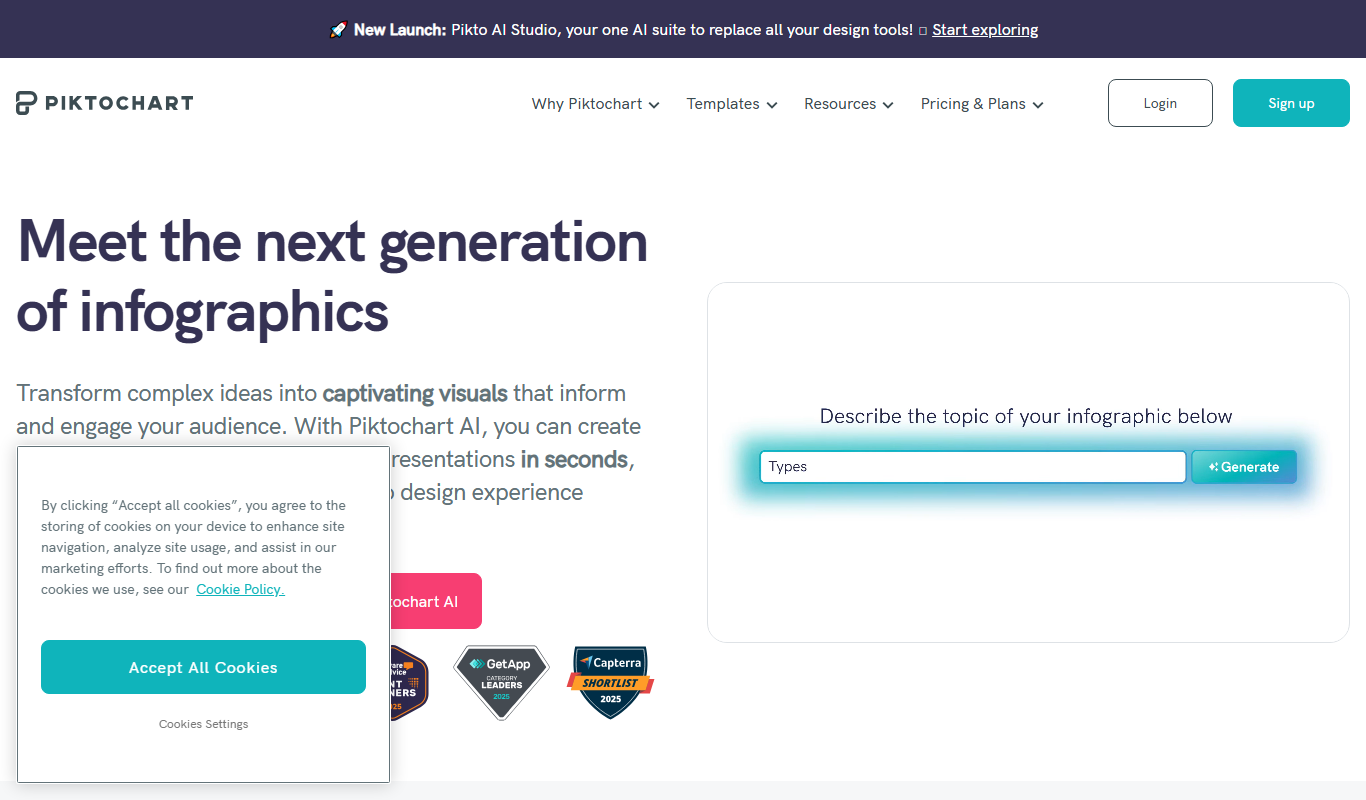
Piktochart
Piktochart is a web-based tool that helps users create infographics, presentations, and reports using customizable templates and an easy drag-and-drop editor.

Free
Fotor
Fotor is an online photo editing and graphic design tool offering AI-powered enhancements, templates, and batch processing across web and mobile platforms.
Free
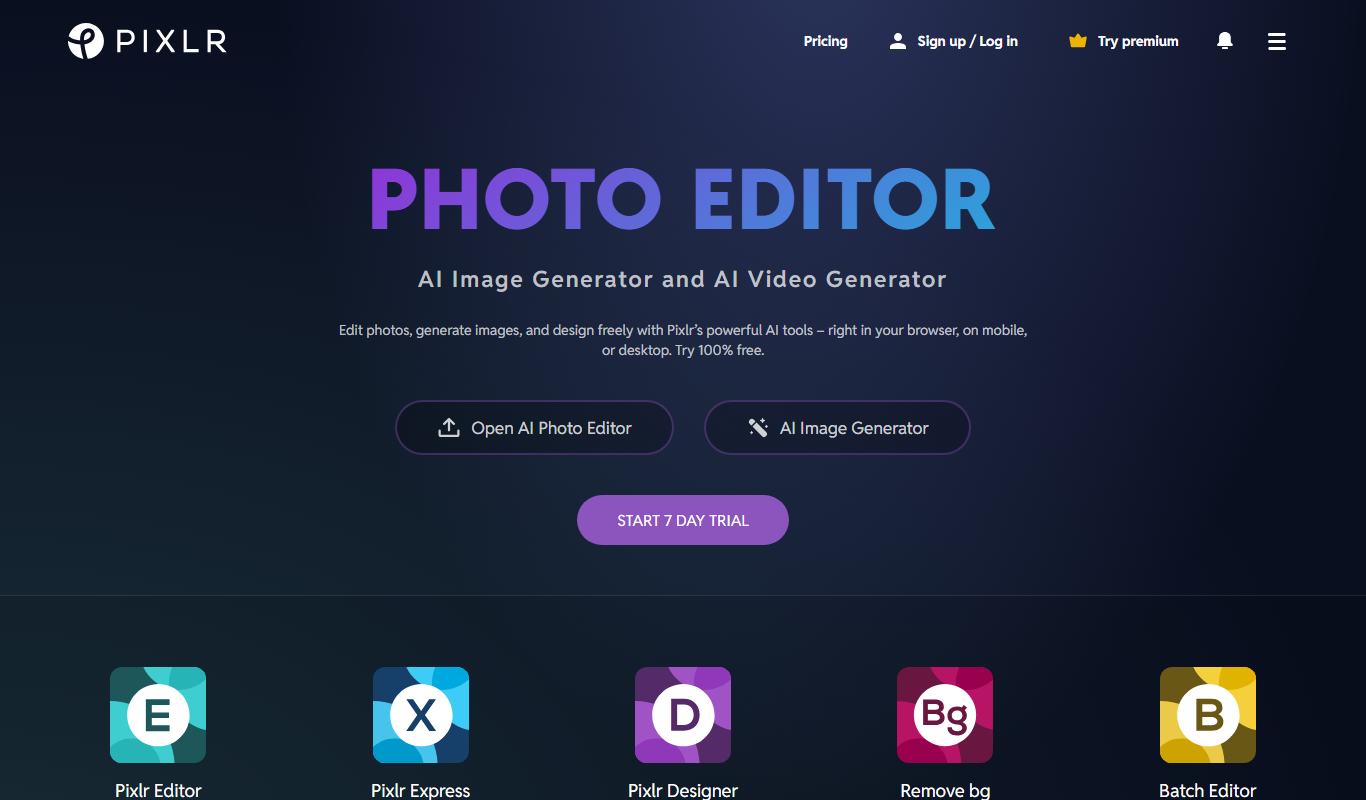
Pixlr
Pixlr is a free online AI photo editor and image generator with background removal, generative fill, face swap, collages and AI image, video and audio generation, with paid plans based on AI credits.
More AI Design Tools tools
Other tools in the same category, for when this one is not quite the fit.
Freemium
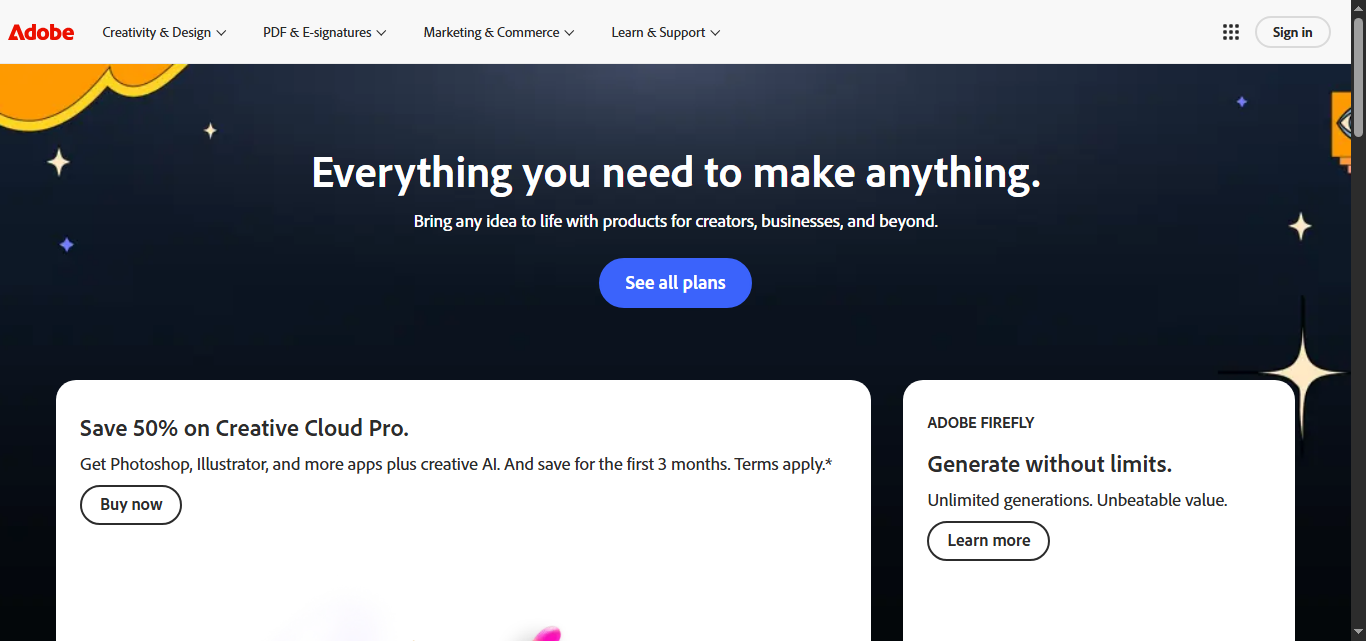
Adobe
Adobe offers AI tools including Firefly (image generation), Generative Fill in Photoshop, Generative Recolor in Illustrator, and AI editing in Premiere Pro. All outputs are commercially safe and trained on licensed content.