

Visme Visual Content Maker for Presentations, Infographics & Marketing
Visme is a web-based platform for creating presentations, infographics, and marketing visuals with customizable templates and data visualization tools.
- Best for
- Presentation Design
- Key capability
- Drag-and-Drop Editor
Save Visme, follow its updates and vote on it — everything stays in your account.
Sign in or create a free account
What is Visme?
Visme is a web-based visual content creation platform that empowers users to design presentations, infographics, reports, social media graphics, and other visual materials without requiring advanced design skills. It offers a drag-and-drop interface, a vast library of templates, icons, images, and data visualization tools to help individuals and businesses communicate ideas effectively through compelling visuals.
Key features of Visme
Visme provides an intuitive design editor, customizable templates, extensive asset libraries, interactive charts and widgets, collaboration tools, and options to export content in multiple formats. It supports embedding and sharing visuals online, making it suitable for marketing, education, and corporate communications.
Drag-and-Drop Editor
User-friendly interface that allows easy customization of templates and design elements.
Extensive Template Library
Access to hundreds of templates across various categories including business, education, and marketing.
Interactive Data Widgets
Create dynamic charts, graphs, and maps to visualize data effectively.
Brand Kit
Maintain brand consistency by uploading logos, fonts, and color palettes.
Collaboration Tools
Real-time collaboration features for teams to work together on projects.
Multiple Export Options
Export designs as images, PDFs, HTML5, or share online with embed codes.
Pros and cons of Visme
Pros
- Intuitive drag-and-drop interface
- Wide variety of customizable templates
- Strong data visualization capabilities
- Collaboration features for teams
- Multiple export and sharing options
Cons
- Free plan has limited features and exports
- No desktop or mobile app; web-only platform
- Some advanced features require higher-tier plans
Key use cases for Visme
Presentation Design
Create professional and engaging presentations for business, education, or personal use with customizable templates and design assets.
Infographic Creation
Design data-driven infographics to visually communicate complex information clearly and attractively.
Marketing Content
Develop marketing materials such as social media graphics, flyers, and reports to support brand promotion and campaigns.
Data Visualization
Transform raw data into charts, graphs, and interactive widgets to enhance reports and presentations.
Social Media Graphics
Produce visually appealing posts and banners optimized for various social media platforms.
How Visme works
- 1
Sign Up
Create a free account on Visme’s website to access the design platform.
- 2
Choose a Template
Select from hundreds of professionally designed templates tailored for presentations, infographics, and marketing materials.
- 3
Customize Your Design
Use the drag-and-drop editor to add text, images, charts, icons, and animations to your project.
- 4
Collaborate and Share
Invite team members to collaborate in real-time and share your finished content via link, embed code, or download.
Who is using Visme
Visme pricing
Basic
$0/month
Unlimited projects with limited templates and design assets.
Starter
$12.25/month per person, billed $147/year
For solo creators: everything in Basic plus all premium assets, full access to templates and assets, downloads as JPG, PNG, PDF, and email and chat support.
Pro
$24.75/month per person, billed $297/year
For teams that need branding collaboration and deeper control: everything in Starter plus downloads as PPTX, HTML5, Video and GIF, Brand Kit, Analytics, most integrations and privacy controls.
Enterprise
Custom price from 10 users
Everything in Pro plus a custom sub-domain, project management and approvals, Single Sign-on (SSO) and 2FA, and a dedicated Customer Success Manager.
Plans and prices are as published by the vendor and can change. Check the official site before you buy. Open the pricing page (opens in a new tab)
Compare similar tools
How Visme lines up against the tools people weigh it against.

Frequently asked questions about Visme
Yes, Visme offers a free plan with limited features suitable for basic projects.
Yes, Visme includes collaboration tools in paid plans that allow multiple users to work on projects together.
You can export your designs as images (PNG, JPG), PDFs, HTML5, or share them online via links and embed codes.
Yes, Visme offers interactive charts, graphs, and widgets to help visualize data effectively.
This tool is designed to help users accomplish its core tasks more efficiently. It is typically used by individuals or teams looking to improve productivity and workflow.
Some tools offer a free plan or trial with limited features. Availability can vary, so confirm on the official website.
Yes, it can help with that use case depending on how you configure it and what features are available. You’ll get the best results with clear inputs and a defined goal.
It depends on your specific needs and how you plan to use the tool. The official website and documentation are the best sources for the latest details.
Conclusion
Projects begin with a professionally designed template, and the drag-and-drop editor adds text, images, charts, icons and animations. Dynamic charts, graphs and maps turn raw data into visuals for reports and presentations. Team members can collaborate in real time, and finished content is shared via link, embed code or download.
It is meant for people who need presentations, reports or social media graphics without advanced design skills. The free Basic plan allows unlimited projects with limited templates, and Starter adds all premium assets with downloads as JPG, PNG and PDF. Pro adds the Brand Kit, analytics and downloads in formats such as PPTX and HTML5, while Enterprise pricing is custom from 10 users.
Sources
Sign in to review this tool.
Sign In to ReviewNo reviews yet
Be the first to share how this tool worked for you.
Ask about pricing, limits, or how it compares — or answer someone else.
Sign In to AskNo questions yet
Have a question about using or paying for this tool? Be the first to ask.
Featured on TiorAI



Alternative Tools
Explore similar AI tools that might fit your needs
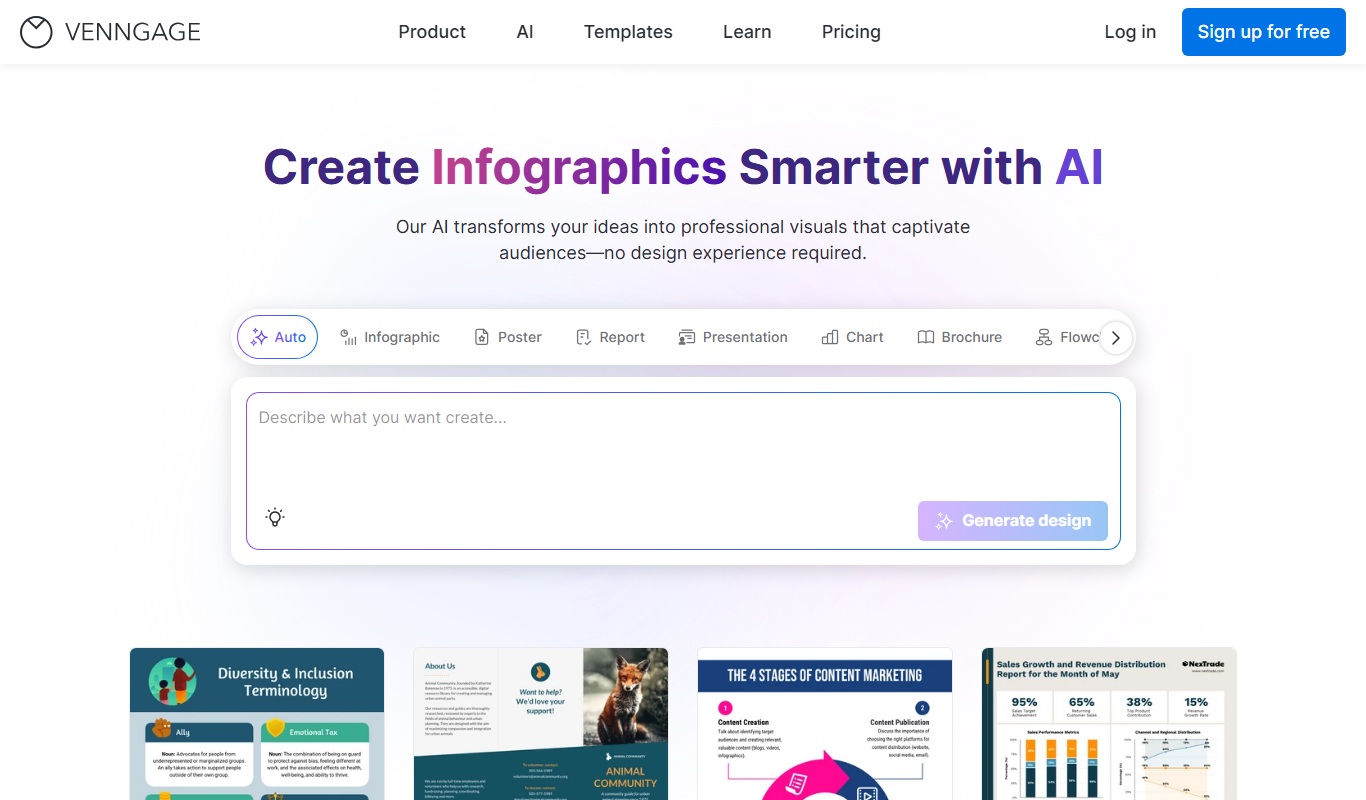
Venngage
Venngage is a web-based infographic and design tool that allows users to create professional visual content such as infographics, presentations, and marketing materials using customizable templates and an easy drag-and-drop editor.
More Art & Creative Design tools
Other tools in the same category, for when this one is not quite the fit.
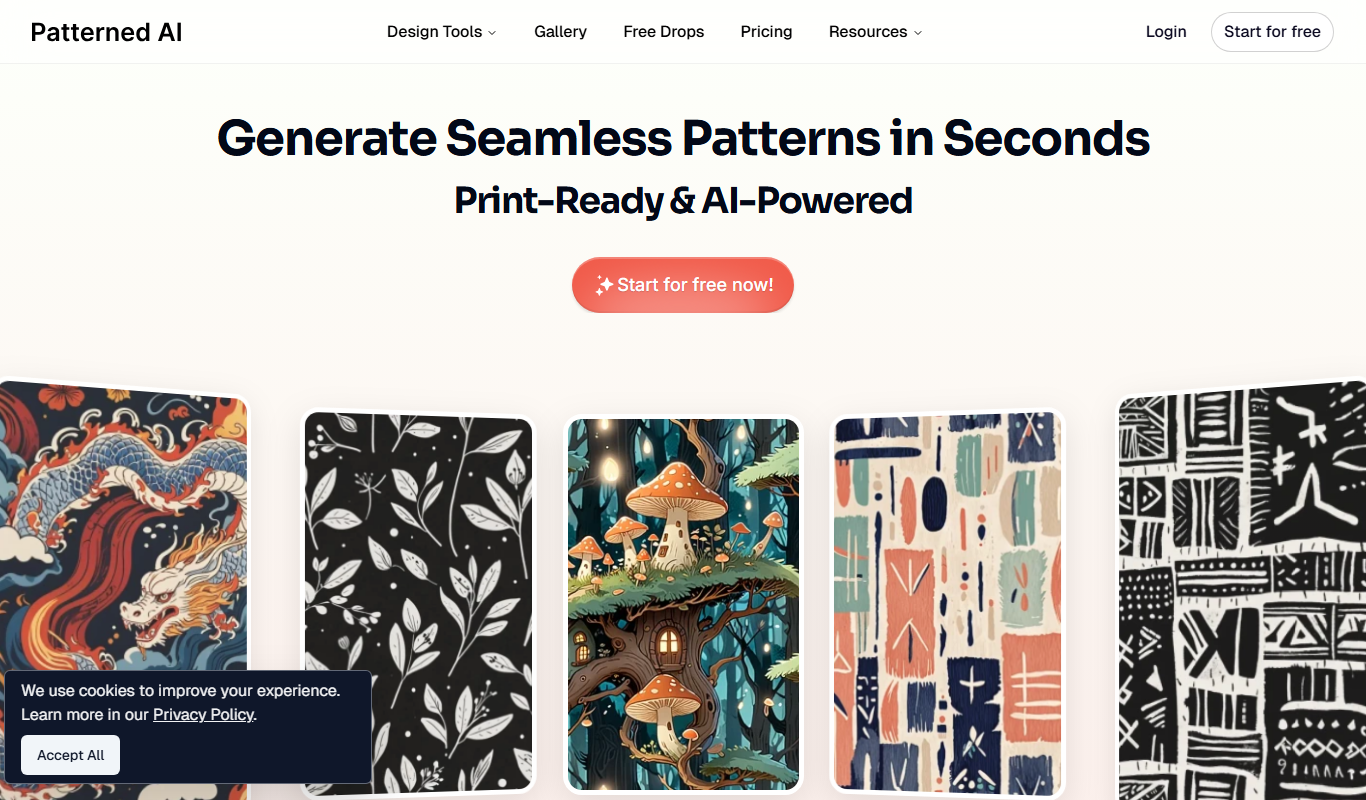
Patterned AI
Patterned AI is a web-based tool that uses AI to generate seamless, high-resolution patterns from simple text prompts, helping designers quickly create unique pattern designs.

QuickQR Art
QuickQR Art is a QR Code AI Art Generator for creating, customizing and tracking artistic QR codes, with dynamic QR codes, short links and an API.

TattooDesignPro
TattooDesignPro is an all-in-one AI tattoo generator and thermal stencil maker that creates custom tattoo concepts, precision line art and 300 DPI stencil flash for artists and enthusiasts.

Openart
OpenArt is an AI platform for creating art, images, videos and music online with 100+ models from Google, OpenAI, Seedance and more.

Pencil Sketch Generator: Make Creative Sketch Drawing
Pencil Sketch Generator (PenKetch) is an AI tool that creates pencil sketch drawings from text descriptions and converts photos into sketches.
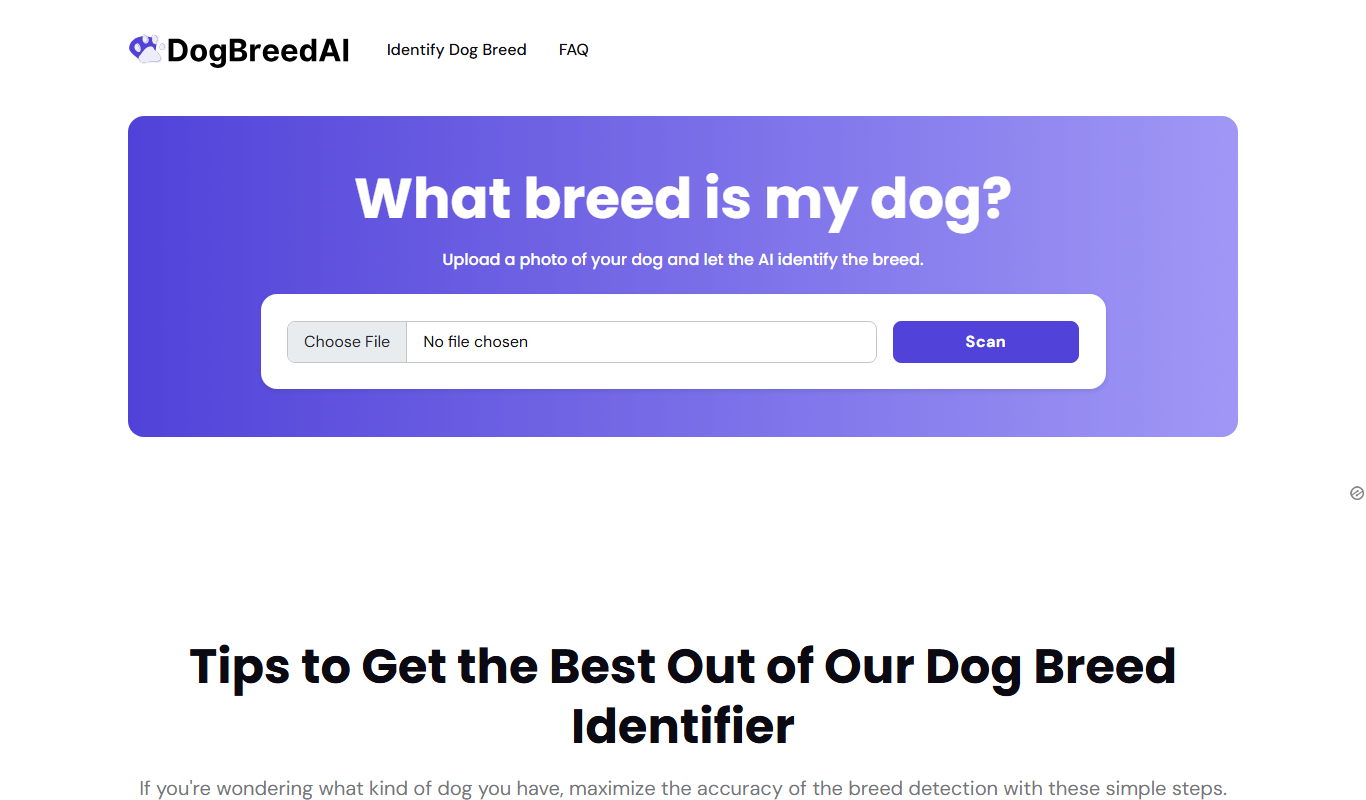
Dog Breed AI
Dog Breed AI uses artificial intelligence to identify dog breeds from photos, providing breed details and care information on web and mobile platforms.

GiFTEM
GiFTEM is recruiting intelligence software that understands jobs, runs semantic candidate search across 800M+ profiles, evaluates candidates and handles outreach.
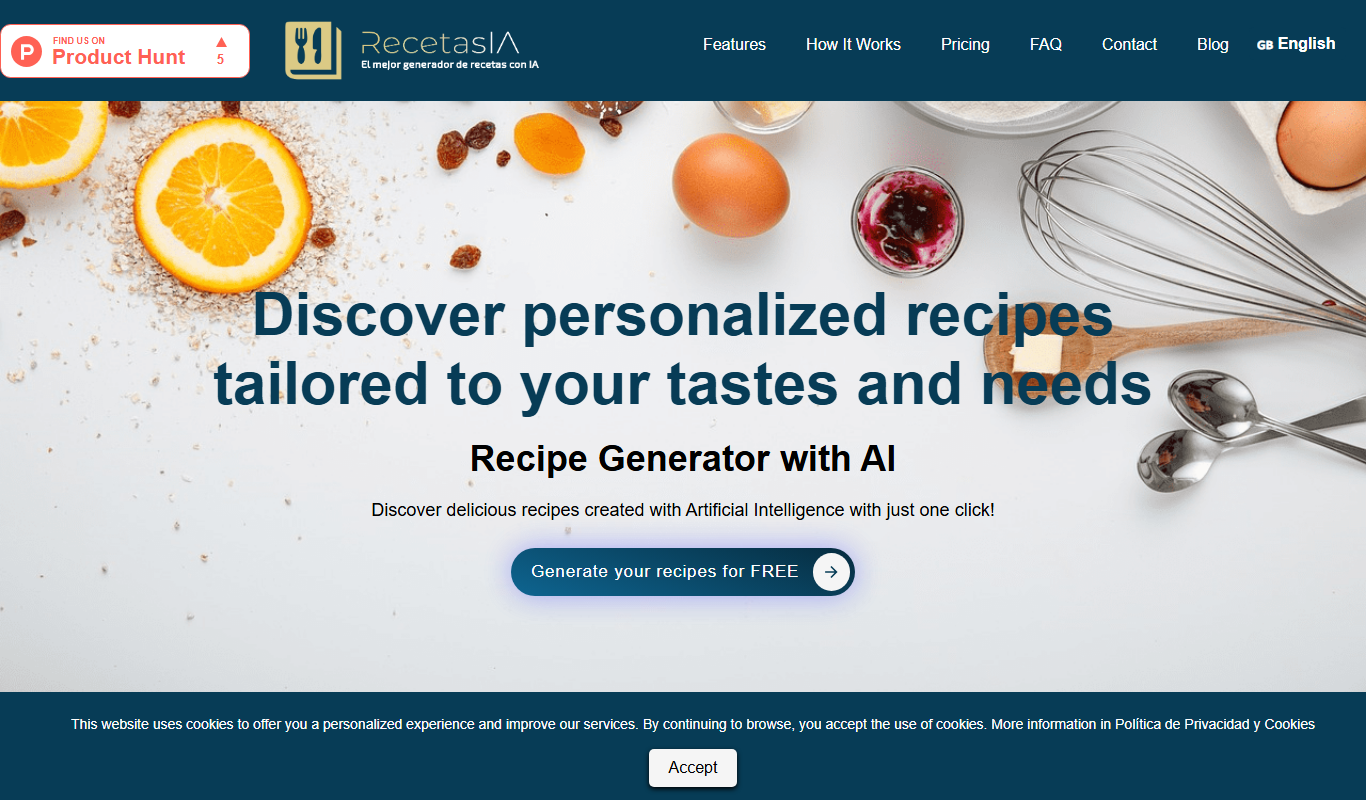
RecetasIA
RecetasIA is an AI-based web tool with a free plan that generates personalized recipes from your tastes, dietary restrictions and intolerances, in English or Spanish.