

From my experience with Daz 3D, I found it excels at providing an accessible yet powerful platform for creating detailed 3D characters and animations without requiring deep modeling expertise. The extensive asset library and intuitive customization tools make it particularly well-suited for digital artists, animators, and game developers who want to accelerate their creative workflow. However, mastering advanced features and achieving photorealistic results can involve a learning curve, and some premium content requires additional purchases. Overall, if you need a versatile 3D modeling and animation tool with strong rendering capabilities, Daz 3D delivers solid value.
Daz 3D Software for 3D Modeling, Animation & Digital Art Creation
Daz 3D is a free-to-use 3D modeling and animation software that provides a vast library of customizable digital characters and assets, enabling artists and developers to create photorealistic renders and animations.
- Best for
- 3D Character Creation
- Key capability
- Extensive 3D Asset Library

Do you recommend this tool?
What is Daz 3D?
Daz 3D is a comprehensive 3D modeling and animation software platform that enables users to create, customize, and render detailed digital characters, scenes, and animations. It provides a vast library of 3D assets and tools designed for artists, animators, and game developers to produce high-quality digital art and interactive content without needing extensive modeling experience.
Key features of Daz 3D
Daz 3D offers an intuitive interface for character creation, morphing, posing, and animation. It includes a large marketplace of 3D models and assets, photorealistic rendering capabilities, and support for exporting to various formats for use in games, films, and digital art projects.
Extensive 3D Asset Library
Access thousands of ready-to-use 3D models including characters, clothing, and environments.
Morphing and Customization Tools
Easily adjust character shapes, facial expressions, and body features to create unique designs.
Photorealistic Rendering Engine
Produce high-quality images with realistic lighting, shadows, and textures.
Animation and Posing System
Animate characters with intuitive controls for posing and motion sequences.
Export Options
Export models and animations in multiple formats compatible with popular game engines and 3D software.
Pros and cons of Daz 3D
Pros
- Large library of high-quality 3D assets
- User-friendly interface suitable for beginners
- Powerful rendering and animation tools
- Flexible export options for multiple workflows
Cons
- Steep learning curve for advanced features
- Some premium content requires additional purchase
- Limited support for Linux or mobile platforms
Key use cases for Daz 3D
3D Character Creation
Design and customize detailed 3D human figures and characters for use in art, animation, and games.
Digital Art and Illustration
Create high-quality digital artwork and illustrations using 3D models and rendering tools.
Animation and Motion
Animate 3D characters and scenes with built-in tools for posing and motion to produce videos or interactive media.
Game Asset Development
Develop and export 3D assets for use in game engines and virtual environments.
Virtual Photography
Set up virtual scenes and lighting to create photorealistic images for storytelling or marketing.
Who is using Daz 3D
Digital artists and illustrators
3D animators and filmmakers
Game developers and designers
Content creators and storytellers
Hobbyists interested in 3D modeling
Frequently asked questions about Daz 3D
Yes, the core Daz Studio software is free to download and use, with optional paid content and subscriptions.
Yes, you can export models in common formats like OBJ and FBX for use in other 3D applications and game engines.
Daz 3D is available for Windows and MacOS operating systems.
No, Daz 3D is designed to be user-friendly for beginners with drag-and-drop assets and easy customization.
This tool is designed to help users accomplish its core tasks more efficiently. It is typically used by individuals or teams looking to improve productivity and workflow.
Some tools offer a free plan or trial with limited features. Availability can vary, so confirm on the official website.
Yes, it can help with that use case depending on how you configure it and what features are available. You’ll get the best results with clear inputs and a defined goal.
Yes, it can help with that use case depending on how you configure it and what features are available. You’ll get the best results with clear inputs and a defined goal.
Sign in to review this tool.
Sign In to ReviewNo reviews yet
Be the first to share how this tool worked for you.
Ask about pricing, limits, or how it compares — or answer someone else.
Sign In to AskNo questions yet
Have a question about using or paying for this tool? Be the first to ask.
Featured on TiorAI



Alternative Tools
Explore similar AI tools that might fit your needs
Free
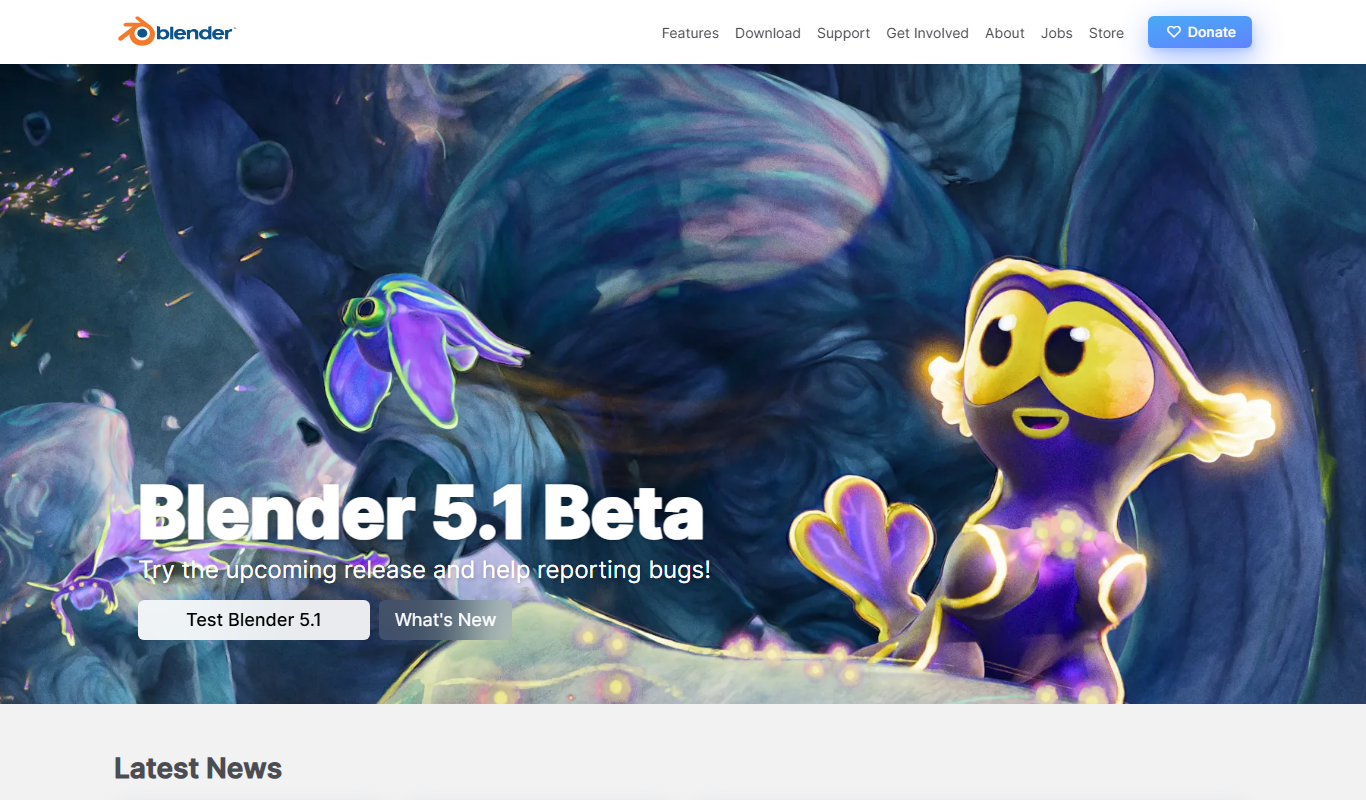
Blender
Blender is a free, open-source 3D creation suite used for modeling, animation, rendering, and video editing across various creative industries.
One-time purchase
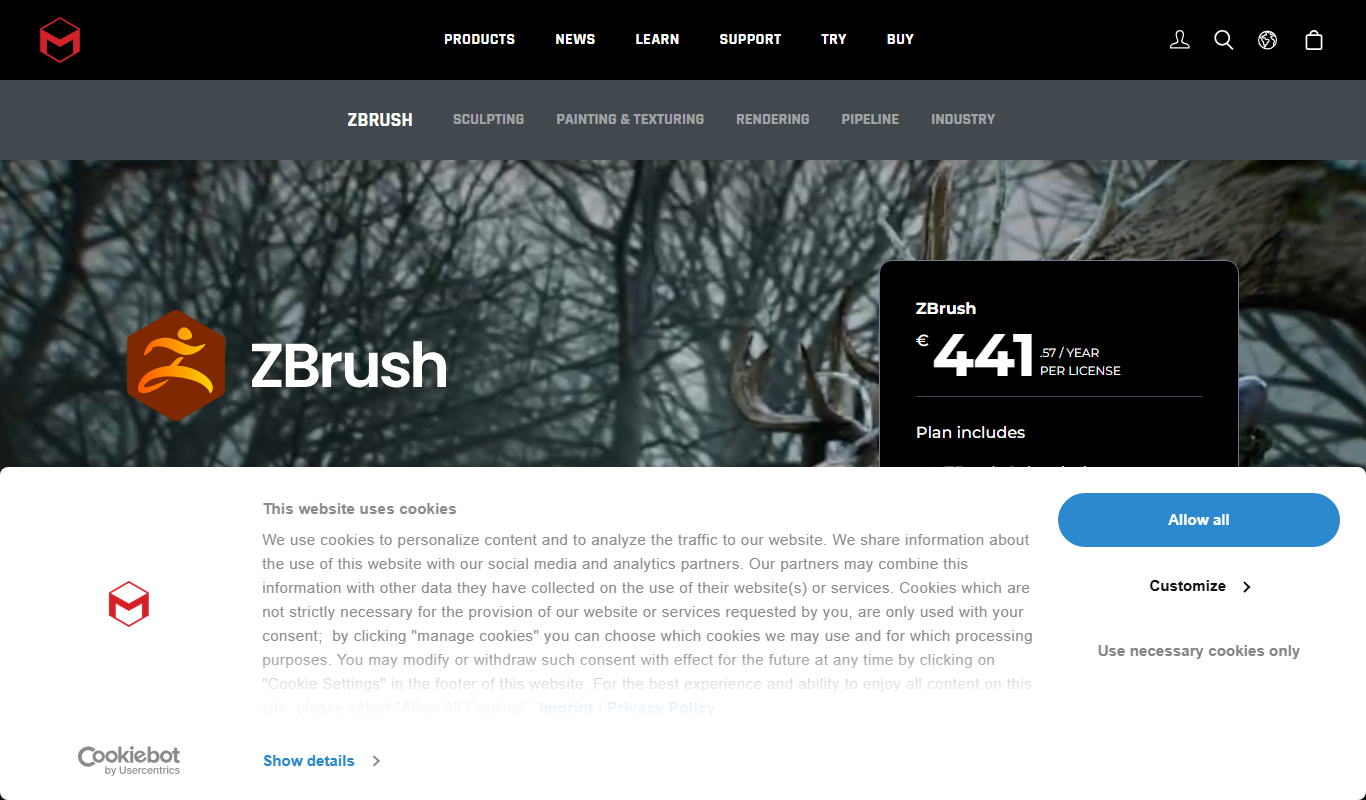
ZBrush
ZBrush is a professional digital sculpting software by Pixologic used for creating detailed 3D models and textures, widely adopted in gaming, film, and design industries.
More AI Animation Generator tools
Other tools in the same category, for when this one is not quite the fit.

Free
Animaker
Animaker is a cloud-based platform that allows users to create animated videos and explainer clips using drag-and-drop tools, customizable templates, and a large asset library without needing prior video editing experience.