

Blender 3D Modeling and Animation Software for Creative Design and Animation
Blender is a free, open-source 3D creation suite used for modeling, animation, rendering, and video editing across various creative industries.
- Best for
- 3D Modeling
- Key capability
- Comprehensive 3D Modeling Tools
Save Blender, follow its updates and vote on it — everything stays in your account.
Sign in or create a free account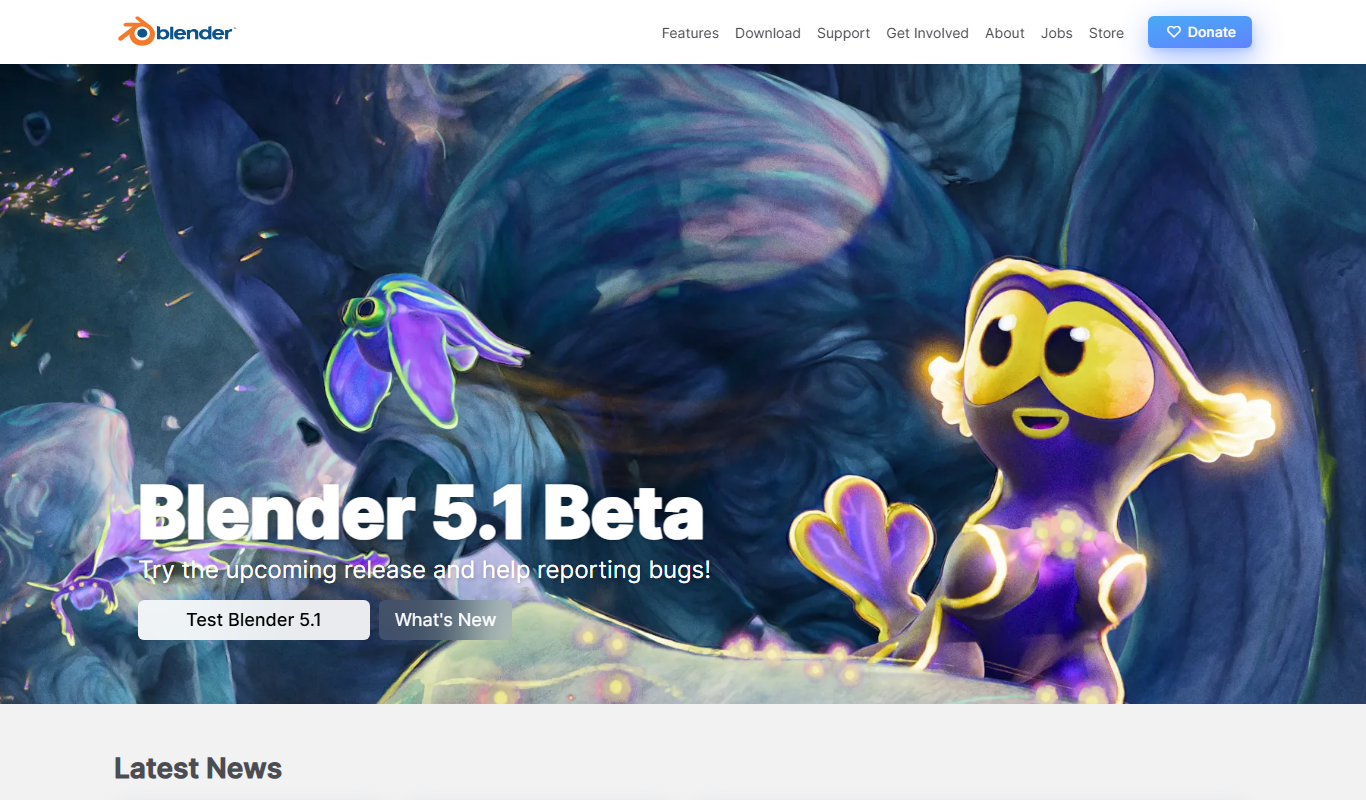
What is Blender?
Blender is a powerful open-source 3D creation suite that supports the entire 3D pipeline including modeling, rigging, animation, simulation, rendering, compositing, and motion tracking. It is widely used by artists, animators, and developers for creating 3D content across industries such as film, games, and design.
Key features of Blender
Blender offers comprehensive tools for 3D modeling, sculpting, animation, rendering, and video editing. Its open-source nature allows for extensive customization and community-driven development, making it a versatile choice for professionals and hobbyists alike.
Comprehensive 3D Modeling Tools
Includes polygonal modeling, sculpting, retopology, and UV unwrapping.
Advanced Animation System
Supports rigging, skinning, shape keys, and non-linear animation editing.
Powerful Rendering Engines
Cycles for ray-traced photorealistic rendering and Eevee for real-time rendering.
Physics and Simulation
Simulate fluids, smoke, fire, cloth, rigid bodies, and particles.
Video Sequence Editor
Basic video editing capabilities integrated within the software.
Extensible with Python Scripting
Automate tasks and customize Blender’s functionality through scripting.
Pros and cons of Blender
Pros
- Completely free and open-source with no hidden costs
- Extensive feature set covering the entire 3D pipeline
- Strong and active community with frequent updates
- Cross-platform support for Windows, macOS, and Linux
Cons
- Steep learning curve for beginners due to complex interface
- Performance can vary depending on hardware for large projects
- Limited official customer support compared to commercial software
Key use cases for Blender
3D Modeling
Create detailed 3D models for characters, environments, and objects using Blender's versatile modeling tools.
Animation
Produce complex animations with rigging, keyframing, and non-linear animation editors.
Visual Effects (VFX)
Integrate visual effects such as smoke, fire, fluids, and particles into projects with Blender’s physics and simulation tools.
Game Development
Design and export 3D assets optimized for game engines, including real-time rendering previews.
Rendering
Generate photorealistic images and animations using Blender’s built-in Cycles and Eevee rendering engines.
Video Editing
Edit videos with Blender’s integrated video sequence editor for cutting, splicing, and effects.
How Blender works
- 1
Download and Install
Download Blender for your operating system from the official website and install it on your computer.
- 2
Explore the Interface
Familiarize yourself with Blender’s workspace, including the 3D viewport, timeline, and tool panels.
- 3
Create or Import Models
Start creating 3D models from scratch or import existing assets to begin your project.
- 4
Animate and Apply Effects
Use Blender’s animation tools and physics simulations to bring your models to life.
- 5
Render and Export
Render your scenes using Cycles or Eevee and export your final images, animations, or 3D assets.
Who is using Blender
Blender pricing
Free
$0
Full-featured open-source software with no cost or licensing fees.
Plans and prices are as published by the vendor and can change. Check the official site before you buy. Open the pricing page (opens in a new tab)
Frequently asked questions about Blender
Yes, Blender is completely free and open-source, allowing commercial use without any licensing fees.
Blender supports many formats including OBJ, FBX, STL, COLLADA, and its native .blend format.
Yes, Blender includes a video sequence editor for basic video editing tasks.
Yes, Blender’s Cycles renderer supports GPU acceleration on compatible hardware.
This tool is designed to help users accomplish its core tasks more efficiently. It is typically used by individuals or teams looking to improve productivity and workflow.
It depends on your specific needs and how you plan to use the tool. The official website and documentation are the best sources for the latest details.
Yes, it can help with that use case depending on how you configure it and what features are available. You’ll get the best results with clear inputs and a defined goal.
Yes, it can help with that use case depending on how you configure it and what features are available. You’ll get the best results with clear inputs and a defined goal.
Conclusion
Blender covers the whole 3D pipeline in one free, open-source application, from modeling and rigging through simulation, rendering and motion tracking. It is downloaded and installed on Windows, macOS or Linux, and a project starts either from scratch or from imported assets. Finished scenes are rendered with one of two built-in engines, Cycles for ray-traced photorealistic output or Eevee for real-time rendering. The same program also adds physics effects such as smoke, fire and fluids, and it includes a sequence editor for basic video editing.
Its audience runs from 3D artists and game developers to visual effects professionals, independent filmmakers and students learning 3D design. Python scripting can automate tasks and customize Blender’s functionality. Performance on large projects varies with the hardware, and official customer support is limited compared to commercial software.
Sources
Sign in to review this tool.
Sign In to ReviewNo reviews yet
Be the first to share how this tool worked for you.
Ask about pricing, limits, or how it compares — or answer someone else.
Sign In to AskNo questions yet
Have a question about using or paying for this tool? Be the first to ask.
Featured on TiorAI



More AI Animation Generator tools
Other tools in the same category, for when this one is not quite the fit.
ImgPlay
ImgPlay is a mobile and web app that converts videos and photos into animated GIFs with editing tools like text, stickers, and filters for social media sharing.
Flowframes
Flowframes is a free Windows desktop software that uses AI to interpolate video frames, creating smooth slow motion and enhancing video frame rates without internet connection.

OpenShot
OpenShot is a free, open-source video editing software that supports Windows, macOS, and Linux. It offers features like unlimited tracks, video transitions, 3D animated titles, and a drag-and-drop interface, making it ideal for beginners and intermediate users.
3Dthis
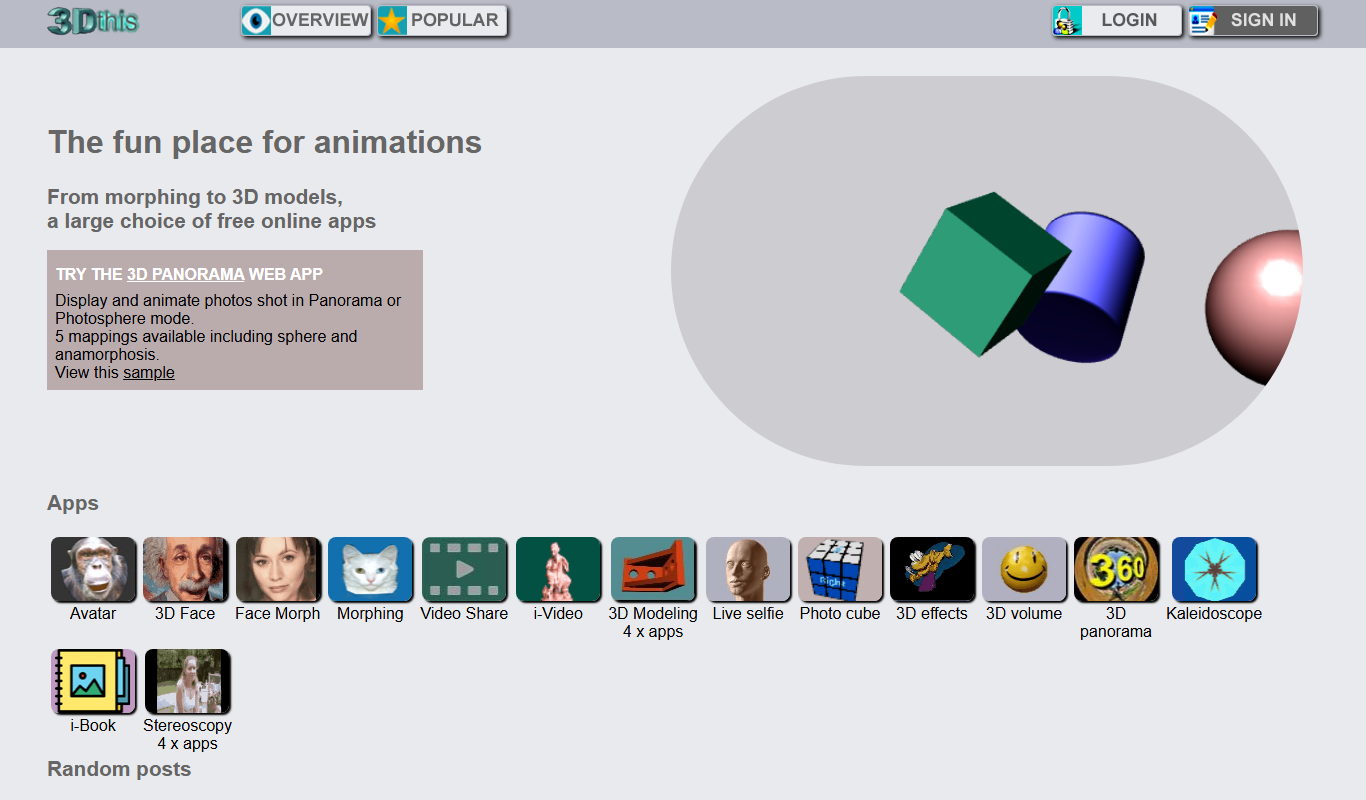
3Dthis is a web-based platform that allows users to create, animate, and customize 3D avatars and models from photos or templates without software installation.

Faceware
Faceware is a markerless facial motion capture software that tracks and translates human facial expressions into digital animations in real time, widely used in gaming, film, and virtual production.
SketchAR
SketchAR is an augmented reality app that projects virtual sketches onto physical surfaces, enabling users to trace and learn drawing interactively on mobile devices.

Clideo
Clideo is a web-based video editing platform that allows users to cut, merge, compress, convert, and create videos online without installing software.

FrameForge
FrameForge is a professional 3D storyboarding software used by filmmakers and video producers to visualize scenes, plan camera shots, and streamline pre-production workflows.