

From my experience with SketchAR, I found it excels at making drawing accessible through augmented reality, especially for beginners who benefit from visual guidance projected onto real surfaces. The app’s interactive approach bridges traditional sketching with modern technology, making art practice engaging and intuitive. However, the reliance on AR-capable devices and subscription for full features can be limiting for some users. Overall, if you want to learn or improve drawing skills with an innovative AR tool, SketchAR offers a unique and practical solution.
SketchAR Augmented Reality Drawing App for Artists and Beginners
SketchAR is an augmented reality app that projects virtual sketches onto physical surfaces, enabling users to trace and learn drawing interactively on mobile devices.
- Best for
- Learning to Draw
- Key capability
- Augmented Reality Sketch Projection
Do you recommend this tool?
What is SketchAR?
SketchAR is an augmented reality drawing application that projects virtual sketches onto physical surfaces, allowing users to trace and create art interactively. It combines AR technology with art education to make drawing accessible and engaging for beginners and experienced artists alike.
Key features of SketchAR
Key features include AR sketch projection, step-by-step drawing tutorials, a library of templates, multi-surface drawing support, and the ability to export digital sketches.
Augmented Reality Sketch Projection
Projects sketches onto real surfaces for interactive tracing.
Extensive Template Library
Offers a wide range of drawing templates and tutorials.
Multi-Surface Support
Allows drawing on walls, paper, or other physical surfaces.
Export to Digital Formats
Enables saving and exporting sketches for further digital editing.
Step-by-Step Drawing Guidance
Provides tutorials to help users improve their drawing skills.
Pros and cons of SketchAR
Pros
- Innovative use of augmented reality for art education
- User-friendly interface suitable for all skill levels
- Large library of templates and tutorials
- Supports multiple languages
- Ability to export digital sketches
Cons
- Requires AR-capable device for full functionality
- Subscription needed for unlimited access
- Limited features in free version
Key use cases for SketchAR
Learning to Draw
SketchAR helps beginners learn drawing by projecting virtual sketches onto real surfaces using augmented reality.
Art Practice and Improvement
Artists can practice sketching and improve their skills by tracing AR projections and following step-by-step tutorials.
Creative Expression
Users can create unique artworks by combining augmented reality with traditional drawing techniques.
Educational Tool for Art Teachers
Art educators can use SketchAR to demonstrate drawing techniques interactively in classrooms.
Digital Art Creation
SketchAR allows exporting sketches to digital formats for further editing or sharing.
How SketchAR works
- 1
Install and Launch
Download SketchAR on your mobile device and open the app.
- 2
Select a Drawing Template
Choose from various sketches or upload your own image to project.
- 3
Project Sketch Using AR
Use your device’s camera to project the sketch onto a real-world surface.
- 4
Trace and Draw
Follow the projected lines to trace and create your drawing.
- 5
Save or Export
Save your artwork within the app or export it for digital use.
Who is using SketchAR
Art students and beginners
Professional and hobbyist artists
Art educators and teachers
Creative hobbyists
Digital artists seeking hybrid techniques
SketchAR pricing
Free
$0/month
Access to basic templates and limited daily projections.
Pro
$7.99/month
Unlimited access to all templates, HD projections, and export features.
Plans and prices are as published by the vendor and can change. Check the official site before you buy. Open the pricing page (opens in a new tab)
Frequently asked questions about SketchAR
Yes, SketchAR is designed to help beginners learn drawing through interactive AR projections and tutorials.
Yes, users can upload their own images to project and trace.
SketchAR is available on iOS and Android devices with AR capabilities.
Basic features can be used offline, but some content and updates require internet access.
It depends on your specific needs and how you plan to use the tool. The official website and documentation are the best sources for the latest details.
Some tools offer a free plan or trial with limited features. Availability can vary, so confirm on the official website.
Yes, it can help with that use case depending on how you configure it and what features are available. You’ll get the best results with clear inputs and a defined goal.
Yes, it can help with that use case depending on how you configure it and what features are available. You’ll get the best results with clear inputs and a defined goal.
Sign in to review this tool.
Sign In to ReviewNo reviews yet
Be the first to share how this tool worked for you.
Ask about pricing, limits, or how it compares — or answer someone else.
Sign In to AskNo questions yet
Have a question about using or paying for this tool? Be the first to ask.
Featured on TiorAI



More AI Animation Generator tools
Other tools in the same category, for when this one is not quite the fit.
Free
Aggie.io
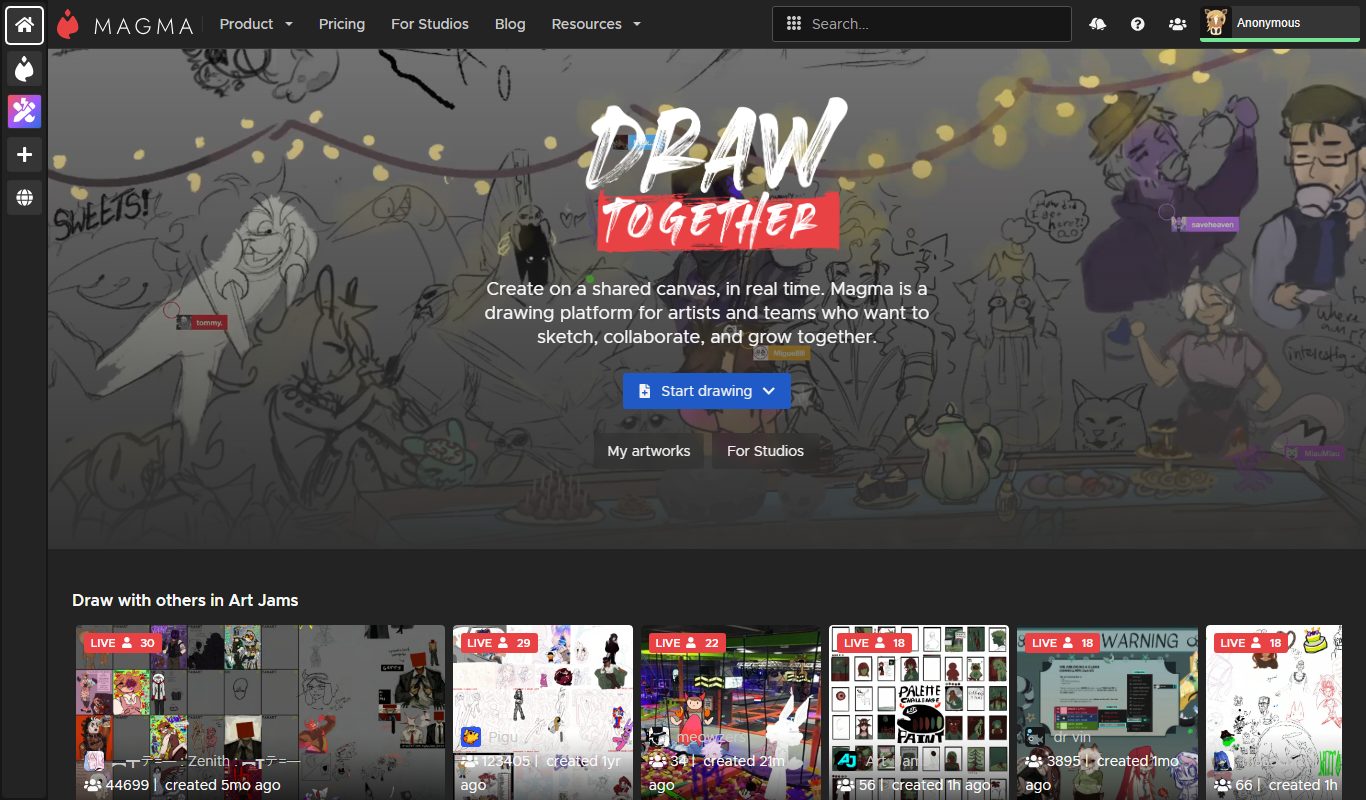
Aggie.io is a free online collaborative drawing tool that allows multiple users to paint together in real time on a shared canvas without requiring installation or accounts.
Free Trial
PlantFactory
PlantFactory is a desktop 3D software tool that enables users to create, customize, and animate realistic plants using procedural modeling techniques, suitable for visual effects, games, and architectural projects.

Free
GIF Brewery
GIF Brewery is a Mac application that allows users to create, edit, and optimize animated GIFs from videos or screen recordings with advanced editing features and easy export options.

Freemium
DeepAR SDK
DeepAR SDK is a cross-platform augmented reality development kit that enables real-time face tracking, AI avatar creation, and 3D AR effects for mobile apps, games, and live streaming.

Custom Pricing
Banuba SDK
Banuba SDK is an AI-powered augmented reality software development kit that enables developers to integrate real-time face tracking, 3D masks, beauty filters, and avatar effects into mobile and desktop applications.

Contact for pricing
8i
8i is a platform that creates photorealistic 3D holograms and avatars using volumetric video technology for VR and AR experiences.

Freemium
Didimo
Didimo is an AI-powered platform that creates realistic 3D digital human avatars from a single photo, supporting gaming, VR, animation, and social media use cases.
Free
ImgPlay
ImgPlay is a mobile and web app that converts videos and photos into animated GIFs with editing tools like text, stickers, and filters for social media sharing.