

From my experience with Banuba SDK, I found it excels at delivering high-quality, real-time face tracking and AR effects that integrate smoothly into mobile and desktop apps. The SDK’s flexibility in customization and broad platform support make it a strong choice for developers aiming to add engaging face filters and avatars. However, the pricing model is not transparent and requires direct contact, which might be a hurdle for smaller teams. Overall, if you need a robust AR face filter SDK with AI-powered beauty and avatar features, Banuba SDK offers a comprehensive solution.
Banuba SDK AI Face Filters & AR Effects SDK for Mobile Apps
Banuba SDK is an AI-powered augmented reality software development kit that enables developers to integrate real-time face tracking, 3D masks, beauty filters, and avatar effects into mobile and desktop applications.
- Best for
- Mobile App Augmented Reality
- Key capability
- Real-Time Face Tracking

What is Banuba SDK?
Banuba SDK is a software development kit that provides advanced augmented reality (AR) face filters, beauty effects, and avatar creation tools for mobile and desktop applications. It enables developers to integrate AI-powered real-time face tracking, 3D masks, and AR effects into their apps, enhancing user interaction and engagement through immersive visual experiences.
Key features of Banuba SDK
The SDK offers real-time face detection and tracking, AI-based beauty filters, 3D face masks, avatar creation, background segmentation, and support for multiple platforms including iOS, Android, Unity, and Unreal Engine. It is designed for seamless integration with customizable AR effects and high performance on mobile devices.
Real-Time Face Tracking
High-precision AI algorithms detect and track facial landmarks for smooth AR effects.
3D Face Masks and Effects
Apply customizable 3D masks and visual effects that move naturally with the user’s face.
AI Beauty Filters
Enhance facial features with AI-powered beauty and skin smoothing filters.
Background Segmentation
Replace or blur backgrounds in real time without a green screen.
Cross-Platform Support
Compatible with iOS, Android, Unity, Unreal Engine, and Web platforms.
Pros and cons of Banuba SDK
Pros
- High-precision real-time face tracking
- Wide range of customizable AR effects
- Cross-platform compatibility
- Strong developer support and documentation
Cons
- Pricing not publicly listed, requires contact
- Primarily focused on face-related AR, limited for other AR types
Key use cases for Banuba SDK
Mobile App Augmented Reality
Integrate AR face filters and effects into mobile applications to enhance user engagement.
Social Media Filters
Create custom face filters and beauty effects for social media platforms and apps.
Video Conferencing Enhancements
Add real-time AR effects and avatars to video calls for entertainment or professional use.
Gaming and Virtual Avatars
Develop interactive avatars and AR experiences for games and virtual environments.
Marketing and Advertising
Use AR filters and effects to create immersive marketing campaigns and branded experiences.
How Banuba SDK works
-
1
Integration
Developers integrate the Banuba SDK into their mobile or desktop applications using provided APIs and sample code.
-
2
Customization
Customize AR face filters, masks, and beauty effects to match the app’s branding and user experience goals.
-
3
Deployment
Deploy the app with integrated AR features to app stores or platforms for end users.
-
4
Real-Time Processing
The SDK processes live camera input to apply AI-powered face tracking and AR effects in real time.
Who is using Banuba SDK
Mobile app developers
Social media platforms
Game developers
Marketing agencies
Video conferencing software companies
Banuba SDK pricing
Custom Enterprise
Contact for pricing
Tailored pricing based on usage, features, and support requirements.
Plans and prices are as published by the vendor and can change. Check the official site before you buy. Open the pricing page (opens in a new tab)
Frequently asked questions about Banuba SDK
Banuba SDK supports iOS, Android, Unity, Unreal Engine, and Web platforms.
Yes, the SDK allows full customization of face filters, masks, and beauty effects.
Yes, it is optimized for real-time face tracking and AR effects in video conferencing.
Pricing is custom and depends on the scale of integration, features, and support needed.
This tool is designed to help users accomplish its core tasks more efficiently. It is typically used by individuals or teams looking to improve productivity and workflow.
Yes, it can help with that use case depending on how you configure it and what features are available. You’ll get the best results with clear inputs and a defined goal.
It depends on your specific needs and how you plan to use the tool. The official website and documentation are the best sources for the latest details.
It depends on your specific needs and how you plan to use the tool. The official website and documentation are the best sources for the latest details.
Sign in to review this tool.
Sign In to ReviewNo reviews yet
Be the first to share how this tool worked for you.
Ask about pricing, limits, or how it compares — or answer someone else.
Sign In to AskNo questions yet
Have a question about using or paying for this tool? Be the first to ask.
Featured on TiorAI



More AI Animation Generator tools
Other tools in the same category, for when this one is not quite the fit.
Free
Aggie.io
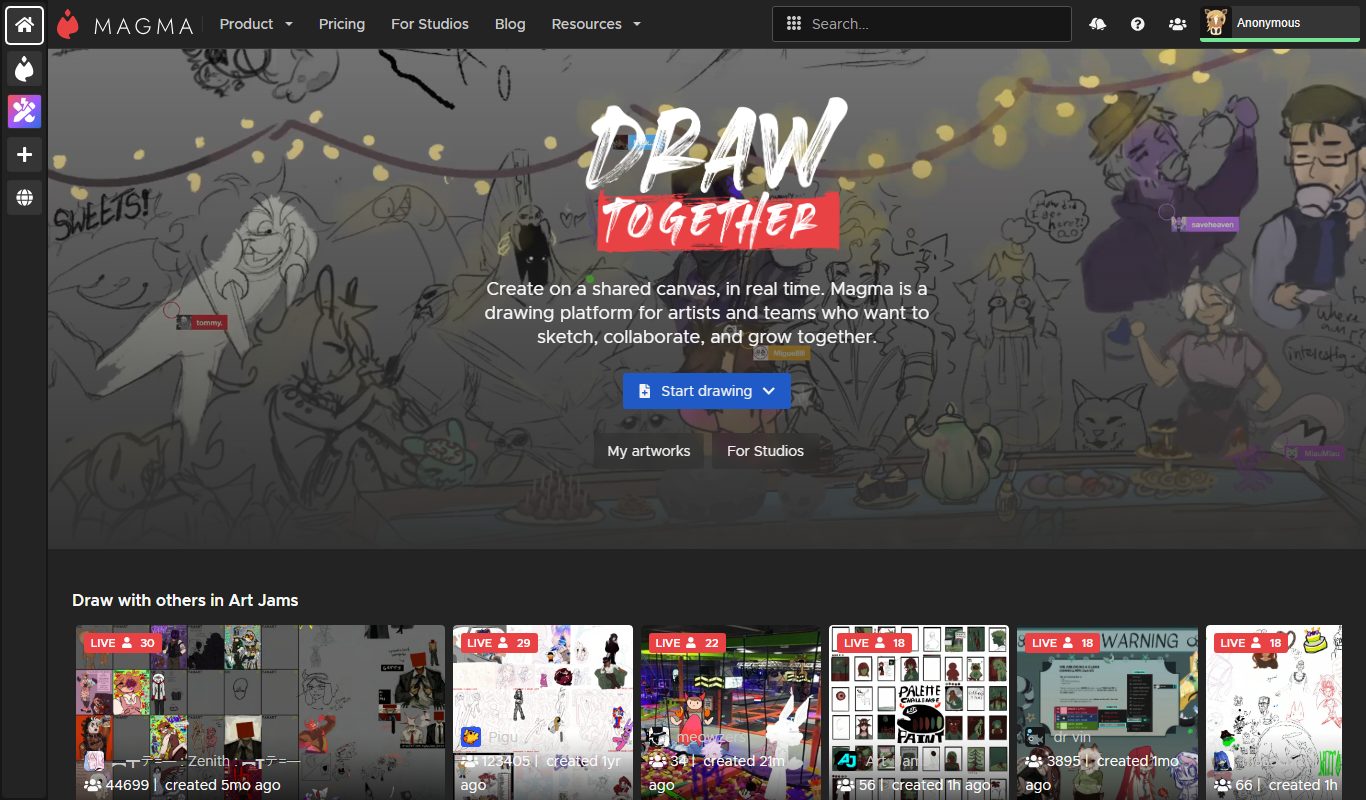
Aggie.io is a free online collaborative drawing tool that allows multiple users to paint together in real time on a shared canvas without requiring installation or accounts.
Free Trial
PlantFactory
PlantFactory is a desktop 3D software tool that enables users to create, customize, and animate realistic plants using procedural modeling techniques, suitable for visual effects, games, and architectural projects.

Free
GIF Brewery
GIF Brewery is a Mac application that allows users to create, edit, and optimize animated GIFs from videos or screen recordings with advanced editing features and easy export options.

Freemium
DeepAR SDK
DeepAR SDK is a cross-platform augmented reality development kit that enables real-time face tracking, AI avatar creation, and 3D AR effects for mobile apps, games, and live streaming.

Contact for pricing
8i
8i is a platform that creates photorealistic 3D holograms and avatars using volumetric video technology for VR and AR experiences.

Freemium
Didimo
Didimo is an AI-powered platform that creates realistic 3D digital human avatars from a single photo, supporting gaming, VR, animation, and social media use cases.
Free
ImgPlay
ImgPlay is a mobile and web app that converts videos and photos into animated GIFs with editing tools like text, stickers, and filters for social media sharing.
Free
RIFE AI
RIFE AI is a free web-based AI tool that generates intermediate video frames to create smooth slow-motion effects and increase video frame rates without requiring software installation.