

From my experience with ImgPlay, it stands out as a straightforward and efficient tool for creating animated GIFs from videos or photos, especially for social media users who want quick, customizable content. The app’s editing features like text and stickers add a creative touch without overwhelming beginners. However, the free version’s watermark and video length limits can be restrictive for heavy users. Overall, ImgPlay is a solid choice if you need an accessible GIF maker that balances ease of use with useful editing options.
ImgPlay GIF Maker and Video to GIF Converter for Social Media
ImgPlay is a mobile and web app that converts videos and photos into animated GIFs with editing tools like text, stickers, and filters for social media sharing.
- Best for
- Create Animated GIFs
- Key capability
- Video to GIF Conversion
Your actions
Save ImgPlay, follow its updates and vote on it — everything stays in your account.
Sign in or create a free accountWhat is ImgPlay?
ImgPlay is a user-friendly app designed to create, edit, and share animated GIFs from videos or photos. It offers tools to customize GIFs with text, filters, and stickers, making it easy to produce engaging visual content for social media or messaging platforms.
Key features of ImgPlay
ImgPlay provides video-to-GIF conversion, GIF editing with text and stickers, trimming and cropping tools, and sharing options optimized for social media platforms.
Video to GIF Conversion
Easily convert video clips into high-quality animated GIFs.
GIF Editing Tools
Add text overlays, stickers, filters, and adjust playback speed.
Trimming and Cropping
Cut unwanted parts and resize GIFs to fit your needs.
Social Sharing
Directly share GIFs to Instagram, Facebook, Twitter, and messaging apps.
Multi-platform Support
Available on iOS, Android, and web browsers for flexible use.
Pros and cons of ImgPlay
Pros
- Intuitive and easy-to-use interface
- Supports both video and photo inputs
- Good range of editing tools for GIF customization
- Cross-platform availability
- Affordable pricing with a free tier
Cons
- Free version includes watermark on GIFs
- Limited video length in free plan
- No audio support since GIF format does not allow sound
Key use cases for ImgPlay
Create Animated GIFs
Convert videos or photos into animated GIFs easily for sharing on social media or messaging apps.
Edit GIFs
Add text, stickers, filters, and crop or trim GIFs to customize animations for marketing or personal use.
Social Media Content Creation
Generate engaging GIFs and short animations to enhance posts and stories on platforms like Instagram, Facebook, and Twitter.
Memes and Fun Visuals
Create humorous or expressive GIFs for entertainment, messaging, and online communities.
How ImgPlay works
- 1
Import Media
Select videos or photos from your device gallery or capture new content within the app.
- 2
Edit GIF
Trim, crop, add text, stickers, and apply filters to customize your GIF animation.
- 3
Export and Share
Save the GIF to your device or share directly to social media platforms and messaging apps.
Who is using ImgPlay
Social media content creators
Marketing professionals
Meme makers and casual users
Mobile users wanting quick GIF creation
Small businesses promoting products online
ImgPlay pricing
Free
$0/month
Basic GIF creation with watermark and limited editing features.
Pro
$4.99/month
Removes watermark, unlocks all editing tools, and provides HD GIF export.
Plans and prices are as published by the vendor and can change. Check the official site before you buy. Open the pricing page (opens in a new tab)
Frequently asked questions about ImgPlay
The free version limits video length; upgrading to Pro allows longer video conversions.
No, GIFs do not support audio; ImgPlay focuses on visual animations only.
ImgPlay primarily supports mobile platforms and web; there is no dedicated desktop app.
It depends on your specific needs and how you plan to use the tool. The official website and documentation are the best sources for the latest details.
Some tools offer a free plan or trial with limited features. Availability can vary, so confirm on the official website.
Yes, it can help with that use case depending on how you configure it and what features are available. You’ll get the best results with clear inputs and a defined goal.
Yes, it can help with that use case depending on how you configure it and what features are available. You’ll get the best results with clear inputs and a defined goal.
Sign in to review this tool.
Sign In to ReviewNo reviews yet
Be the first to share how this tool worked for you.
Ask about pricing, limits, or how it compares — or answer someone else.
Sign In to AskNo questions yet
Have a question about using or paying for this tool? Be the first to ask.
Featured on TiorAI



Alternative Tools
Explore similar AI tools that might fit your needs
Free
EZGIF
EZGIF is a free online platform for creating, editing, and optimizing animated GIFs and images directly in your browser without software installation.
More AI Animation Generator tools
Other tools in the same category, for when this one is not quite the fit.

Freemium
DeepAR SDK
DeepAR SDK is a cross-platform augmented reality development kit that enables real-time face tracking, AI avatar creation, and 3D AR effects for mobile apps, games, and live streaming.

Custom Pricing
Banuba SDK
Banuba SDK is an AI-powered augmented reality software development kit that enables developers to integrate real-time face tracking, 3D masks, beauty filters, and avatar effects into mobile and desktop applications.

Contact for pricing
8i
8i is a platform that creates photorealistic 3D holograms and avatars using volumetric video technology for VR and AR experiences.
Free
Flowframes
Flowframes is a free Windows desktop software that uses AI to interpolate video frames, creating smooth slow motion and enhancing video frame rates without internet connection.

Free
OpenShot
OpenShot is a free, open-source video editing software that supports Windows, macOS, and Linux. It offers features like unlimited tracks, video transitions, 3D animated titles, and a drag-and-drop interface, making it ideal for beginners and intermediate users.
Free
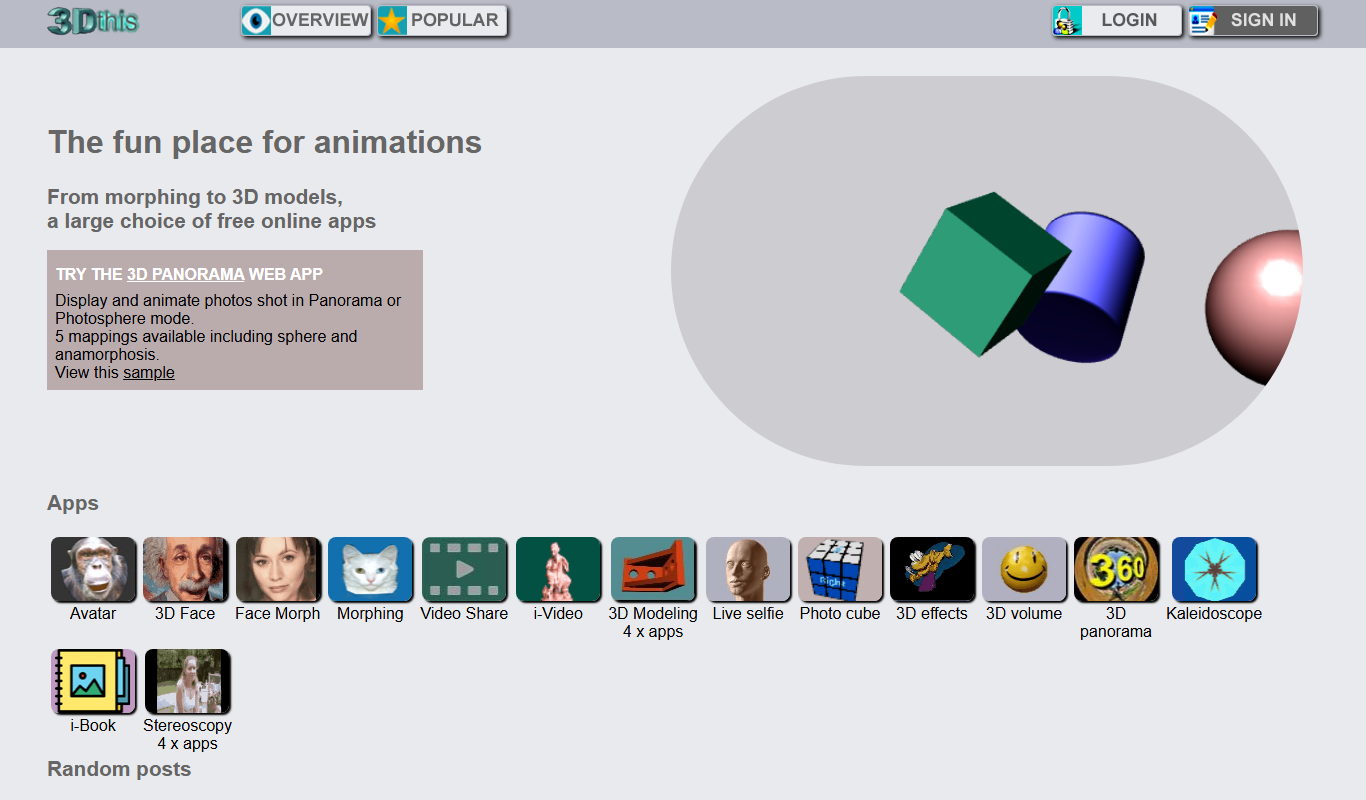
3Dthis
3Dthis is a web-based platform that allows users to create, animate, and customize 3D avatars and models from photos or templates without software installation.
Free
SketchAR
SketchAR is an augmented reality app that projects virtual sketches onto physical surfaces, enabling users to trace and learn drawing interactively on mobile devices.

Free
Decentraland
Decentraland is a blockchain-based virtual reality platform that allows users to own virtual land as NFTs, create 3D environments, and interact socially in a decentralized metaverse.