

Flowframes AI Video Frame Interpolation Software for Smooth Slow Motion
Flowframes is a free Windows desktop software that uses AI to interpolate video frames, creating smooth slow motion and enhancing video frame rates without internet connection.
- Best for
- Smooth Slow Motion Video Creation
- Key capability
- Multiple AI Interpolation Models
Save Flowframes, follow its updates and vote on it — everything stays in your account.
Sign in or create a free accountWhat is Flowframes?
Flowframes is a desktop software tool that uses AI-powered video frame interpolation technology to generate intermediate frames between existing video frames. This process creates smoother motion, enabling users to produce high-quality slow motion videos or increase the frame rate of their footage. It supports various interpolation models and is designed for video enthusiasts, animators, and content creators seeking to enhance video fluidity without manual frame-by-frame editing.
Key features of Flowframes
Flowframes offers multiple AI interpolation models, batch processing capabilities, support for various video formats, and an intuitive user interface. It allows users to select the desired output frame rate and preview results before exporting. The software runs locally on Windows desktops, ensuring privacy and fast processing without internet dependency.
Multiple AI Interpolation Models
Offers various AI algorithms to suit different video types and quality preferences.
Batch Processing
Process multiple videos in one session to save time.
Support for Various Video Formats
Compatible with common video file formats for easy integration into workflows.
Local Processing
Runs entirely on the user's desktop without requiring internet access, ensuring data privacy.
User-Friendly Interface
Simple and intuitive UI designed for both beginners and advanced users.
Pros and cons of Flowframes
Pros
- High-quality AI frame interpolation
- Supports batch processing for efficiency
- Local processing ensures privacy
- User-friendly interface suitable for beginners
Cons
- Only available on Windows desktop
- No mobile or web version
- Limited to video frame interpolation functionality
Key use cases for Flowframes
Smooth Slow Motion Video Creation
Generate high-quality slow motion videos by interpolating additional frames between existing ones to achieve fluid motion.
Video Frame Rate Enhancement
Increase the frame rate of videos to improve playback smoothness and visual quality.
Video Restoration and Enhancement
Enhance older or lower frame rate videos by adding frames to reduce choppiness and improve viewing experience.
Animation Frame Interpolation
Improve the fluidity of animations by generating intermediate frames using AI-powered interpolation.
How Flowframes works
- 1
Install and Launch
Download and install Flowframes on your Windows desktop, then open the application.
- 2
Import Video
Load the video file you want to enhance or convert to slow motion.
- 3
Select Interpolation Model and Settings
Choose from available AI models and set the target frame rate or slow motion speed.
- 4
Preview and Adjust
Preview the interpolated video to verify smoothness and quality, adjusting settings as needed.
- 5
Export Video
Export the processed video in your preferred format with enhanced frame rate and smooth motion.
Who is using Flowframes
Flowframes pricing
Free
$0
Full access to all features with no cost.
Plans and prices are as published by the vendor and can change. Check the official site before you buy. Open the pricing page (opens in a new tab)
Frequently asked questions about Flowframes
The itch.io version is name your price, and newer features are exclusive to Patreon subscribers for a period.
Flowframes currently supports Windows desktop platforms.
Yes, by interpolating frames, it enables smooth slow motion video creation.
No, all processing is done locally on your computer.
It depends on your specific needs and how you plan to use the tool. The official website and documentation are the best sources for the latest details.
Some tools offer a free plan or trial with limited features. Availability can vary, so confirm on the official website.
Yes, it can help with that use case depending on how you configure it and what features are available. You’ll get the best results with clear inputs and a defined goal.
Yes, it can help with that use case depending on how you configure it and what features are available. You’ll get the best results with clear inputs and a defined goal.
Conclusion
Flowframes generates intermediate frames between the existing frames of a video, which smooths motion for slow motion clips or higher frame rates. A video is loaded into the Windows program, an interpolation model is chosen with a target frame rate or slow motion speed, and the result can be previewed before export. Processing runs on the desktop without requiring internet access, and several videos can be handled in one session.
Video editors, animators seeking smoother animations and hobbyists restoring older, choppy footage are the groups it targets. The developer, N00MKRAD, distributes it on itch.io and GitHub, and flowframes.com is only a domain for sale. The itch.io download is name your price, and newer versions reach Patreon subscribers first, so not everything is free.
Sources
Sign in to review this tool.
Sign In to ReviewNo reviews yet
Be the first to share how this tool worked for you.
Ask about pricing, limits, or how it compares — or answer someone else.
Sign In to AskNo questions yet
Have a question about using or paying for this tool? Be the first to ask.
Featured on TiorAI



More AI Animation Generator tools
Other tools in the same category, for when this one is not quite the fit.

OpenShot
OpenShot is a free, open-source video editing software that supports Windows, macOS, and Linux. It offers features like unlimited tracks, video transitions, 3D animated titles, and a drag-and-drop interface, making it ideal for beginners and intermediate users.
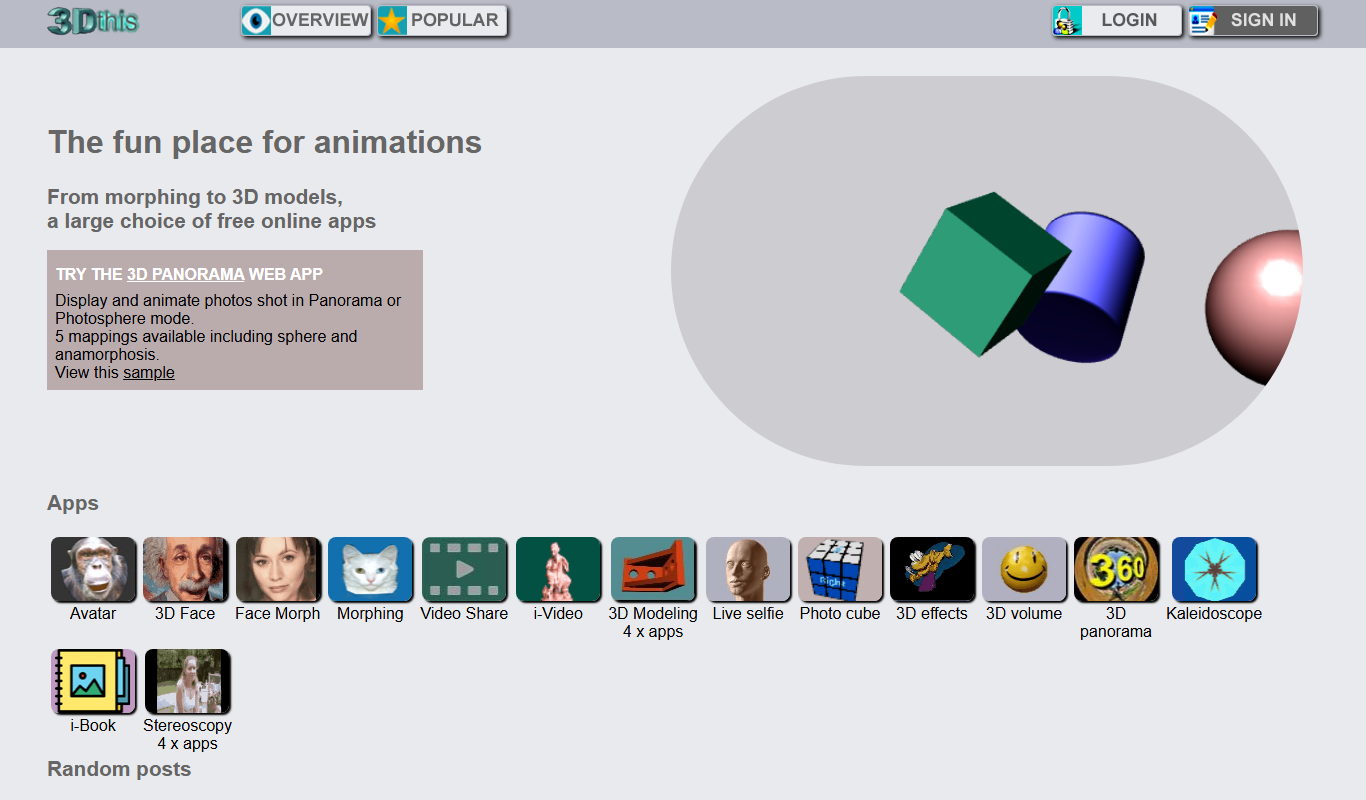
3Dthis
3Dthis is a web-based platform that allows users to create, animate, and customize 3D avatars and models from photos or templates without software installation.

Faceware
Faceware is a markerless facial motion capture software that tracks and translates human facial expressions into digital animations in real time, widely used in gaming, film, and virtual production.
SketchAR
SketchAR is an augmented reality app that projects virtual sketches onto physical surfaces, enabling users to trace and learn drawing interactively on mobile devices.

Clideo
Clideo is a web-based video editing platform that allows users to cut, merge, compress, convert, and create videos online without installing software.

FrameForge
FrameForge is a professional 3D storyboarding software used by filmmakers and video producers to visualize scenes, plan camera shots, and streamline pre-production workflows.

Plotagon
Plotagon is a user-friendly animated video creation tool that allows users to produce 3D animated stories by scripting dialogues and customizing characters without needing animation skills.
Corel VideoStudio
Corel VideoStudio is a Windows-only video editing software designed for beginners and professionals, featuring 4K editing, motion tracking, and a user-friendly timeline interface.