

Clideo Online Video Editor and Converter for Easy Video Editing Tasks
Clideo is a web-based video editing platform that allows users to cut, merge, compress, convert, and create videos online without installing software.
- Best for
- Video Editing
- Key capability
- Multiple Video Tools
Save Clideo, follow its updates and vote on it — everything stays in your account.
Sign in or create a free account
What is Clideo?
Clideo is a web-based video editing platform offering a suite of simple, user-friendly tools to edit, convert, compress, and create videos online. It requires no software installation and supports a wide range of video formats, making video editing accessible to users without technical expertise.
Key features of Clideo
Clideo provides multiple video editing tools including video cutter, merger, compressor, resizer, and converter. It supports audio extraction and slideshow creation, all accessible via a clean web interface optimized for quick edits and sharing.
Multiple Video Tools
Access a variety of editing tools including cutter, merger, compressor, resizer, and converter.
Wide Format Support
Supports almost all popular video and audio formats for upload and export.
No Software Installation
Fully web-based platform requiring no downloads or installations.
User-Friendly Interface
Simple and intuitive UI designed for users of all skill levels.
Secure File Handling
Files are processed securely with automatic deletion after a short period.
Pros and cons of Clideo
Pros
- No software installation required
- Supports many video editing functions in one platform
- Simple and clean user interface
- Works on any device with a browser
- Secure file handling with automatic deletion
Cons
- Free version adds watermarks to videos
- Limited file size for free users
- Processing speed depends on internet connection
Key use cases for Clideo
Video Editing
Edit videos online by cutting, merging, resizing, and compressing without installing software.
Video Conversion
Convert videos between popular formats such as MP4, AVI, MOV, and more for compatibility.
Audio Extraction
Extract audio tracks from video files to use separately or for podcasts and music.
Creating Slideshows
Combine photos and videos to create engaging slideshows with music and transitions.
Video Compression
Reduce video file size for easier sharing and faster uploads without significant quality loss.
How Clideo works
- 1
Upload Your Video
Start by uploading your video or audio file directly on the Clideo website.
- 2
Select Editing Tool
Choose from various tools like cut, merge, compress, or convert depending on your need.
- 3
Edit and Customize
Make your edits such as trimming clips, adjusting size, or extracting audio.
- 4
Process and Download
Let Clideo process your file and then download the finished video or audio.
Who is using Clideo
Clideo pricing
Free
$0/month
Access to basic tools with watermark on videos and limited file size.
Pro
$9/month billed annually ($108), or $12/month billed monthly
Remove watermarks, increase file size limits, and access faster processing.
Plans and prices are as published by the vendor and can change. Check the official site before you buy. Open the pricing page (opens in a new tab)
Frequently asked questions about Clideo
Yes, Clideo is entirely web-based and works directly in your browser.
Clideo supports most popular formats including MP4, AVI, MOV, WMV, and more.
Free users have file size limits, while Pro subscribers can upload larger files.
Yes, Clideo processes files securely and deletes them automatically after a short time.
It depends on your specific needs and how you plan to use the tool. The official website and documentation are the best sources for the latest details.
Some tools offer a free plan or trial with limited features. Availability can vary, so confirm on the official website.
Yes, it can help with that use case depending on how you configure it and what features are available. You’ll get the best results with clear inputs and a defined goal.
Conclusion
Editing in Clideo happens in the browser: a video or audio file is uploaded to the website, a tool such as cut, merge, compress or convert is chosen, and the finished file is downloaded after processing. The same set of tools also extracts audio tracks from video files and combines photos and videos into slideshows with music. Popular formats including MP4, AVI, MOV and WMV are supported.
It is aimed at social media managers, educators and students, and casual video editors. The free version adds watermarks to videos and limits file size, while Pro removes watermarks and increases file size limits. Pro costs $9/month when billed annually ($108) or $12 on monthly billing. Processing speed depends on the internet connection.
Sources
Sign in to review this tool.
Sign In to ReviewNo reviews yet
Be the first to share how this tool worked for you.
Ask about pricing, limits, or how it compares — or answer someone else.
Sign In to AskNo questions yet
Have a question about using or paying for this tool? Be the first to ask.
Featured on TiorAI



More AI Animation Generator tools
Other tools in the same category, for when this one is not quite the fit.
Flowframes
Flowframes is a free Windows desktop software that uses AI to interpolate video frames, creating smooth slow motion and enhancing video frame rates without internet connection.

OpenShot
OpenShot is a free, open-source video editing software that supports Windows, macOS, and Linux. It offers features like unlimited tracks, video transitions, 3D animated titles, and a drag-and-drop interface, making it ideal for beginners and intermediate users.
3Dthis
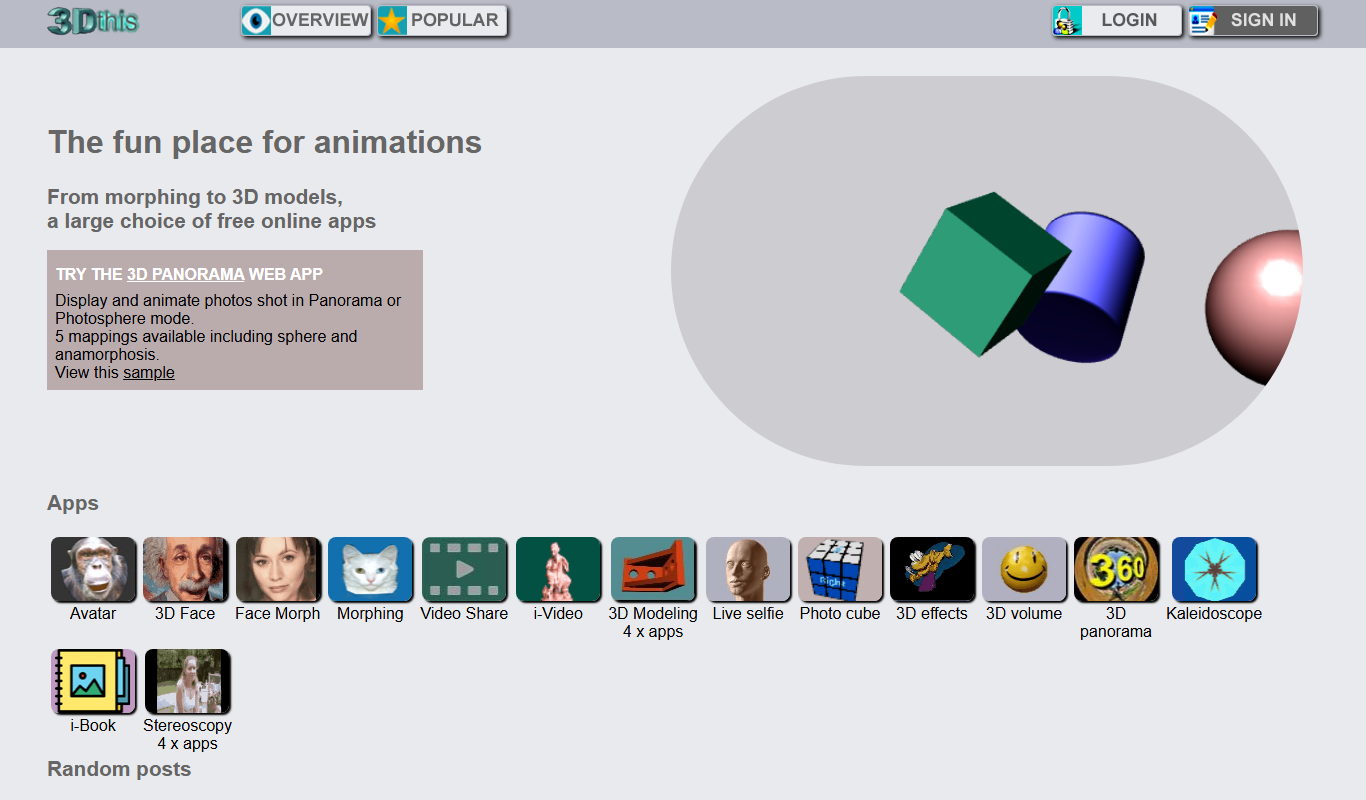
3Dthis is a web-based platform that allows users to create, animate, and customize 3D avatars and models from photos or templates without software installation.

Faceware
Faceware is a markerless facial motion capture software that tracks and translates human facial expressions into digital animations in real time, widely used in gaming, film, and virtual production.
SketchAR
SketchAR is an augmented reality app that projects virtual sketches onto physical surfaces, enabling users to trace and learn drawing interactively on mobile devices.

FrameForge
FrameForge is a professional 3D storyboarding software used by filmmakers and video producers to visualize scenes, plan camera shots, and streamline pre-production workflows.

Plotagon
Plotagon is a user-friendly animated video creation tool that allows users to produce 3D animated stories by scripting dialogues and customizing characters without needing animation skills.
Corel VideoStudio
Corel VideoStudio is a Windows-only video editing software designed for beginners and professionals, featuring 4K editing, motion tracking, and a user-friendly timeline interface.