

From my experience with Plotagon, I found it excels at simplifying the animation process by allowing users to create engaging 3D animated stories through straightforward scripting. The platform is particularly well-suited for educators, marketers, and storytellers who want to produce animated content without needing technical animation skills. However, the free plan’s limitations, such as watermarked videos and fewer customization options, can be a drawback for some users. Overall, if you need an accessible tool to bring stories to life with animated characters and voiceovers, Plotagon delivers solid results with minimal learning curve.
Plotagon Animated Video Maker for Storytelling and Character Animation
Plotagon is a user-friendly animated video creation tool that allows users to produce 3D animated stories by scripting dialogues and customizing characters without needing animation skills.
- Best for
- Educational Videos
- Key capability
- Script-Based Animation
Your actions
Save Plotagon, follow its updates and vote on it — everything stays in your account.
Sign in or create a free account
What is Plotagon?
Plotagon is an intuitive animated video creation platform that allows users to create 3D animated movies by simply writing a story. It enables anyone, regardless of animation skills, to bring characters and stories to life through customizable avatars, scenes, and voiceovers. The tool is designed to simplify animation production for education, marketing, entertainment, and corporate communication.
Key features of Plotagon
Plotagon offers a user-friendly interface to create animated videos by scripting dialogues and actions. Key features include a library of customizable characters, diverse scenes, text-to-speech voice options, and easy export capabilities. It supports storytelling with animation without requiring technical animation expertise.
Script-Based Animation
Create animations by writing scripts that control character dialogues and movements.
Customizable 3D Characters
Choose from a variety of avatars and customize their appearance and expressions.
Text-to-Speech Integration
Automatically generate voiceovers from written dialogue with multiple voice options.
Scene and Background Library
Access a collection of scenes and environments to set the context of your story.
Easy Export Options
Export videos in common formats suitable for social media, presentations, or websites.
Pros and cons of Plotagon
Pros
- User-friendly script-based animation creation
- Customizable 3D characters and scenes
- Integrated text-to-speech voice options
- Suitable for non-technical users
- Multiple export formats for sharing
Cons
- Limited free plan features and watermark
- Customization options can be basic for advanced animators
- Requires internet connection for web version
Key use cases for Plotagon
Educational Videos
Create engaging animated videos to explain concepts and lessons for students.
Marketing and Advertising
Produce animated promotional videos to showcase products or services.
Storytelling and Entertainment
Develop animated stories with customizable characters and dialogues for entertainment.
Corporate Training
Design animated training materials to improve employee learning and engagement.
Social Media Content
Generate short animated clips optimized for sharing on social media platforms.
How Plotagon works
- 1
Create an Account
Sign up on Plotagon’s website or app to start creating animations.
- 2
Write Your Story
Use the script editor to write dialogues and define character actions.
- 3
Customize Characters and Scenes
Select and personalize avatars, backgrounds, and settings for your story.
- 4
Add Voice and Sound
Choose text-to-speech voices or record your own audio for characters.
- 5
Render and Export
Generate the animated video and export it for sharing or publishing.
Who is using Plotagon
Educators and trainers
Marketing professionals
Content creators and storytellers
Corporate communication teams
Social media managers
Plotagon pricing
Free
$0/month
Basic access with limited characters, scenes, and watermark on videos.
Pro
$14.99/month
Access to full character library, HD video exports, and no watermarks.
Business
Custom pricing
Advanced features for teams including collaboration tools and premium support.
Plans and prices are as published by the vendor and can change. Check the official site before you buy. Open the pricing page (opens in a new tab)
Frequently asked questions about Plotagon
Yes, Plotagon is designed for users without animation skills by using script-based video creation.
Plotagon is available on web browsers, desktop applications, and mobile devices.
Yes, users can record and upload their own audio to replace or supplement text-to-speech voices.
Yes, videos created with the free plan include a Plotagon watermark.
It depends on your specific needs and how you plan to use the tool. The official website and documentation are the best sources for the latest details.
Some tools offer a free plan or trial with limited features. Availability can vary, so confirm on the official website.
Yes, it can help with that use case depending on how you configure it and what features are available. You’ll get the best results with clear inputs and a defined goal.
Yes, it can help with that use case depending on how you configure it and what features are available. You’ll get the best results with clear inputs and a defined goal.
Sign in to review this tool.
Sign In to ReviewNo reviews yet
Be the first to share how this tool worked for you.
Ask about pricing, limits, or how it compares — or answer someone else.
Sign In to AskNo questions yet
Have a question about using or paying for this tool? Be the first to ask.
Featured on TiorAI



Alternative Tools
Explore similar AI tools that might fit your needs

One-time purchase
Toonly
Toonly is an easy-to-use animated video creation software that helps users produce explainer and marketing videos with drag-and-drop tools and a rich asset library.
More AI Animation Generator tools
Other tools in the same category, for when this one is not quite the fit.
Free
Puppet Pals
Puppet Pals is an iOS app that enables users, especially children and educators, to create animated stories and puppet shows by selecting characters, backgrounds, and recording dialogue with a simple drag-and-drop interface.
Paid
Reallusion iClone
Reallusion iClone is a Windows-based real-time 3D animation software used for creating and animating characters and scenes with motion capture support and direct game engine export.
Free
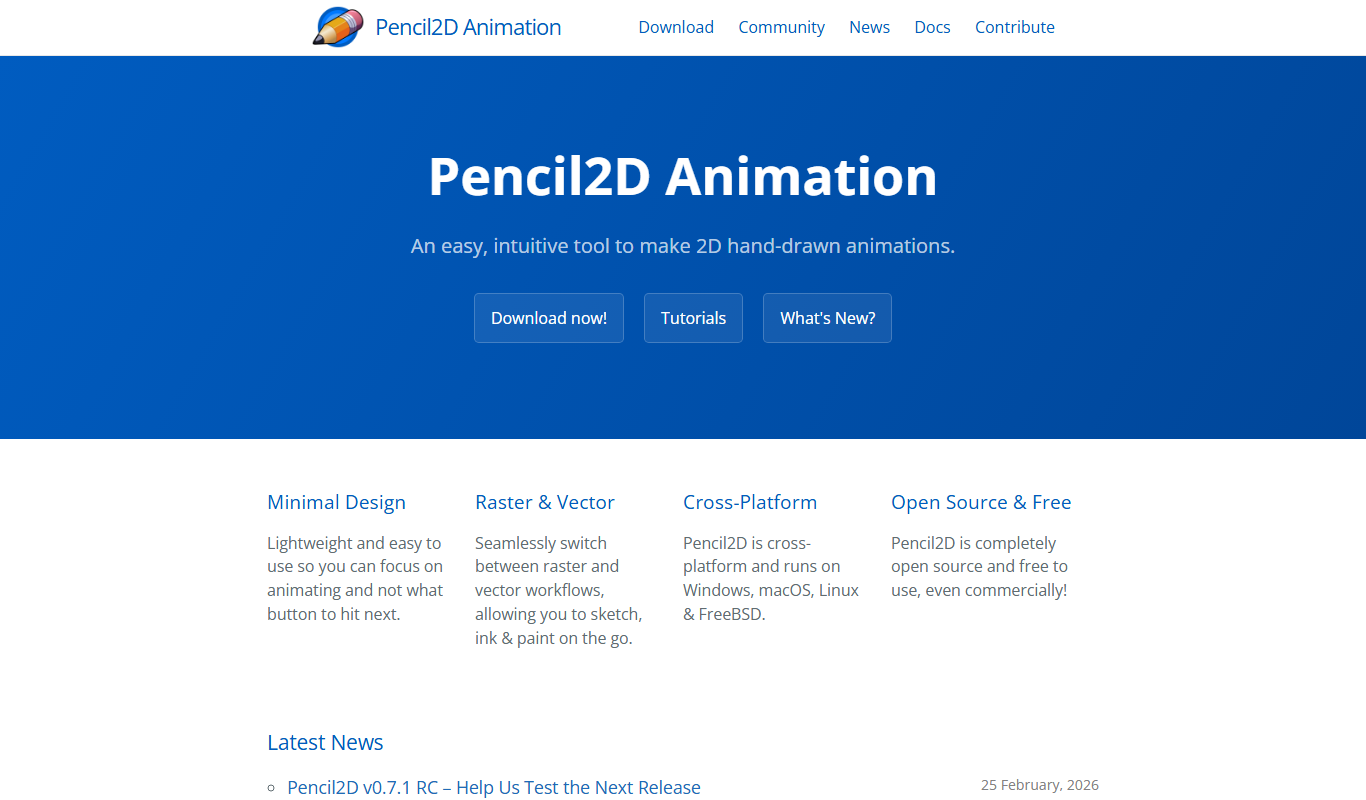
Pencil2D
Pencil2D is a free, open-source 2D animation software that enables users to create hand-drawn animations using bitmap and vector graphics. It is cross-platform and suitable for beginners and hobbyists.

Free
LICEcap
LICEcap is a free tool that records your screen and saves the recording as an animated GIF, supporting Windows and Mac platforms.
Free Trial
Toon Boom Harmony
Toon Boom Harmony is a professional 2D animation software used for creating high-quality animations through frame-by-frame and rig-based techniques, widely adopted in the animation industry.
Free
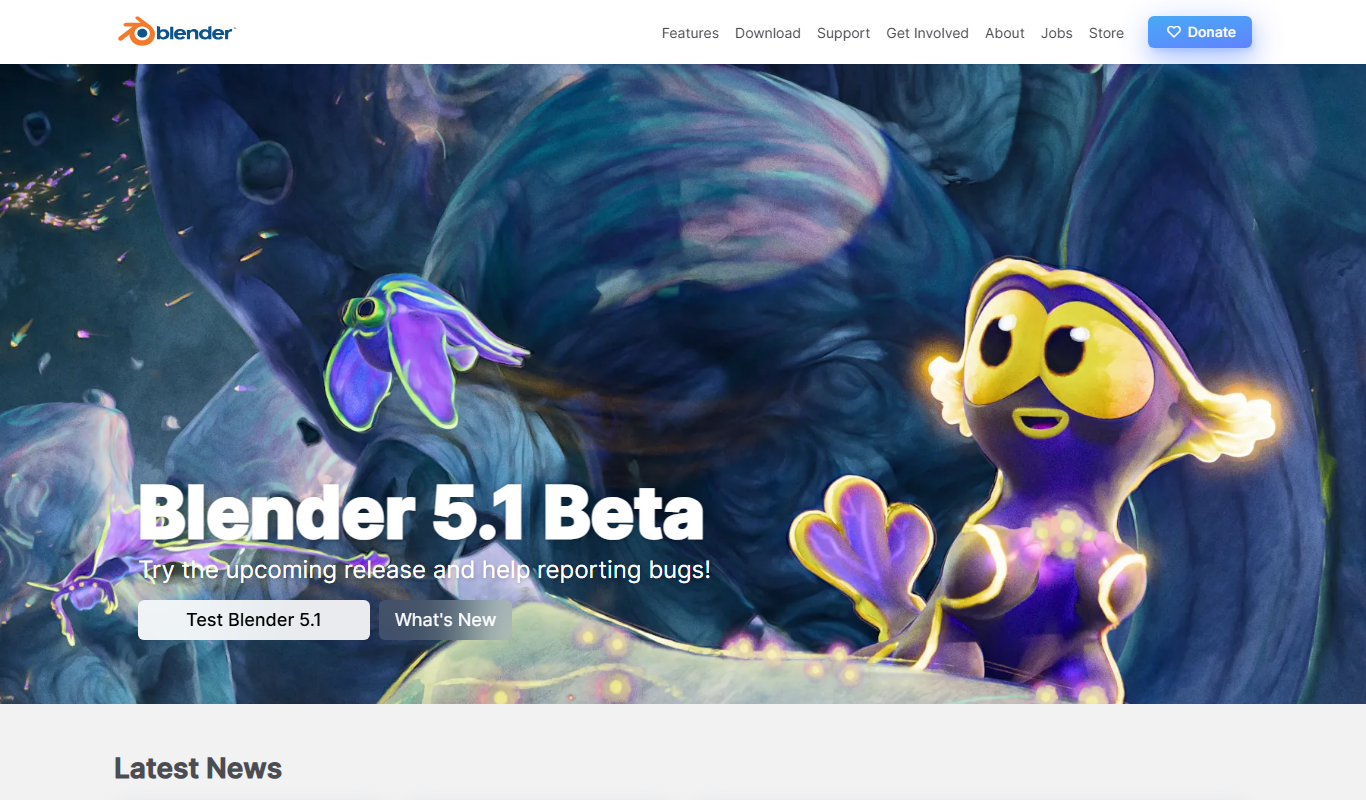
Blender
Blender is a free, open-source 3D creation suite used for modeling, animation, rendering, and video editing across various creative industries.

Free
Animista
Animista is a free online CSS animation library that lets users customize and export animations for web projects without coding from scratch.
Free
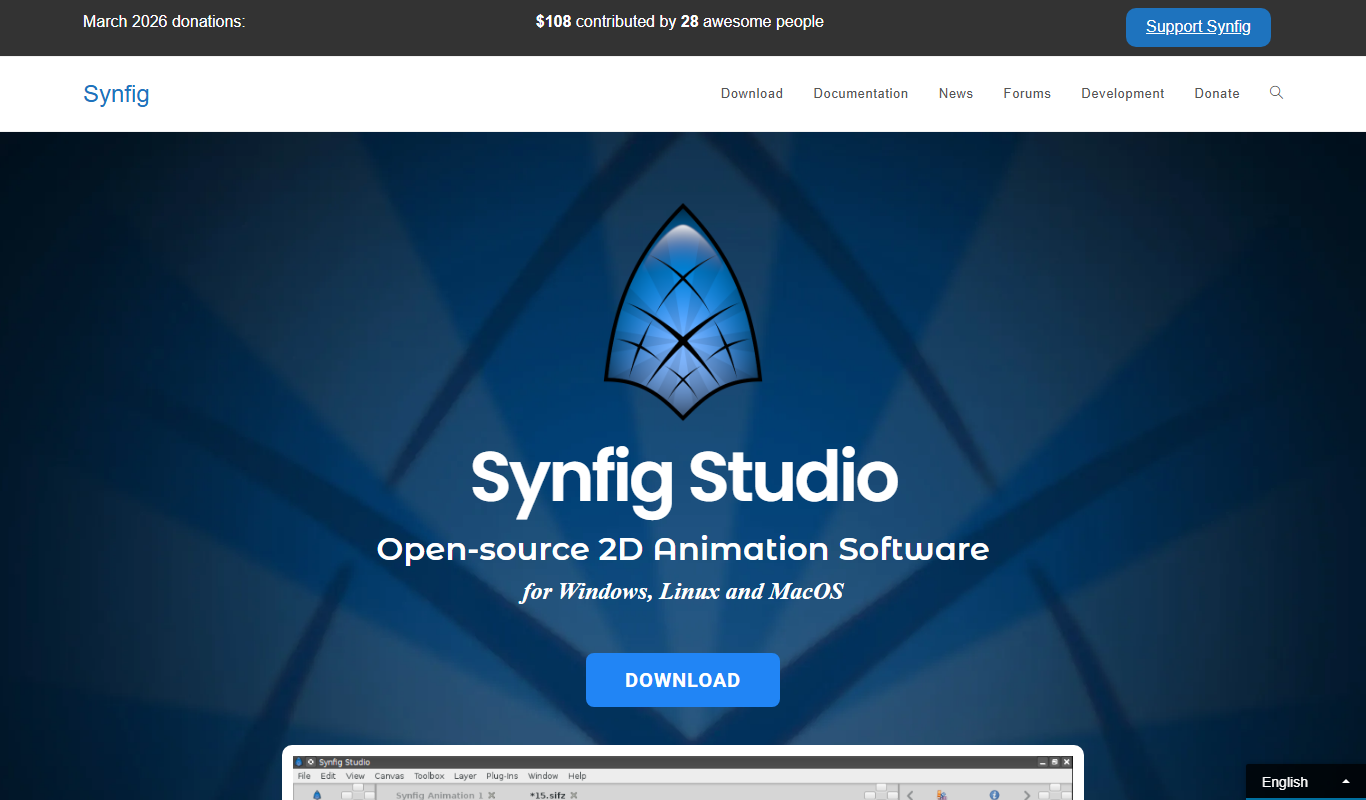
Synfig Studio
Synfig Studio is a free and open-source 2D vector animation software that enables users to create high-quality animations using vector tweening, layers, and a bones system, suitable for both beginners and professionals.