

Reallusion iClone 3D Animation Software for Real-Time Character Creation
Reallusion iClone is a Windows-based real-time 3D animation software used for creating and animating characters and scenes with motion capture support and direct game engine export.
- Best for
- 3D Character Animation
- Key capability
- Real-Time 3D Animation
Save Reallusion iClone, follow its updates and vote on it — everything stays in your account.
Sign in or create a free accountWhat is Reallusion iClone?
Reallusion iClone is a professional real-time 3D animation software designed for creating, animating, and rendering 3D characters and scenes. It provides an intuitive interface and powerful tools for character creation, facial and body animation, motion capture integration, and virtual production workflows. iClone is widely used in film, game development, education, and virtual production to accelerate animation pipelines with real-time feedback.
Key features of Reallusion iClone
iClone offers real-time 3D animation, advanced character creation, facial and body mocap support, physics simulation, scene building, and direct export to popular game engines. Its user-friendly workflow enables artists and developers to produce high-quality animations efficiently.
Real-Time 3D Animation
Animate characters and scenes with instant visual feedback, speeding up the creative process.
Character Creator Integration
Seamlessly create and customize realistic or stylized characters with Reallusion’s Character Creator.
Motion Capture Support
Integrate facial and body motion capture data from various devices for lifelike animations.
Physics and Particle Effects
Add realistic physics simulations and particle effects to enhance scene dynamics.
Direct Export to Game Engines
Export animated assets directly to Unity, Unreal Engine, and other platforms.
Pros and cons of Reallusion iClone
Pros
- Real-time animation accelerates workflow
- Comprehensive mocap integration
- Strong character creation tools
- Direct export to game engines
- User-friendly interface for beginners and pros
Cons
- Windows-only software
- Steep learning curve for advanced features
- Requires a powerful PC for smooth performance
Key use cases for Reallusion iClone
3D Character Animation
Create and animate realistic or stylized 3D characters for films, games, and virtual production.
Virtual Production
Use real-time animation tools and motion capture to produce virtual scenes and cinematic content.
Game Development
Develop animated characters and scenes for integration into game engines and interactive media.
Educational Content
Produce engaging 3D animations for training, tutorials, and educational videos.
Previsualization
Visualize complex scenes and character movements before full production to save time and resources.
How Reallusion iClone works
- 1
Install and Launch
Download and install iClone on a Windows PC, then launch the application.
- 2
Create or Import Characters
Use built-in character creation tools or import 3D models to start your animation project.
- 3
Animate with Tools or Motion Capture
Animate characters using keyframe animation, facial mocap, body mocap devices, or pre-made animation clips.
- 4
Build Scenes and Add Effects
Assemble environments, props, cameras, and lighting to create immersive scenes.
- 5
Render or Export
Render animations in real-time or export to formats compatible with game engines and video editors.
Who is using Reallusion iClone
Reallusion iClone pricing
Standard
$199 one-time
Basic 3D animation features with perpetual license.
Pro
$299 one-time
Advanced animation tools including mocap support and physics.
Subscription
$29.99/month
Access to all features with continuous updates and support.
Plans and prices are as published by the vendor and can change. Check the official site before you buy. Open the pricing page (opens in a new tab)
Frequently asked questions about Reallusion iClone
iClone is currently only available for Windows operating systems.
Yes, iClone supports various facial and body motion capture devices for real-time animation.
Yes, it supports direct export to popular game engines like Unity and Unreal Engine.
iClone Personal gives full access to the animation, production and rendering tools with no time limit; the only limitation is restricted 3D export time.
This tool is designed to help users accomplish its core tasks more efficiently. It is typically used by individuals or teams looking to improve productivity and workflow.
Yes, it can help with that use case depending on how you configure it and what features are available. You’ll get the best results with clear inputs and a defined goal.
Yes, it can help with that use case depending on how you configure it and what features are available. You’ll get the best results with clear inputs and a defined goal.
Some tools offer a free plan or trial with limited features. Availability can vary, so confirm on the official website.
Conclusion
Characters come first: they are built with the included creation tools or imported as 3D models, then animated with keyframes, facial and body motion capture or pre-made clips. Motion LIVE serves as the mocap hub, capturing full-body motion from supported devices in sync with the animation. Environments, props, cameras and lighting complete the scene, which is rendered in real time or exported for game engines and video editors. Character assets and motion data move between iClone and Character Creator, while a Python scripting API and Unreal Live Link extend the pipeline.
Film, game development and virtual production are its main fields, and educators also use it for animated training and tutorial content. The software runs on Windows only. Getting started costs nothing with iClone Personal, which has no time limit and full animation tools but restricted 3D export time. Upgrading to a subscription or a perpetual license removes the export limit and adds pipeline integration with major 3D tools and game engines.
Sources
Sign in to review this tool.
Sign In to ReviewNo reviews yet
Be the first to share how this tool worked for you.
Ask about pricing, limits, or how it compares — or answer someone else.
Sign In to AskNo questions yet
Have a question about using or paying for this tool? Be the first to ask.
Featured on TiorAI



Alternative Tools
Explore similar AI tools that might fit your needs
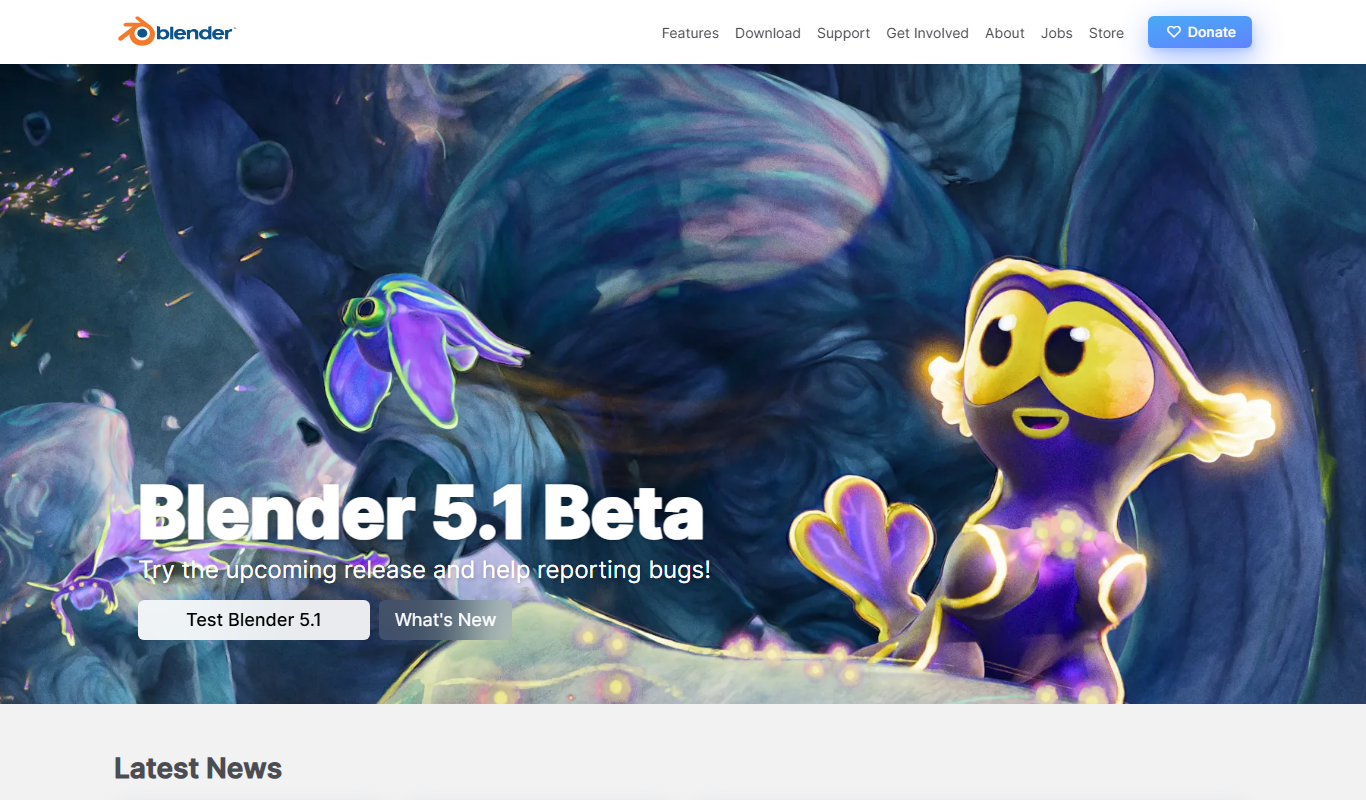
Blender
Blender is a free, open-source 3D creation suite used for modeling, animation, rendering, and video editing across various creative industries.
More AI Animation Generator tools
Other tools in the same category, for when this one is not quite the fit.
Corel VideoStudio
Corel VideoStudio is a Windows-only video editing software designed for beginners and professionals, featuring 4K editing, motion tracking, and a user-friendly timeline interface.
CyberLink PowerDirector
CyberLink PowerDirector is a versatile video editing software offering AI-powered tools, 4K and 8K support, and user-friendly features for both beginners and professionals.

aianimegenerator.me
AIAnimeGenerator.me converts photos to anime without registration, with paid higher quality on a partner site.
Puppet Pals
Puppet Pals is an iOS app that enables users, especially children and educators, to create animated stories and puppet shows by selecting characters, backgrounds, and recording dialogue with a simple drag-and-drop interface.
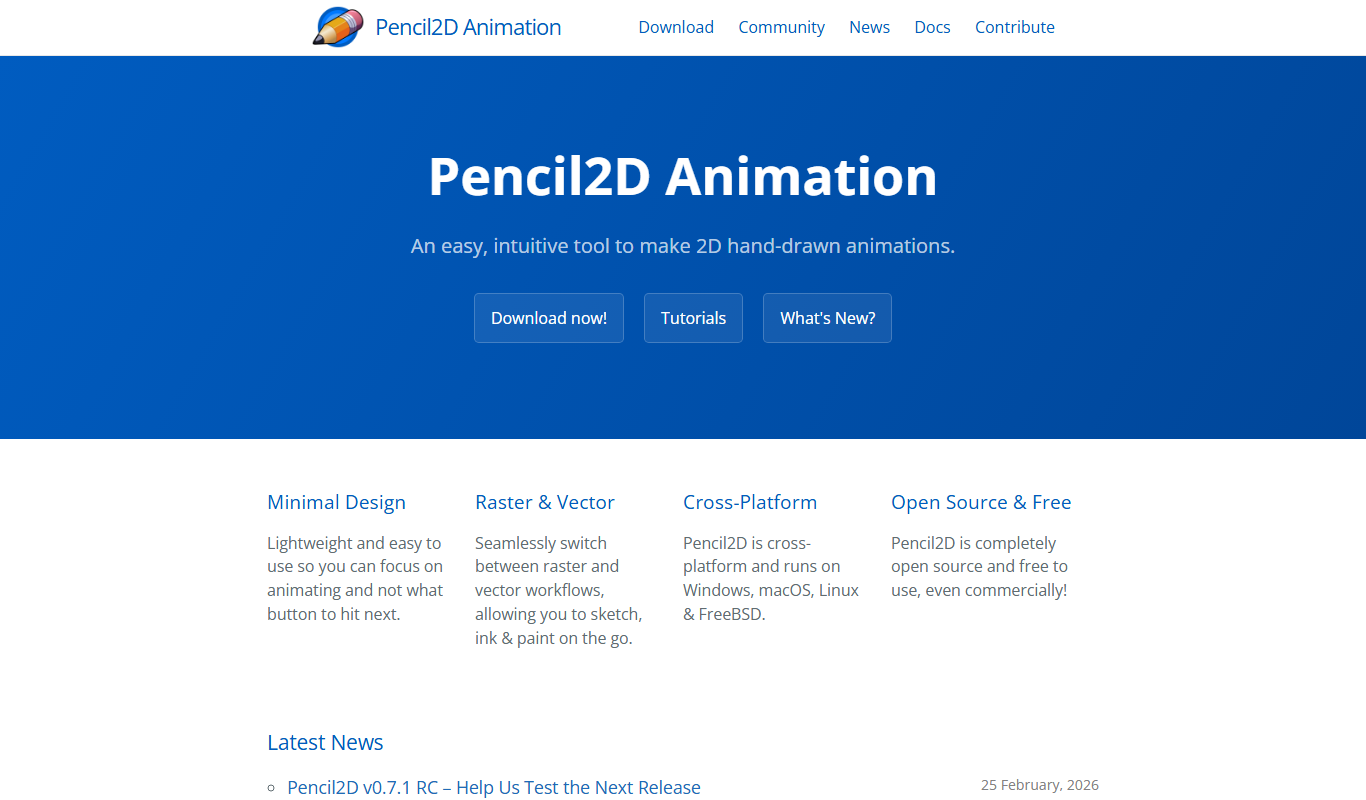
Pencil2D
Pencil2D is a free, open-source 2D animation software that enables users to create hand-drawn animations using bitmap and vector graphics. It is cross-platform and suitable for beginners and hobbyists.

LICEcap
LICEcap is a free tool that records your screen and saves the recording as an animated GIF, supporting Windows and Mac platforms.
Toon Boom Harmony
Toon Boom Harmony is a professional 2D animation software used for creating high-quality animations through frame-by-frame and rig-based techniques, widely adopted in the animation industry.

Animista
Animista is a free online CSS animation library that lets users customize and export animations for web projects without coding from scratch.