

Puppet Pals App for Creating Interactive Animated Storytelling and Education
Puppet Pals is an iOS app that enables users, especially children and educators, to create animated stories and puppet shows by selecting characters, backgrounds, and recording dialogue with a simple drag-and-drop interface.
- Best for
- Educational Storytelling
- Key capability
- Customizable Characters
Save Puppet Pals, follow its updates and vote on it — everything stays in your account.
Sign in or create a free accountWhat is Puppet Pals?
Puppet Pals is an interactive app that allows users to create animated stories and puppet shows by selecting characters, backgrounds, and recording dialogue. It is designed to make storytelling accessible and fun, especially for children and educators, by providing a simple drag-and-drop interface to animate characters and scenes.
Key features of Puppet Pals
The app offers a library of customizable characters and backgrounds, voice recording for dialogue, scene creation tools, and easy sharing options. It enables users to produce animated stories without requiring advanced animation skills.
Customizable Characters
Modify puppets’ appearance and expressions to fit your story.
Voice Recording
Record your own voice or sounds for character dialogue.
Multiple Scenes
Create multi-scene stories with smooth transitions.
User-Friendly Interface
Simple drag-and-drop controls suitable for all ages.
Sharing Options
Export animations as videos to share on social media or in classrooms.
Pros and cons of Puppet Pals
Pros
- Intuitive and easy to use for all ages
- Encourages creativity and storytelling skills
- Supports voice recording for personalized dialogue
- Useful tool for educators and students
- No advanced animation skills required
Cons
- Limited to iOS/iPadOS platforms
- Free version has restricted content and features
- Not designed for professional animation production
Key use cases for Puppet Pals
Educational Storytelling
Teachers and students can create interactive animated stories to enhance learning and engagement.
Creative Expression for Kids
Children can use the app to bring their imagination to life by animating characters and scenes.
Digital Puppet Shows
Users can create puppet shows with customizable characters and backgrounds for entertainment or presentations.
Language Learning
The app supports dialogue creation, helping users practice language skills through animated conversations.
Storyboarding and Scriptwriting
Writers and creators can visualize stories by animating scenes and characters to plan narratives.
How Puppet Pals works
- 1
Select Characters and Backgrounds
Choose from a variety of puppets and scenes to set up your story.
- 2
Arrange and Animate
Drag characters into the scene and animate their movements and expressions.
- 3
Record Dialogue
Add voice recordings to bring characters to life with personalized speech.
- 4
Save and Share
Export your animated story as a video to share with others or use in presentations.
Who is using Puppet Pals
Puppet Pals pricing
Free
$0
Basic access with limited characters and scenes.
Full Version
One-time purchase or subscription varies
Unlocks full character library, backgrounds, and advanced features.
School Edition
Purchased per seat on iOS or as an annual site license on Android.
Plans and prices are as published by the vendor and can change. Check the official site before you buy. Open the pricing page (opens in a new tab)
Frequently asked questions about Puppet Pals
Yes, it is designed to be child-friendly and is widely used in educational settings.
Yes, you can save your stories as video files to share or present.
Puppet Pals is available on iOS, Android and Chromebooks (School Edition).
No, once downloaded, the app can be used offline.
This tool is designed to help users accomplish its core tasks more efficiently. It is typically used by individuals or teams looking to improve productivity and workflow.
Some tools offer a free plan or trial with limited features. Availability can vary, so confirm on the official website.
This tool is designed to help users accomplish its core tasks more efficiently. It is typically used by individuals or teams looking to improve productivity and workflow.
Conclusion
A story starts with choosing puppets and a scene, then dragging the characters into place and animating their movements. Voice recordings bring characters to life, and multi-scene stories can be created with smooth transitions. The finished animation is exported as a video to share or use in presentations.
The app is designed to make storytelling accessible for children and educators, and teachers and students can create interactive animated stories to support learning. Language learners can also practice through animated conversations. It runs on iOS and Android, with Chromebooks covered by the School Edition. The app itself is free, alongside a Creative Club membership and a School Edition sold per seat on iOS or as an annual site license on Android. The page notes that it is not designed for professional animation production.
Sources
Sign in to review this tool.
Sign In to ReviewNo reviews yet
Be the first to share how this tool worked for you.
Ask about pricing, limits, or how it compares — or answer someone else.
Sign In to AskNo questions yet
Have a question about using or paying for this tool? Be the first to ask.
Featured on TiorAI



More AI Animation Generator tools
Other tools in the same category, for when this one is not quite the fit.
Flowframes
Flowframes is a free Windows desktop software that uses AI to interpolate video frames, creating smooth slow motion and enhancing video frame rates without internet connection.

OpenShot
OpenShot is a free, open-source video editing software that supports Windows, macOS, and Linux. It offers features like unlimited tracks, video transitions, 3D animated titles, and a drag-and-drop interface, making it ideal for beginners and intermediate users.
3Dthis
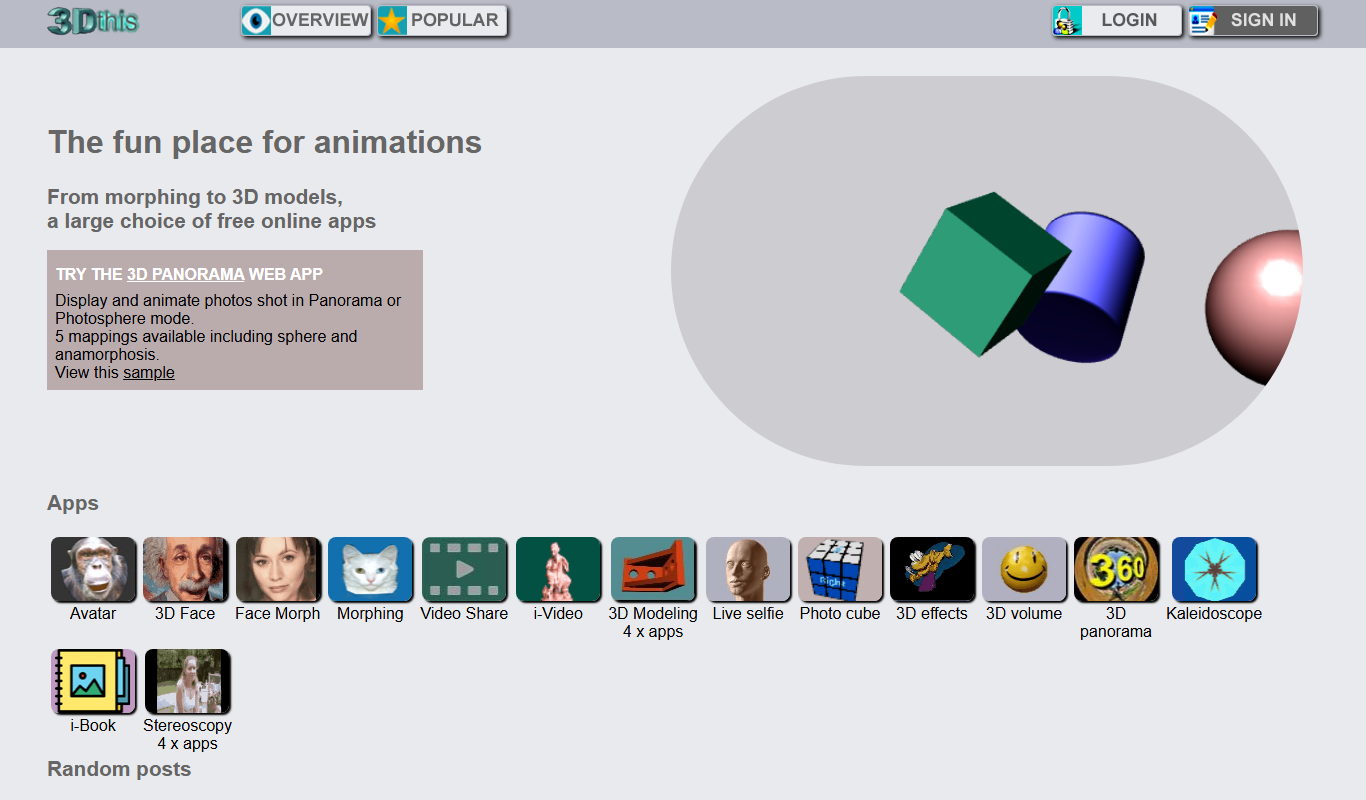
3Dthis is a web-based platform that allows users to create, animate, and customize 3D avatars and models from photos or templates without software installation.

Faceware
Faceware is a markerless facial motion capture software that tracks and translates human facial expressions into digital animations in real time, widely used in gaming, film, and virtual production.
SketchAR
SketchAR is an augmented reality app that projects virtual sketches onto physical surfaces, enabling users to trace and learn drawing interactively on mobile devices.

Clideo
Clideo is a web-based video editing platform that allows users to cut, merge, compress, convert, and create videos online without installing software.

FrameForge
FrameForge is a professional 3D storyboarding software used by filmmakers and video producers to visualize scenes, plan camera shots, and streamline pre-production workflows.

Plotagon
Plotagon is a user-friendly animated video creation tool that allows users to produce 3D animated stories by scripting dialogues and customizing characters without needing animation skills.