

From my experience with FrameForge, I found it excels at providing filmmakers and video production teams with a powerful 3D environment to visualize scenes and plan shots precisely. The virtual camera simulation and script integration features make it a valuable tool for pre-production, helping reduce costly on-set errors. However, the software has a learning curve and lacks real-time collaborative editing, which might slow down team workflows. Overall, if you need detailed storyboards with accurate camera setups for film or animation projects, FrameForge delivers solid, professional results.
FrameForge Storyboard Software for Filmmakers and Video Production Teams
FrameForge is a professional 3D storyboarding software used by filmmakers and video producers to visualize scenes, plan camera shots, and streamline pre-production workflows.
- Best for
- Film and Video Previsualization
- Key capability
- 3D Storyboard Environment

Do you recommend this tool?
What is FrameForge?
FrameForge is a professional storyboarding software designed for filmmakers, video producers, and animators. It enables users to create detailed, interactive 3D storyboards that simulate real-world camera setups, lighting, and actor blocking. This helps production teams visualize scenes before shooting, reducing costly mistakes and improving creative decision-making.
Key features of FrameForge
FrameForge offers advanced 3D scene building, virtual camera simulation, script integration, and collaboration tools. Its intuitive interface allows users to drag and drop characters, props, and cameras into scenes, then adjust angles and movements precisely. The software supports exporting storyboards in various formats for presentations and production use.
3D Storyboard Environment
Create realistic 3D scenes with customizable characters, props, and sets.
Virtual Camera Simulation
Simulate real camera lenses, angles, and movements to plan shots accurately.
Script Integration and Breakdown
Import scripts to organize scenes and link shots directly to script elements.
Multi-Platform Export Options
Export storyboards in multiple formats including PDFs, images, and interactive presentations.
Collaboration Tools
Share storyboards with team members for feedback and approvals.
Pros and cons of FrameForge
Pros
- Highly detailed 3D storyboard creation
- Accurate virtual camera and lens simulation
- Script integration streamlines planning
- Supports both Mac and Windows platforms
- One-time purchase option available
Cons
- Steeper learning curve for beginners
- No real-time collaborative editing
- Primarily desktop-based, no mobile app
Key use cases for FrameForge
Film and Video Previsualization
Create detailed 3D storyboards to visualize scenes before filming, helping directors and cinematographers plan shots effectively.
Storyboard Creation for Animation
Design animated storyboards with precise camera angles and character blocking to streamline animation production workflows.
Script Breakdown and Shot Planning
Analyze scripts and organize shots with integrated tools to improve production scheduling and budgeting.
Virtual Camera and Lens Simulation
Simulate real-world camera lenses and movements in a virtual 3D environment to test framing and composition.
Collaboration and Presentation
Share interactive storyboards with team members and clients to facilitate feedback and approvals.
How FrameForge works
- 1
Import or Write Script
Start by importing your script or writing it directly within FrameForge to organize scenes and shots.
- 2
Build 3D Scenes
Add characters, props, and set elements in a 3D workspace to recreate your scenes visually.
- 3
Set Camera Angles and Movements
Place virtual cameras and simulate lenses to plan shot composition and camera moves.
- 4
Review and Adjust
Play through scenes, adjust timing, and refine blocking to perfect your storyboard.
- 5
Export and Share
Export storyboards as PDFs, images, or interactive files to share with your production team.
Who is using FrameForge
Filmmakers and directors
Video production teams
Animators and storyboard artists
Film students and educators
Advertising agencies
FrameForge pricing
FrameForge Previz Studio
$495 one-time
Full-featured storyboarding software with 3D scene building and camera simulation.
FrameForge Previz Studio Subscription
$49/month
Monthly subscription plan with all features and updates included.
Plans and prices are as published by the vendor and can change. Check the official site before you buy. Open the pricing page (opens in a new tab)
Frequently asked questions about FrameForge
Yes, FrameForge runs on both Windows and Mac desktop platforms.
Yes, you can import scripts in various formats to organize scenes and shots.
FrameForge allows you to export and share storyboards for team feedback, but it does not have real-time multi-user editing.
You can export storyboards as PDFs, images, and interactive files suitable for presentations.
This tool is designed to help users accomplish its core tasks more efficiently. It is typically used by individuals or teams looking to improve productivity and workflow.
Yes, it can help with that use case depending on how you configure it and what features are available. You’ll get the best results with clear inputs and a defined goal.
Yes, it can help with that use case depending on how you configure it and what features are available. You’ll get the best results with clear inputs and a defined goal.
Pricing depends on the plan and included features. For the most accurate and up-to-date details, check the official pricing page.
Sign in to review this tool.
Sign In to ReviewNo reviews yet
Be the first to share how this tool worked for you.
Ask about pricing, limits, or how it compares — or answer someone else.
Sign In to AskNo questions yet
Have a question about using or paying for this tool? Be the first to ask.
Featured on TiorAI



Alternative Tools
Explore similar AI tools that might fit your needs

Freemium
Storyboard That
Storyboard That is a web-based tool that allows users to create storyboards, comics, and graphic organizers using a drag-and-drop interface with customizable characters and scenes, primarily used in education and business.

Free
Celtx
Celtx is a cloud-based software platform designed for scriptwriting and media pre-production, providing tools for writing scripts, creating storyboards, scheduling production, and collaborating with teams.
More AI Animation Generator tools
Other tools in the same category, for when this one is not quite the fit.
Free
Aggie.io
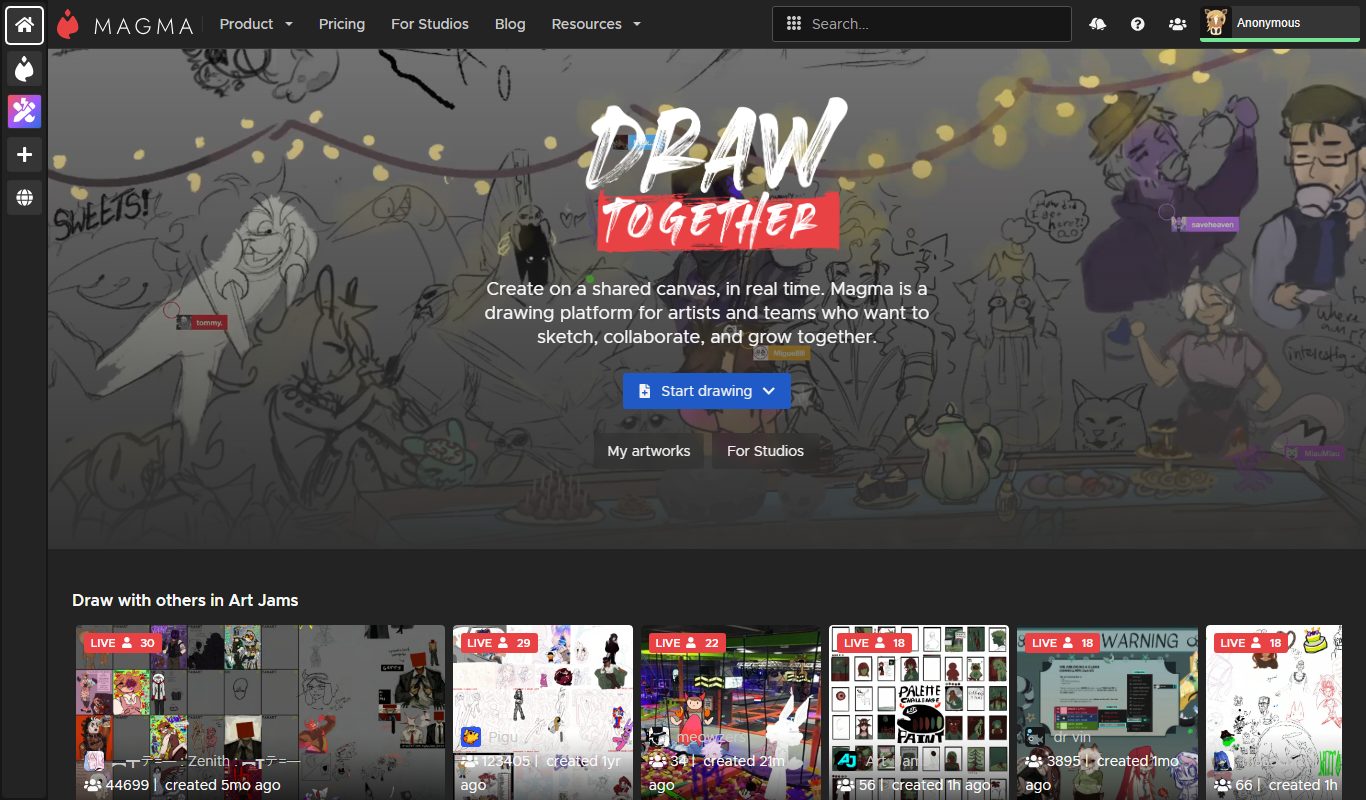
Aggie.io is a free online collaborative drawing tool that allows multiple users to paint together in real time on a shared canvas without requiring installation or accounts.
Free Trial
PlantFactory
PlantFactory is a desktop 3D software tool that enables users to create, customize, and animate realistic plants using procedural modeling techniques, suitable for visual effects, games, and architectural projects.

Free
GIF Brewery
GIF Brewery is a Mac application that allows users to create, edit, and optimize animated GIFs from videos or screen recordings with advanced editing features and easy export options.

Freemium
DeepAR SDK
DeepAR SDK is a cross-platform augmented reality development kit that enables real-time face tracking, AI avatar creation, and 3D AR effects for mobile apps, games, and live streaming.

Custom Pricing
Banuba SDK
Banuba SDK is an AI-powered augmented reality software development kit that enables developers to integrate real-time face tracking, 3D masks, beauty filters, and avatar effects into mobile and desktop applications.

Contact for pricing
8i
8i is a platform that creates photorealistic 3D holograms and avatars using volumetric video technology for VR and AR experiences.

Freemium
Didimo
Didimo is an AI-powered platform that creates realistic 3D digital human avatars from a single photo, supporting gaming, VR, animation, and social media use cases.
Free
ImgPlay
ImgPlay is a mobile and web app that converts videos and photos into animated GIFs with editing tools like text, stickers, and filters for social media sharing.