

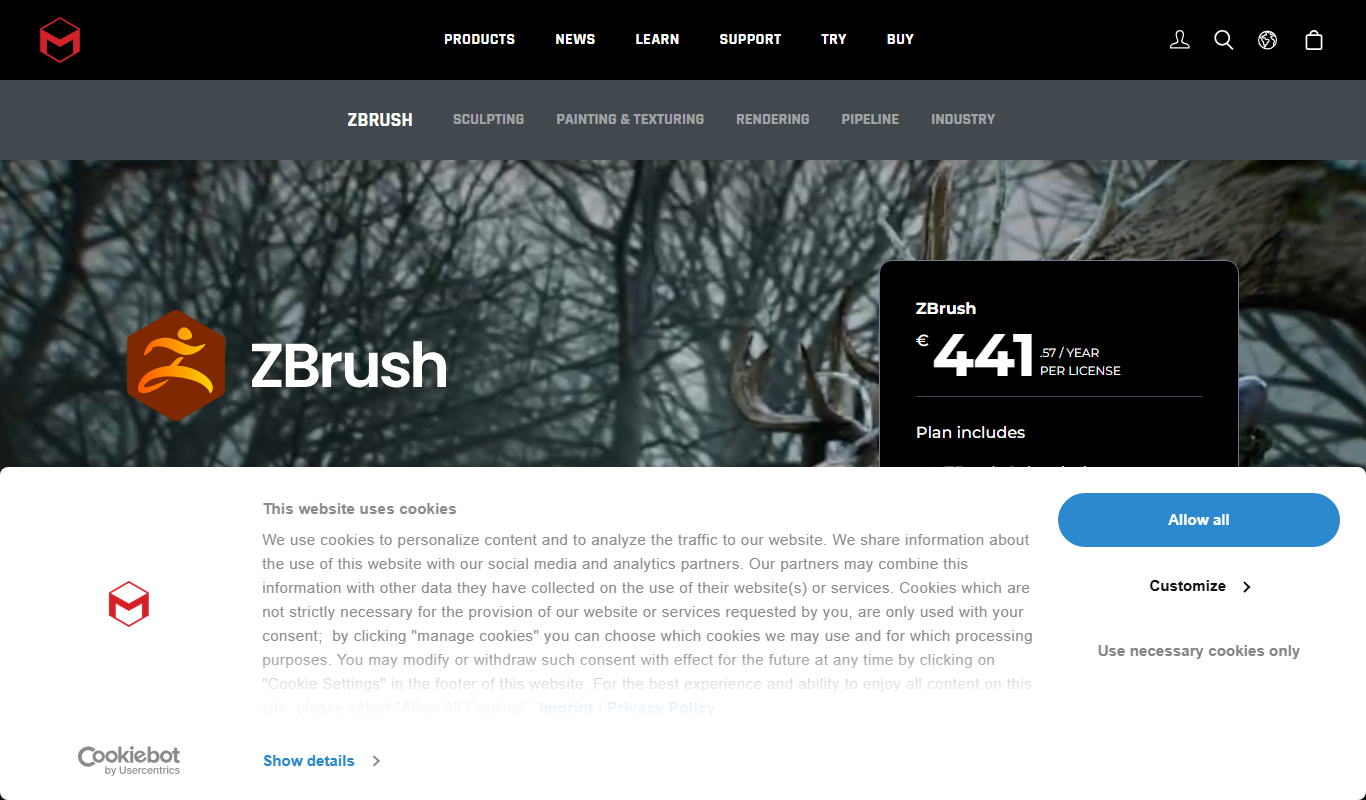
From my experience with ZBrush, it stands out as an exceptionally powerful tool for digital sculpting and 3D modeling, especially when working on highly detailed characters and assets. The software’s ability to handle millions of polygons smoothly allows artists to push creative boundaries. While the learning curve is steep, the extensive community resources and tutorials help ease the process. ZBrush is ideal for professional artists and studios focused on game development, film, and product design. However, beginners should be prepared to invest time to master its complex interface. Overall, for anyone serious about digital sculpting, ZBrush delivers unmatched capabilities.
ZBrush Digital Sculpting Software for 3D Modeling and Art Design
ZBrush is a professional digital sculpting software by Pixologic used for creating detailed 3D models and textures, widely adopted in gaming, film, and design industries.
- Best for
- 3D Character Modeling
- Key capability
- Dynamic Subdivision
Do you recommend this tool?
What is ZBrush?
ZBrush is a professional digital sculpting software developed by Pixologic, designed for creating highly detailed 3D models and artwork. It combines 3D/2.5D modeling, texturing, and painting tools to enable artists to sculpt complex characters, environments, and objects with unprecedented detail and control. ZBrush is widely used in industries such as video games, film, animation, and product design.
Key features of ZBrush
ZBrush offers an extensive set of sculpting brushes, dynamic subdivision, polypainting, advanced rendering, and powerful modeling tools. Its unique Pixol technology stores lighting, color, material, and depth information, enabling artists to work with rich detail. The software supports high polygon counts and integrates with other 3D applications for a seamless workflow.
Dynamic Subdivision
Preview smooth surfaces without increasing polygon count permanently.
ZRemesher
Automatically retopologize models for cleaner geometry and animation readiness.
Polypainting
Paint textures directly on the model without needing UV maps.
Transpose and Pose Tools
Easily pose characters and models with intuitive manipulation tools.
GoZ Integration
Seamlessly transfer models between ZBrush and other 3D software like Maya or 3ds Max.
Pros and cons of ZBrush
Pros
- Extremely powerful and detailed sculpting tools
- Supports very high polygon counts without lag
- Strong community and extensive learning resources
- Flexible licensing options including subscription
- Seamless integration with other 3D software
Cons
- Steep learning curve for new users
- Interface can be overwhelming initially
- No native support for Linux operating systems
Key use cases for ZBrush
3D Character Modeling
Create highly detailed and complex 3D characters for games, films, and animations.
Digital Sculpting
Use advanced sculpting brushes and tools to shape and refine 3D models with precision.
Texture Painting
Apply detailed textures and polypaint directly onto 3D models for realistic surface finishes.
Concept Art and Design
Develop concept models and prototypes for creative projects and product design.
3D Printing Preparation
Prepare and optimize models for 3D printing workflows with integrated tools.
How ZBrush works
- 1
Install and Launch
Download and install ZBrush on your Windows or macOS system, then launch the application.
- 2
Create or Import Model
Start sculpting from a base mesh or import existing 3D models to refine.
- 3
Use Sculpting Tools
Apply various brushes and tools to shape, detail, and texture your model.
- 4
Paint and Texture
Add colors and textures directly onto the model using polypainting features.
- 5
Export or Render
Export your finished model for use in other software, 3D printing, or render within ZBrush.
Who is using ZBrush
3D artists and sculptors
Game developers
Film and animation studios
Product designers
Hobbyists interested in digital sculpting
ZBrush pricing
Perpetual License
$895 one-time
Full version with lifetime access and updates.
Subscription
$39.95/month
Monthly access with all features and updates.
Plans and prices are as published by the vendor and can change. Check the official site before you buy. Open the pricing page (opens in a new tab)
Frequently asked questions about ZBrush
While ZBrush has a learning curve, beginners can start with basic tutorials and gradually explore advanced features.
Yes, ZBrush includes tools to prepare and optimize models specifically for 3D printing.
Yes, ZBrush is available for both Windows and macOS platforms.
Pixologic offers a free trial version of ZBrush for users to evaluate before purchasing.
This tool is designed to help users accomplish its core tasks more efficiently. It is typically used by individuals or teams looking to improve productivity and workflow.
It depends on your specific needs and how you plan to use the tool. The official website and documentation are the best sources for the latest details.
Pricing depends on the plan and included features. For the most accurate and up-to-date details, check the official pricing page.
This tool is designed to help users accomplish its core tasks more efficiently. It is typically used by individuals or teams looking to improve productivity and workflow.
Sign in to review this tool.
Sign In to ReviewNo reviews yet
Be the first to share how this tool worked for you.
Ask about pricing, limits, or how it compares — or answer someone else.
Sign In to AskNo questions yet
Have a question about using or paying for this tool? Be the first to ask.
Featured on TiorAI



Alternative Tools
Explore similar AI tools that might fit your needs
Free
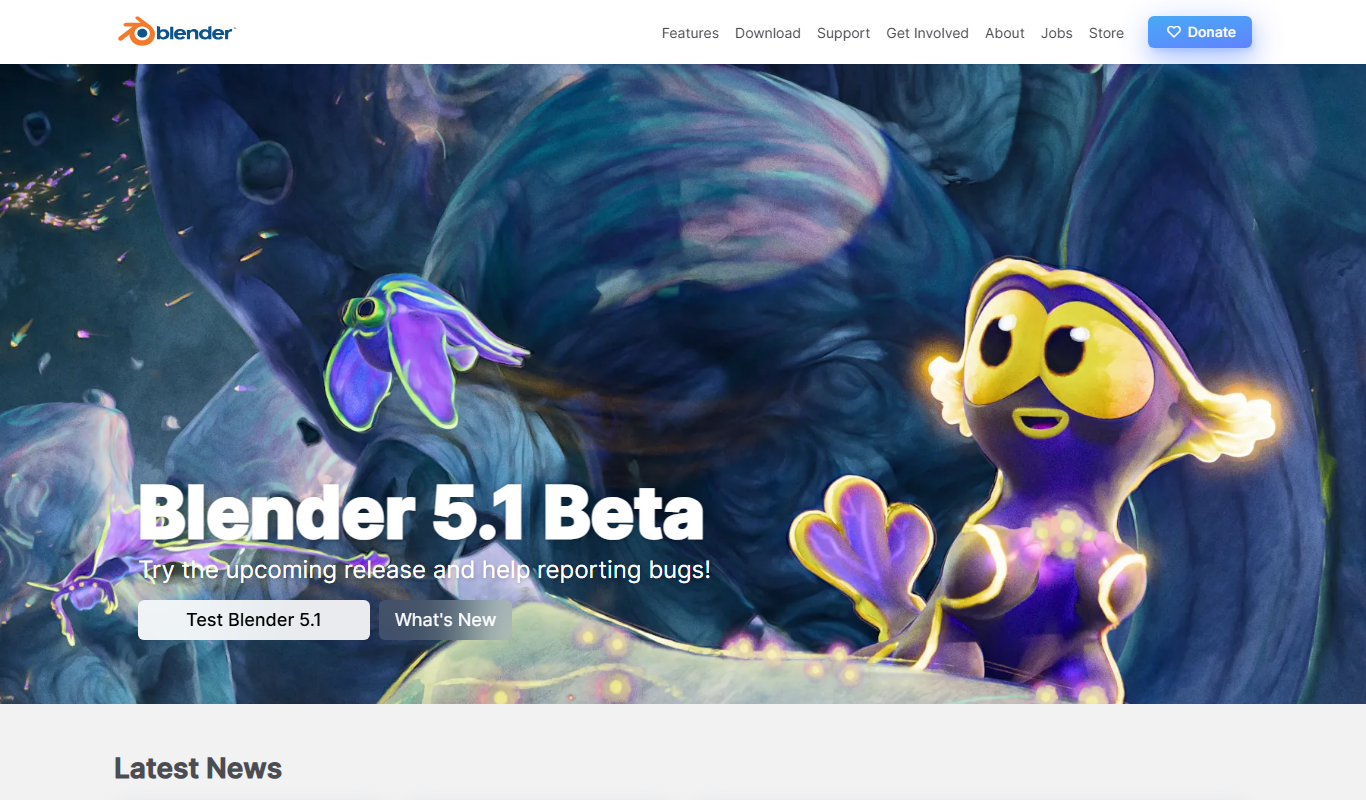
Blender
Blender is a free, open-source 3D creation suite used for modeling, animation, rendering, and video editing across various creative industries.
More AI Art Generator tools
Other tools in the same category, for when this one is not quite the fit.

Free
Prompt Hero
Prompt Hero is a web platform that provides a marketplace and community for discovering, sharing, and selling AI prompts used in text-to-image generation with popular AI art models.
Paid
MyPetPortrait
MyPetPortrait is an online service that creates personalized pet portraits from your photos, offering various artistic styles and options for digital or printed artwork.
Free
Sketchbook
Sketchbook is a professional digital drawing and painting software by Autodesk that offers customizable brushes, layers, and cross-platform support for artists and designers.
Free
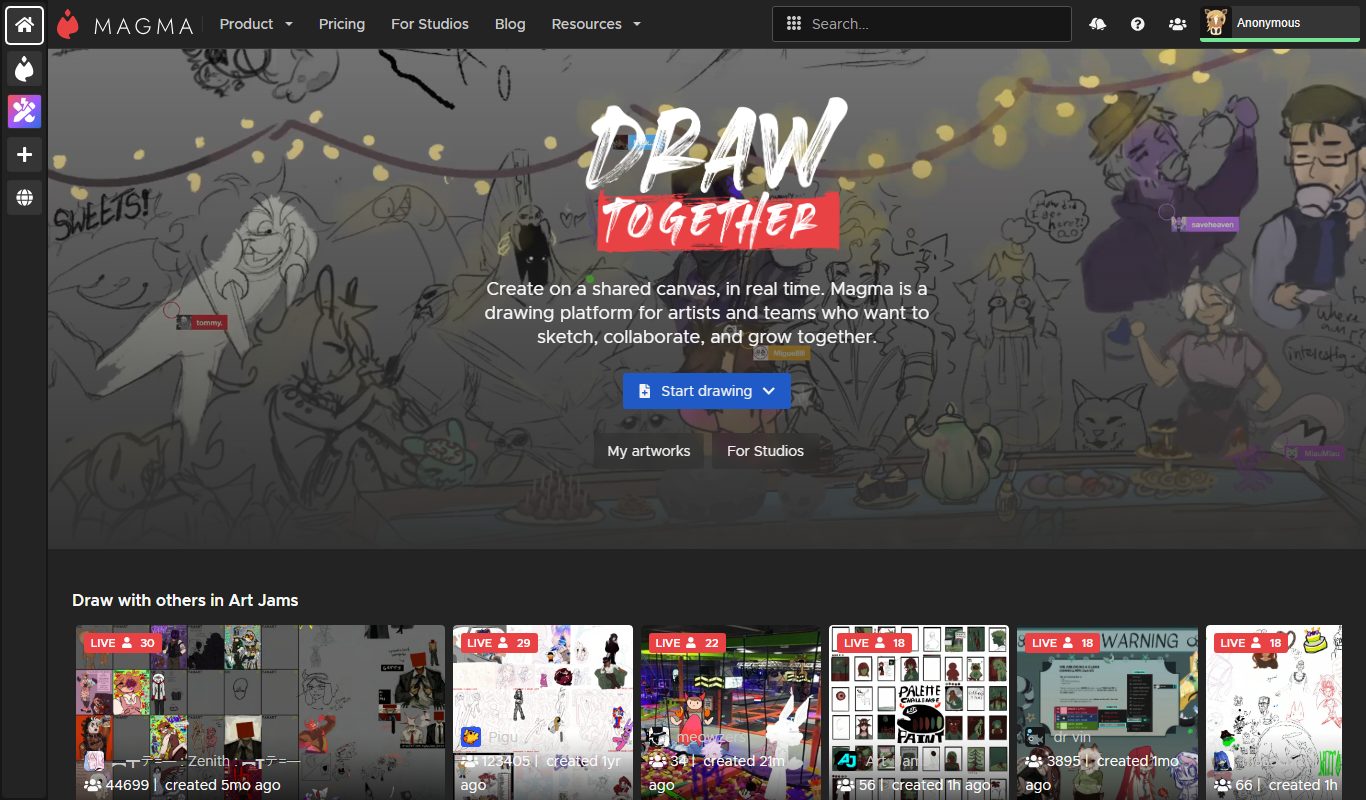
Aggie.io
Aggie.io is a free online collaborative drawing tool that allows multiple users to paint together in real time on a shared canvas without requiring installation or accounts.

Enterprise
Redshift
Redshift is a GPU-accelerated 3D rendering software that enables fast, photorealistic image creation for artists and designers, integrating with major 3D applications.
Free
ThisPersonDoesNotExist
ThisPersonDoesNotExist is a free web tool that uses AI to generate photorealistic human faces that do not belong to real people, useful for creative and privacy-conscious applications.
Free
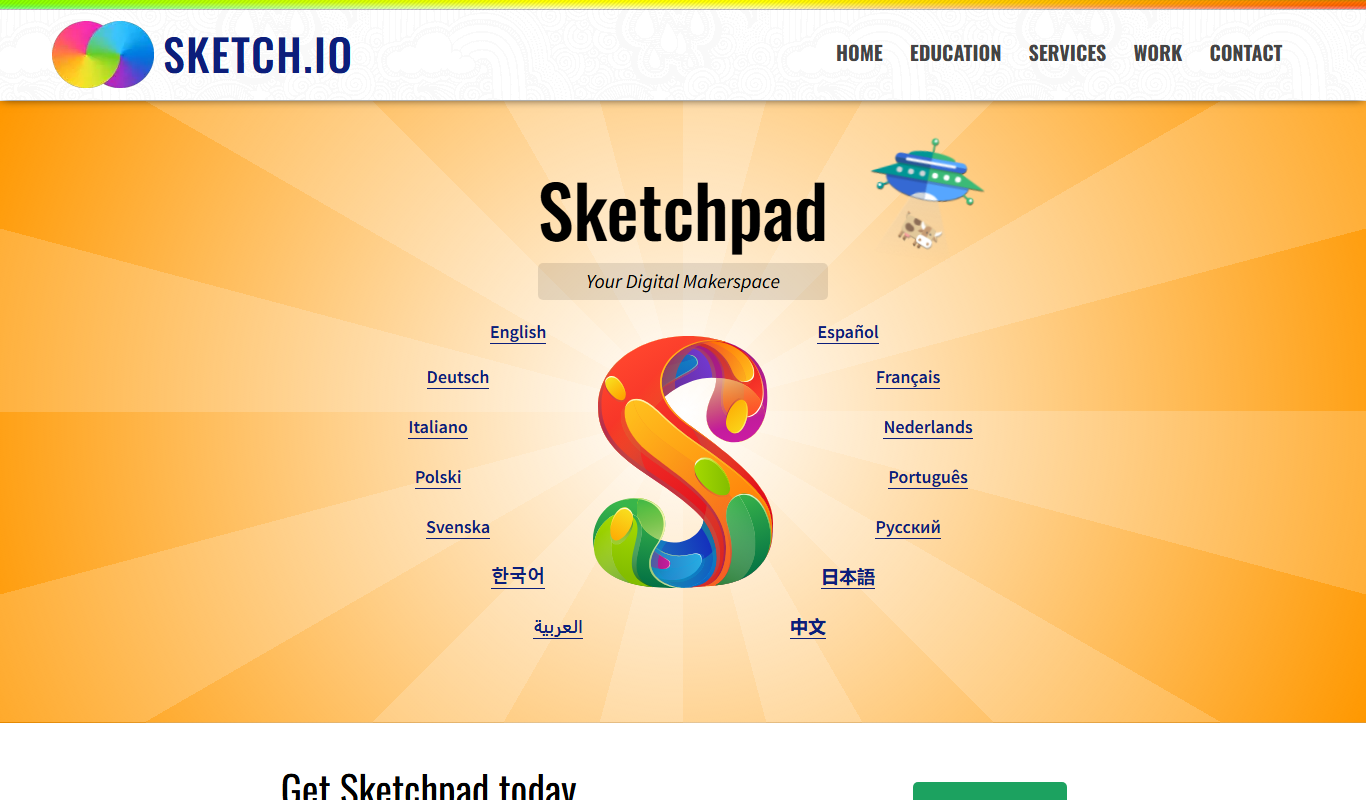
Sketchpad
Sketchpad is a free web-based drawing application that supports vector and raster graphics, offering tools for digital illustration, graphic design, and creative projects accessible directly in your browser.

Freemium
Microstockr
Microstockr is an AI-powered platform that generates royalty-free stock photos and creative images from text prompts, ideal for marketing and design projects.