

From my experience with Redshift, I found it excels at delivering fast, high-quality 3D renders by leveraging GPU acceleration. The integration with major 3D software makes it a practical choice for professionals in visual effects, architecture, and digital art. However, it requires a compatible NVIDIA GPU, which can be a limitation for some users, and the subscription pricing might be steep for freelancers or hobbyists. Overall, if you need efficient photorealistic rendering for complex scenes, Redshift offers a robust and reliable solution.
Redshift AI Art Generator for Professional Digital Design and Illustration
Redshift is a GPU-accelerated 3D rendering software that enables fast, photorealistic image creation for artists and designers, integrating with major 3D applications.
- Best for
- 3D Rendering for Visual Effects
- Key capability
- GPU-Accelerated Rendering
Your actions
Save Redshift, follow its updates and vote on it — everything stays in your account.
Sign in or create a free account
What is Redshift?
Redshift is a powerful GPU-accelerated 3D rendering software designed to deliver fast, photorealistic images for artists, designers, and visual effects professionals. It integrates seamlessly with popular 3D modeling applications, enabling users to create high-quality renders with advanced lighting, shading, and texture capabilities.
Key features of Redshift
Redshift offers fast GPU rendering, support for complex scenes, customizable shaders, global illumination, volumetric effects, and integration with major 3D software like Maya, Cinema 4D, and Houdini.
GPU-Accelerated Rendering
Leverages GPU power for faster rendering compared to CPU-based engines.
Advanced Global Illumination
Supports multiple GI methods for realistic light behavior.
Extensive Shader Library
Includes customizable shaders for materials, textures, and effects.
Integration with Major 3D Software
Works as a plugin with Maya, Cinema 4D, Houdini, 3ds Max, and more.
Scalable for Complex Scenes
Handles large scenes with many polygons and textures efficiently.
Pros and cons of Redshift
Pros
- Fast GPU rendering significantly reduces render times
- Seamless integration with popular 3D modeling software
- Supports complex scenes with high detail
- Robust shader and lighting options for photorealism
- Regular updates and active development
Cons
- Requires NVIDIA GPU for optimal performance
- Subscription pricing may be costly for freelancers
- Steep learning curve for beginners new to rendering
Key use cases for Redshift
3D Rendering for Visual Effects
Create photorealistic 3D renders for movies, commercials, and animations with fast GPU acceleration.
Architectural Visualization
Produce detailed and realistic architectural models and walkthroughs for client presentations.
Product Design and Prototyping
Generate high-quality images of product concepts to aid in design decisions and marketing.
Game Asset Creation
Render game assets with realistic lighting and textures for use in game development pipelines.
Digital Art and Illustration
Support artists in creating complex scenes and digital artwork with advanced rendering features.
How Redshift works
- 1
Install Redshift Plugin
Download and install the Redshift plugin compatible with your 3D software.
- 2
Set Up Scene
Create or import your 3D models and set up materials, lighting, and camera.
- 3
Configure Render Settings
Adjust Redshift’s rendering parameters such as quality, sampling, and effects.
- 4
Render Image
Use GPU acceleration to render your scene quickly with photorealistic results.
- 5
Post-Process
Export the rendered images for further editing or compositing.
Who is using Redshift
Visual effects artists
3D animators
Architectural visualization professionals
Game developers
Digital artists and illustrators
Redshift pricing
Subscription
$545/year
Annual subscription with full access to Redshift features and updates.
Enterprise
Custom pricing
Tailored solutions for studios with volume licensing and dedicated support.
Plans and prices are as published by the vendor and can change. Check the official site before you buy. Open the pricing page (opens in a new tab)
Frequently asked questions about Redshift
Redshift supports integration with Maya, Cinema 4D, Houdini, 3ds Max, Blender, and Katana.
Redshift is a GPU-accelerated renderer, designed to leverage NVIDIA GPUs for faster rendering.
Yes, Redshift is optimized to efficiently render complex scenes with many polygons and textures.
Yes, Redshift provides a free trial period for users to test the software before purchasing.
This tool is designed to help users accomplish its core tasks more efficiently. It is typically used by individuals or teams looking to improve productivity and workflow.
It depends on your specific needs and how you plan to use the tool. The official website and documentation are the best sources for the latest details.
Yes, it can help with that use case depending on how you configure it and what features are available. You’ll get the best results with clear inputs and a defined goal.
It depends on your specific needs and how you plan to use the tool. The official website and documentation are the best sources for the latest details.
Sign in to review this tool.
Sign In to ReviewNo reviews yet
Be the first to share how this tool worked for you.
Ask about pricing, limits, or how it compares — or answer someone else.
Sign In to AskNo questions yet
Have a question about using or paying for this tool? Be the first to ask.
Featured on TiorAI



Alternative Tools
Explore similar AI tools that might fit your needs

Perpetual License
OctaneRender
OctaneRender is a GPU-accelerated, unbiased rendering engine by OTOY that produces photorealistic 3D images and animations using NVIDIA GPUs.

Perpetual License
V-Ray
V-Ray is a professional 3D rendering software by Chaos that produces photorealistic images and animations using advanced ray tracing and global illumination. It integrates with popular 3D modeling tools and supports CPU and GPU rendering.
More AI Art Generator tools
Other tools in the same category, for when this one is not quite the fit.

Free
Method Draw
Method Draw is a free, open source online SVG editor that allows users to create and edit vector graphics directly in the browser without installation.

Free
aiportrait.art
aiportrait.art is an online AI tool that transforms user photos into artistic portraits using machine learning style transfer techniques.

Free
Magic Gradient
Magic Gradient is a free gradient generator with Animated Gradient, Tailwind, SVG Wave and radial gradient tools, and free use has no limit.
Free
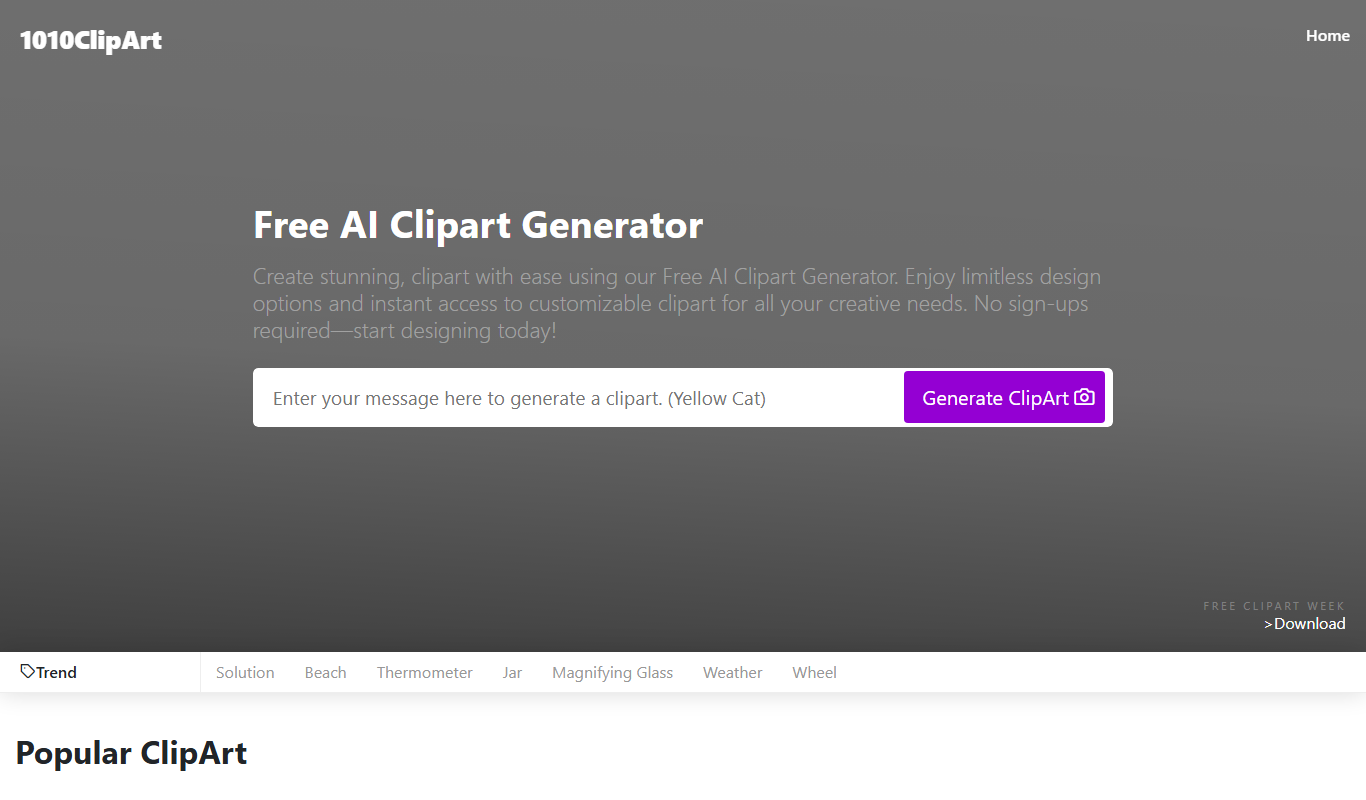
Free AI Clipart Generator
Free AI Clipart Generator by 1010clipart is a web-based tool that creates unique clipart images using AI, available for free without registration.

Free
aianimegenerator.me
AIAnimeGenerator.me converts photos to anime without registration, with paid higher quality on a partner site.

Free
PicsArt
PicsArt is a comprehensive photo editing and AI art generation platform that enables users to create, edit, and enhance images with advanced AI tools across web and mobile devices.
Free
Painnt
Painnt is a Moonlighting app that uses neural networks and artificial intelligence to turn photos into art and cartoon images with 1000+ filters, available on iOS, Mac, Android and Windows.

Freemium
Prisma
Prisma is an iOS and Android app that applies artistic styles to photos using neural networks.