

From my experience with QuickDraw, I found it to be an engaging and educational tool that effectively demonstrates how AI can interpret human sketches in real-time. The simplicity of the interface combined with the instant feedback from the AI makes it accessible for users of all ages, whether for casual entertainment or learning about machine learning concepts. However, it is not designed for professional artists or offline use, which limits its application in serious creative workflows. Overall, if you want a fun way to explore AI-powered sketch recognition and contribute to AI research, QuickDraw delivers a unique and enjoyable experience.
QuickDraw by Google - AI-Powered Drawing Game and Image Recognition Tool
QuickDraw is a free web-based AI drawing game by Google that guesses your sketches in real-time using machine learning.
- Best for
- Casual Drawing and Entertainment
- Key capability
- Real-Time AI Sketch Recognition
Your actions
Save QuickDraw, follow its updates and vote on it — everything stays in your account.
Sign in or create a free accountWhat is QuickDraw?
QuickDraw is an AI-powered web-based drawing game developed by Google that challenges users to draw objects within a limited time while an AI attempts to recognize the sketches in real-time. It leverages machine learning models trained on millions of doodles to identify hand-drawn images quickly and accurately. The tool is both entertaining and educational, showcasing how AI can interpret human sketches and learn from vast datasets.
Key features of QuickDraw
QuickDraw features a simple drawing interface, real-time AI guessing, a large dataset of doodles, and an engaging game format that makes AI and machine learning concepts accessible to a broad audience.
Real-Time AI Sketch Recognition
The AI guesses what the user is drawing as they sketch, providing instant feedback.
Large Dataset of Doodles
Millions of user-submitted sketches help train and refine the AI models.
Simple and Intuitive Interface
A clean web interface makes it easy for users of all ages to participate.
Educational Insights
Users can learn about AI, neural networks, and machine learning through interactive play.
Pros and cons of QuickDraw
Pros
- Engaging and easy to use for all ages
- Demonstrates AI and machine learning concepts interactively
- Free and accessible on any web browser
- Contributes to AI research with user data
Cons
- Limited to English language prompts
- No offline or mobile app version
- Not designed for professional drawing or art creation
Key use cases for QuickDraw
Casual Drawing and Entertainment
Users can play a fun and interactive game where they draw objects and the AI tries to guess what they are drawing in real-time.
AI and Machine Learning Education
QuickDraw serves as an educational tool to demonstrate how neural networks recognize hand-drawn sketches and how AI learns from data.
Data Collection for AI Training
The game collects millions of doodles from users worldwide, which helps improve AI models for sketch recognition and image understanding.
Creative Inspiration
Artists and designers can use QuickDraw to explore AI interpretations of sketches and gain creative ideas.
How QuickDraw works
- 1
Start Drawing
Users select a prompt and draw the object on the canvas within a time limit.
- 2
AI Recognition
The AI analyzes the sketch strokes in real-time and tries to guess the object being drawn.
- 3
Feedback and Scoring
If the AI guesses correctly before time runs out, the user scores points and moves to the next prompt.
- 4
Data Contribution
User drawings are anonymously collected to improve the AI’s training dataset.
Who is using QuickDraw
Students and educators interested in AI
Casual users seeking entertainment
Artists exploring AI creativity
Researchers collecting sketch data
QuickDraw pricing
Free
$0
Full access to the QuickDraw game and AI features at no cost.
Plans and prices are as published by the vendor and can change. Check the official site before you buy. Open the pricing page (opens in a new tab)
Frequently asked questions about QuickDraw
Yes, QuickDraw is completely free and accessible via any modern web browser.
QuickDraw uses machine learning models built with TensorFlow to recognize sketches in real-time.
QuickDraw does not currently offer a feature to download your sketches.
The doodles collected help improve AI models for sketch recognition and related research.
It depends on your specific needs and how you plan to use the tool. The official website and documentation are the best sources for the latest details.
Some tools offer a free plan or trial with limited features. Availability can vary, so confirm on the official website.
This tool is designed to help users accomplish its core tasks more efficiently. It is typically used by individuals or teams looking to improve productivity and workflow.
Yes, it can help with that use case depending on how you configure it and what features are available. You’ll get the best results with clear inputs and a defined goal.
Sign in to review this tool.
Sign In to ReviewNo reviews yet
Be the first to share how this tool worked for you.
Ask about pricing, limits, or how it compares — or answer someone else.
Sign In to AskNo questions yet
Have a question about using or paying for this tool? Be the first to ask.
Featured on TiorAI



Alternative Tools
Explore similar AI tools that might fit your needs

Free
Skribbl.io
Skribbl.io is a free browser-based multiplayer drawing and guessing game where players take turns drawing words and others guess them in real time.
More AI Art Generator tools
Other tools in the same category, for when this one is not quite the fit.
Free Trial
SketchAR
SketchAR is an augmented reality app that projects virtual sketches onto physical surfaces, enabling users to trace and learn drawing interactively on mobile devices.

Pay As You Go
Heurist Imagine
Heurist Imagine is an AI image and video generator that runs models such as FLUX, Stable Diffusion and Veo 3 on decentralized infrastructure, paid pay-as-you-go with crypto.

Free
Story Diffusion Gen | Story Character
Story Diffusion Gen is an AI-powered web platform that generates character-consistent images, videos and comics from text prompts for visual storytelling.

Freemium
Scenario
Scenario is a creative AI platform for building workflows across image, video, audio and 3D, with models trained on your own art bible.
Freemium
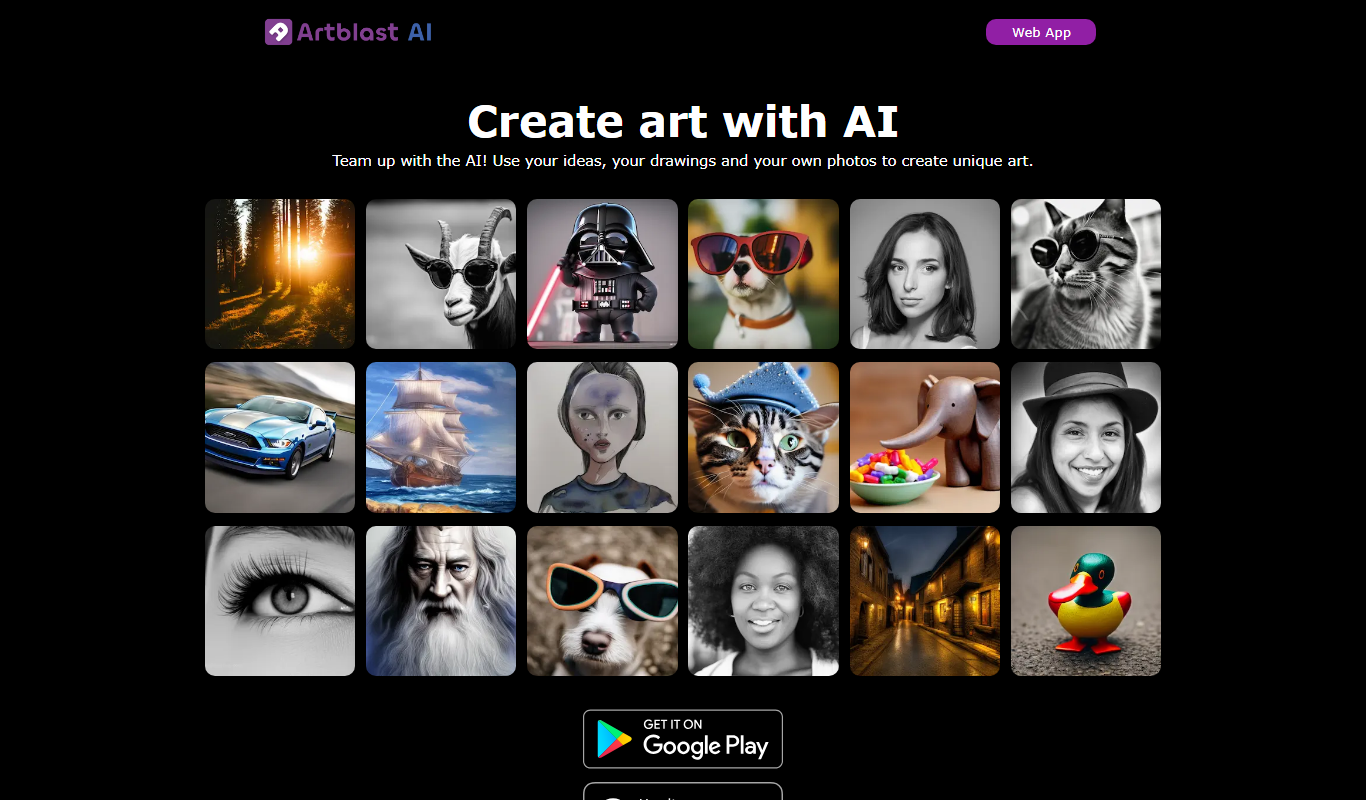
ArtblastAI
ArtblastAI is a web-based AI art generator that creates digital artwork from text prompts with customizable styles and high-resolution downloads.
Freemium
Dream by WOMBO
Dream by WOMBO is an AI art and video generator with apps for iOS and Android.

Free
starryai 2.0
StarryAI 2.0 is an AI art generation platform that creates unique digital images from text prompts, offering style customization and NFT minting features.

Free
Pixel-Art.ai
Pixel-Art.ai is an AI-driven web tool that generates custom pixel art and sprites from user prompts, ideal for game developers and digital artists seeking quick pixel art creation.