

DreamAI Text to Image Generator for Creative AI Art and Design
Dream by WOMBO is an AI art and video generator with apps for iOS and Android.
- Best for
- Creative Artwork Generation
- Key capability
- Text-to-Image Conversion
Save Dream by WOMBO, follow its updates and vote on it — everything stays in your account.
Sign in or create a free accountWhat is Dream by WOMBO?
Dream by WOMBO is an AI art and video generator that makes images and video, with apps for iOS and Android.
Key features of Dream by WOMBO
DreamAI offers intuitive text prompt input, diverse artistic styles, fast image generation, and easy sharing options. It supports creative professionals and enthusiasts by simplifying the process of generating custom visuals from text descriptions.
Text-to-Image Conversion
Transforms textual descriptions into detailed and creative images.
Multiple Artistic Styles
Offers a range of styles such as realistic, abstract, and fantasy to suit different needs.
User-Friendly Interface
Simple and accessible web platform requiring no technical expertise.
Fast Processing
Generates images quickly to support rapid creative workflows.
Freemium Access
Provides free usage with optional paid upgrades for enhanced features.
Pros and cons of Dream by WOMBO
Pros
- Easy to use with no artistic skills required
- Supports multiple artistic styles
- Fast image generation
- Free tier available
- Web-based with no installation needed
Cons
- Limited free usage per day
- No desktop or mobile apps currently
- Customization options could be expanded
Key use cases for Dream by WOMBO
Creative Artwork Generation
Generate unique digital artwork from textual descriptions for personal or professional projects.
Graphic Design Assistance
Assist graphic designers by quickly producing concept visuals and creative ideas based on text prompts.
Social Media Content Creation
Create eye-catching images for social media posts to enhance engagement and visual storytelling.
Marketing and Advertising Visuals
Produce customized images for marketing campaigns and advertisements without needing extensive design skills.
Inspiration for Artists
Provide artists with AI-generated visuals to inspire new creative directions and concepts.
How Dream by WOMBO works
- 1
Enter Text Prompt
Users input a descriptive text prompt detailing the desired image.
- 2
Select Style and Settings
Choose from various artistic styles or customize parameters to influence the output.
- 3
Generate Image
The AI processes the prompt and creates a unique image based on the input.
- 4
Download or Share
Users can download the generated image or share it directly on social media.
Who is using Dream by WOMBO
Dream by WOMBO pricing
Free
$0/month
Basic access with limited daily image generations and standard resolution.
Pro
$34.99/month
Includes 3,250 credits per month, everything in Standard, a priority generation queue, exclusive Pro styles, extended video durations and early access to new features.
Plans and prices are as published by the vendor and can change. Check the official site before you buy. Open the pricing page (opens in a new tab)
Frequently asked questions about Dream by WOMBO
DreamAI is used to create unique digital images from text descriptions, useful for art, design, marketing, and inspiration.
No, DreamAI is designed to be user-friendly and requires no prior design or artistic skills.
Yes, DreamAI offers a free plan with limited daily image generations.
Usage rights depend on the plan and terms of service; users should review DreamAI’s licensing policies.
It depends on your specific needs and how you plan to use the tool. The official website and documentation are the best sources for the latest details.
Some tools offer a free plan or trial with limited features. Availability can vary, so confirm on the official website.
Yes, it can help with that use case depending on how you configure it and what features are available. You’ll get the best results with clear inputs and a defined goal.
Conclusion
Officially the product is Dream by WOMBO, an AI art and video generator with apps for iOS and Android as well as a web version. Image creation starts with a descriptive text prompt, after which a style can be chosen or parameters customized to influence the output. The generated image can be downloaded or shared directly on social media.
Styles range from realistic to abstract and fantasy, and no prior design or artistic skills are required. Suggested uses include images for social media posts and visuals for marketing campaigns.
A free plan comes with limited daily image generations. Usage rights depend on the plan and the terms of service.
Sources
Sign in to review this tool.
Sign In to ReviewNo reviews yet
Be the first to share how this tool worked for you.
Ask about pricing, limits, or how it compares — or answer someone else.
Sign In to AskNo questions yet
Have a question about using or paying for this tool? Be the first to ask.
Featured on TiorAI



More AI Art Generator tools
Other tools in the same category, for when this one is not quite the fit.
SketchAR
SketchAR is an augmented reality app that projects virtual sketches onto physical surfaces, enabling users to trace and learn drawing interactively on mobile devices.

Heurist Imagine
Heurist Imagine is an AI image and video generator that runs models such as FLUX, Stable Diffusion and Veo 3 on decentralized infrastructure, paid pay-as-you-go with crypto.

Story Diffusion Gen | Story Character
Story Diffusion Gen is an AI-powered web platform that generates character-consistent images, videos and comics from text prompts for visual storytelling.

Scenario
Scenario is a creative AI platform for building workflows across image, video, audio and 3D, with models trained on your own art bible.
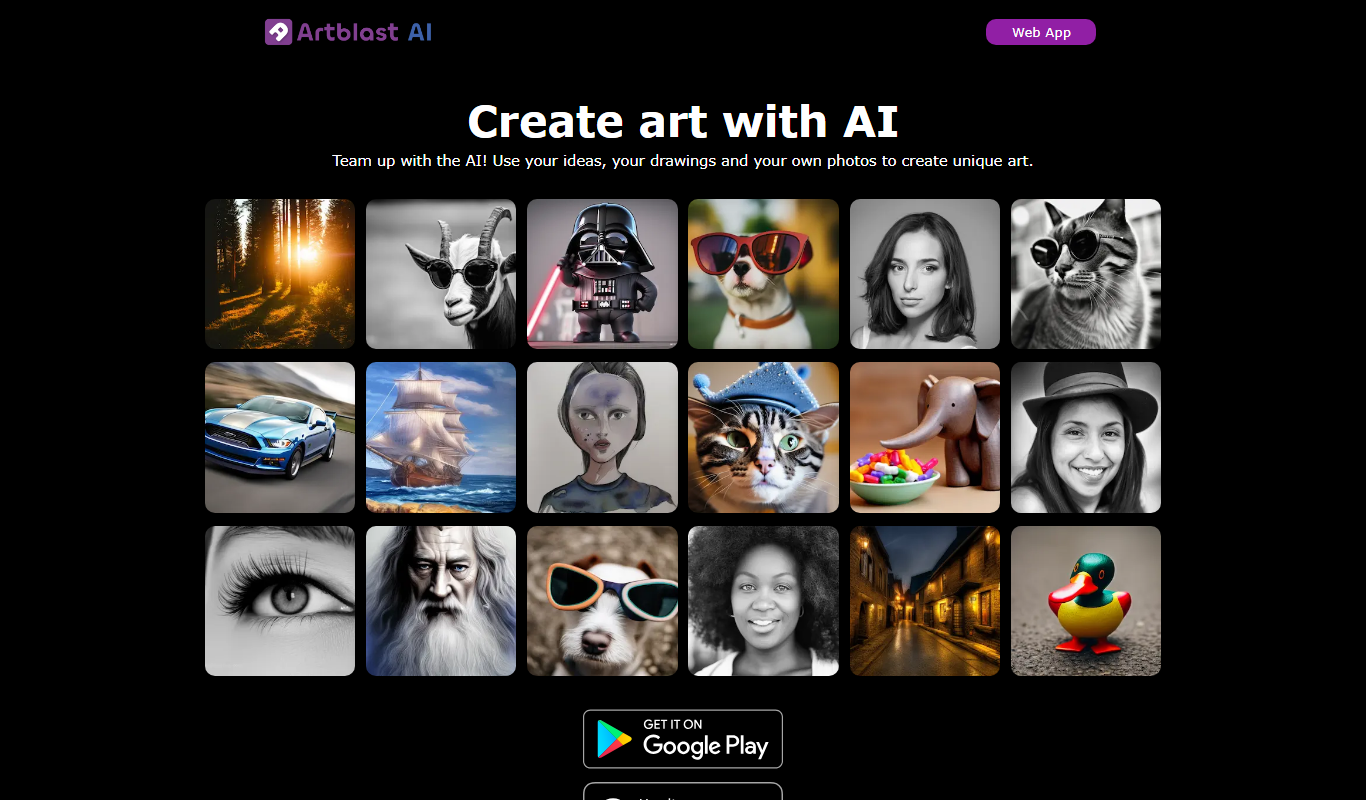
ArtblastAI
ArtblastAI is a web-based AI art generator that creates digital artwork from text prompts with customizable styles and high-resolution downloads.

starryai 2.0
StarryAI 2.0 is an AI art generation platform that creates unique digital images from text prompts, offering style customization and NFT minting features.

Pixel-Art.ai
Pixel-Art.ai is an AI-driven web tool that generates custom pixel art and sprites from user prompts, ideal for game developers and digital artists seeking quick pixel art creation.

Method Draw
Method Draw is a free, open source online SVG editor that allows users to create and edit vector graphics directly in the browser without installation.