

From my experience with Sketchbook, I found it excels at providing a natural and intuitive drawing experience that caters well to both beginners and professional artists. The customizable brushes and layer management tools make it versatile for various creative projects, from quick sketches to detailed illustrations. While some advanced features require a subscription, the free version is robust enough for many users. However, it lacks built-in AI art generation and animation features, which might be a limitation for those seeking those capabilities. Overall, Sketchbook is a solid choice for digital artists looking for a reliable, cross-platform drawing tool.
Sketchbook Digital Drawing Software for Artists and Creative Designers
Sketchbook is a professional digital drawing and painting software by Autodesk that offers customizable brushes, layers, and cross-platform support for artists and designers.
- Best for
- Digital Sketching
- Key capability
- Customizable Brush Library
Your actions
Save Sketchbook, follow its updates and vote on it — everything stays in your account.
Sign in or create a free accountWhat is Sketchbook?
Sketchbook is a professional-grade digital drawing and painting software developed by Autodesk. It provides artists, illustrators, and designers with a natural drawing experience through an intuitive interface and a wide range of customizable brushes and tools. Suitable for beginners and professionals alike, Sketchbook supports creative workflows for concept art, illustration, and storyboarding across multiple platforms.
Key features of Sketchbook
Sketchbook offers a comprehensive set of features including a customizable brush library, layers with blending modes, predictive stroke technology, rulers and guides, and support for high-resolution canvases. It integrates seamlessly with stylus devices and supports pressure sensitivity for precise control.
Customizable Brush Library
Access and modify a wide range of brushes to suit different artistic techniques.
Layer Management
Use multiple layers with blending modes and opacity controls for complex compositions.
Predictive Stroke
Smooth out lines and shapes automatically for cleaner artwork.
Rulers and Guides
Utilize symmetry tools, ellipse guides, and perspective rulers to aid drawing accuracy.
Cross-Platform Support
Work seamlessly across desktop and mobile devices with cloud syncing capabilities.
Pros and cons of Sketchbook
Pros
- Intuitive and user-friendly interface
- Wide variety of customizable brushes
- Cross-platform availability
- Supports pressure-sensitive styluses
- Affordable subscription pricing
Cons
- Some advanced features locked behind subscription
- Limited animation capabilities compared to specialized software
- No built-in AI art generation features
Key use cases for Sketchbook
Digital Sketching
Create freehand sketches and drawings using a variety of brushes and tools.
Concept Art Creation
Develop detailed concept art for games, movies, and animations with professional-grade features.
Illustration and Design
Produce illustrations for books, comics, and graphic design projects.
Storyboard Development
Design storyboards for visual storytelling and pre-visualization.
Creative Exploration
Experiment with different artistic styles and techniques using customizable brushes and layers.
How Sketchbook works
- 1
Download and Install
Get Sketchbook from the official website or app stores and install it on your device.
- 2
Create a New Canvas
Open the app and start a new drawing by selecting canvas size and resolution.
- 3
Select Tools and Brushes
Choose from a variety of brushes, pencils, and markers tailored to your drawing style.
- 4
Draw and Edit
Use layers, blending modes, and editing tools to refine your artwork.
- 5
Save and Export
Save your work in native or common image formats and export for sharing or further editing.
Who is using Sketchbook
Professional artists and illustrators
Graphic designers
Concept artists
Students and hobbyists
Storyboard artists
Sketchbook pricing
Free
$0
Access to basic drawing tools and features with limited brush sets.
Pro Subscription
$7.99/month
Full access to all brushes, advanced features, and priority support.
Plans and prices are as published by the vendor and can change. Check the official site before you buy. Open the pricing page (opens in a new tab)
Frequently asked questions about Sketchbook
Yes, Sketchbook offers a free version with basic tools, but advanced features require a subscription.
Sketchbook is available on Windows, macOS, iOS, Android, and as a web app.
Yes, Sketchbook supports pressure-sensitive styluses for a natural drawing experience.
Yes, it offers multiple layers with blending modes and opacity controls.
Yes, it can help with that use case depending on how you configure it and what features are available. You’ll get the best results with clear inputs and a defined goal.
Some tools offer a free plan or trial with limited features. Availability can vary, so confirm on the official website.
Yes, it can help with that use case depending on how you configure it and what features are available. You’ll get the best results with clear inputs and a defined goal.
Sign in to review this tool.
Sign In to ReviewNo reviews yet
Be the first to share how this tool worked for you.
Ask about pricing, limits, or how it compares — or answer someone else.
Sign In to AskNo questions yet
Have a question about using or paying for this tool? Be the first to ask.
Featured on TiorAI



More AI Art Generator tools
Other tools in the same category, for when this one is not quite the fit.
Free
Painnt
Painnt is a Moonlighting app that uses neural networks and artificial intelligence to turn photos into art and cartoon images with 1000+ filters, available on iOS, Mac, Android and Windows.

Freemium
Prisma
Prisma is an iOS and Android app that applies artistic styles to photos using neural networks.

Free
AI Gahaku
AI Gahaku is a free web-based AI art generator that converts photos into classical portrait paintings using deep learning.

Free
Prompt Hero
Prompt Hero is a web platform that provides a marketplace and community for discovering, sharing, and selling AI prompts used in text-to-image generation with popular AI art models.

Enterprise
Redshift
Redshift is a GPU-accelerated 3D rendering software that enables fast, photorealistic image creation for artists and designers, integrating with major 3D applications.
Free
Sketchpad
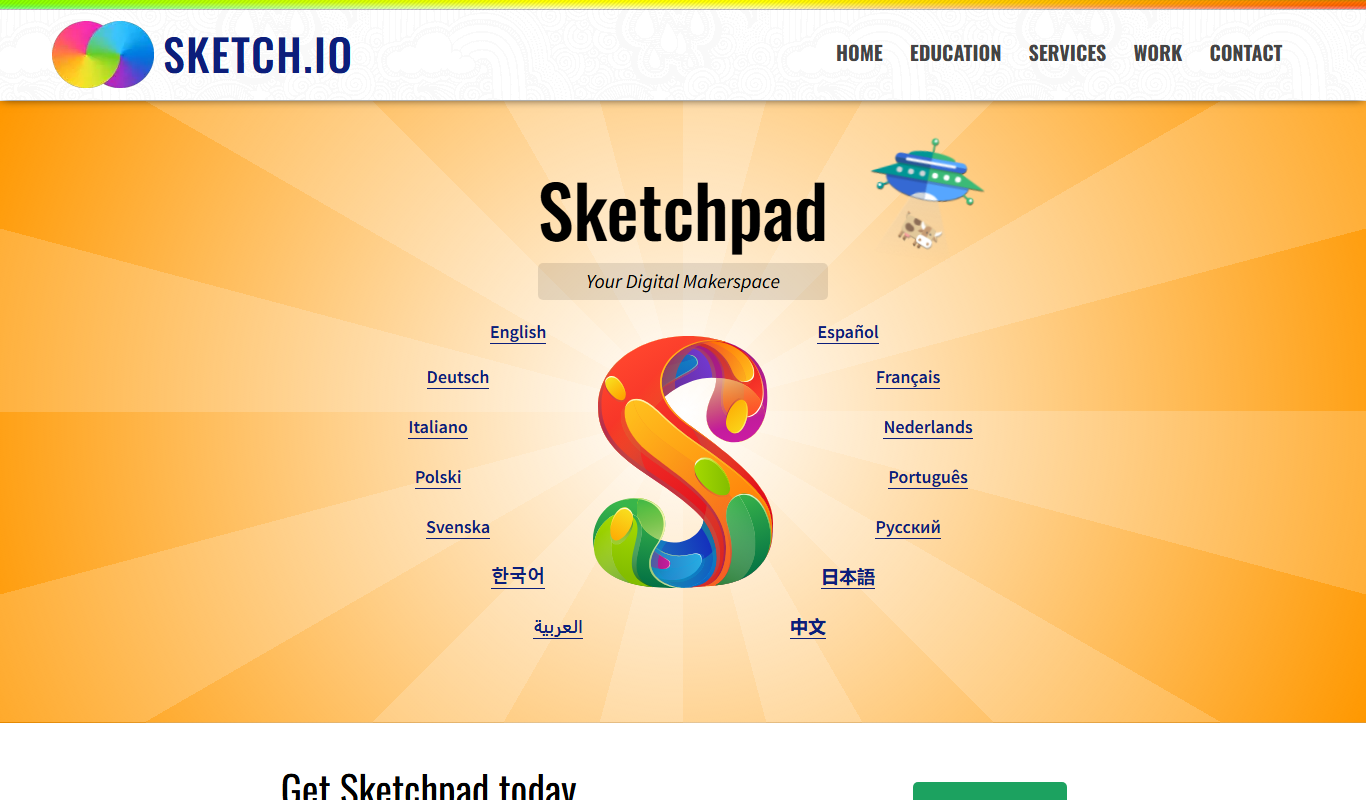
Sketchpad is a free web-based drawing application that supports vector and raster graphics, offering tools for digital illustration, graphic design, and creative projects accessible directly in your browser.

Freemium
Microstockr
Microstockr is an AI-powered platform that generates royalty-free stock photos and creative images from text prompts, ideal for marketing and design projects.
Free
QuickDraw
QuickDraw is a free web-based AI drawing game by Google that guesses your sketches in real-time using machine learning.