

From my experience with Sketchpad, I found it excels at providing a versatile and accessible drawing platform directly in the browser without requiring installation. It balances simplicity and functionality, making it ideal for both beginners and professionals who need quick digital sketches or detailed vector designs. However, the reliance on an internet connection and limited advanced features in the free version are trade-offs to consider. Overall, if you want a straightforward, no-fuss online drawing tool for creative projects or educational use, Sketchpad delivers solid results.
Sketchpad Online Drawing Tool for Digital Art and Graphic Design
Sketchpad is a free web-based drawing application that supports vector and raster graphics, offering tools for digital illustration, graphic design, and creative projects accessible directly in your browser.
- Best for
- Digital Illustration
- Key capability
- Vector and Raster Support
Your actions
Save Sketchpad, follow its updates and vote on it — everything stays in your account.
Sign in or create a free account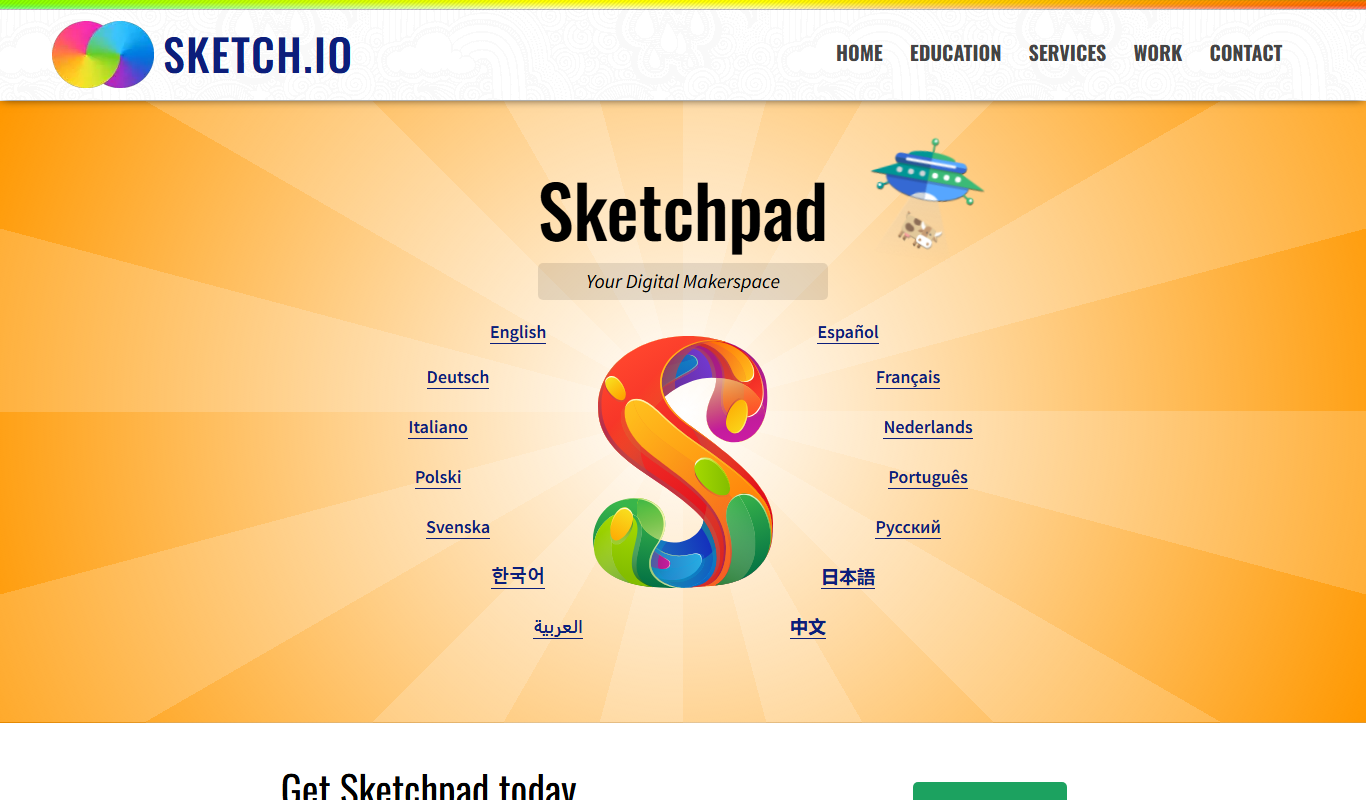
What is Sketchpad?
Sketchpad is a free, web-based drawing and graphic design application that allows users to create digital art directly in their browser. It supports both raster and vector graphics, offering a versatile set of brushes, shapes, text tools, and layers. No installation is required, making it accessible for quick sketches, detailed illustrations, and graphic design projects.
Key features of Sketchpad
Sketchpad features an intuitive interface with customizable brushes, vector shapes, text editing, layering, and export options. It supports multiple file formats including PNG, JPG, SVG, and PDF, enabling easy sharing and professional use. The tool is designed for artists, designers, educators, and hobbyists seeking a flexible online drawing solution.
Vector and Raster Support
Work with scalable vector graphics alongside pixel-based painting tools.
Layer Management
Organize your artwork with multiple layers for complex compositions.
Customizable Brushes
Choose from a variety of brush types and adjust settings like size and opacity.
Text Tool
Add and style text elements with font and color options.
Export Options
Save your artwork in PNG, JPG, SVG, or PDF formats for versatile use.
Pros and cons of Sketchpad
Pros
- No installation required, works directly in the browser
- Supports both vector and raster graphics
- User-friendly interface suitable for beginners and professionals
- Multiple export formats including SVG and PDF
- Free version available with essential features
Cons
- Requires internet connection to use
- Advanced features limited to Pro subscription
- No mobile app available
Key use cases for Sketchpad
Digital Illustration
Create detailed digital drawings and illustrations using a variety of brushes and tools.
Graphic Design
Design logos, icons, and graphics with vector and raster tools suitable for professional projects.
Educational Use
Use as a teaching aid for art classes or for students to practice drawing and design online.
Creative Brainstorming
Sketch ideas quickly and visually during brainstorming sessions or project planning.
Social Media Content Creation
Design custom graphics and artwork optimized for sharing on social media platforms.
How Sketchpad works
- 1
Access the Website
Open your web browser and navigate to the Sketchpad website to start drawing immediately.
- 2
Choose Your Tools
Select from brushes, shapes, text, and colors to begin creating your artwork.
- 3
Create and Edit
Use layers and editing tools to refine your drawing or design.
- 4
Save or Export
Download your work in various formats or save it online for future editing.
Who is using Sketchpad
Digital artists and illustrators
Graphic designers
Art educators and students
Content creators for social media
Hobbyists and casual sketchers
Sketchpad pricing
Free
$0
Access to basic drawing tools and export options with ads.
Pro
$4.99/month
Ad-free experience, additional brushes, higher resolution exports, and priority support.
Plans and prices are as published by the vendor and can change. Check the official site before you buy. Open the pricing page (opens in a new tab)
Frequently asked questions about Sketchpad
Yes, Sketchpad offers a free version with essential features and ads.
No, Sketchpad requires an internet connection as it is a web-based application.
You can export your artwork as PNG, JPG, SVG, or PDF files.
Yes, it supports multiple layers for complex artwork.
Yes, it can help with that use case depending on how you configure it and what features are available. You’ll get the best results with clear inputs and a defined goal.
Sign in to review this tool.
Sign In to ReviewNo reviews yet
Be the first to share how this tool worked for you.
Ask about pricing, limits, or how it compares — or answer someone else.
Sign In to AskNo questions yet
Have a question about using or paying for this tool? Be the first to ask.
Featured on TiorAI



Alternative Tools
Explore similar AI tools that might fit your needs
Free
Figma
Figma is a cloud-based design tool for creating user interfaces and prototypes collaboratively in real time, accessible via web and desktop apps.
More AI Art Generator tools
Other tools in the same category, for when this one is not quite the fit.

Free
Pixel-Art.ai
Pixel-Art.ai is an AI-driven web tool that generates custom pixel art and sprites from user prompts, ideal for game developers and digital artists seeking quick pixel art creation.

Free
Method Draw
Method Draw is a free, open source online SVG editor that allows users to create and edit vector graphics directly in the browser without installation.

Free
aiportrait.art
aiportrait.art is an online AI tool that transforms user photos into artistic portraits using machine learning style transfer techniques.

Free
Magic Gradient
Magic Gradient is a free gradient generator with Animated Gradient, Tailwind, SVG Wave and radial gradient tools, and free use has no limit.
Free
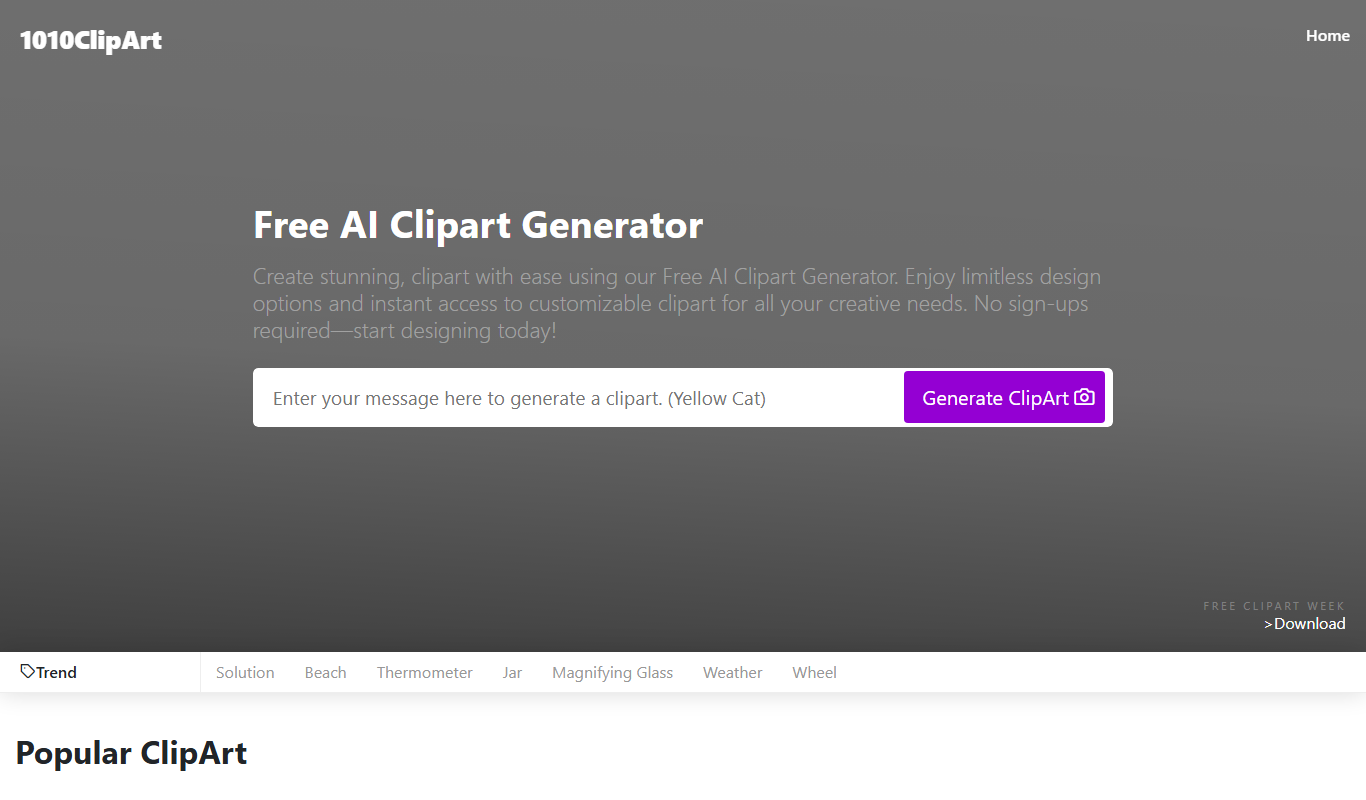
Free AI Clipart Generator
Free AI Clipart Generator by 1010clipart is a web-based tool that creates unique clipart images using AI, available for free without registration.

Free
aianimegenerator.me
AIAnimeGenerator.me converts photos to anime without registration, with paid higher quality on a partner site.

Free
PicsArt
PicsArt is a comprehensive photo editing and AI art generation platform that enables users to create, edit, and enhance images with advanced AI tools across web and mobile devices.
Free
Painnt
Painnt is a Moonlighting app that uses neural networks and artificial intelligence to turn photos into art and cartoon images with 1000+ filters, available on iOS, Mac, Android and Windows.