

From my experience with Gencraft, I found it excels at quickly transforming simple text prompts into visually compelling digital art, making it accessible for users without design backgrounds. After spending time with the platform, I can say it’s particularly well-suited for digital artists, content creators, and marketers who need creative visuals fast. However, the free tier limits usage, and the lack of mobile apps may restrict on-the-go creativity. Overall, if you want an easy-to-use AI art generator for diverse creative projects, Gencraft delivers solid, high-quality results.
Gencraft AI Art Generator for Creative Image and Design Generation
Gencraft is an AI-powered tool that generates digital artwork from text prompts, enabling users to create unique images quickly and easily.
- Best for
- Digital Art Creation
- Key capability
- Text-to-Image Generation
Your actions
Save Gencraft, follow its updates and vote on it — everything stays in your account.
Sign in or create a free account

What is Gencraft?
Gencraft is an AI-powered art generator that transforms text prompts into unique, high-quality digital images. It leverages advanced machine learning models to create creative and artistic visuals, enabling users to produce digital art, concept designs, and social media content without needing traditional artistic skills.
Key features of Gencraft
Gencraft offers intuitive text-to-image generation, style customization, high-resolution outputs, and a user-friendly web interface. It supports creative workflows by providing fast, diverse, and customizable AI-generated artwork.
Text-to-Image Generation
Convert descriptive text prompts into detailed and creative images.
Multiple Artistic Styles
Apply different art styles to images to match user preferences or project needs.
High-Resolution Outputs
Produce images suitable for professional use with high resolution and quality.
User-Friendly Interface
Simple web-based platform accessible without technical expertise.
Fast Processing
Quick image generation to support rapid creative workflows.
Pros and cons of Gencraft
Pros
- Easy to use with no artistic skills required
- Supports multiple artistic styles
- Fast image generation
- High-quality, high-resolution outputs
- Affordable pricing plans
Cons
- Limited free tier usage
- Web-only platform without mobile apps
- Customization options could be expanded
Key use cases for Gencraft
Digital Art Creation
Generate unique digital artworks from text prompts for personal or commercial projects.
Graphic Design Assistance
Create creative design elements and concepts quickly to support graphic design workflows.
Social Media Content
Produce eye-catching images and visuals to enhance social media posts and campaigns.
Concept Art Generation
Develop concept art for games, films, and other creative media using AI-powered image synthesis.
Creative Experimentation
Explore artistic ideas and styles by experimenting with AI-generated images.
How Gencraft works
- 1
Enter Text Prompt
Users input descriptive text prompts that guide the AI in generating images.
- 2
Select Style and Settings
Choose from various artistic styles and adjust parameters to customize the output.
- 3
Generate Image
The AI processes the prompt and produces a unique image based on the input.
- 4
Download or Refine
Users can download the generated image or refine prompts to create new variations.
Who is using Gencraft
Digital artists
Graphic designers
Social media marketers
Content creators
Game developers
Gencraft pricing
Free
$0/month
Access to basic features with limited image generations per month.
Pro
$9.99/month
Increased generation limits, higher resolution downloads, and priority processing.
Plans and prices are as published by the vendor and can change. Check the official site before you buy. Open the pricing page (opens in a new tab)
Compare similar tools
How Gencraft lines up against the tools people weigh it against.
Gencraft Adobe Firefly
Gencraft vs Adobe Firefly: Photorealism, Prompt Accuracy & Cost
Gencraft NightCafe
Gencraft vs Nightcafe: Which AI Image Generator Wins in 2026?
Gencraft Leonardo AI
Gencraft vs Leonardo AI: Image Quality, Style Control & Pricing
Gencraft Midjourney
Gencraft vs Midjourney: Prompt Engineering & Output Consistency
Frequently asked questions about Gencraft
Gencraft is used to create AI-generated digital art and images from text prompts.
No, Gencraft is designed for users of all skill levels to easily generate creative images.
Yes, depending on your subscription plan, you can use the images for commercial purposes.
Images can be downloaded in common formats such as PNG and JPEG.
It depends on your specific needs and how you plan to use the tool. The official website and documentation are the best sources for the latest details.
Some tools offer a free plan or trial with limited features. Availability can vary, so confirm on the official website.
Yes, it can help with that use case depending on how you configure it and what features are available. You’ll get the best results with clear inputs and a defined goal.
Sign in to review this tool.
Sign In to ReviewNo reviews yet
Be the first to share how this tool worked for you.
Ask about pricing, limits, or how it compares — or answer someone else.
Sign In to AskNo questions yet
Have a question about using or paying for this tool? Be the first to ask.
Featured on TiorAI



Alternative Tools
Explore similar AI tools that might fit your needs

Subscription
Midjourney
Midjourney is an AI image generation tool creating high-quality artwork from text prompts via Discord. Plans start at $10/month. Known for exceptional visual quality with Midjourney V6.

Free
Stable Diffusion
Stable Diffusion is an open-source AI model by Stability AI that generates high-quality images from text prompts, used widely for creative and commercial visual content creation.

Freemium
ChatGPT
ChatGPT is an AI chatbot by OpenAI powered by GPT-4o. It handles writing, coding, research, data analysis, and natural conversation. Free tier available, Plus at $20/month.

Freemium
Claude
Claude is an AI assistant by Anthropic with a 200K token context window built on Constitutional AI for safer responses. Free tier available, Pro at $20/month.

Freemium
Gemini & Gemini Advanced
Gemini and Gemini Advanced are Google’s advanced AI language models designed for conversational AI, content generation, and coding assistance, supporting multiple languages and accessible via web and API.

Freemium
Canva
Canva is an online design platform with Magic Design, Magic Write, and Text to Image AI tools. Offers 1M+ templates for graphics, presentations, and videos. Free plan available, Canva Pro at $15/month.

Freemium
Notion AI
Notion AI is an AI-powered assistant embedded in the Notion workspace that helps users generate, edit, and summarize content to boost productivity and collaboration.

Free
Grammarly
Grammarly is an AI-based writing assistant that provides real-time grammar, spelling, punctuation, style, and tone suggestions to improve written communication across web, desktop, and mobile platforms.

Free
ElevenLabs
ElevenLabs is an AI platform that converts text into natural-sounding speech and allows voice cloning from audio samples, supporting multiple languages and offering an API for integration.

Freemium
Perplexity AI
Perplexity AI is an AI search engine delivering real-time cited answers using GPT-4o and Claude 3.5. Free tier available, Pro at $20/month.

Free
Runway
Runway is a cloud-based AI platform that enables creators and developers to edit videos, generate images from text, and apply advanced AI effects through an intuitive interface and API access.
More AI Anime Art tools
Other tools in the same category, for when this one is not quite the fit.

Free
Picrew
Picrew is a free online avatar maker platform that lets users create custom anime-style avatars by selecting and layering various art elements from different creators.

Free
Waifu2x
Waifu2x is a web-based tool that upscales anime-style images by 1.6x or 2x, with 4x in the unlimited version, and reduces noise.

Free
Waifu Labs
Waifu Labs is a free AI-powered web tool that generates custom anime-style avatars through an interactive selection process, allowing users to create unique high-resolution anime characters without artistic skills.
Free
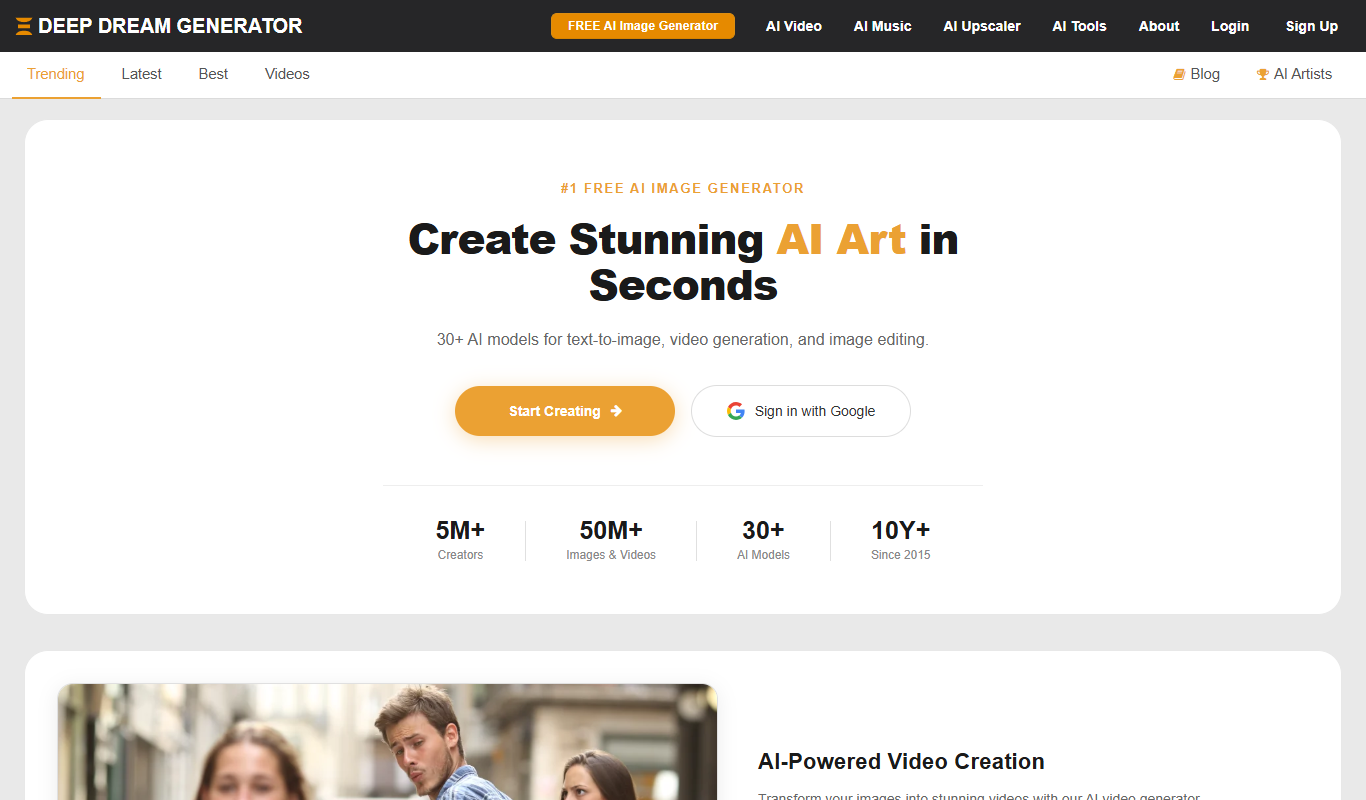
Deep Dream Generator
Deep Dream Generator is an online AI tool that uses neural networks to create surreal and artistic images from user photos by applying various AI styles and effects.
Free
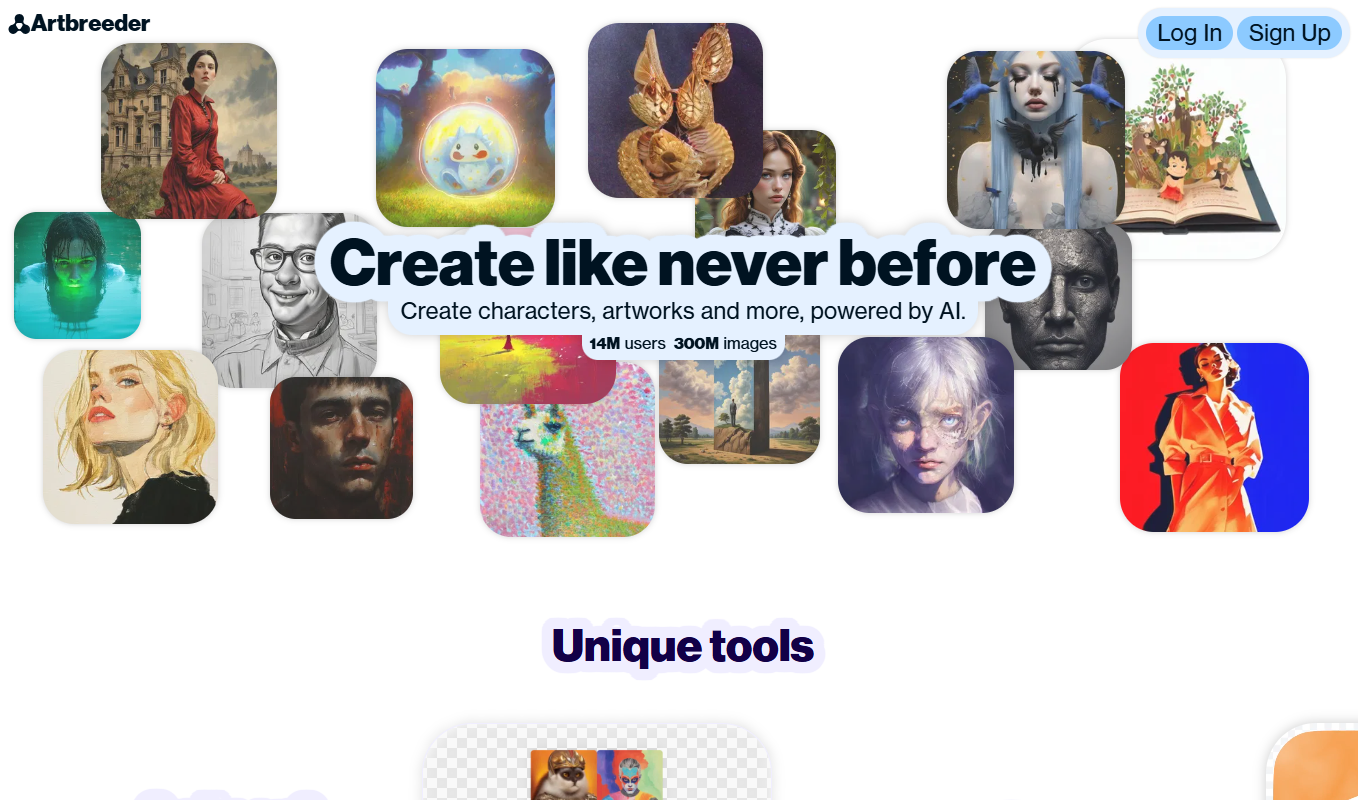
Artbreeder
Artbreeder is an AI-powered platform that allows users to create and evolve images by blending and editing visual traits using generative adversarial networks.

Free
Krita AI
Krita AI is a free, open-source digital painting software that integrates AI features like automatic colorization and brush assistance to help artists create detailed artworks on desktop platforms.