

From my experience with Krita AI, I found it excels at providing a powerful, free digital painting environment enhanced with AI features like automatic colorization and texture generation. The open-source nature means it is continuously improved by a passionate community, making it ideal for artists who want professional tools without cost barriers. However, the AI tools require some learning to use effectively, and the software is desktop-only, which may limit flexibility for some users. Overall, if you are an illustrator or concept artist seeking a robust AI-assisted painting tool, Krita AI offers excellent value and capabilities.
Krita AI Open-Source Digital Painting Software with AI Features
Krita AI is a free, open-source digital painting software that integrates AI features like automatic colorization and brush assistance to help artists create detailed artworks on desktop platforms.
- Best for
- Digital Painting
- Key capability
- AI-Assisted Colorization


Do you recommend this tool?
What is Krita AI?
Krita AI is an open-source digital painting software that integrates AI-powered features to assist artists in creating detailed and vibrant artworks. It offers a comprehensive set of painting tools, brush engines, and AI enhancements such as colorization and texture generation, making it suitable for illustrators, concept artists, and comic creators.
Key features of Krita AI
Krita AI combines traditional digital painting tools with AI-driven functionalities like automatic colorization, brush stroke prediction, and texture synthesis. It supports multiple layers, customizable brushes, and a user-friendly interface tailored for creative professionals and hobbyists alike.
AI-Assisted Colorization
Automatically colorize sketches and line art using AI algorithms.
Customizable Brush Engines
Access a variety of brush types with adjustable settings for unique effects.
Layer Management
Organize artwork with multiple layers, masks, and blending modes.
Open-Source Platform
Benefit from a community-driven development model with frequent updates.
Texture and Pattern Generation
Use AI to generate textures and patterns to enrich your digital paintings.
Pros and cons of Krita AI
Pros
- Completely free and open-source
- Robust AI-assisted painting features
- Highly customizable brushes and tools
- Supports multiple platforms (Windows, macOS, Linux)
- Strong community and frequent updates
Cons
- Primarily desktop-based, no mobile app
- AI features may require learning curve
- Limited official tutorials on AI tools
Key use cases for Krita AI
Digital Painting
Create detailed digital paintings using a wide range of brushes and AI-assisted tools.
Concept Art
Design concept art for games, movies, and animations with advanced layering and AI colorization.
Illustration
Produce professional illustrations with customizable brushes and AI-powered enhancements.
Comic Creation
Develop comic pages using Krita’s panel templates and AI tools for coloring and effects.
Photo Editing and Colorizing
Enhance and colorize photos with AI features integrated into the painting workflow.
How Krita AI works
- 1
Download and Install
Download Krita AI from the official website and install it on your desktop.
- 2
Create a New Canvas
Open Krita and start a new project by selecting canvas size and resolution.
- 3
Use AI Tools
Leverage AI features such as colorization and brush assistance to enhance your artwork.
- 4
Save and Export
Save your work in Krita’s native format or export to common image formats.
Who is using Krita AI
Digital artists and illustrators
Concept artists for games and films
Comic book creators
Art students and hobbyists
Open-source software enthusiasts
Krita AI pricing
Free (open-source)
$0
Full access to all features with no cost, supported by donations.
Plans and prices are as published by the vendor and can change. Check the official site before you buy. Open the pricing page (opens in a new tab)
Compare similar tools
How Krita AI lines up against the tools people weigh it against.
Krita AI Leonardo AI
Krita AI vs Leonardo AI: Community, Models & API Access
Krita AI Canva
CanvaKrita AI vs Canva: Best for Marketing, Art & Product Images?
Krita AI Stable Diffusion
Krita AI vs Stable Diffusion: For Designers: Creative Control & Output
Krita AI Adobe Firefly
Krita AI vs Adobe Firefly: Photorealism, Prompt Accuracy & Cost
Frequently asked questions about Krita AI
Yes, Krita AI is completely free and open-source software.
Krita AI is available for Windows, macOS, and Linux desktop platforms.
No, Krita AI runs locally on your computer without needing internet access.
Yes, many professional artists use Krita AI for digital painting and illustration.
This tool is designed to help users accomplish its core tasks more efficiently. It is typically used by individuals or teams looking to improve productivity and workflow.
Some tools offer a free plan or trial with limited features. Availability can vary, so confirm on the official website.
Yes, it can help with that use case depending on how you configure it and what features are available. You’ll get the best results with clear inputs and a defined goal.
It depends on your specific needs and how you plan to use the tool. The official website and documentation are the best sources for the latest details.
Sign in to review this tool.
Sign In to ReviewNo reviews yet
Be the first to share how this tool worked for you.
Ask about pricing, limits, or how it compares — or answer someone else.
Sign In to AskNo questions yet
Have a question about using or paying for this tool? Be the first to ask.
Featured on TiorAI



Alternative Tools
Explore similar AI tools that might fit your needs

Free
PaintsChainer
PaintsChainer is an AI tool that automatically colors black-and-white anime and manga line art using deep learning, allowing users to add color hints and choose styles via a web interface.
Free
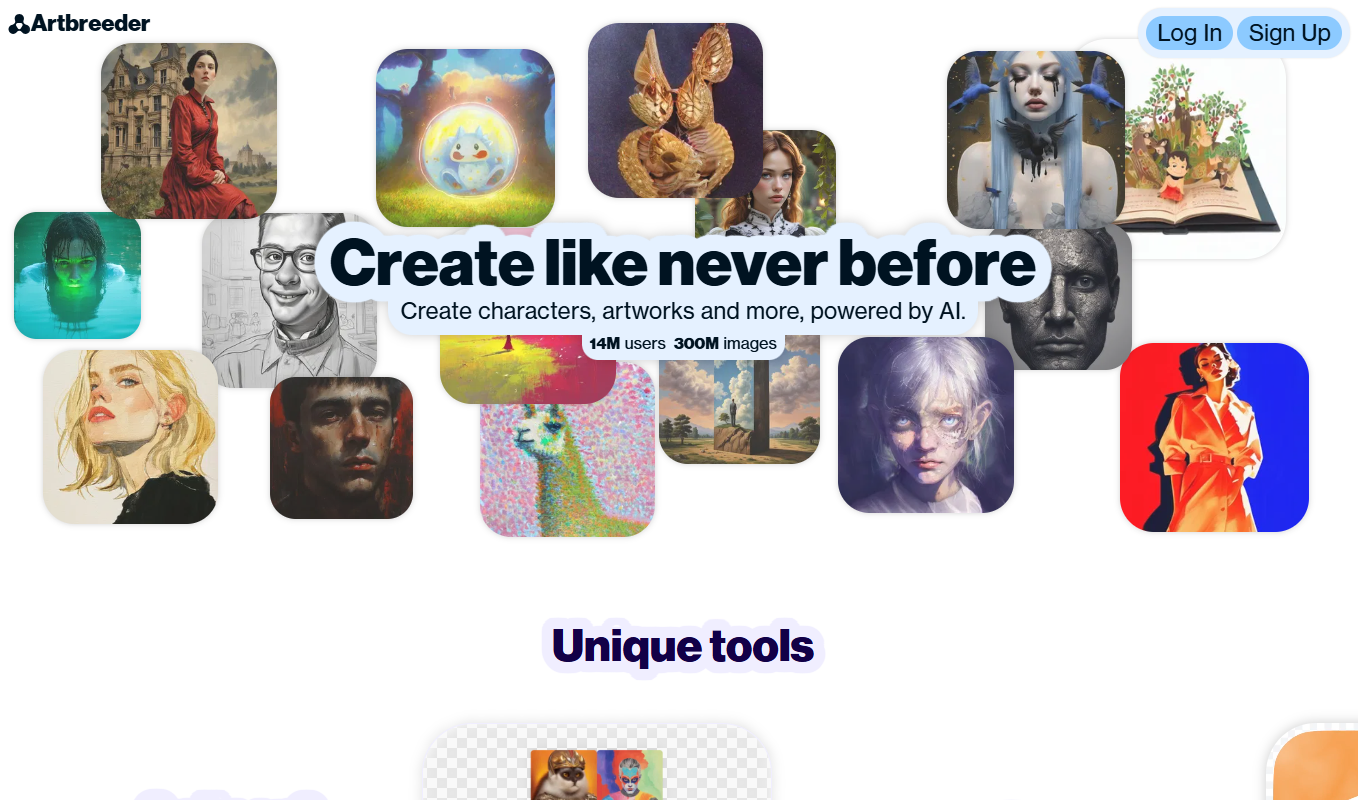
Artbreeder
Artbreeder is an AI-powered platform that allows users to create and evolve images by blending and editing visual traits using generative adversarial networks.

Free
Stable Diffusion
Stable Diffusion is an open-source AI model by Stability AI that generates high-quality images from text prompts, used widely for creative and commercial visual content creation.

Freemium
Adobe Firefly
Adobe Firefly is an AI art generator by Adobe that creates images from text prompts, integrated with Creative Cloud for professional design workflows.

Free
Fotor AI
Fotor AI is an AI-powered photo editing and design tool that offers features like background removal, photo enhancement, and AI text-to-image generation accessible via web and mobile apps.
Freemium
Leonardo AI
Leonardo AI is an AI image generation platform specialized for game assets and concept art with 30+ specialized models and Real-Time Canvas. Free tier with 150 tokens/day.
More AI Anime Art tools
Other tools in the same category, for when this one is not quite the fit.

Free
Gencraft
Gencraft is an AI-powered tool that generates digital artwork from text prompts, enabling users to create unique images quickly and easily.
Free
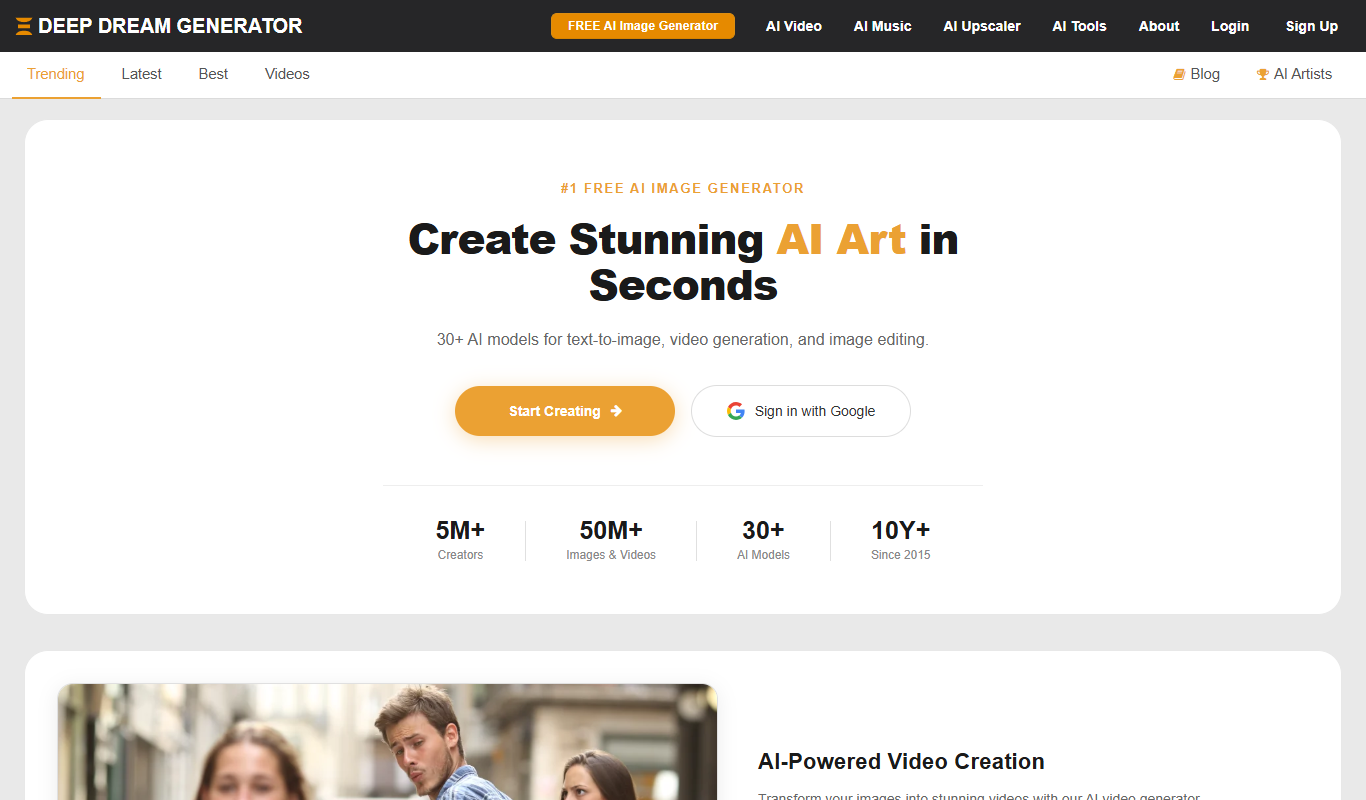
Deep Dream Generator
Deep Dream Generator is an online AI tool that uses neural networks to create surreal and artistic images from user photos by applying various AI styles and effects.
Free
FursonaMaker
FursonaMaker is an AI avatar generator that lets users create custom furry characters by selecting species, colors, and features through a web interface.
Free
Fursona AI
Fursona AI is an AI-powered avatar generator that creates customizable anime-style digital characters for social media, gaming, and online branding.

Free
Picrew
Picrew is a free online avatar maker platform that lets users create custom anime-style avatars by selecting and layering various art elements from different creators.

Free
Waifu2x
Waifu2x is a free web-based AI tool that upscales anime-style images up to 2x and reduces noise using deep learning models.

Free
Waifu Labs
Waifu Labs is a free AI-powered web tool that generates custom anime-style avatars through an interactive selection process, allowing users to create unique high-resolution anime characters without artistic skills.