

From my experience with Picrew, I found it excels at providing an accessible and fun way to create personalized anime-style avatars without any artistic skills. The platform’s strength lies in its vast collection of user-generated avatar makers, offering diverse styles and customization options. It’s particularly well-suited for social media users, gamers, and creators who want quick character visuals. However, the interface is primarily in Japanese, which can be a barrier for some users, and commercial usage depends on individual creator permissions. Overall, if you want a free, easy-to-use avatar generator with a creative community, Picrew delivers solid results.
Picrew Avatar Maker - Create Custom Anime Style Avatars Online Free
Picrew is a free online avatar maker platform that lets users create custom anime-style avatars by selecting and layering various art elements from different creators.
- Best for
- Personal Avatar Creation
- Key capability
- Wide Variety of Styles

Do you recommend this tool?
What is Picrew?
Picrew is a free online avatar maker platform that allows users to create custom anime-style avatars by layering various art assets. It hosts a wide variety of user-created avatar makers, each with unique art styles and customization options. Picrew emphasizes creativity and personalization, enabling users to mix and match facial features, hairstyles, clothing, and accessories to design their own characters without needing drawing skills.
Key features of Picrew
Picrew offers a diverse collection of avatar makers created by different artists, a simple drag-and-click interface for customization, and the ability to save or download avatars. It supports multiple languages and provides a community-driven platform where creators can upload their own avatar templates for others to use.
Wide Variety of Styles
Thousands of avatar makers with diverse art styles contributed by independent artists.
User-Friendly Interface
Intuitive drag-and-click customization that requires no prior design experience.
Community Creator Platform
Artists can upload their own avatar makers, expanding the platform’s creative options.
Free to Use
Picrew is accessible without cost, making avatar creation available to everyone.
Pros and cons of Picrew
Pros
- Extensive variety of avatar styles and options
- Easy to use with no design skills needed
- Completely free with no hidden costs
- Supports community contributions for diverse creativity
Cons
- Primarily Japanese language interface with limited English support
- No advanced editing tools beyond preset options
- Commercial use restrictions vary by creator
Key use cases for Picrew
Personal Avatar Creation
Users can create personalized avatars for social media profiles, forums, and gaming.
Character Design for Creators
Artists and writers use Picrew to quickly generate character visuals for storytelling and concept art.
Community Engagement
Communities and fan groups use Picrew avatars to represent members in a fun and creative way.
Profile Pictures for Online Identity
Individuals seeking unique and stylized profile pictures use Picrew to stand out online.
How Picrew works
- 1
Select an Avatar Maker
Browse the Picrew library and choose an avatar maker that fits your style preference.
- 2
Customize Your Avatar
Use the interface to select and layer different facial features, hairstyles, clothing, and accessories.
- 3
Save or Download
Once satisfied, save your avatar within Picrew or download the image file for personal use.
Who is using Picrew
Social media users seeking unique avatars
Artists and writers needing quick character visuals
Online communities and gaming groups
Anime and manga fans
Picrew pricing
Free
$0
Full access to all avatar makers and customization features without any charges.
Plans and prices are as published by the vendor and can change. Check the official site before you buy. Open the pricing page (opens in a new tab)
Frequently asked questions about Picrew
Yes, Picrew is completely free to use for creating and downloading avatars.
Usage rights depend on the individual creator’s terms; always check the specific avatar maker’s license.
No account is required to create avatars, but signing up allows saving avatars on the platform.
Yes, Picrew allows artists to upload their own avatar makers after registration.
It depends on your specific needs and how you plan to use the tool. The official website and documentation are the best sources for the latest details.
Yes, it can help with that use case depending on how you configure it and what features are available. You’ll get the best results with clear inputs and a defined goal.
Sign in to review this tool.
Sign In to ReviewNo reviews yet
Be the first to share how this tool worked for you.
Ask about pricing, limits, or how it compares — or answer someone else.
Sign In to AskNo questions yet
Have a question about using or paying for this tool? Be the first to ask.
Featured on TiorAI



Alternative Tools
Explore similar AI tools that might fit your needs
Free
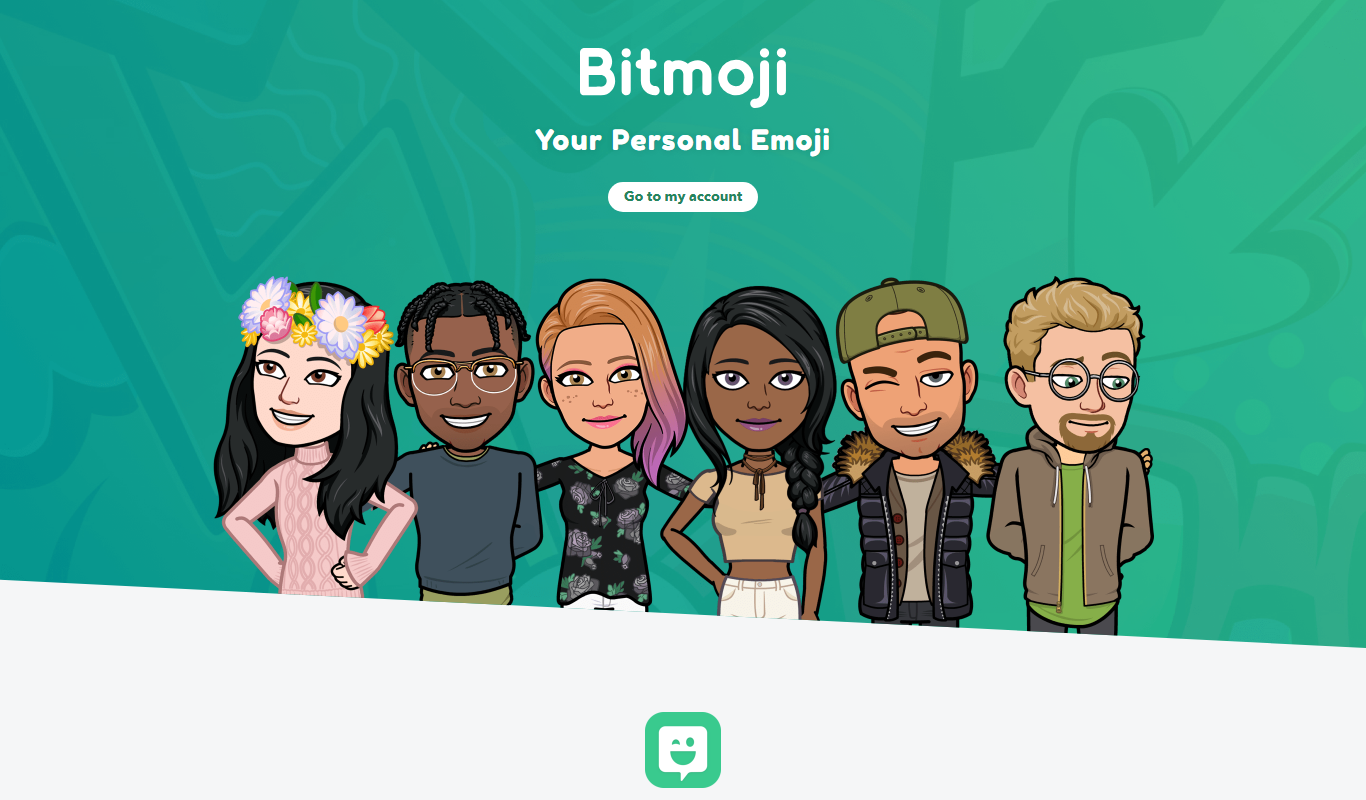
Bitmoji
Bitmoji is a free app by Snap Inc. that lets users create personalized cartoon avatars and emojis for use in messaging and social media.
More AI Anime Art tools
Other tools in the same category, for when this one is not quite the fit.

Free
Gencraft
Gencraft is an AI-powered tool that generates digital artwork from text prompts, enabling users to create unique images quickly and easily.
Free
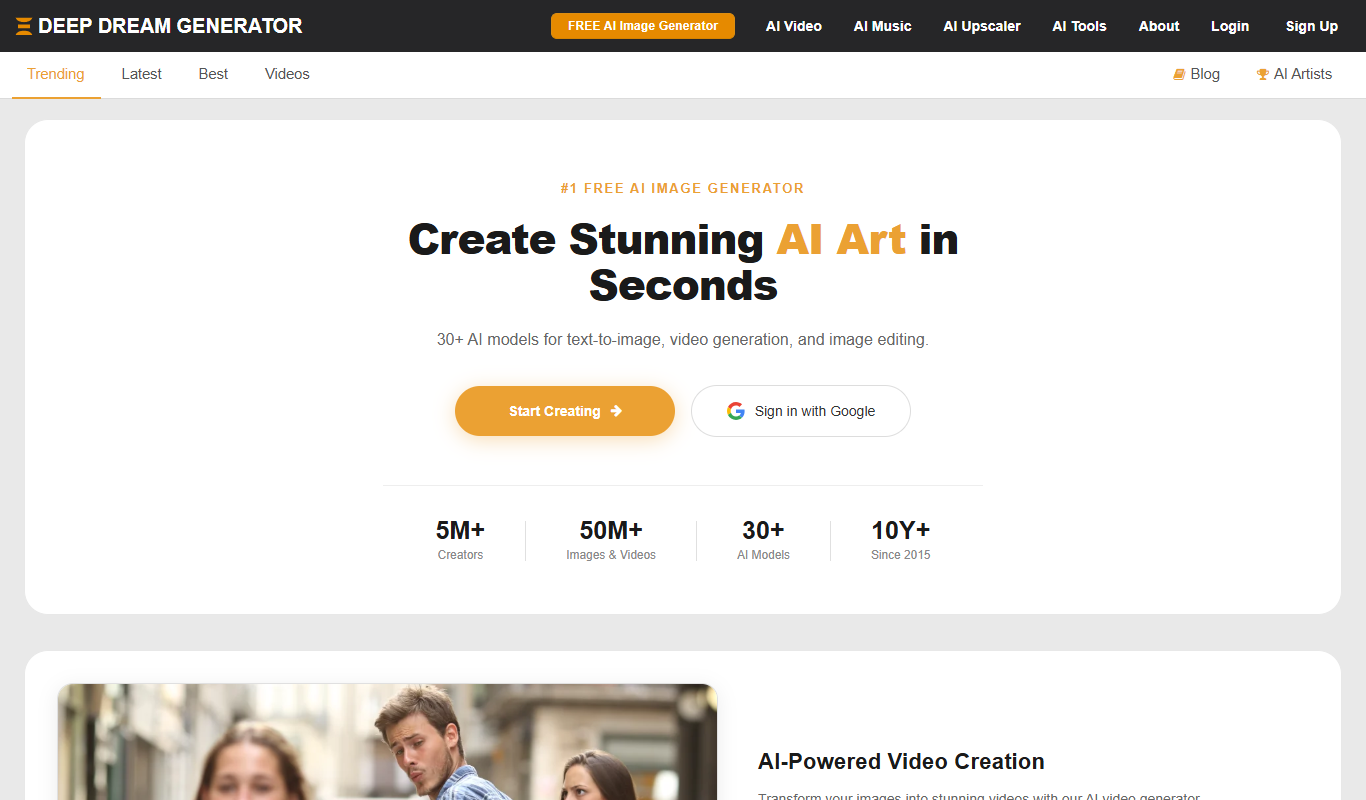
Deep Dream Generator
Deep Dream Generator is an online AI tool that uses neural networks to create surreal and artistic images from user photos by applying various AI styles and effects.
Free
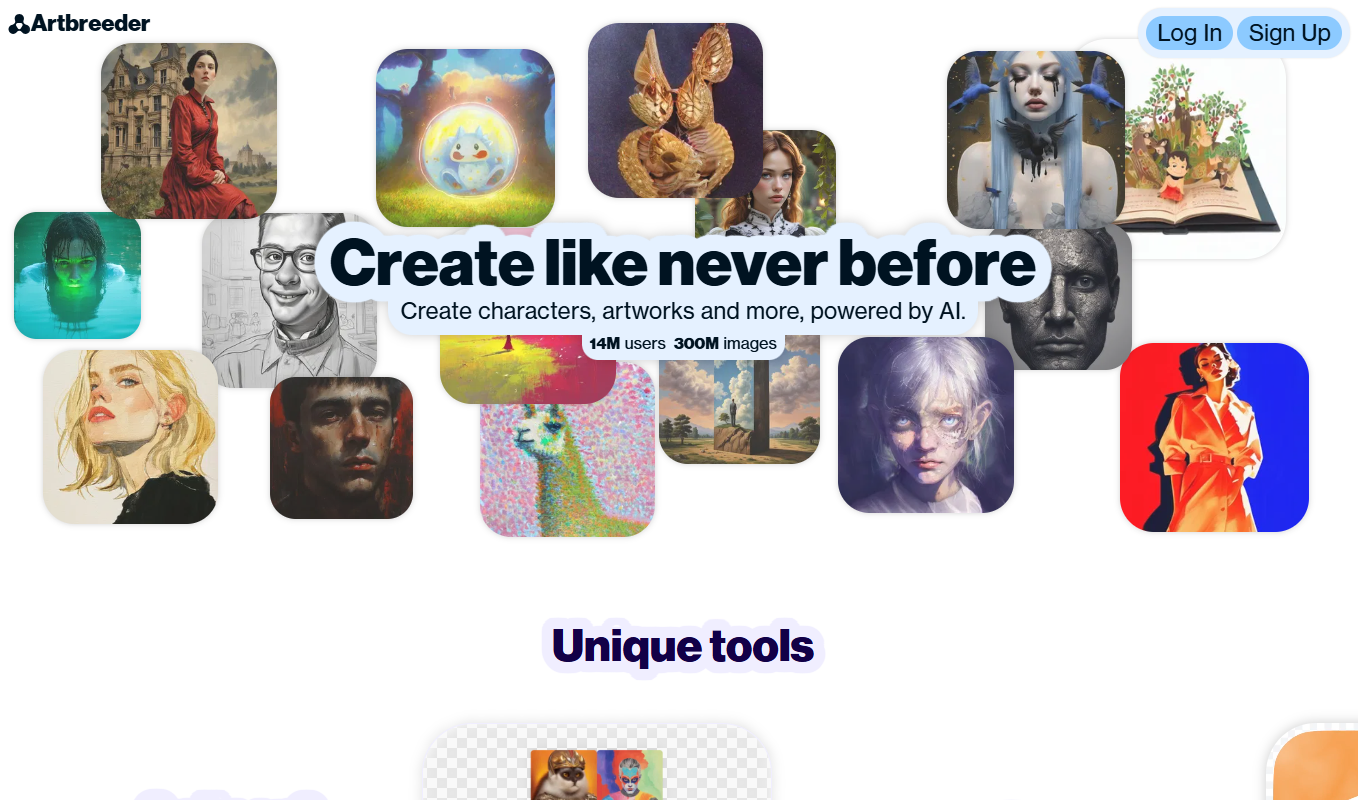
Artbreeder
Artbreeder is an AI-powered platform that allows users to create and evolve images by blending and editing visual traits using generative adversarial networks.

Free
Krita AI
Krita AI is a free, open-source digital painting software that integrates AI features like automatic colorization and brush assistance to help artists create detailed artworks on desktop platforms.

Free
PaintsChainer
PaintsChainer is an AI tool that automatically colors black-and-white anime and manga line art using deep learning, allowing users to add color hints and choose styles via a web interface.
Free
FursonaMaker
FursonaMaker is an AI avatar generator that lets users create custom furry characters by selecting species, colors, and features through a web interface.
Free
Fursona AI
Fursona AI is an AI-powered avatar generator that creates customizable anime-style digital characters for social media, gaming, and online branding.

Free
Waifu2x
Waifu2x is a free web-based AI tool that upscales anime-style images up to 2x and reduces noise using deep learning models.