

From my experience with TattooDesignPro, I found it excels at providing tattoo artists with an accessible and organized platform to create and manage custom tattoo designs. The client collaboration features stand out, making it easier to incorporate feedback and finalize designs efficiently. While the tool is primarily web-based and lacks robust mobile support, it offers a solid balance of usability and functionality for both beginners and professionals. If you are a tattoo artist or studio looking to streamline your design workflow and improve client communication, TattooDesignPro is a practical choice.
TattooDesignPro - Custom Tattoo Design Software for Artists and Clients
TattooDesignPro is a web-based tattoo design software that enables artists to create custom tattoo designs, collaborate with clients, and manage portfolios efficiently.
- Best for
- Custom Tattoo Design
- Key capability
- Digital Drawing Tools
Your actions
Save TattooDesignPro, follow its updates and vote on it — everything stays in your account.
Sign in or create a free account
What is TattooDesignPro?
TattooDesignPro is a web-based tattoo design software tailored for tattoo artists and enthusiasts. It offers a digital workspace to create, customize, and manage tattoo designs efficiently. The platform supports collaboration between artists and clients, enabling real-time feedback and revisions. It also provides access to design templates and tools that help artists bring their creative ideas to life.
Key features of TattooDesignPro
The software features an intuitive design interface with drawing tools, layers, and color palettes. It includes a template library, client collaboration tools, portfolio management, and project organization capabilities. TattooDesignPro streamlines the tattoo design process from concept to final approval.
Digital Drawing Tools
A variety of brushes, pens, and color options to create detailed tattoo designs.
Template Library
Access to pre-made tattoo design templates for inspiration or modification.
Client Feedback System
Built-in tools to share designs and receive comments or approval from clients.
Portfolio Management
Organize and showcase your tattoo designs professionally within the platform.
Project Organization
Manage multiple client projects and designs efficiently in one place.
Pros and cons of TattooDesignPro
Pros
- User-friendly interface tailored for tattoo artists
- Collaboration tools improve client communication
- Access to a variety of design templates
- Affordable pricing with a free tier
- Organizes projects and portfolios effectively
Cons
- Limited mobile device support
- No offline mode available
- Advanced design features may require Pro subscription
Key use cases for TattooDesignPro
Custom Tattoo Design
Create unique and personalized tattoo designs tailored to client preferences using digital tools.
Tattoo Artist Portfolio
Build and showcase a professional portfolio of tattoo designs to attract and retain clients.
Client Collaboration
Collaborate with clients remotely by sharing design drafts and receiving feedback in real time.
Design Inspiration
Access a library of tattoo design templates and ideas to inspire new creations.
Tattoo Studio Management
Organize design projects and client information within the platform for streamlined workflow.
How TattooDesignPro works
- 1
Create an Account
Sign up on the TattooDesignPro website to access the design platform.
- 2
Start a New Design
Use the digital canvas and tools to create a custom tattoo design from scratch or modify templates.
- 3
Collaborate with Clients
Share your design with clients for feedback and make revisions based on their input.
- 4
Finalize and Export
Once approved, export the design in high resolution for tattooing or portfolio use.
Who is using TattooDesignPro
Professional tattoo artists
Tattoo studios
Tattoo design enthusiasts
Freelance tattoo designers
Clients seeking custom tattoos
TattooDesignPro pricing
Free
$0/month
Basic access with limited templates and design exports.
Pro
$15/month
Full access to all templates, unlimited designs, client collaboration, and high-resolution exports.
Plans and prices are as published by the vendor and can change. Check the official site before you buy. Open the pricing page (opens in a new tab)
Frequently asked questions about TattooDesignPro
Yes, the platform offers templates and easy-to-use tools suitable for beginners.
Currently, it is optimized for desktop web browsers; mobile support is limited.
Yes, TattooDesignPro includes collaboration features to share designs and receive feedback.
Designs can be exported in common image formats such as PNG and JPEG.
It depends on your specific needs and how you plan to use the tool. The official website and documentation are the best sources for the latest details.
It depends on your specific needs and how you plan to use the tool. The official website and documentation are the best sources for the latest details.
Yes, it can help with that use case depending on how you configure it and what features are available. You’ll get the best results with clear inputs and a defined goal.
Sign in to review this tool.
Sign In to ReviewNo reviews yet
Be the first to share how this tool worked for you.
Ask about pricing, limits, or how it compares — or answer someone else.
Sign In to AskNo questions yet
Have a question about using or paying for this tool? Be the first to ask.
Featured on TiorAI



More AI Design & Creative Tools tools
Other tools in the same category, for when this one is not quite the fit.

Freemium
Sloyd
Sloyd is a web-based AI-assisted 3D modeling tool designed to help game developers and designers quickly create customizable low-poly 3D assets with ease.

Freemium
Tattoo Cook
Tattoo Cook is a web-based AI tool that generates custom tattoo designs from user text prompts, helping users create unique ink ideas quickly and easily.

Freemium
MolyPix.AI
MolyPix.AI is an AI design suite that creates editable posters, images, logos and invitations from one sentence.

Free
Stable Diffusion 3 AI Image Generator
Stable Diffusion 3 (stablediffusion3.net) is an independent website that offers online access to the Stable Diffusion 3 text-to-image model by Stability AI, powered by the SD3 API.

Pay As You Go
Stylize
Stylize is an AI tool to enhance, edit and stylize photos with one click.
Free
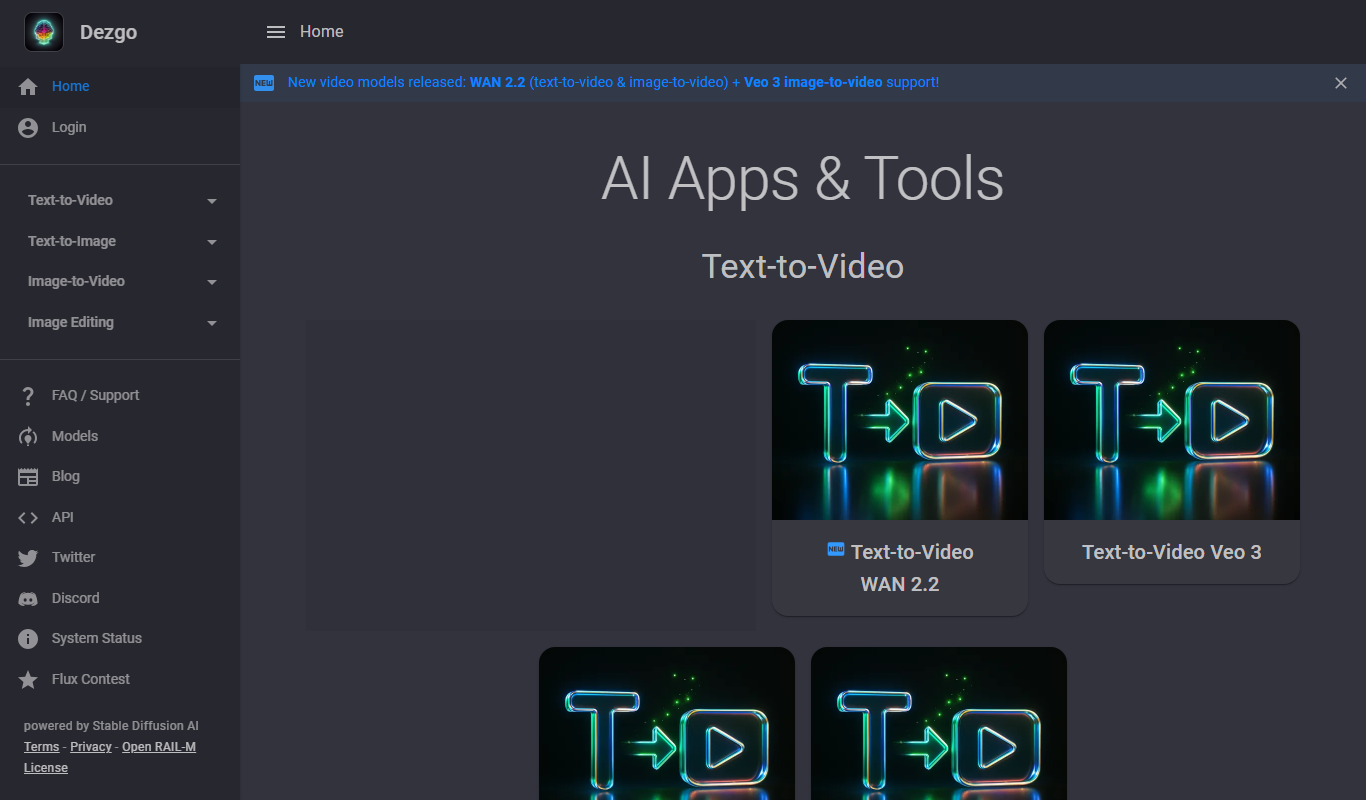
Dezgo
Dezgo is a free online AI image and video generator with apps and tools for creating visuals from text.

Free Trial
glorifyapp.com
Glorify is a web-based design tool focused on helping e-commerce businesses create product mockups and marketing visuals easily using templates and drag-and-drop editing.

Free Trial
StoryboardHero AI Storyboard Generator
StoryboardHero is an AI-powered web tool that transforms text descriptions into visual storyboards, helping filmmakers and creators plan video projects efficiently without drawing skills.