

From my experience with Tattoo Canvas, I found it excels at providing tattoo artists with specialized vector-based tools that make creating precise and scalable tattoo designs straightforward. The web-based platform is intuitive, making it accessible for both beginners and seasoned artists, and its stencil and layering features are particularly useful for preparing artwork for tattooing. However, the lack of offline functionality means you need a reliable internet connection, which can be limiting in some studio environments. Overall, if you are a tattoo artist or studio looking for a dedicated digital design tool, Tattoo Canvas offers a focused and professional solution.
Tattoo Canvas Digital Tattoo Design Software for Artists and Studios
Tattoo Canvas is a web-based digital tattoo design software that provides tattoo artists with vector-based tools, customizable brushes, and stencil creation features to create and present professional tattoo artwork.
- Best for
- Tattoo Design Creation
- Key capability
- Vector-Based Design Tools
Your actions
Save Tattoo Canvas, follow its updates and vote on it — everything stays in your account.
Sign in or create a free account
What is Tattoo Canvas?
Tattoo Canvas is a web-based digital tattoo design software that provides tattoo artists and studios with specialized tools to create, edit, and present tattoo artwork. It focuses on vector-based design capabilities, allowing for scalable and precise tattoo designs suitable for client consultations and professional use.
Key features of Tattoo Canvas
The platform offers a range of features including customizable brushes, layering, vector editing, stencil creation, and a user-friendly interface designed specifically for tattoo artists. It supports exporting designs in various formats for printing or digital sharing.
Vector-Based Design Tools
Allows for scalable and precise tattoo artwork creation.
Customizable Brushes and Stencils
Offers tattoo-specific brushes and stencil creation for realistic design preparation.
Layer Management
Supports multiple layers for complex designs and easy editing.
Export Options
Export designs in various formats suitable for printing or digital use.
User-Friendly Interface
Intuitive design environment tailored for tattoo artists.
Pros and cons of Tattoo Canvas
Pros
- Specialized tools tailored for tattoo design
- Vector-based editing for scalable artwork
- User-friendly and intuitive interface
- Flexible export options
- Supports layering and stencil creation
Cons
- Web-based only, no offline mode
- Limited language support (English only)
- Subscription pricing may be costly for casual users
Key use cases for Tattoo Canvas
Tattoo Design Creation
Create detailed and customizable tattoo designs using vector-based tools tailored for tattoo artists.
Client Presentation
Present tattoo designs to clients with high-quality visuals to facilitate approval and customization.
Design Editing and Refinement
Edit and refine existing tattoo designs with precision tools to ensure accuracy before tattooing.
Portfolio Development
Build and showcase a professional portfolio of tattoo designs to attract new clients.
How Tattoo Canvas works
- 1
Sign Up
Create an account on the Tattoo Canvas website to access the design tools.
- 2
Start Designing
Use the vector-based tools and brushes to create or import tattoo designs.
- 3
Customize and Refine
Adjust layers, colors, and details to perfect the tattoo artwork.
- 4
Export and Present
Export the final design in preferred formats and present it to clients for approval.
Who is using Tattoo Canvas
Professional tattoo artists
Tattoo studios
Tattoo apprentices and students
Graphic designers specializing in tattoo art
Creative agencies offering tattoo design services
Tattoo Canvas pricing
Free Trial
$0
Access to basic features for a limited time to evaluate the software.
Monthly Subscription
$19.99/month
Full access to all features with ongoing updates and support.
Annual Subscription
$199.99/year
Discounted yearly plan with full feature access and priority support.
Plans and prices are as published by the vendor and can change. Check the official site before you buy. Open the pricing page (opens in a new tab)
Frequently asked questions about Tattoo Canvas
Yes, Tattoo Canvas offers an intuitive interface that is accessible for both beginners and experienced tattoo artists.
Yes, the software supports exporting designs in multiple formats suitable for printing and digital sharing.
No, Tattoo Canvas is a web-based platform and requires an internet connection to use.
Yes, Tattoo Canvas provides tutorials and documentation to help users get started and master the tools.
This tool is designed to help users accomplish its core tasks more efficiently. It is typically used by individuals or teams looking to improve productivity and workflow.
Some tools offer a free plan or trial with limited features. Availability can vary, so confirm on the official website.
Yes, it can help with that use case depending on how you configure it and what features are available. You’ll get the best results with clear inputs and a defined goal.
Yes, it can help with that use case depending on how you configure it and what features are available. You’ll get the best results with clear inputs and a defined goal.
Sign in to review this tool.
Sign In to ReviewNo reviews yet
Be the first to share how this tool worked for you.
Ask about pricing, limits, or how it compares — or answer someone else.
Sign In to AskNo questions yet
Have a question about using or paying for this tool? Be the first to ask.
Featured on TiorAI



Alternative Tools
Explore similar AI tools that might fit your needs
Free
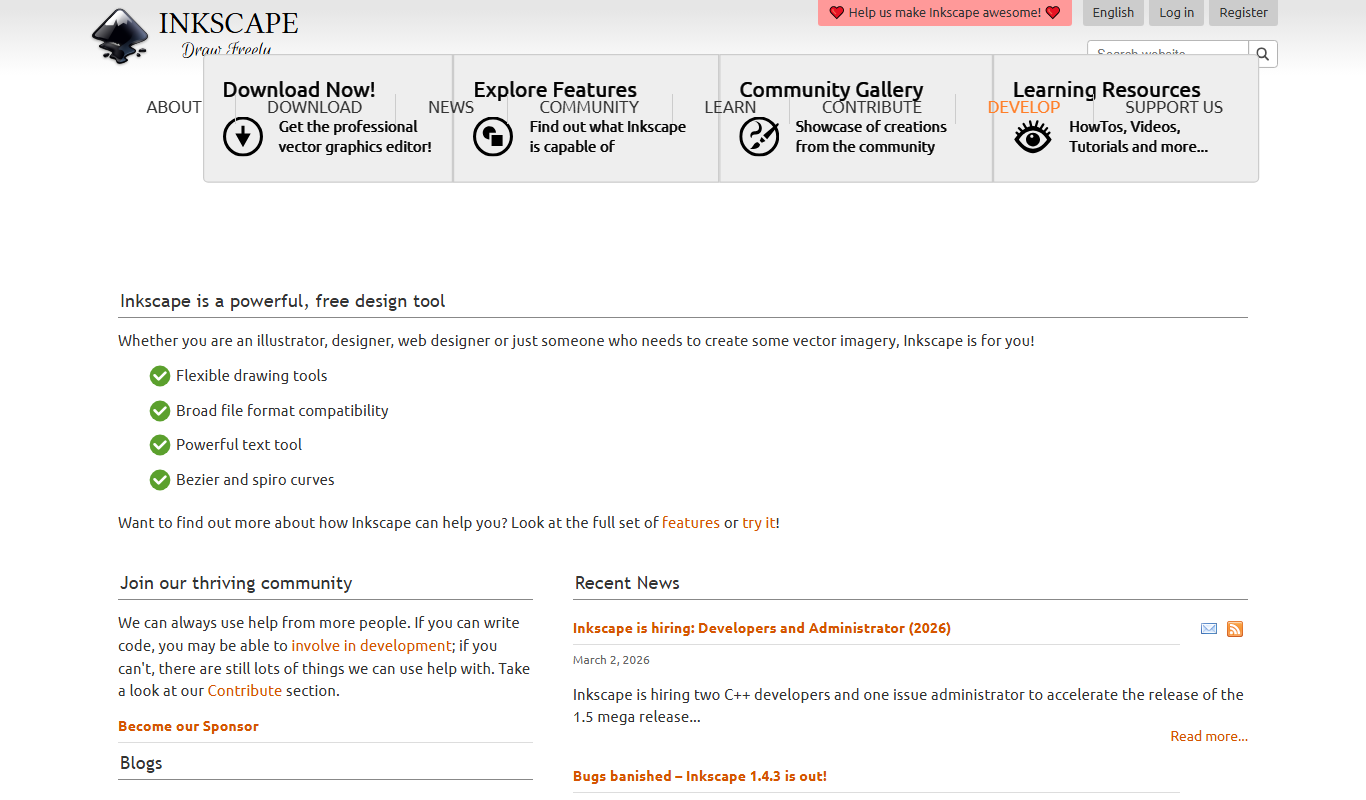
Inkscape
Inkscape is a free and open source vector graphics editor used for creating and editing scalable vector images with advanced tools for illustration and graphic design.
More AI Design & Creative Tools tools
Other tools in the same category, for when this one is not quite the fit.

Free
Guess The Prompt!
Guess The Prompt! is a free online game where players guess AI-generated prompts based on images or clues, promoting creative thinking and fun.
Paid
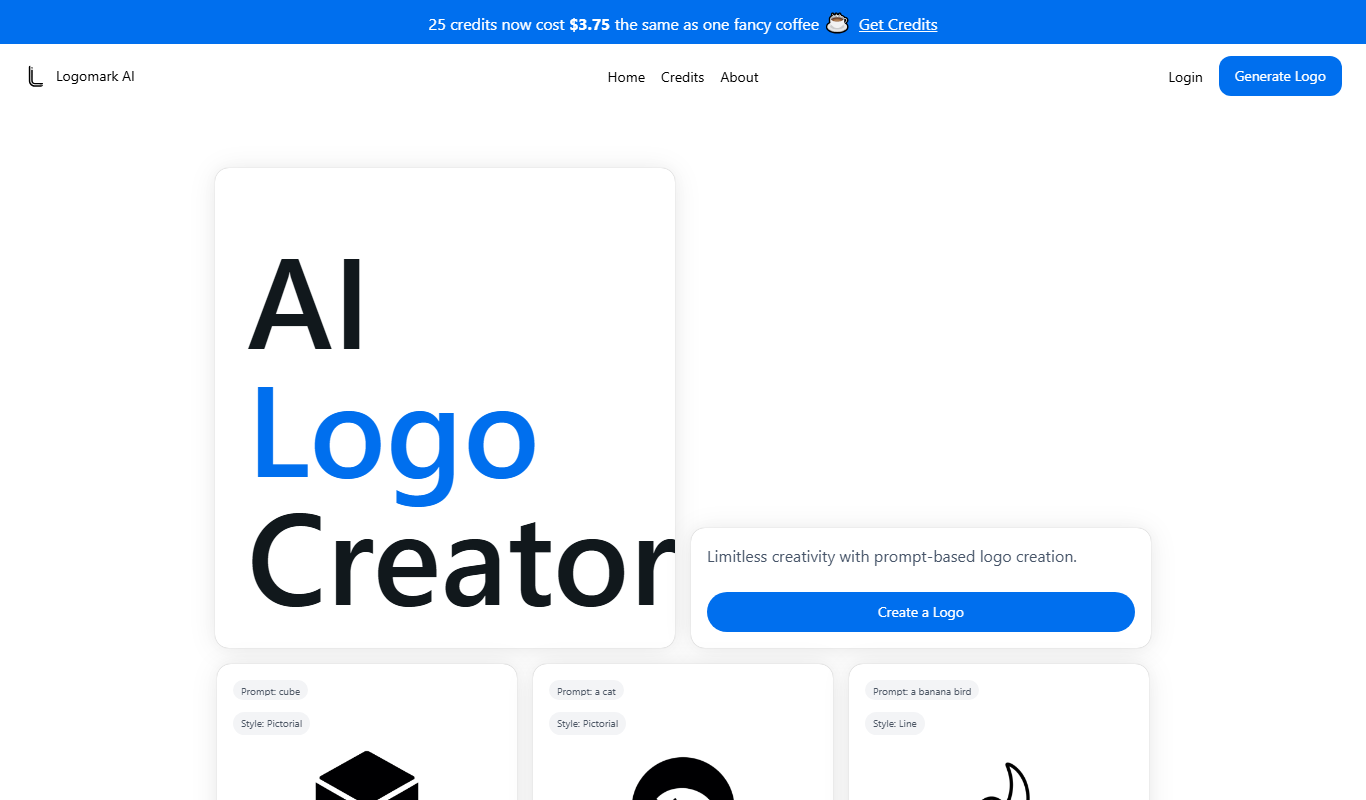
Logomark AI
Logomark AI is a prompt-based logo creator that turns a text description into a pictorial, abstract or line mark logo exportable as PNG or SVG.

Freemium
YouMusic.AI
YouMusic.AI turns text prompts or your own lyrics into complete songs, with free credits for new users and commercial rights on paid plans.

Free
svgtrace.com
SVGTrace.com is an online tool that converts raster images such as PNG or JPG into scalable SVG vector graphics using image tracing algorithms, accessible directly from your browser without installation.

Freemium
PuLID for FLUX
PuLID for FLUX is available free on 8PixLabs and generates images that keep facial features from a single photo.
Free
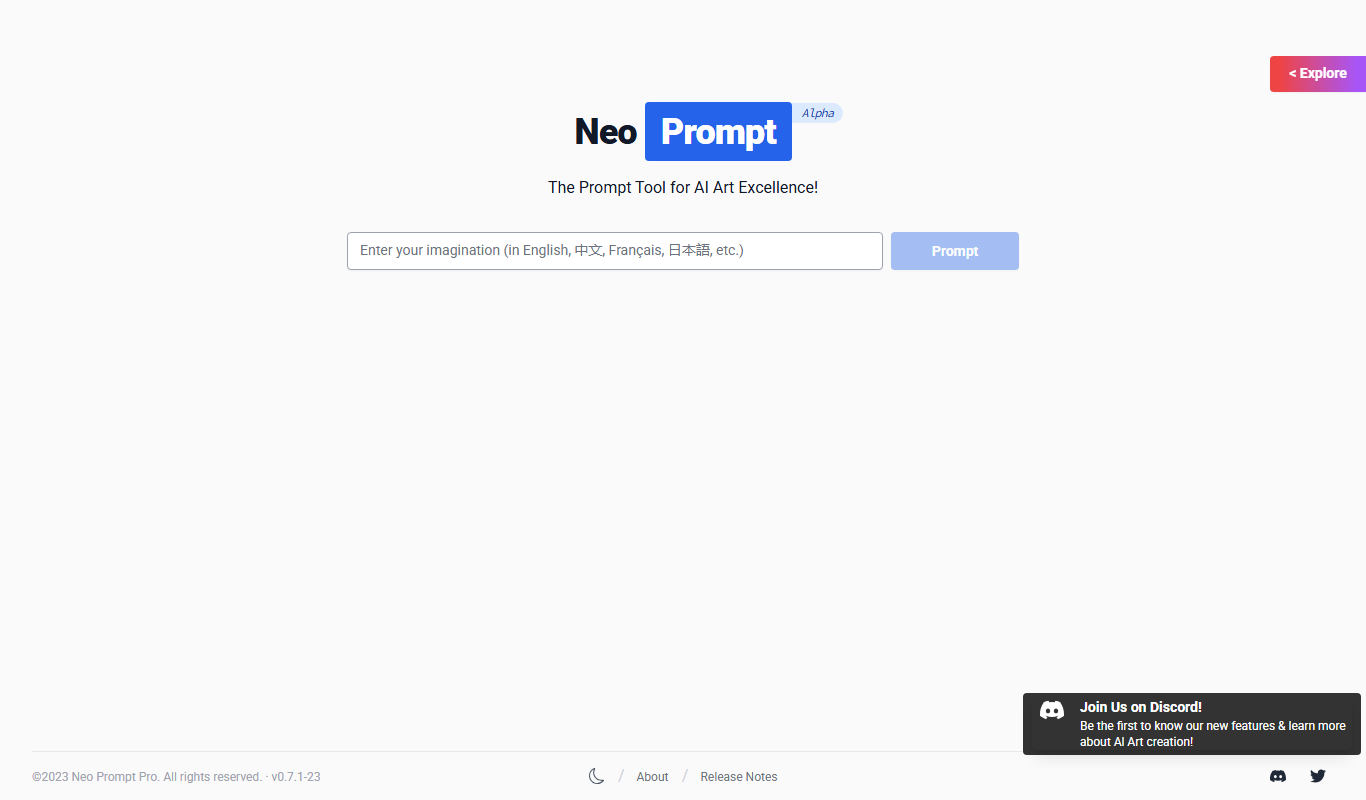
NeoPrompt Pro
NeoPrompt Pro is a prompt tool for AI art such as Midjourney, with a freemium model.

Free
Harmonai
Harmonai is the Stability AI lab for open-source audio, publishing tools for AI music generation.

Pay As You Go
Heurist Imagine
Heurist Imagine is an AI image and video generator that runs models such as FLUX, Stable Diffusion and Veo 3 on decentralized infrastructure, paid pay-as-you-go with crypto.