

From my experience with Inkscape, I found it excels at providing a robust and professional vector graphics editing environment without any cost. Its open source nature allows for customization and community-driven improvements, making it a great choice for designers who prefer flexibility and transparency. While it may have a steeper learning curve compared to some commercial alternatives, its comprehensive toolset covers most needs from illustration to technical drawing. However, users working with very complex files might notice some performance slowdowns. Overall, if you need a powerful, free vector design tool compatible across major desktop platforms, Inkscape delivers excellent value.
Inkscape Vector Graphics Editor for Professional and Open Source Design
Inkscape is a free and open source vector graphics editor used for creating and editing scalable vector images with advanced tools for illustration and graphic design.
- Best for
- Vector Illustration
- Key capability
- Comprehensive Vector Tools
Your actions
Save Inkscape, follow its updates and vote on it — everything stays in your account.
Sign in or create a free account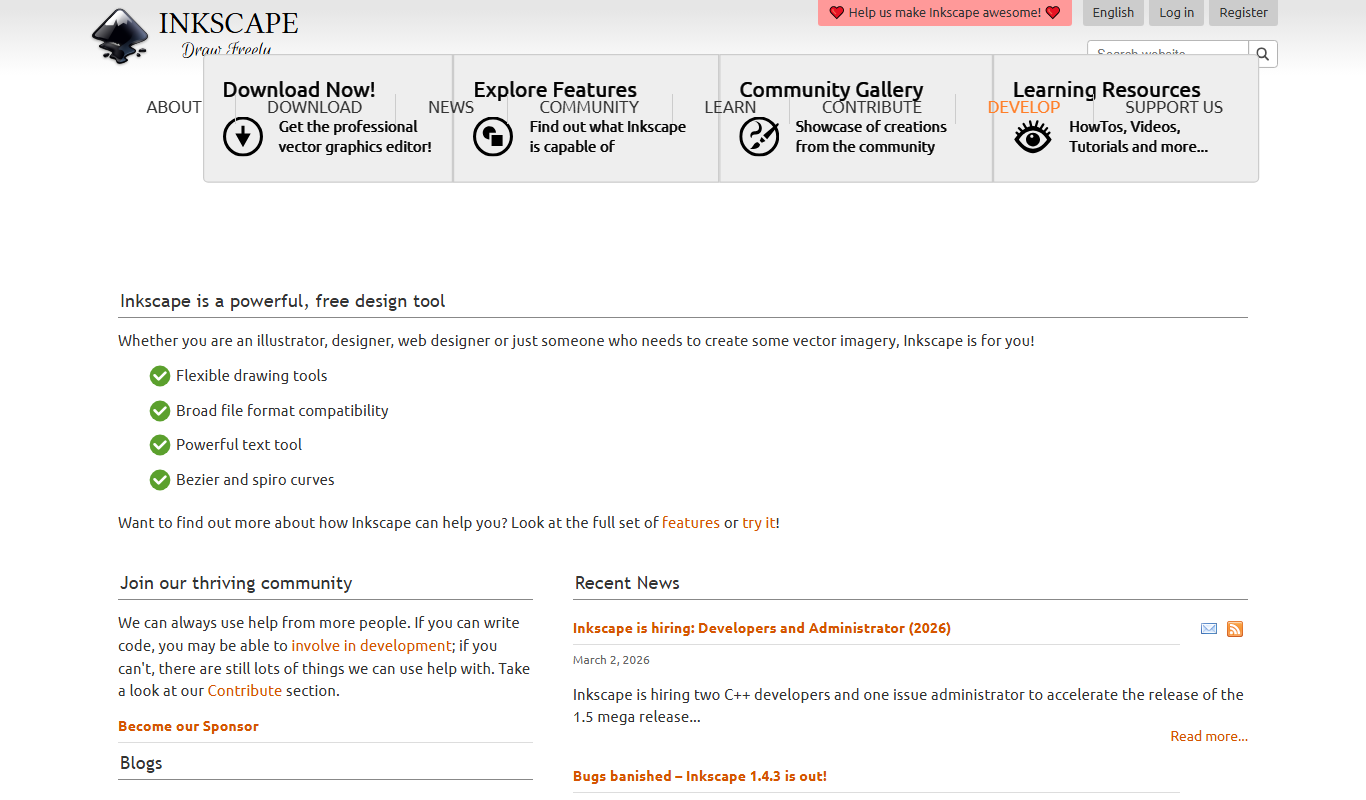
What is Inkscape?
Inkscape is a free and open source vector graphics editor used to create and edit scalable vector images such as illustrations, diagrams, line arts, charts, and complex paintings. It supports the SVG (Scalable Vector Graphics) file format as its primary format and offers a rich set of tools for drawing, shaping, text manipulation, and path editing. Inkscape is widely used by graphic designers, illustrators, and hobbyists who need a powerful yet accessible vector design tool without licensing costs.
Key features of Inkscape
Inkscape provides comprehensive vector graphic design features including node editing, bezier and spiro curves, text support, layers, object manipulation, and a wide range of filters and effects. It supports importing and exporting multiple file formats and integrates well with other open source tools. Its extensible architecture allows users to add custom plugins and scripts.
Comprehensive Vector Tools
Includes bezier curves, spiro curves, calligraphy tools, and node editing for detailed vector creation.
Multi-format Support
Import and export formats such as SVG, PNG, PDF, EPS, DXF, and more.
Text and Font Support
Advanced text tools with multi-line text, text on path, and font manipulation.
Layers and Object Management
Organize artwork with layers, groups, and object properties for complex designs.
Filters and Effects
Apply various visual effects and filters to enhance vector graphics.
Pros and cons of Inkscape
Pros
- Completely free and open source
- Powerful vector editing tools comparable to commercial software
- Cross-platform support for Windows, macOS, and Linux
- Active community and frequent updates
- Supports a wide range of file formats
Cons
- Steeper learning curve for beginners
- Performance can lag with very complex files
- Limited native support for some advanced typography features
Key use cases for Inkscape
Vector Illustration
Create scalable vector artwork for logos, icons, and illustrations with precision.
Graphic Design
Design posters, flyers, and other marketing materials using advanced vector tools.
SVG Editing
Edit and create SVG files compatible with web and print projects.
Technical Drawing
Produce detailed technical diagrams and schematics with customizable shapes and paths.
Open Source Collaboration
Contribute to and customize the software as it is community-driven and open source.
How Inkscape works
- 1
Download and Install
Get the latest version of Inkscape from the official website and install it on your desktop OS.
- 2
Create or Import Artwork
Start a new vector project or import existing SVG or other supported files.
- 3
Use Drawing Tools
Utilize the pen, pencil, shape, and text tools to create and edit vector elements.
- 4
Edit Paths and Nodes
Refine your artwork by manipulating nodes and paths for precise control.
- 5
Export Your Design
Save your work in SVG or export to formats like PNG, PDF, EPS for sharing or printing.
Who is using Inkscape
Graphic designers
Illustrators
Open source enthusiasts
Students and educators
Small businesses needing design tools
Inkscape pricing
Free
$0
Full-featured open source vector graphics editor with no cost.
Plans and prices are as published by the vendor and can change. Check the official site before you buy. Open the pricing page (opens in a new tab)
Frequently asked questions about Inkscape
Yes, Inkscape is completely free and open source software.
Inkscape primarily uses SVG but supports importing and exporting PNG, PDF, EPS, DXF, and others.
Yes, many professionals use Inkscape for vector illustration and graphic design projects.
Inkscape runs on Windows, macOS, and Linux.
This tool is designed to help users accomplish its core tasks more efficiently. It is typically used by individuals or teams looking to improve productivity and workflow.
It depends on your specific needs and how you plan to use the tool. The official website and documentation are the best sources for the latest details.
Yes, it can help with that use case depending on how you configure it and what features are available. You’ll get the best results with clear inputs and a defined goal.
Some tools offer a free plan or trial with limited features. Availability can vary, so confirm on the official website.
Sign in to review this tool.
Sign In to ReviewNo reviews yet
Be the first to share how this tool worked for you.
Ask about pricing, limits, or how it compares — or answer someone else.
Sign In to AskNo questions yet
Have a question about using or paying for this tool? Be the first to ask.
Featured on TiorAI



Alternative Tools
Explore similar AI tools that might fit your needs

Free Trial
CorelDRAW
CorelDRAW is a professional graphic design software suite used for vector illustration, page layout, photo editing, and typography, available on Windows and Mac platforms.
More AI Art Generator tools
Other tools in the same category, for when this one is not quite the fit.
Free Trial
SketchAR
SketchAR is an augmented reality app that projects virtual sketches onto physical surfaces, enabling users to trace and learn drawing interactively on mobile devices.

Pay As You Go
Heurist Imagine
Heurist Imagine is an AI image and video generator that runs models such as FLUX, Stable Diffusion and Veo 3 on decentralized infrastructure, paid pay-as-you-go with crypto.

Free
Story Diffusion Gen | Story Character
Story Diffusion Gen is an AI-powered web platform that generates character-consistent images, videos and comics from text prompts for visual storytelling.

Freemium
Scenario
Scenario is a creative AI platform for building workflows across image, video, audio and 3D, with models trained on your own art bible.
Freemium
ArtblastAI
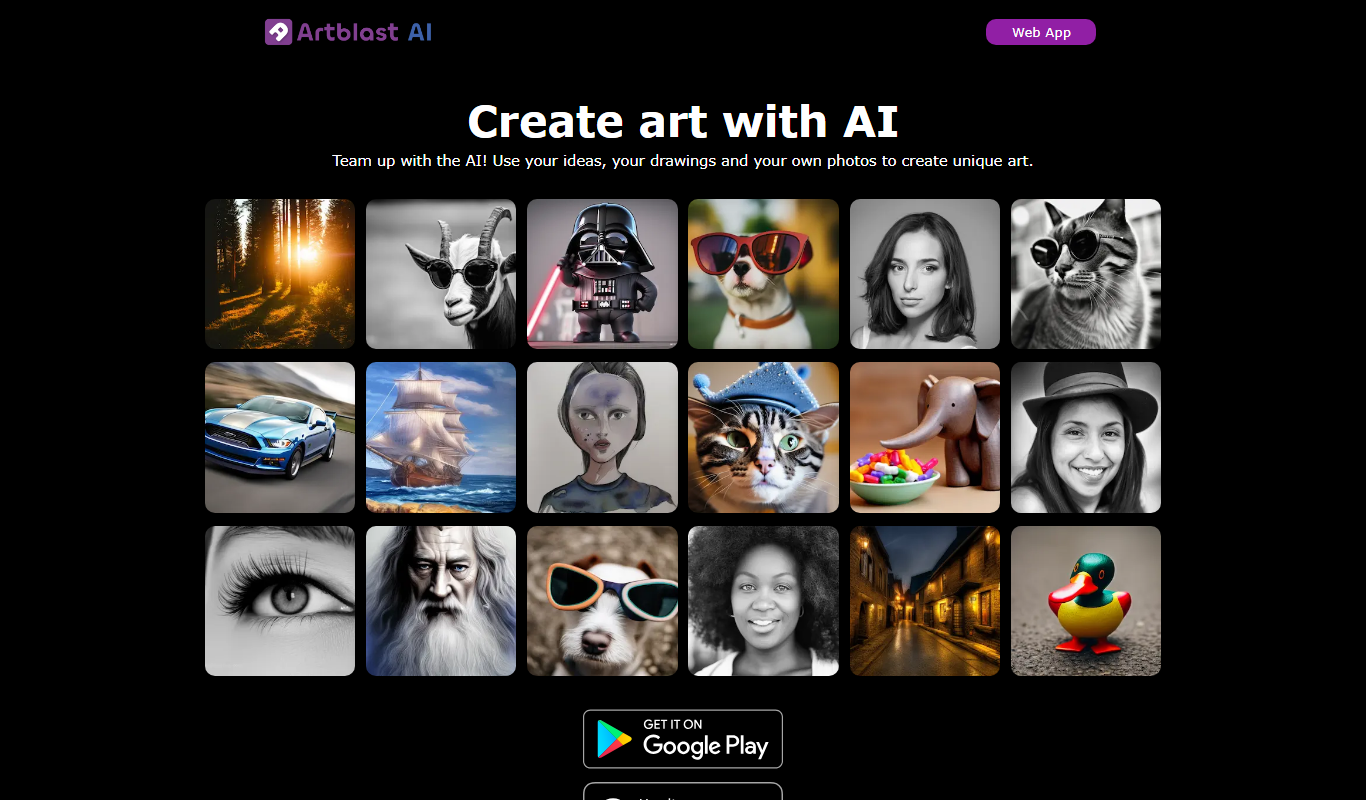
ArtblastAI is a web-based AI art generator that creates digital artwork from text prompts with customizable styles and high-resolution downloads.
Freemium
Dream by WOMBO
Dream by WOMBO is an AI art and video generator with apps for iOS and Android.

Free
starryai 2.0
StarryAI 2.0 is an AI art generation platform that creates unique digital images from text prompts, offering style customization and NFT minting features.

Free
Pixel-Art.ai
Pixel-Art.ai is an AI-driven web tool that generates custom pixel art and sprites from user prompts, ideal for game developers and digital artists seeking quick pixel art creation.