

SVGTrace.com - Online Raster to Vector Converter for SVG Graphics
SVGTrace.com is an online tool that converts raster images such as PNG or JPG into scalable SVG vector graphics using image tracing algorithms, accessible directly from your browser without installation.
- Best for
- Convert Raster Images to SVG
- Key capability
- Online Raster to Vector Conversion
Save svgtrace.com, follow its updates and vote on it — everything stays in your account.
Sign in or create a free account
What is svgtrace.com?
SVGTrace.com is a web-based tool that converts raster images (such as PNG, JPG, or BMP) into vector graphics in SVG format. It uses image tracing algorithms to detect shapes and colors, producing scalable and editable vector files suitable for graphic design, web development, and printing.
Key features of svgtrace.com
The tool offers easy online raster-to-vector conversion with options to upload images, adjust tracing parameters, and download clean SVG files. It supports multiple image formats and provides a user-friendly interface without requiring software installation.
Online Raster to Vector Conversion
Convert common raster image formats to scalable SVG vector graphics directly in the browser.
No Installation Required
Fully web-based tool accessible from any device with internet access.
Supports Multiple Image Formats
Accepts PNG, JPG, BMP, and other popular raster formats for conversion.
Clean Vector Output
Generates optimized SVG files suitable for editing and scaling without quality loss.
Free and Paid Plans
Offers a free tier with basic features and premium options for higher resolution or batch processing.
Pros and cons of svgtrace.com
Pros
- Easy to use with no software installation
- Supports multiple raster image formats
- Produces clean, scalable SVG files
- Free tier available for casual users
Cons
- Limited advanced editing options within the tool
- File size limits on free plan
- No desktop or mobile app versions
Key use cases for svgtrace.com
Convert Raster Images to SVG
Users can upload raster images like PNG or JPEG and convert them into scalable vector graphics (SVG) for design or web use.
Graphic Design and Illustration
Designers can trace logos, icons, or artwork to create clean vector versions suitable for editing and scaling.
Web and UI Development
Developers can optimize images by converting them to SVG format for better scalability and performance on websites.
Print and Merchandise Preparation
Converting images to vector format helps prepare artwork for printing on various merchandise with high quality.
How svgtrace.com works
- 1
Upload Image
Users upload a raster image file (PNG, JPG, BMP) to the SVGTrace website.
- 2
Automatic Tracing
The tool processes the image using tracing algorithms to convert it into vector paths.
- 3
Preview and Adjust
Users can preview the vector output and adjust settings if available to improve accuracy.
- 4
Download SVG
Once satisfied, users download the resulting SVG file for use in design or development projects.
Who is using svgtrace.com
svgtrace.com pricing
Free
$0/month
Basic raster to SVG conversion with file size and usage limits.
Pro
$9/month
Higher resolution conversions, batch processing, and priority support.
Plans and prices are as published by the vendor and can change. Check the official site before you buy. Open the pricing page (opens in a new tab)
Frequently asked questions about svgtrace.com
You can upload PNG, JPG, BMP, and other common raster image formats for conversion to SVG.
Yes, free users have a maximum file size limit; upgrading to Pro increases this limit.
Yes, the output SVG files are standard vector graphics that can be edited in vector graphic software.
No, SVGTrace is fully web-based and works directly in your browser.
It depends on your specific needs and how you plan to use the tool. The official website and documentation are the best sources for the latest details.
Some tools offer a free plan or trial with limited features. Availability can vary, so confirm on the official website.
Yes, it can help with that use case depending on how you configure it and what features are available. You’ll get the best results with clear inputs and a defined goal.
Some tools offer a free plan or trial with limited features. Availability can vary, so confirm on the official website.
Conclusion
The workflow is short: a PNG, JPG or BMP image goes in, tracing algorithms turn it into vector paths, and an SVG file comes out for download. Where settings are available, the vector output can be previewed and adjusted first. Because tracing detects shapes and colors, the resulting files are scalable and editable, and they are meant for scaling without quality loss.
Designers tracing logos, icons or artwork, developers converting images for websites and creators preparing artwork for print and merchandise are the intended users. Conversion happens directly in the browser. A free tier is available, and a paid Pro plan adds an editor and more export options.
Sources
Sign in to review this tool.
Sign In to ReviewNo reviews yet
Be the first to share how this tool worked for you.
Ask about pricing, limits, or how it compares — or answer someone else.
Sign In to AskNo questions yet
Have a question about using or paying for this tool? Be the first to ask.
Featured on TiorAI



Alternative Tools
Explore similar AI tools that might fit your needs

Vector Magic
Vector Magic is an AI-driven tool that converts bitmap images into editable vector graphics, supporting formats like SVG and EPS for design and print use.

Autotracer
Autotracer is a free web-based tool that automatically converts raster images into vector graphics in formats like SVG and EPS, enabling scalable and editable designs.
More AI Design & Creative Tools tools
Other tools in the same category, for when this one is not quite the fit.
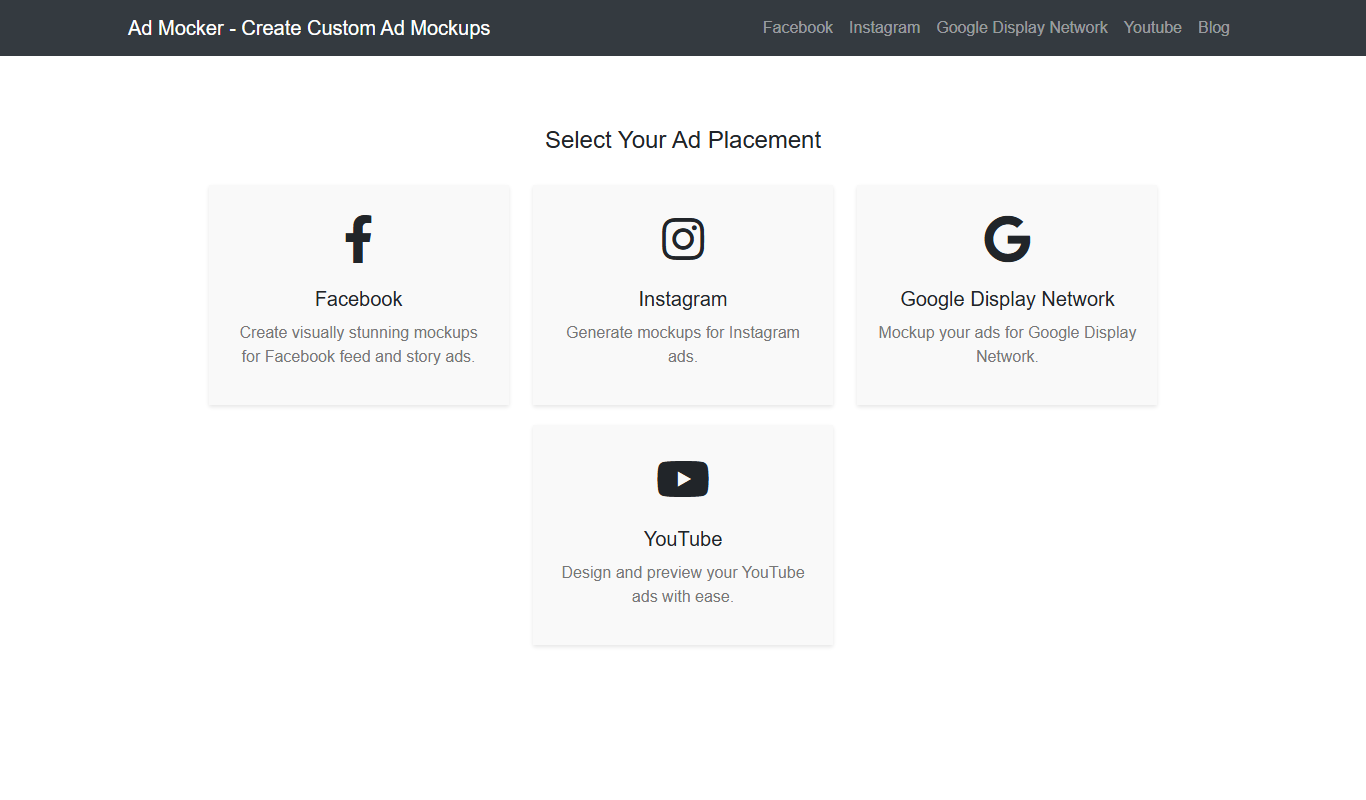
Ad Mocker
Ad Mocker is a free web-based tool that helps marketers and designers create realistic ad mockups quickly without needing advanced design software.

Guess The Prompt!
Guess The Prompt! is a free online game where players guess AI-generated prompts based on images or clues, promoting creative thinking and fun.
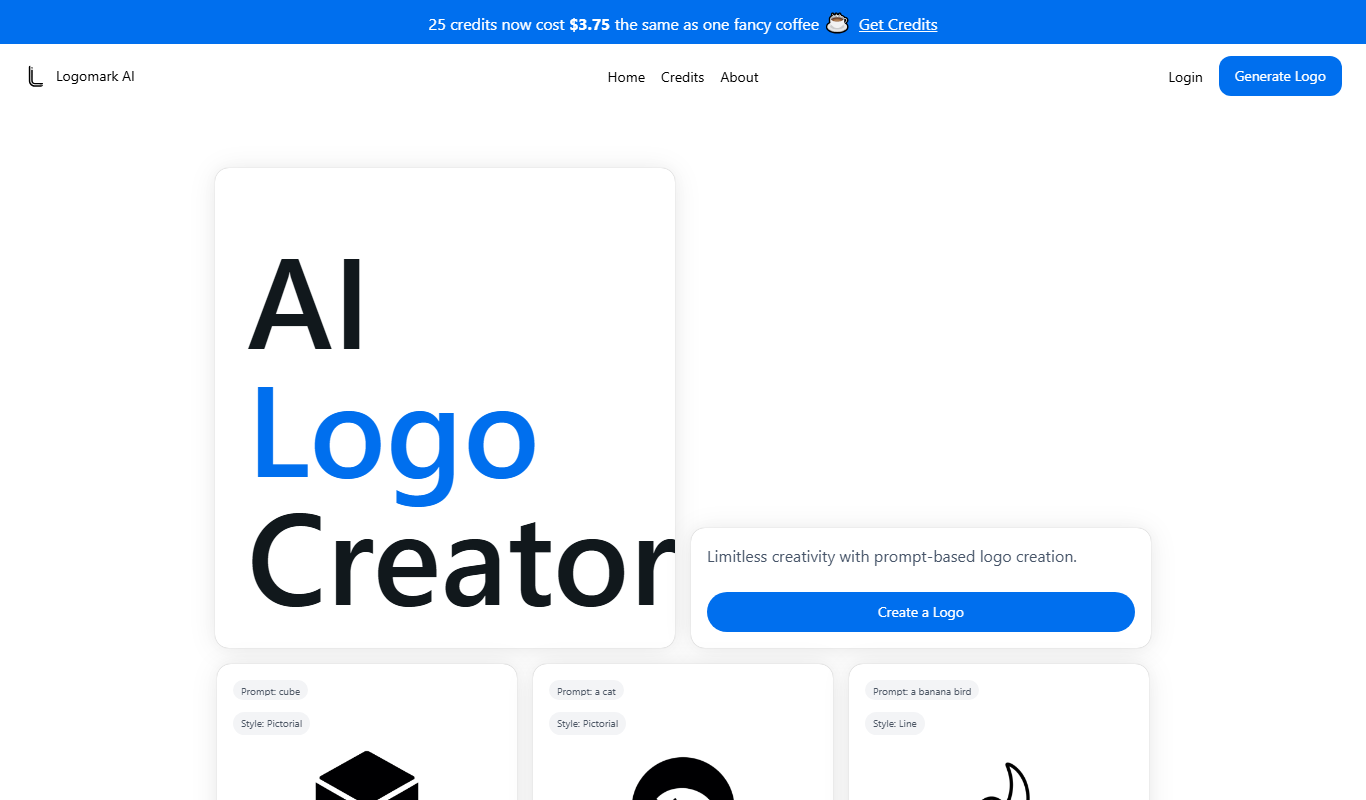
Logomark AI
Logomark AI is a prompt-based logo creator that turns a text description into a pictorial, abstract or line mark logo exportable as PNG or SVG.

YouMusic.AI
YouMusic.AI turns text prompts or your own lyrics into complete songs, with free credits for new users and commercial rights on paid plans.

PuLID for FLUX
PuLID for FLUX is available free on 8PixLabs and generates images that keep facial features from a single photo.
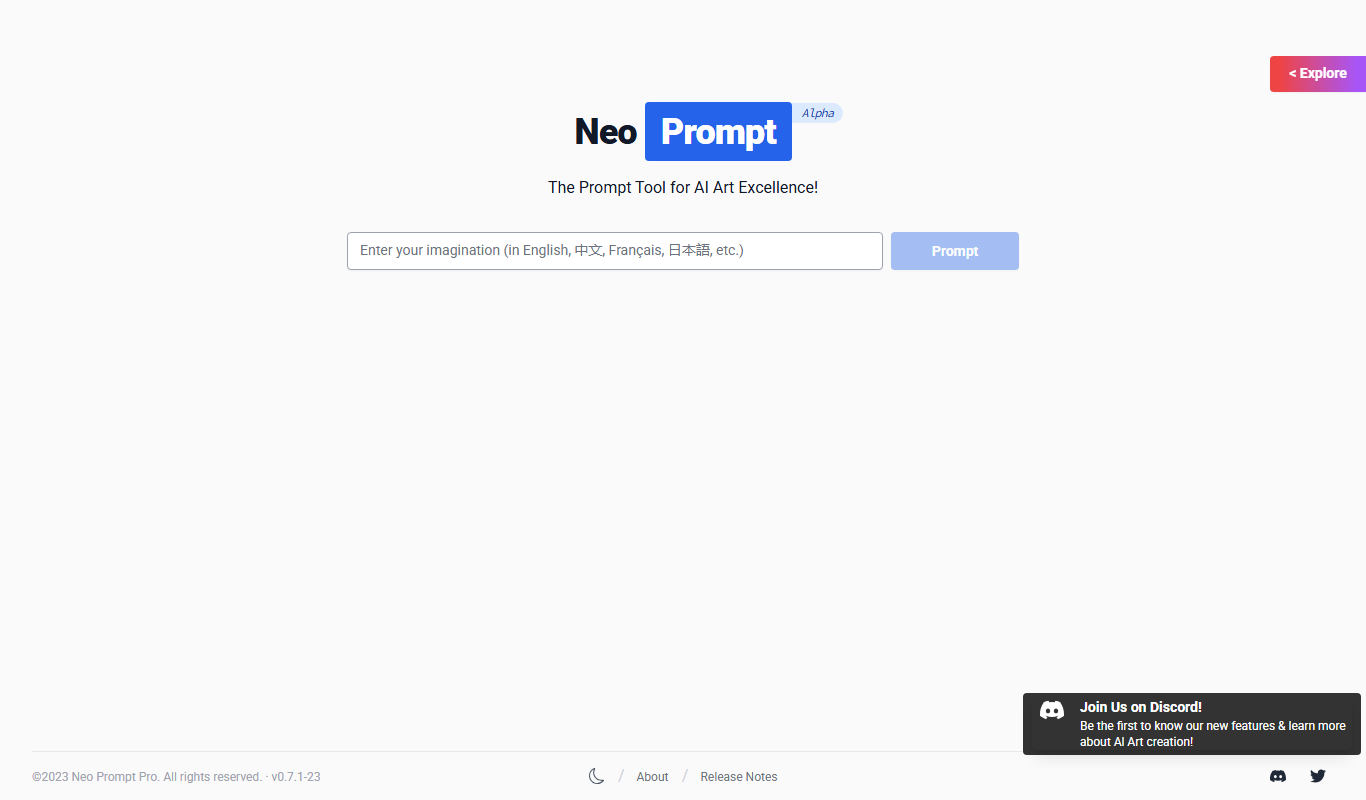
NeoPrompt Pro
NeoPrompt Pro is a prompt tool for AI art such as Midjourney, with a freemium model.

Harmonai
Harmonai is the Stability AI lab for open-source audio, publishing tools for AI music generation.

Heurist Imagine
Heurist Imagine is an AI image and video generator that runs models such as FLUX, Stable Diffusion and Veo 3 on decentralized infrastructure, paid pay-as-you-go with crypto.