

Canva is an online graphic design platform founded in 2013 in Australia. It has evolved into a comprehensive AI-powered design suite with over 225M monthly visitors. Canva's Magic AI tools allow anyone to create professional-quality graphics, presentations, videos, and documents regardless of design experience.Key AI features include Magic Write (AI copywriting), Magic Design (auto-generate designs from prompts), Magic Edit (AI photo editing), Text to Image, and Magic Animate. Canva offers 1M+ templates across every design category.
10 Best Canva Alternatives in 2026 (Free & Paid)
7 tools compared against Canva on pricing, platforms and what each one does differently.
- Alternatives
- 7
- Category
- AI Design Tools
- Free
- $0/month
- With a free tier
- 7 of 7


What is Canva?
Why Choose Canva AI Alternatives?
People leave Canva for different reasons, and each of the 7 AI Design Tools tools on this page answers a different one. Here is what separates the shortlist, taken from what each tool actually stores rather than from a ranking.
-
A free way in
All 7 tools below are free, freemium or open source, so you can try them before any card details are involved.
-
Different capabilities
Between them these tools are also filed under Art & Creative Design, Coding & Development, No-Code&Low-Code — categories Canva does not carry.
-
A different pricing shape
The shortlist spans Free, Freemium, Subscription, so the choice is not only which tool but which commercial model suits how you work.
-
Wider platform coverage
Tools on this shortlist additionally list Desktop (Windows, Mobile (iOS, Desktop among their platforms, which Canva does not.
-
More than one vendor
These come from 7 different companies, so you are choosing a supplier as well as a product.
Best Canva AI Alternatives in 2026
Every row links to that tool’s full entry further down the page.
| Tool | Best for | Pricing | Free tier | Platforms |
|---|---|---|---|---|
|
Canva
Current tool | Social Media Graphics |
| Yes | Android, iOS, macOS |
| Figma | User Interface Design |
| Yes | Android, Desktop (Windows, macOS |
| PicsArt | Photo Editing |
| Yes | Android, Desktop, iOS |
| Visme | Presentation Design |
| Yes | Web |
| VistaCreate | Social Media Content Creation |
| Yes | Mobile App, Web |
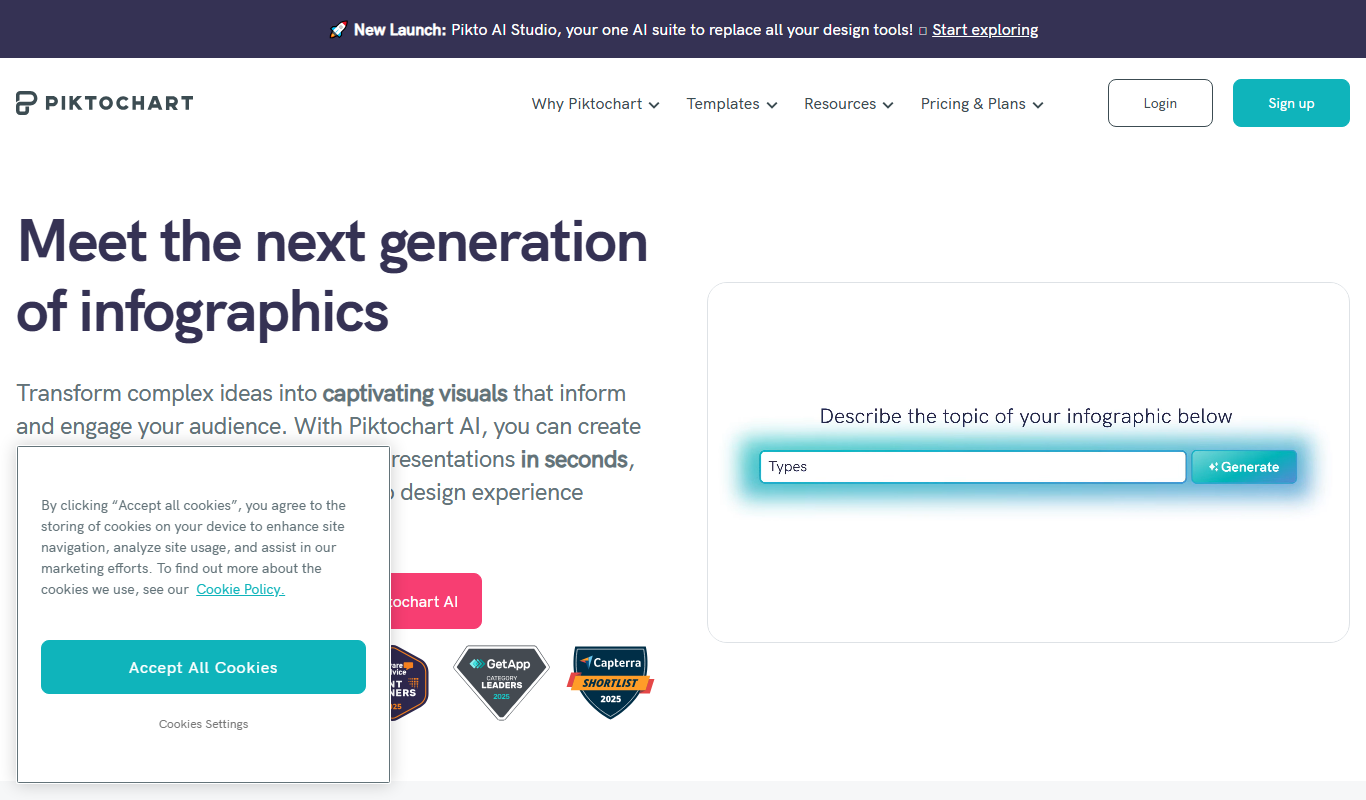
| Piktochart | Infographic Creation |
| Yes | Web |
 Fotor
Fotor
| Photo Editing |
| Yes | Android, Desktop, iOS |
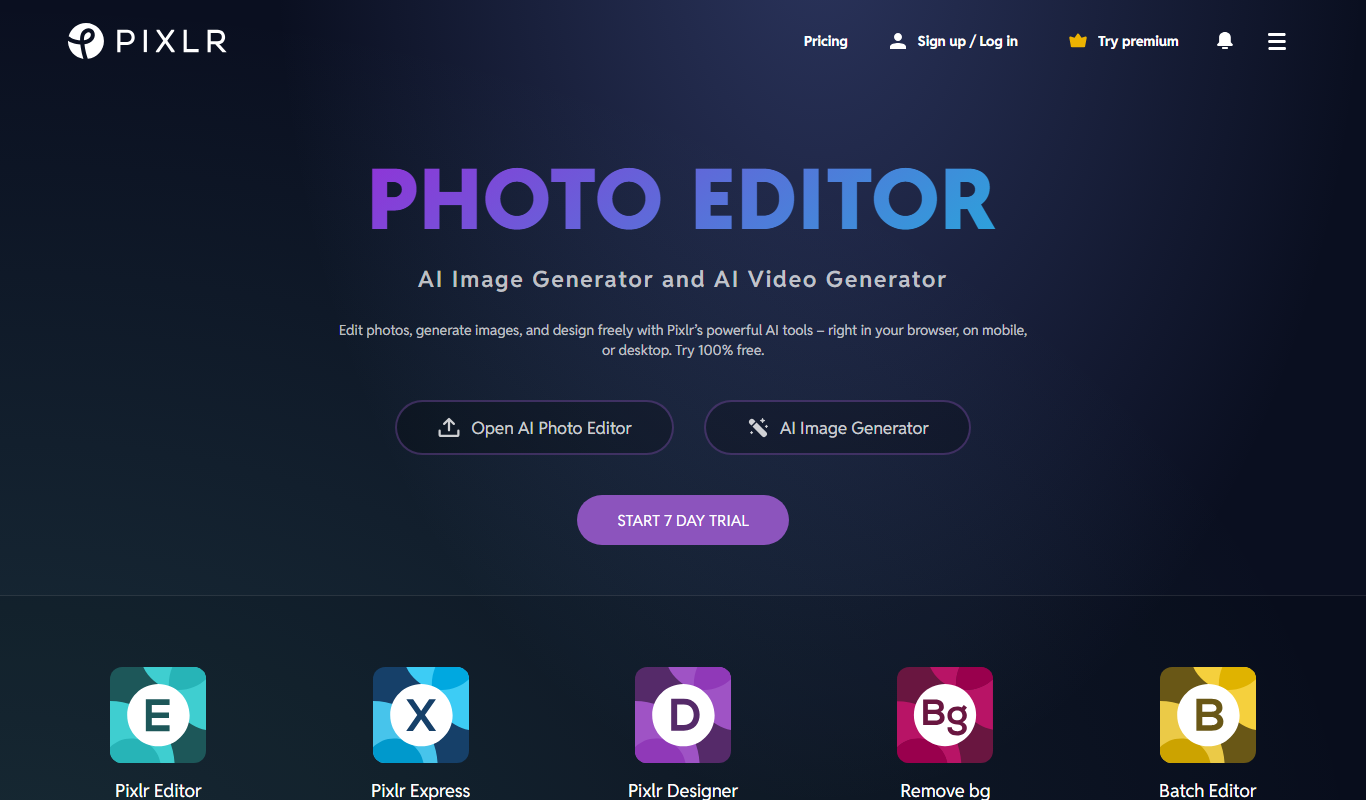
| Pixlr | Basic Photo Editing |
| Yes | Android, iOS, Web |
Top Canva AI Alternatives for 2026
Number 1: Figma
Figma is a cloud-based design and prototyping tool that enables teams to create user interfaces collaboratively in real time. It combines vector graphics editing, prototyping, and design system management into a single platform accessible via web browsers and desktop apps.
Best for User Interface Design
vs Canva Also covers Art & Creative Design, Coding & Development
Key features of Figma
-
Real-Time Collaboration
Multiple users can edit and comment on designs simultaneously with live cursors and chat.
-
Vector Networks
Flexible vector editing tools that allow complex shapes and paths beyond traditional pen tools.
-
Interactive Prototyping
Create clickable prototypes with transitions, overlays, and animations without coding.
-
Design Systems
Centralize components, styles, and assets to maintain consistency across projects and teams.
-
Version History
Track changes and revert to previous versions easily with automatic version control.
-
Developer Handoff
Generate specs, CSS code, and downloadable assets for developers directly from design files.
Pros and cons of Figma
Pros
- Seamless real-time collaboration without file conflicts
- Cross-platform accessibility via web and desktop apps
- Robust prototyping tools integrated with design
- Strong community and plugin ecosystem
Cons
- Limited offline capabilities
- Performance can lag with very large files
- Advanced features require paid subscription
Best use cases for Figma
-
Prototyping and Interaction Design
Build interactive prototypes with transitions and animations to simulate user flows and test usability.
-
Collaborative Design and Feedback
Work in real-time with team members and stakeholders to co-design, comment, and resolve feedback directly within the platform.
-
Design System Management
Create and maintain reusable components, styles, and assets to ensure design consistency across projects.
-
Number 2: PicsArt

PicsArt is a comprehensive photo editing and creative design platform that combines traditional editing tools with advanced AI-powered features. It enables users to edit photos, generate AI art, create collages, and design graphics for social media or personal projects. The platform is accessible via web and mobile apps, making creative tools available to a broad audience.
Best for Photo Editing
vs Canva Also covers AI Art Generator, AI Photo Restoration
Key features of PicsArt
-
AI Art Generator
Generate unique artwork from text prompts or transform photos using AI-powered models.
-
Advanced Photo Editor
Access a wide range of editing tools including filters, effects, cropping, and retouching.
-
Collage Maker
Create photo collages with customizable layouts and design elements.
-
Background Removal
Automatically remove or replace backgrounds in images using AI technology.
-
Photo Restoration
Restore old or damaged photos with AI-enhanced repair tools.
Pros and cons of PicsArt
Pros
- User-friendly interface suitable for beginners and professionals
- Robust AI art generation integrated with photo editing
- Cross-platform availability including mobile and desktop
- Extensive library of templates and creative assets
Cons
- Free version includes ads and limited access to advanced features
- AI art generation can require credits or subscription for extensive use
- Some advanced editing tools have a learning curve for new users
Best use cases for PicsArt
-
AI Art Generation
Create unique AI-generated artwork from text prompts or by transforming existing images using AI models.
-
Social Media Content Creation
Design engaging social media posts, stories, and ads with customizable templates and creative tools.
-
Collage and Graphic Design
Make photo collages and graphic designs using drag-and-drop tools and a vast library of assets.
-
Number 3: Visme
Visme is a web-based visual content creation platform that empowers users to design presentations, infographics, reports, social media graphics, and other visual materials without requiring advanced design skills. It offers a drag-and-drop interface, a vast library of templates, icons, images, and data visualization tools to help individuals and businesses communicate ideas effectively through compelling visuals.
Best for Presentation Design
vs Canva Also covers Art & Creative Design, Marketing & Advertising
Key features of Visme
-
Drag-and-Drop Editor
User-friendly interface that allows easy customization of templates and design elements.
-
Extensive Template Library
Access to hundreds of templates across various categories including business, education, and marketing.
-
Interactive Data Widgets
Create dynamic charts, graphs, and maps to visualize data effectively.
-
Brand Kit
Maintain brand consistency by uploading logos, fonts, and color palettes.
-
Collaboration Tools
Real-time collaboration features for teams to work together on projects.
-
Multiple Export Options
Export designs as images, PDFs, HTML5, or share online with embed codes.
Pros and cons of Visme
Pros
- Intuitive drag-and-drop interface
- Wide variety of customizable templates
- Strong data visualization capabilities
- Collaboration features for teams
Cons
- Free plan has limited features and exports
- No desktop or mobile app; web-only platform
- Some advanced features require higher-tier plans
Best use cases for Visme
-
Infographic Creation
Design data-driven infographics to visually communicate complex information clearly and attractively.
-
Marketing Content
Develop marketing materials such as social media graphics, flyers, and reports to support brand promotion and campaigns.
-
Data Visualization
Transform raw data into charts, graphs, and interactive widgets to enhance reports and presentations.
-
Number 4: VistaCreate
VistaCreate is an online graphic design platform that enables users to create professional-quality visual content quickly and easily. It offers a vast library of customizable templates, design elements, and stock images, making it accessible for both beginners and experienced designers. The tool supports creating graphics for social media, marketing campaigns, branding, and more, all through an intuitive drag-and-drop interface.
Best for Social Media Content Creation
vs Canva Also covers Art & Creative Design, Marketing & Advertising
Key features of VistaCreate
-
Extensive Template Library
Thousands of customizable templates for social media, marketing, branding, and more.
-
Drag-and-Drop Editor
User-friendly interface that allows easy customization without design skills.
-
Stock Photos and Videos
Access millions of high-quality images and videos integrated within the platform.
-
Animation Tools
Create animated graphics and videos to enhance engagement.
-
Team Collaboration
Invite team members to collaborate on designs in real-time.
Pros and cons of VistaCreate
Pros
- Intuitive drag-and-drop interface suitable for beginners
- Large library of templates and stock assets
- Supports animated designs and video content
- Affordable pricing with a functional free tier
Cons
- Limited advanced design features compared to professional software
- Some premium assets require Pro subscription
Best use cases for VistaCreate
-
Marketing Material Design
Create professional marketing visuals such as flyers, posters, and ads to promote products and services.
-
Branding and Identity
Develop consistent brand assets including logos, business cards, and presentations.
-
Event Promotion
Design invitations, event banners, and promotional materials for online and offline events.
-
Number 5: Piktochart
Piktochart is a web-based visual communication tool that enables users to create infographics, presentations, reports, and other visual content without requiring advanced graphic design skills. It offers a drag-and-drop editor, customizable templates, and a library of icons, images, and charts to help users convey information effectively and attractively.
Best for Infographic Creation
vs Canva Also covers AI Design & Creative Tools, AI Presentation Generator Lite
Key features of Piktochart
-
Drag-and-Drop Editor
User-friendly interface that simplifies designing without coding or graphic design experience.
-
Extensive Template Library
Access to hundreds of professionally designed templates for various visual content types.
-
Data Visualization Tools
Built-in charts, maps, and graphs to help represent data clearly and attractively.
-
Branding Customization
Options to upload logos, set brand colors, and customize fonts to maintain brand consistency.
-
Export Options
Download visuals as PNG, PDF, or PowerPoint files for offline use or presentations.
Pros and cons of Piktochart
Pros
- Intuitive drag-and-drop interface
- Wide variety of customizable templates
- Strong data visualization capabilities
- Branding and customization options
Cons
- Limited offline functionality as a web-based tool
- Some advanced features require paid plans
- No mobile app for on-the-go editing
Best use cases for Piktochart
-
Presentation Design
Create professional presentations with customizable templates and graphics.
-
Report Visualization
Transform complex reports into visually appealing and easy-to-understand visuals.
-
Marketing Materials
Develop marketing collateral such as flyers, posters, and social media graphics.
-

Number 6: Fotor
Fotor is an all-in-one online photo editing and graphic design platform that empowers users to create, edit, and enhance images easily. It offers a wide range of tools including photo retouching, collage making, and design templates suitable for both beginners and professionals. With AI-powered features and an intuitive interface, Fotor streamlines creative workflows across web and mobile devices.
Best for Photo Editing
vs Canva Also covers AI Background Remover, AI Design & Creative Tools
Key features of Fotor
-
One-Tap Enhance
Automatically improve photo quality with AI-powered enhancement.
-
Background Remover
Easily remove backgrounds from images for clean cutouts.
-
Design Templates
Access thousands of customizable templates for social media, marketing, and more.
-
Batch Processing
Edit multiple photos at once to streamline workflows.
-
Collage Maker
Create stylish photo collages with flexible layouts and design options.
Pros and cons of Fotor
Pros
- User-friendly interface suitable for beginners
- Wide range of templates and design assets
- AI-powered tools simplify complex edits
- Cross-platform availability including mobile apps
Cons
- Some advanced features require paid subscription
- Limited offline functionality
- Occasional ads in free version
Best use cases for Fotor
-
Graphic Design
Create social media posts, banners, flyers, and other visual content using templates and design elements.
-
Collage Making
Combine multiple photos into creative collages with customizable layouts.
-
AI-Powered Enhancements
Use AI tools for background removal, one-tap enhancement, and style transfer.
-
Number 7: Pixlr
Pixlr is a cloud-based photo editing and graphic design tool that allows users to edit images and create designs directly in their web browser or mobile device. It offers a range of features from simple adjustments to advanced editing with layers and masks, making it accessible for beginners and useful for professionals who need quick edits without installing software.
Best for Basic Photo Editing
vs Canva Also covers AI Background Remover, AI Design & Creative Tools
Key features of Pixlr
-
AI Background Removal
Automatically remove backgrounds from images with a single click.
-
Layer-Based Editing
Work with multiple layers to create complex compositions and edits.
-
Templates and Design Assets
Access a library of customizable templates, stickers, and overlays for quick design creation.
-
Mobile and Web Access
Edit photos on the go with apps for iOS and Android or use the full-featured web editor.
-
Batch Processing
Apply edits to multiple images simultaneously to streamline workflows.
Pros and cons of Pixlr
Pros
- Accessible from any device with a browser
- User-friendly interface suitable for beginners
- Includes AI-powered editing tools
- Offers both simple and advanced editing features
Cons
- Free version includes ads
- Some advanced features require subscription
- Performance can vary with large files on web
Best use cases for Pixlr
-
Graphic Design
Create social media posts, banners, and marketing materials using templates and design tools.
-
Creative Image Manipulation
Use layers, masks, and advanced tools to retouch images and create composite artwork.
-
Quick Touch-ups
Remove blemishes, whiten teeth, and enhance portraits with easy-to-use retouching features.
-



No alternatives match that pricing model.
Which Canva alternative is right for you?
Each tool below lists this as the first thing it is built for, in its own words.
- User Interface Design
Create and iterate on UI designs for websites, mobile apps, and desktop applications using vector tools and components.
- Photo Editing
Edit photos with a wide range of tools including filters, effects, retouching, and AI-powered enhancements.
- Presentation Design
Create professional and engaging presentations for business, education, or personal use with customizable templates and design assets.
- Social Media Content Creation
Design engaging posts, stories, and banners optimized for platforms like Instagram, Facebook, and Twitter.
- Infographic Creation
Design engaging infographics to visualize data and information clearly.
- Basic Photo Editing
Crop, resize, adjust colors, and apply filters to photos quickly without complex software.
Compare Canva head to head
Published pages that put Canva against one other tool, side by side on pricing, features and use cases.

Canva AI vs Midjourney: Image Quality, Style & Pricing Compared
Canva AI vs Midjourney — compare image quality, style control, prompt flexibility, pricing, and workflow fit.
- Canva: $15/month Starts at Midjourney: $10/month
- Canva: 5 Platforms Midjourney: 2
-
Canva for Teams vs Individual: Templates, AI Features & Pricing
Compare Canva for Teams and Individual on design templates, AI generation quality, collaboration tools, and pricing.
Canva Free vs Pro: Best AI Design Tool for Teams?
Canva Free or Pro? Compare templates, AI features, export options, pricing, and team fit.
-
Canva vs Adobe Express: Which AI Design Tool Wins in 2026?
Canva vs Adobe Express — AI features, template library, collaboration tools, pricing, and which delivers better results.
-
Canva vs Crello: Design Quality, Ease of Use & Cost
See how Canva and Crello compare on design output quality, ease of use, template variety, and pricing.
-
Canva vs Figma: Templates, AI Features & Pricing
Compare Canva and Figma on design templates, AI generation quality, collaboration tools, and pricing.
- Canva: $15/month Starts at Figma: $12/month/editor
- Canva: 5 Platforms Figma: 5

More AI Design Tools tools
Other tools filed under AI Design Tools that are not already on this page.
 Freemium
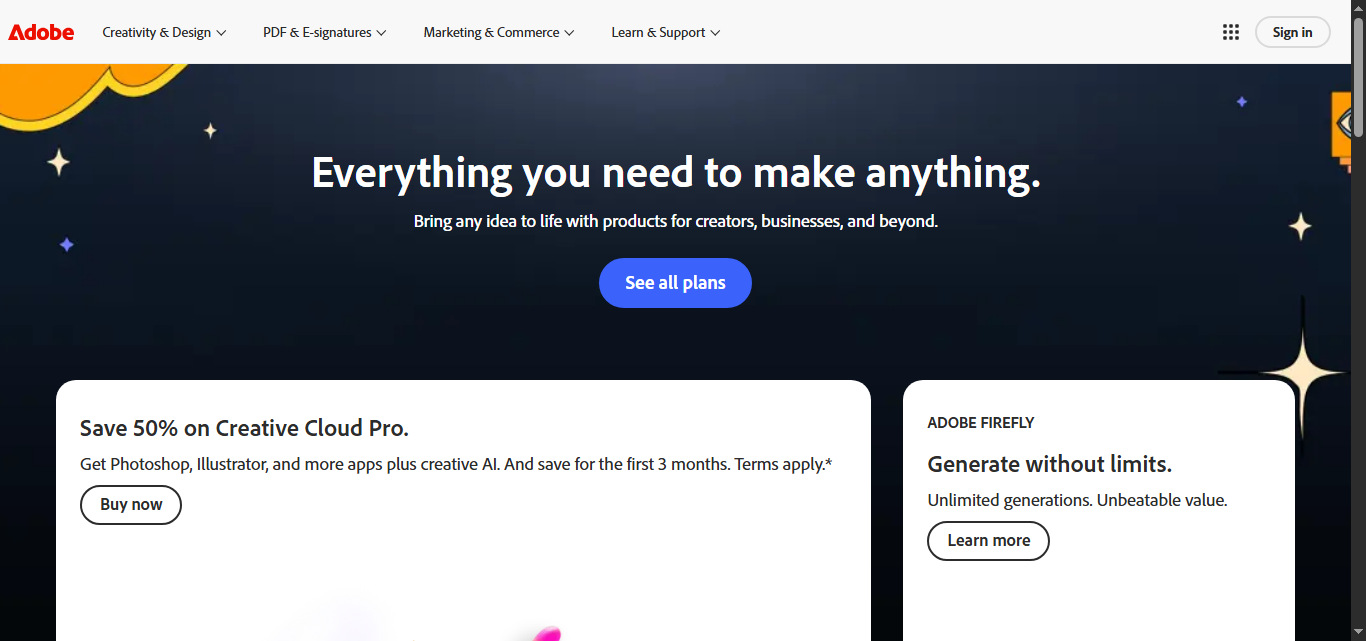
Adobe
Adobe offers AI tools including Firefly (image generation), Generative Fill in Photoshop, Generative Recolor in Illustrator, and AI editing in Premiere Pro. All outputs are commercially safe and trained on licensed content.
AI tool lists that include Canva
Round-ups an editor has placed Canva in, ranked here by how many of this page's tools they share.
Best Canva Alternatives 2026 (Tested & Ranked)
We tested and ranked the top canva alternatives to save you hours of research — here's what actually works in 2026.
Canva, Beautiful.ai, Uizard and 5 more


More AI alternatives
Other alternatives guides whose subject shares a category with this one.
- Alternatives to Beautiful.ai
10 Best Beautiful.ai Alternatives & Competitors in 2026
Explore the top Beautiful.ai alternatives in 2026 — compare features, pricing, and real-world performance to find the right ai presentation tools tool.
Gamma App, Canva, Pitch and 3 more - Alternatives to Gamma App
Top Gamma App Alternatives Tested & Ranked (2026)
We tested the best Gamma App alternatives and ranked them by features, pricing, and use case — find the right ai presentation tools tool for your needs.
Beautiful.ai, Canva, Pitch and 3 more - Alternatives to Adobe
10 Best Adobe Alternatives in 2026 (Free & Paid)
Looking for the best Adobe alternatives in 2026? We compared the top options to find the right ai creative suite tool for your needs.
Canva, Midjourney, Stable Diffusion and 6 more


Browse alternatives by category
Every category with more than one alternatives guide in it.