

Adobe is the world's leading creative software company offering AI-powered tools through Creative Cloud and Adobe Firefly. Firefly is Adobe's generative AI model trained exclusively on licensed Adobe Stock content, making all outputs commercially safe. Key AI features span Photoshop (Generative Fill), Illustrator (Generative Recolor), Premiere Pro (AI editing), and Acrobat (AI Assistant).
10 Best Adobe Alternatives in 2026 (Free & Paid)
9 tools compared against Adobe on pricing, platforms and what each one does differently.
- Alternatives
- 9
- Category
- AI Design Tools
- Firefly Free
- $0/month
- With a free tier
- 8 of 9
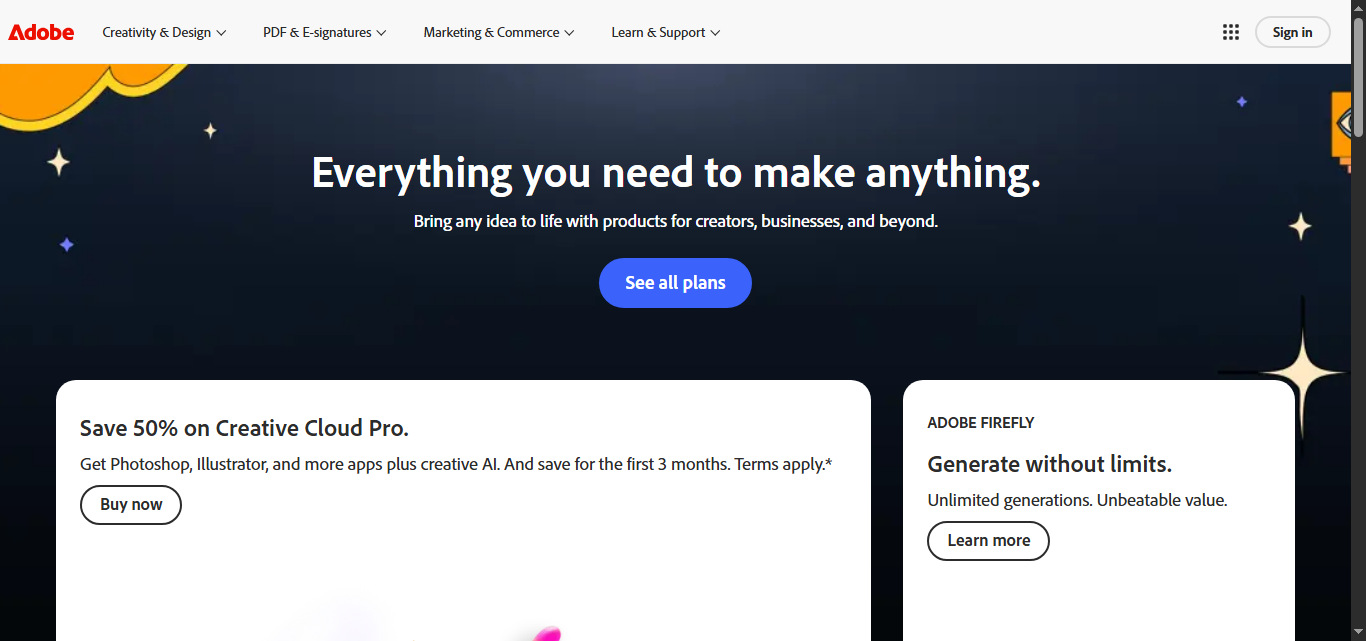
What is Adobe?
Why Choose Adobe AI Alternatives?
People leave Adobe for different reasons, and each of the 9 AI Design Tools tools on this page answers a different one. Here is what separates the shortlist, taken from what each tool actually stores rather than from a ranking.
-
A free way in
8 of the 9 tools below are free, freemium or open source, so you can try them before any card details are involved.
-
Different capabilities
Between them these tools are also filed under AI Presentation Tools, Creative Design, AI Art Generator — categories Adobe does not carry.
-
A different pricing shape
The shortlist spans Free, Freemium, Pay As You Go, Subscription, so the choice is not only which tool but which commercial model suits how you work.
-
Wider platform coverage
Tools on this shortlist additionally list Discord, Web (subscribers), Desktop among their platforms, which Adobe does not.
-
More than one vendor
These come from 9 different companies, so you are choosing a supplier as well as a product.
Best Adobe AI Alternatives in 2026
Every row links to that tool’s full entry further down the page.
| Tool | Best for | Pricing | Free tier | Platforms |
|---|---|---|---|---|
|
Adobe
Current tool | Generative Image Creation |
| Yes | Android, API, iOS |
 Canva
Canva
| Social Media Graphics |
| Yes | Android, iOS, macOS |
 Midjourney
| Concept Art |
| No | Discord, Web (subscribers) |
 Stable Diffusion
| Creative Visual Content Generation |
| Yes | API, Desktop, Web |
 Leonardo AI
| Game Asset Creation |
| Yes | API, Web |
| Figma | User Interface Design |
| Yes | Android, Desktop (Windows, macOS |
| Pixlr | Basic Photo Editing |
| Yes | Android, iOS, Web |
| PicsArt | Photo Editing |
| Yes | Android, Desktop, iOS |
 Ideogram AI
| Poster Design |
| Yes | API, Web |
 Runway
| Video Editing and Effects |
| Yes | API, Web |
Top Adobe AI Alternatives for 2026

Number 1: Canva

Canva is an online graphic design platform founded in 2013 in Australia. It has evolved into a comprehensive AI-powered design suite with over 225M monthly visitors. Canva's Magic AI tools allow anyone to create professional-quality graphics, presentations, videos, and documents regardless of design experience.Key AI features include Magic Write (AI copywriting), Magic Design (auto-generate designs from prompts), Magic Edit (AI photo editing), Text to Image, and Magic Animate. Canva offers 1M+ templates across every design category.
Best for Social Media Graphics
vs Adobe Also covers AI Presentation Tools, Creative Design
Key features of Canva
-
Magic Design
Auto-generate complete designs, presentations, and social posts from a text prompt.
-
Magic Write
Generate on-brand copy and captions directly within your Canva designs.
-
Text to Image
Create custom AI-generated images from text descriptions without leaving Canva.
-
Magic Edit & Eraser
Remove backgrounds, erase objects, and make AI-powered edits to any photo.
-
Brand Kit
Maintain consistent brand colors, fonts, and logos across all team designs.
-
1M+ Templates
Access over one million professionally designed templates across every category.
Pros and cons of Canva
Pros
- Extremely easy to use — no design experience required
- Comprehensive Magic AI suite
- Massive library of 1M+ templates
- Available on all devices including mobile
Cons
- Less precise control than professional tools like Adobe Illustrator
- AI image quality not as high as Midjourney or DALL-E
- Exported files may need further editing for print-ready work
- Can feel overwhelming with too many features for simple tasks
Best use cases for Canva
-
Presentations
Build professional presentations with AI-generated layouts, animations, and speaker notes.
-
Marketing Materials
Design flyers, brochures, banners, and email graphics with branded consistency.
-
Video Creation
Produce short-form videos, reels, and animated graphics with drag-and-drop tools.
-
-
Number 2: Midjourney
Midjourney is an AI image generation tool developed by Midjourney Inc., founded by David Holz in 2022. It uses a proprietary text-to-image diffusion model to create high-quality artistic images from text prompts. Midjourney V6 delivers significantly improved photorealism, text rendering, and coherent scene composition. With 248M+ monthly visits, it is the most popular standalone AI image generator.
Best for Concept Art
vs Adobe Paid only, with no free tier, also covers AI Art Generator
Key features of Midjourney
-
Midjourney V6 Model
Latest model with dramatically improved photorealism, composition, and prompt adherence.
-
Photorealistic Quality
Cinema-quality images with rich textures, accurate lighting, and painterly detail.
-
Text Rendering in Images
Generate images containing readable, styled text — a major improvement over earlier models.
-
Vary (Region) Inpainting
Edit specific regions of generated images with targeted prompts for precise adjustments.
-
Zoom Out
Expand the canvas of any image outward revealing more scene context.
-
Commercial Rights
All paid plans include full commercial usage rights for generated images.
Pros and cons of Midjourney
Pros
- Best visual quality among all AI image generators
- Unique cinematic and artistic aesthetic
- Commercial rights on all plans
- Continuous model improvements — V6 is exceptional
Cons
- No free tier available
- Discord-based interface less intuitive than web tools
- No native image editing capabilities
- English-only prompts work best
Best use cases for Midjourney
-
Marketing Visuals
Generate eye-catching social media graphics, ads, and brand imagery at scale.
-
Illustration
Produce book illustrations, editorial art, and character designs in any style.
-
Game Assets
Design characters, environments, and item assets for game development.
-
-
Number 3: Stable Diffusion

Stable Diffusion is an open-source deep learning model developed by Stability AI that generates detailed images from textual descriptions. It uses advanced machine learning techniques to translate natural language prompts into high-quality, photorealistic or artistic images. The tool empowers creators, designers, and developers to produce visual content efficiently without requiring traditional artistic skills.
Best for Creative Visual Content Generation
vs Adobe Also covers AI Stable Diffusion Tools, Image Generation & Editing
Key features of Stable Diffusion
-
Open-Source Model
Stable Diffusion is freely available for modification and deployment, encouraging community innovation.
-
High-Quality Image Generation
Produces detailed and diverse images from simple text prompts with photorealistic or artistic styles.
-
API Access
Provides developers with API endpoints to integrate image generation into apps and services.
-
Customizable Parameters
Users can control style, resolution, and other generation settings for tailored outputs.
-
Multi-Platform Availability
Accessible via web, desktop apps, and APIs for flexible usage scenarios.
Pros and cons of Stable Diffusion
Pros
- Open-source with strong community support
- Generates high-quality, diverse images
- Flexible usage via web, desktop, and API
- Customizable generation parameters
Cons
- Requires some technical knowledge for advanced features
- Output quality depends on prompt quality
- May produce unexpected or biased results without careful prompt design
Best use cases for Stable Diffusion
-
Concept Art and Design Prototyping
Assist artists and designers in quickly visualizing concepts and ideas through AI-generated imagery.
-
Marketing and Advertising
Create custom visuals for campaigns, social media, and promotional materials without the need for traditional graphic design.
-
Educational and Research Applications
Use AI-generated images to support teaching, presentations, and research in creative fields.
-
-
Number 4: Leonardo AI

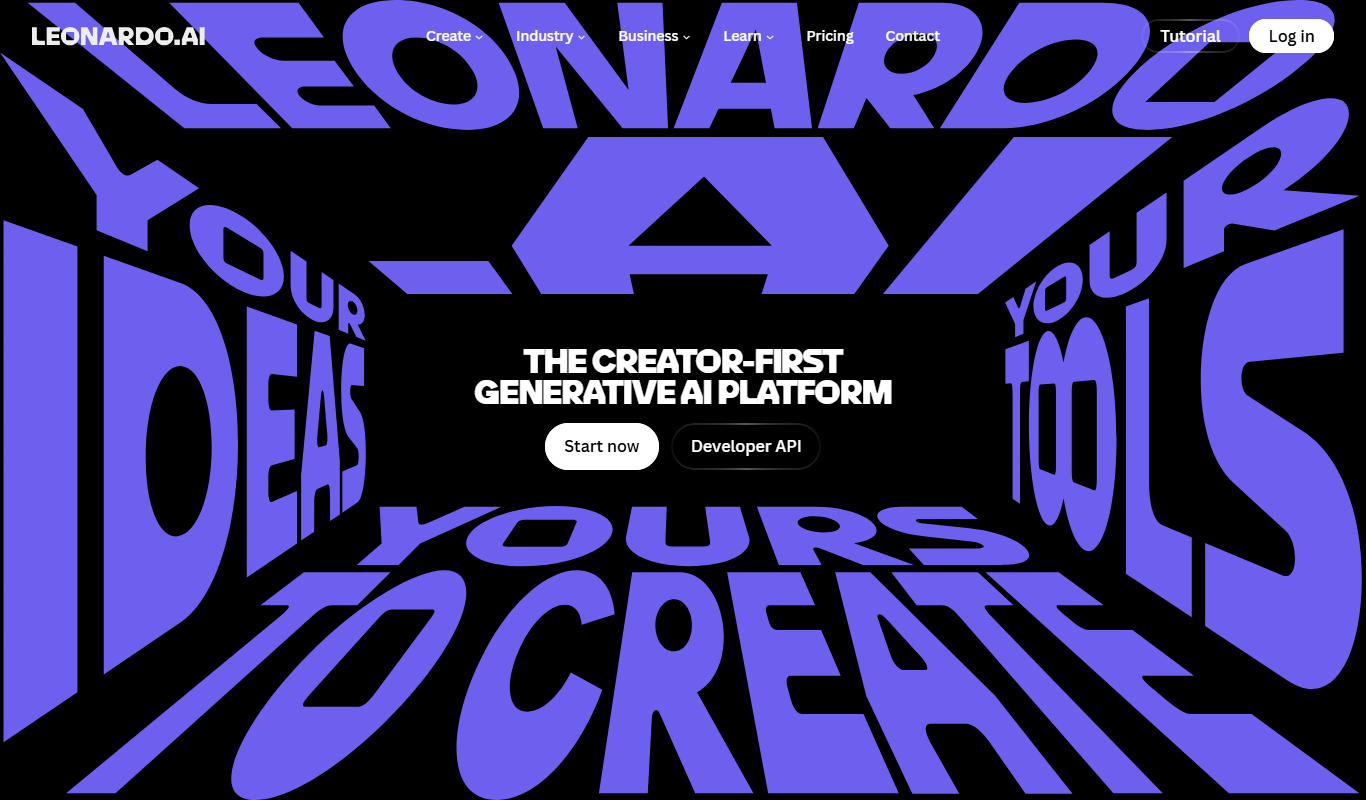
Leonardo AI is an Australian AI image generation platform founded in 2022, specialized for creative production workflows — particularly game development, concept art, and consistent character generation. Built on fine-tuned Stable Diffusion models with proprietary additions, it provides tools beyond basic image generation including Real-Time Canvas, Motion video generation, and 3D texture creation.
Best for Game Asset Creation
vs Adobe Also covers Game Design
Key features of Leonardo AI
-
Specialized Art Models
Choose from 30+ models optimized for anime, game assets, cinematic photography, and more.
-
Real-Time Canvas
Paint and sketch in real-time with AI generating images live as you draw.
-
AI Elements System
Apply style modifiers consistently across multiple generations for cohesive asset libraries.
-
Motion Video Generation
Generate short AI video clips from static images with smooth motion.
-
3D Texture Generation
Create seamless 3D textures from text prompts for game environments.
-
Model Fine-Tuning
Train custom models on your own images for highly consistent brand or character output.
Pros and cons of Leonardo AI
Pros
- Specialized models for game assets and concept art
- Generous free tier (150 tokens/day)
- Real-Time Canvas for live AI painting
- Model fine-tuning for consistent style
Cons
- Token system can be confusing for new users
- Quality below Midjourney V6 for pure artistic output
- Learning curve for advanced features like ControlNet
- Web-only — no desktop app
Best use cases for Leonardo AI
-
Concept Art
Create concept art for characters, environments, and props in pre-production.
-
Character Design
Generate consistent characters with customizable appearance across multiple images.
-
Environment Art
Design detailed environment paintings, landscapes, and architectural concepts.
-
Number 5: Figma
Figma is a cloud-based design and prototyping tool that enables teams to create user interfaces collaboratively in real time. It combines vector graphics editing, prototyping, and design system management into a single platform accessible via web browsers and desktop apps.
Best for User Interface Design
vs Adobe Also covers Art & Creative Design, Coding & Development
Key features of Figma
-
Real-Time Collaboration
Multiple users can edit and comment on designs simultaneously with live cursors and chat.
-
Vector Networks
Flexible vector editing tools that allow complex shapes and paths beyond traditional pen tools.
-
Interactive Prototyping
Create clickable prototypes with transitions, overlays, and animations without coding.
-
Design Systems
Centralize components, styles, and assets to maintain consistency across projects and teams.
-
Version History
Track changes and revert to previous versions easily with automatic version control.
-
Developer Handoff
Generate specs, CSS code, and downloadable assets for developers directly from design files.
Pros and cons of Figma
Pros
- Seamless real-time collaboration without file conflicts
- Cross-platform accessibility via web and desktop apps
- Robust prototyping tools integrated with design
- Strong community and plugin ecosystem
Cons
- Limited offline capabilities
- Performance can lag with very large files
- Advanced features require paid subscription
Best use cases for Figma
-
Prototyping and Interaction Design
Build interactive prototypes with transitions and animations to simulate user flows and test usability.
-
Collaborative Design and Feedback
Work in real-time with team members and stakeholders to co-design, comment, and resolve feedback directly within the platform.
-
Design System Management
Create and maintain reusable components, styles, and assets to ensure design consistency across projects.
-
Number 6: Pixlr
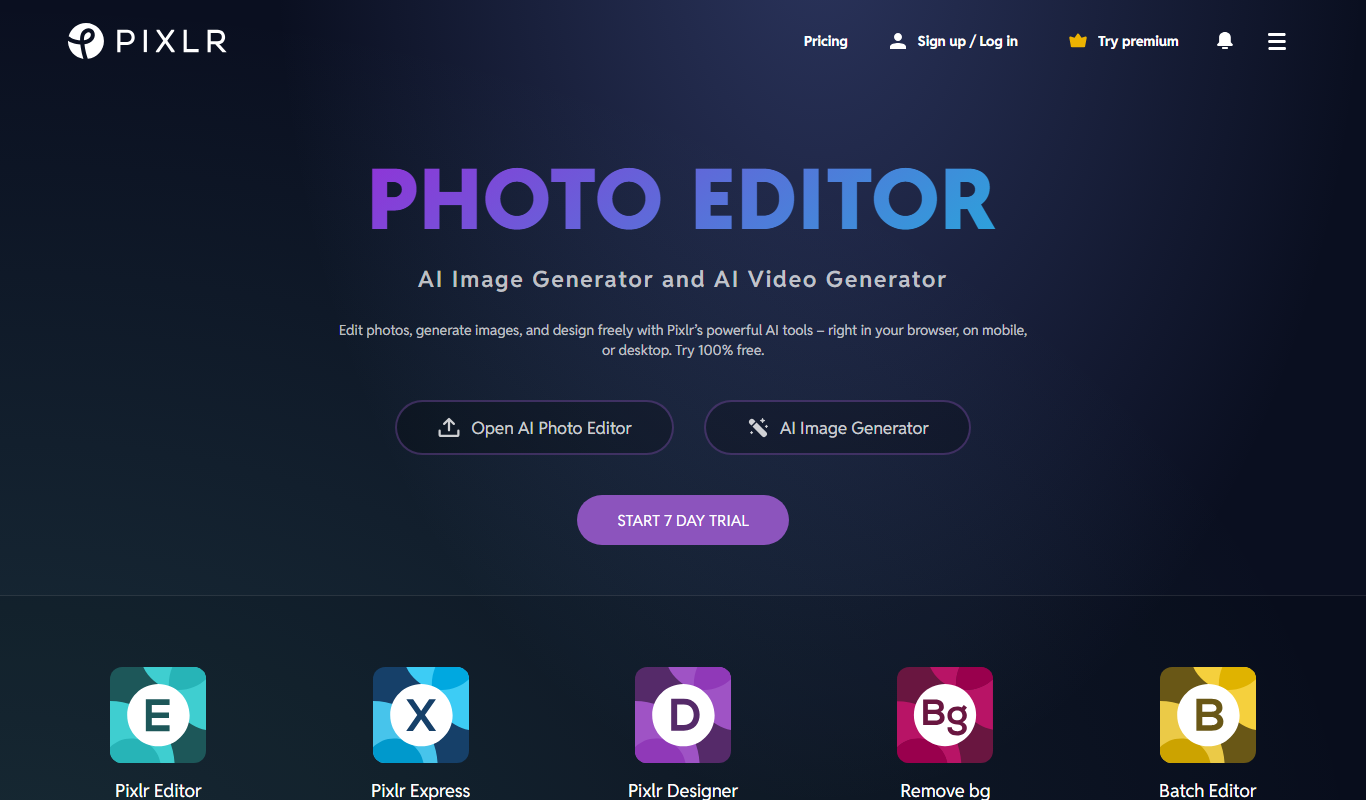
Pixlr is a cloud-based photo editing and graphic design tool that allows users to edit images and create designs directly in their web browser or mobile device. It offers a range of features from simple adjustments to advanced editing with layers and masks, making it accessible for beginners and useful for professionals who need quick edits without installing software.
Best for Basic Photo Editing
vs Adobe Also covers AI Background Remover, AI Design & Creative Tools
Key features of Pixlr
-
AI Background Removal
Automatically remove backgrounds from images with a single click.
-
Layer-Based Editing
Work with multiple layers to create complex compositions and edits.
-
Templates and Design Assets
Access a library of customizable templates, stickers, and overlays for quick design creation.
-
Mobile and Web Access
Edit photos on the go with apps for iOS and Android or use the full-featured web editor.
-
Batch Processing
Apply edits to multiple images simultaneously to streamline workflows.
Pros and cons of Pixlr
Pros
- Accessible from any device with a browser
- User-friendly interface suitable for beginners
- Includes AI-powered editing tools
- Offers both simple and advanced editing features
Cons
- Free version includes ads
- Some advanced features require subscription
- Performance can vary with large files on web
Best use cases for Pixlr
-
Graphic Design
Create social media posts, banners, and marketing materials using templates and design tools.
-
Creative Image Manipulation
Use layers, masks, and advanced tools to retouch images and create composite artwork.
-
Quick Touch-ups
Remove blemishes, whiten teeth, and enhance portraits with easy-to-use retouching features.
-
Number 7: PicsArt
PicsArt is a comprehensive photo editing and creative design platform that combines traditional editing tools with advanced AI-powered features. It enables users to edit photos, generate AI art, create collages, and design graphics for social media or personal projects. The platform is accessible via web and mobile apps, making creative tools available to a broad audience.
Best for Photo Editing
vs Adobe Also covers AI Art Generator, AI Photo Restoration
Key features of PicsArt
-
AI Art Generator
Generate unique artwork from text prompts or transform photos using AI-powered models.
-
Advanced Photo Editor
Access a wide range of editing tools including filters, effects, cropping, and retouching.
-
Collage Maker
Create photo collages with customizable layouts and design elements.
-
Background Removal
Automatically remove or replace backgrounds in images using AI technology.
-
Photo Restoration
Restore old or damaged photos with AI-enhanced repair tools.
Pros and cons of PicsArt
Pros
- User-friendly interface suitable for beginners and professionals
- Robust AI art generation integrated with photo editing
- Cross-platform availability including mobile and desktop
- Extensive library of templates and creative assets
Cons
- Free version includes ads and limited access to advanced features
- AI art generation can require credits or subscription for extensive use
- Some advanced editing tools have a learning curve for new users
Best use cases for PicsArt
-
AI Art Generation
Create unique AI-generated artwork from text prompts or by transforming existing images using AI models.
-
Social Media Content Creation
Design engaging social media posts, stories, and ads with customizable templates and creative tools.
-
Collage and Graphic Design
Make photo collages and graphic designs using drag-and-drop tools and a vast library of assets.
-
-
Number 8: Ideogram AI
Ideogram AI is an AI image generation platform founded in 2023 by former Google Brain researchers. It is best known for its exceptional text rendering capability — the ability to generate images containing readable, accurately spelled text. This makes Ideogram uniquely suited for poster design, social media graphics, logos, and any creative work requiring text within images.
Best for Poster Design
vs Adobe Also covers Text to Image
Key features of Ideogram AI
-
Best-in-Class Text Rendering
Generate images with accurately spelled, well-styled readable text — unmatched in the industry.
-
Magic Prompt Enhancement
AI automatically enhances your prompt for better, more detailed image generation.
-
Multiple Style Modes
Switch between Realistic, Design, Illustration, Anime, and 3D render styles.
-
Edit Feature
Make targeted edits to specific areas of generated images with AI.
-
Commercial Rights
All generated images include full commercial usage rights.
-
API Access
Programmatic access via API for developers and production workflows.
Pros and cons of Ideogram AI
Pros
- Best text rendering of any AI image generator
- Generous free tier (10 generations/day)
- Magic Prompt enhances results automatically
- Multiple style modes for different use cases
Cons
- Less artistically refined than Midjourney for pure imagery
- Relatively newer platform with smaller community
- API only available on Pro plan
- Limited advanced editing compared to Leonardo AI
Best use cases for Ideogram AI
-
Social Media Graphics
Create eye-catching social media posts and ads with integrated text and imagery.
-
Logo Concepts
Generate logo concepts and brand mark ideas with styled typography.
-
Typography Art
Produce artistic typography designs and text-based visual art.
-
-
Number 9: Runway
Runway is a cloud-based AI platform that provides creators and developers with advanced tools for video editing, image generation, and multimedia content creation. It leverages state-of-the-art machine learning models to simplify complex creative tasks such as rotoscoping, background removal, style transfer, and text-to-image synthesis. Runway’s platform is designed to be accessible to both technical users and creative professionals, offering an intuitive interface alongside powerful APIs.
Best for Video Editing and Effects
vs Adobe Also covers AI Animated Video, AI Video Generator
Key features of Runway
-
AI Video Editing
Automate complex video editing tasks such as background removal, object tracking, and rotoscoping.
-
Text-to-Image Generation
Generate high-quality images from descriptive text prompts using advanced AI models.
-
Real-time Collaboration
Work simultaneously with team members on projects within the cloud-based platform.
-
API Access
Integrate Runway’s AI models into custom applications and workflows via a developer-friendly API.
-
Extensive Model Library
Access a wide range of pre-trained AI models for various creative and technical applications.
Pros and cons of Runway
Pros
- User-friendly interface accessible to non-technical users
- Wide range of AI models for diverse creative needs
- Real-time collaboration capabilities
- API access for developers to build custom workflows
Cons
- Pricing may be high for casual users
- Some advanced features require technical knowledge
- Dependent on internet connection for cloud access
Best use cases for Runway
-
Image Generation and Manipulation
Create images from text prompts or modify existing images using AI models for creative projects.
-
Creative Content Production
Enable artists, designers, and creators to produce unique multimedia content leveraging AI capabilities.
-
Machine Learning Model Integration
Developers can integrate Runway’s AI models into their own applications via API for custom workflows.
-




No alternatives match that pricing model.
Which Adobe alternative is right for you?
Each tool below lists this as the first thing it is built for, in its own words.
- Social Media Graphics
Create scroll-stopping posts, stories, and ads for Instagram, TikTok, LinkedIn, and more.
- Concept Art
Create detailed concept art for films, games, and creative projects with cinematic quality.
- Creative Visual Content Generation
Generate unique and high-quality images from textual descriptions for art, marketing, and design projects.
- Game Asset Creation
Generate sprites, textures, icons, and environment assets for 2D and 3D games.
- User Interface Design
Create and iterate on UI designs for websites, mobile apps, and desktop applications using vector tools and components.
- Basic Photo Editing
Crop, resize, adjust colors, and apply filters to photos quickly without complex software.
Compare Adobe head to head
Published pages that put Adobe against one other tool, side by side on pricing, features and use cases.

Adobe Creative Cloud vs Canva Pro: Design Quality, Ease of Use & Cost
See how Adobe Creative Cloud and Canva Pro compare on design output quality, ease of use, template variety, and pricing.
-
Adobe Express vs Canva Free: Best AI Design Tool for Teams?
Adobe Express or Canva Free? Compare templates, AI features, export options, pricing, and team fit.
-
Adobe Firefly vs DALL-E 3: Photorealism, Artistic Range & Pricing
See how Adobe Firefly and DALL-E 3 compare on photorealism, artistic styles, generation speed, and pricing.
-
Adobe Firefly vs Leonardo AI: Speed, Resolution & Prompt Accuracy
Compare Adobe Firefly and Leonardo AI on generation speed, output resolution, prompt control, and pricing.
- Adobe: $54.99/month Starts at Leonardo AI: $12/month
- Adobe: 6 Platforms Leonardo AI: 2
-
Adobe Firefly vs Midjourney: Image Quality, Style & Pricing Compared
Adobe Firefly vs Midjourney — compare image quality, style control, prompt flexibility, pricing, and workflow fit.
- Adobe: $54.99/month Starts at Midjourney: $10/month
- Adobe: 6 Platforms Midjourney: 2
-
Adobe Firefly vs Runway: Creative Control, Output & Licensing
Adobe Firefly vs Runway — compare creative control, output consistency, pricing tiers, and commercial licensing.
- Adobe: $54.99/month Starts at Runway: $15/month
- Adobe: 6 Platforms Runway: 2
More AI Image Generator alternatives
Other alternatives guides whose subject shares a category with this one.
- Alternatives to Midjourney
10 Best Midjourney Alternatives in 2026 (Free & Paid)
Looking for the best Midjourney alternatives in 2026? We compared the top options to find the right ai image generation tool for your needs.
Stable Diffusion, Adobe Firefly, Leonardo AI and 4 more Best Free & Paid DALL-E 3 Alternatives (2026 Guide)
Compare the best free and paid DALL-E 3 alternatives — features, pricing, and which ai image generator tool delivers more value for your use case.
Midjourney, Stable Diffusion, Adobe Firefly and 4 more- Alternatives to Leonardo AI
Leonardo AI Alternatives: Top Picks for 2026
Find the best Leonardo AI alternatives in 2026 — we compared features, pricing, and real-world performance to help you choose the right tool.
Midjourney, Stable Diffusion, Adobe Firefly and 3 more - Alternatives to Ideogram AI
9 Best Ideogram AI Alternatives & Competitors in 2026
Explore the top Ideogram AI alternatives in 2026 — compare features, pricing, and real-world performance to find the right ai image generator tool.
Midjourney, Stable Diffusion, Adobe Firefly and 3 more

Browse alternatives by category
Every category with more than one alternatives guide in it.