

Midjourney is an AI image generation tool developed by Midjourney Inc., founded by David Holz in 2022. It uses a proprietary text-to-image diffusion model to create high-quality artistic images from text prompts. Midjourney V6 delivers significantly improved photorealism, text rendering, and coherent scene composition. With 248M+ monthly visits, it is the most popular standalone AI image generator.
10 Best Midjourney Alternatives in 2026 (Free & Paid)
7 tools compared against Midjourney on pricing, platforms and what each one does differently.
- Alternatives
- 7
- Category
- AI Art Generator
- Basic
- $10/month
- With a free tier
- 7 of 7


What is Midjourney?
Midjourney
The tool you are replacing
Why Choose Midjourney AI Alternatives?
People leave Midjourney for different reasons, and each of the 7 AI Art Generator tools on this page answers a different one. Here is what separates the shortlist, taken from what each tool actually stores rather than from a ranking.
-
A free way in
All 7 tools below are free, freemium or open source, so you can try them before any card details are involved.
-
Different capabilities
Between them these tools are also filed under AI Stable Diffusion Tools, Image Generation & Editing, Image To Image — categories Midjourney does not carry.
-
A different pricing shape
The shortlist spans Credit-based, Free, Freemium, Subscription, so the choice is not only which tool but which commercial model suits how you work.
-
Wider platform coverage
Tools on this shortlist additionally list API, Desktop, Web among their platforms, which Midjourney does not.
-
More than one vendor
These come from 7 different companies, so you are choosing a supplier as well as a product.
Best Midjourney AI Alternatives in 2026
Every row links to that tool’s full entry further down the page.
| Tool | Best for | Pricing | Free tier | Platforms |
|---|---|---|---|---|
|
Midjourney
Current tool | Concept Art |
| No | Discord, Web (subscribers) |
 Stable Diffusion
| Creative Visual Content Generation |
| Yes | API, Desktop, Web |
 Adobe Firefly
| Creative Image Generation |
| Yes | Adobe Creative Cloud Integration, Web |
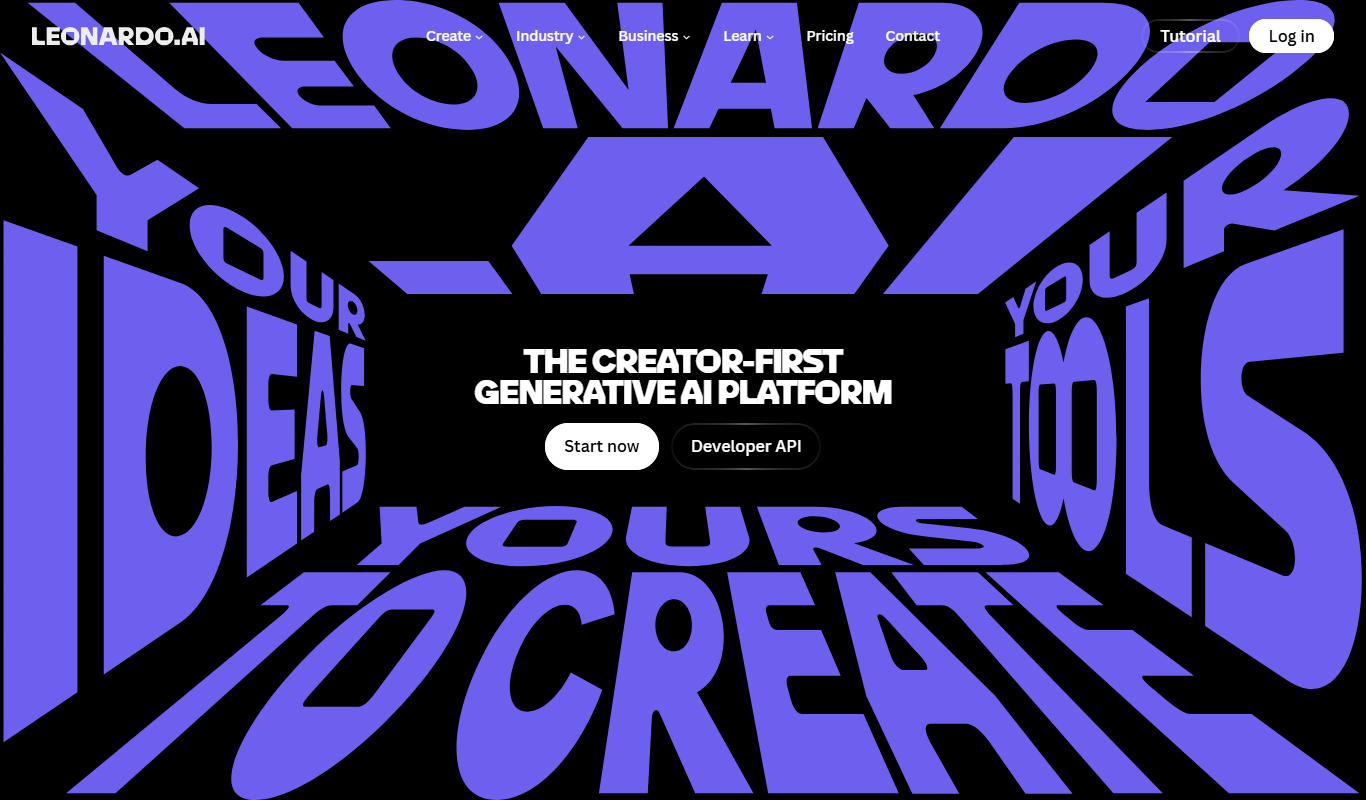
 Leonardo AI
| Game Asset Creation |
| Yes | API, Web |
 Bing Image Creator
| Creative Image Generation |
| Yes | Web |
 Ideogram AI
| Poster Design |
| Yes | API, Web |
 NightCafe
| AI Art Creation |
| Yes | Android, iOS, Web |
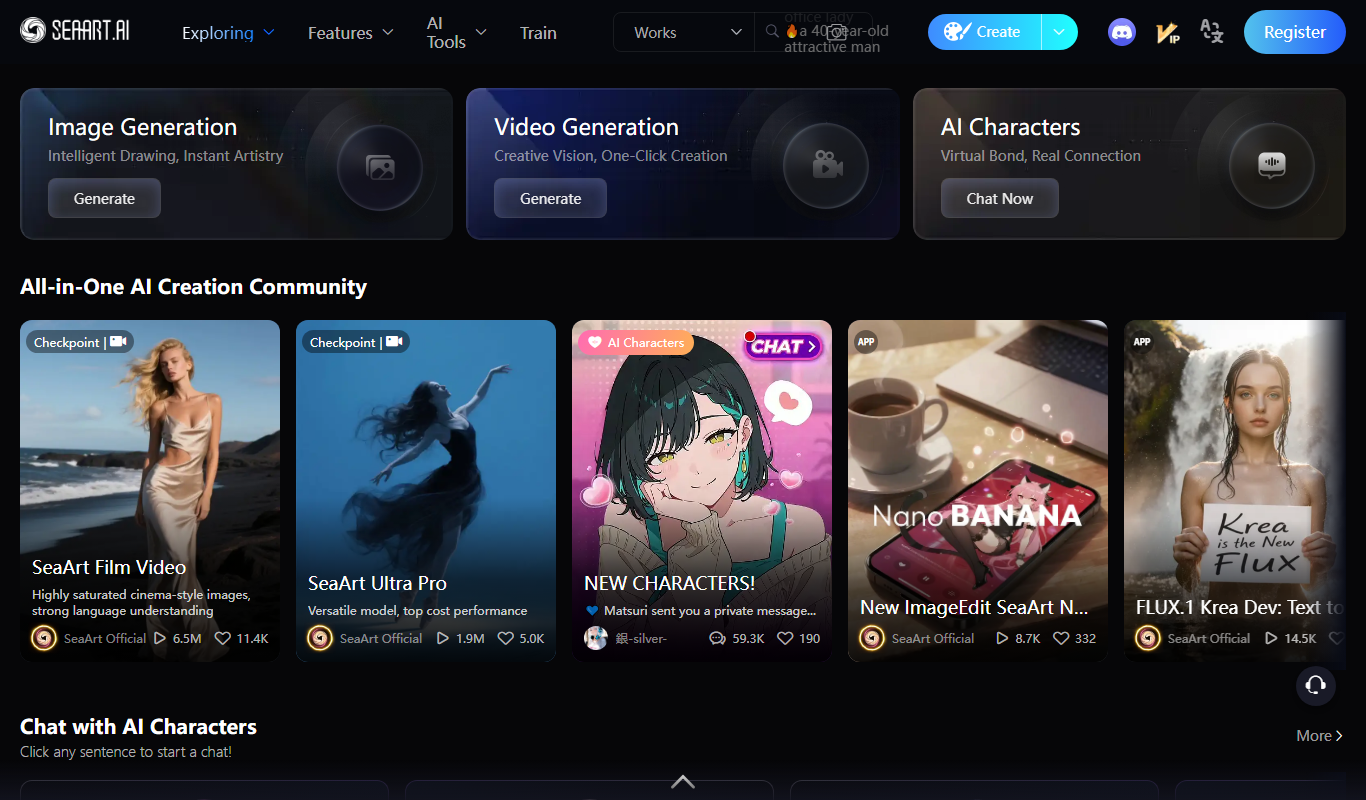
 SeaArt.AI
| Digital Artwork Creation |
| Yes | Web |
Top Midjourney AI Alternatives for 2026

Number 1: Stable Diffusion

Stable Diffusion is an open-source deep learning model developed by Stability AI that generates detailed images from textual descriptions. It uses advanced machine learning techniques to translate natural language prompts into high-quality, photorealistic or artistic images. The tool empowers creators, designers, and developers to produce visual content efficiently without requiring traditional artistic skills.
Best for Creative Visual Content Generation
vs Midjourney Has a free tier where Midjourney does not, also covers AI Stable Diffusion Tools, Image Generation & Editing
Key features of Stable Diffusion
-
Open-Source Model
Stable Diffusion is freely available for modification and deployment, encouraging community innovation.
-
High-Quality Image Generation
Produces detailed and diverse images from simple text prompts with photorealistic or artistic styles.
-
API Access
Provides developers with API endpoints to integrate image generation into apps and services.
-
Customizable Parameters
Users can control style, resolution, and other generation settings for tailored outputs.
-
Multi-Platform Availability
Accessible via web, desktop apps, and APIs for flexible usage scenarios.
Pros and cons of Stable Diffusion
Pros
- Open-source with strong community support
- Generates high-quality, diverse images
- Flexible usage via web, desktop, and API
- Customizable generation parameters
Cons
- Requires some technical knowledge for advanced features
- Output quality depends on prompt quality
- May produce unexpected or biased results without careful prompt design
Best use cases for Stable Diffusion
-
Concept Art and Design Prototyping
Assist artists and designers in quickly visualizing concepts and ideas through AI-generated imagery.
-
Marketing and Advertising
Create custom visuals for campaigns, social media, and promotional materials without the need for traditional graphic design.
-
Educational and Research Applications
Use AI-generated images to support teaching, presentations, and research in creative fields.
-
-
Number 2: Adobe Firefly

Adobe Firefly is an AI-powered creative image generation tool developed by Adobe Inc. It uses generative AI models to transform text prompts into high-quality, customizable images and artwork. Integrated with Adobe’s Creative Cloud ecosystem, Firefly enables designers, marketers, and artists to accelerate their creative workflows by producing unique visuals quickly and efficiently.
Best for Creative Image Generation
vs Midjourney Has a free tier where Midjourney does not, also covers AI Age Progression, Image Generation & Editing
Key features of Adobe Firefly
-
Text-to-Image Generation
Create detailed images from simple text descriptions using advanced AI models.
-
Style and Theme Customization
Adjust artistic styles, colors, and themes to match project needs.
-
Background Removal
Easily remove or change backgrounds in generated images for versatile use.
-
Adobe Creative Cloud Integration
Seamlessly use generated images within Adobe Photoshop, Illustrator, and other Creative Cloud apps.
-
Ethical AI Training
Built on responsibly sourced data to ensure copyright-safe and ethical image generation.
Pros and cons of Adobe Firefly
Pros
- High-quality, customizable AI-generated images
- Strong integration with Adobe Creative Cloud
- Ethical and copyright-safe AI training
- User-friendly interface for creative professionals
Cons
- Full features require Adobe subscription
- Limited language support (primarily English)
- Web-based with no standalone desktop app
Best use cases for Adobe Firefly
-
Graphic Design Assistance
Assist designers by providing AI-generated visual assets to enhance their work.
-
Marketing Content Creation
Create compelling visuals for marketing campaigns and social media posts.
-
Concept Art Development
Help artists and studios quickly prototype and visualize concepts.
-
-
Number 3: Leonardo AI
Leonardo AI is an Australian AI image generation platform founded in 2022, specialized for creative production workflows — particularly game development, concept art, and consistent character generation. Built on fine-tuned Stable Diffusion models with proprietary additions, it provides tools beyond basic image generation including Real-Time Canvas, Motion video generation, and 3D texture creation.
Best for Game Asset Creation
vs Midjourney Has a free tier where Midjourney does not, also covers Game Design
Key features of Leonardo AI
-
Specialized Art Models
Choose from 30+ models optimized for anime, game assets, cinematic photography, and more.
-
Real-Time Canvas
Paint and sketch in real-time with AI generating images live as you draw.
-
AI Elements System
Apply style modifiers consistently across multiple generations for cohesive asset libraries.
-
Motion Video Generation
Generate short AI video clips from static images with smooth motion.
-
3D Texture Generation
Create seamless 3D textures from text prompts for game environments.
-
Model Fine-Tuning
Train custom models on your own images for highly consistent brand or character output.
Pros and cons of Leonardo AI
Pros
- Specialized models for game assets and concept art
- Generous free tier (150 tokens/day)
- Real-Time Canvas for live AI painting
- Model fine-tuning for consistent style
Cons
- Token system can be confusing for new users
- Quality below Midjourney V6 for pure artistic output
- Learning curve for advanced features like ControlNet
- Web-only — no desktop app
Best use cases for Leonardo AI
-
Concept Art
Create concept art for characters, environments, and props in pre-production.
-
Character Design
Generate consistent characters with customizable appearance across multiple images.
-
Environment Art
Design detailed environment paintings, landscapes, and architectural concepts.
-
-
Number 4: Bing Image Creator
Bing Image Creator is a free web-based AI tool developed by Microsoft that transforms text prompts into unique images using advanced AI models, including OpenAI's DALL·E technology. It allows users to create custom visuals by simply describing what they want to see, making image creation accessible without graphic design expertise.
Best for Creative Image Generation
vs Midjourney Has a free tier where Midjourney does not, also covers AI Age Progression, Image Generation & Editing
Key features of Bing Image Creator
-
AI-Powered Text-to-Image Generation
Transforms natural language descriptions into high-quality images using state-of-the-art AI models.
-
Multiple Image Outputs
Generates several image variations per prompt to provide creative options.
-
Easy-to-Use Web Interface
Accessible through any modern web browser without installation or setup.
-
Integration with Bing Search
Leverages Bing’s AI capabilities for enhanced image generation and discovery.
-
Free Access
Available at no cost to users with a Microsoft account.
Pros and cons of Bing Image Creator
Pros
- Free and easy to access via web browser
- Generates multiple creative image options per prompt
- No graphic design skills required
- Powered by advanced AI technology
Cons
- Requires Microsoft account sign-in
- Limited to English language prompts
- Daily usage limits may restrict heavy users
Best use cases for Bing Image Creator
-
Marketing and Advertising
Create custom visuals quickly to support marketing campaigns, ads, and promotional materials without needing graphic design skills.
-
Content Creation
Enhance blog posts, articles, and websites with AI-generated images that match the written content.
-
Idea Visualization
Visualize concepts and ideas during brainstorming or planning phases using AI-generated imagery.
-
-
Number 5: Ideogram AI

Ideogram AI is an AI image generation platform founded in 2023 by former Google Brain researchers. It is best known for its exceptional text rendering capability — the ability to generate images containing readable, accurately spelled text. This makes Ideogram uniquely suited for poster design, social media graphics, logos, and any creative work requiring text within images.
Best for Poster Design
vs Midjourney Has a free tier where Midjourney does not, also covers Text to Image
Key features of Ideogram AI
-
Best-in-Class Text Rendering
Generate images with accurately spelled, well-styled readable text — unmatched in the industry.
-
Magic Prompt Enhancement
AI automatically enhances your prompt for better, more detailed image generation.
-
Multiple Style Modes
Switch between Realistic, Design, Illustration, Anime, and 3D render styles.
-
Edit Feature
Make targeted edits to specific areas of generated images with AI.
-
Commercial Rights
All generated images include full commercial usage rights.
-
API Access
Programmatic access via API for developers and production workflows.
Pros and cons of Ideogram AI
Pros
- Best text rendering of any AI image generator
- Generous free tier (10 generations/day)
- Magic Prompt enhances results automatically
- Multiple style modes for different use cases
Cons
- Less artistically refined than Midjourney for pure imagery
- Relatively newer platform with smaller community
- API only available on Pro plan
- Limited advanced editing compared to Leonardo AI
Best use cases for Ideogram AI
-
Social Media Graphics
Create eye-catching social media posts and ads with integrated text and imagery.
-
Logo Concepts
Generate logo concepts and brand mark ideas with styled typography.
-
Typography Art
Produce artistic typography designs and text-based visual art.
-
-
Number 6: NightCafe
NightCafe is an AI art generator and creative community based in Australia, founded in 2019. It provides access to multiple AI generation algorithms including Stable Diffusion, DALL-E 3, and proprietary models — making it one of the most versatile AI art platforms. The platform combines art generation with social features: daily challenges, community galleries, and print-on-demand services.
Best for AI Art Creation
vs Midjourney Has a free tier where Midjourney does not, also covers Creative Community
Key features of NightCafe
-
Multiple AI Algorithms
Choose between Stable Diffusion, DALL-E 3, Coherent, and other models in one platform.
-
Daily Free Credits
Receive 5 free credits every day — enough for several standard generations.
-
Community Challenges
Participate in daily AI art challenges with voting and community prizes.
-
Physical Prints
Order professional-quality prints of AI artwork shipped worldwide.
-
Evolution Mode
Iteratively develop images through multiple generation cycles for refined results.
-
Credit System
Purchase additional credits or earn them through community participation.
Pros and cons of NightCafe
Pros
- Multiple AI generation algorithms in one platform
- 5 free credits daily — genuinely useful
- Active creative community and daily challenges
- Physical print ordering available
Cons
- Credit consumption can be unpredictable
- Image quality below Midjourney for artistic work
- Interface feels less polished than competitors
- Community focus may not suit users wanting a pure generation tool
Best use cases for NightCafe
-
Creative Exploration
Experiment with multiple AI models to learn the strengths of different algorithms.
-
Community Challenges
Compete in daily challenges and get community feedback on your work.
-
Print-on-Demand
Turn favorite AI artworks into physical prints, canvas, or merchandise.
-
-
Number 7: SeaArt.AI
SeaArt.AI is an AI-powered art generation platform that enables users to create unique digital artwork by leveraging advanced machine learning models. It offers an intuitive web interface where users can input prompts or select styles to generate creative images, making art creation accessible to both professionals and enthusiasts.
Best for Digital Artwork Creation
vs Midjourney Has a free tier where Midjourney does not, also covers AI Anime Art, AI Design & Creative Tools
Key features of SeaArt.AI
-
Text-to-Image Generation
Create images from descriptive text prompts using AI algorithms.
-
Style Customization
Choose from various artistic styles to influence the look and feel of generated art.
-
High-Resolution Downloads
Download your artwork in high quality suitable for printing or digital use.
-
User-Friendly Interface
An intuitive web platform that requires no technical skills to create AI art.
Pros and cons of SeaArt.AI
Pros
- Easy to use with no technical background required
- Generates unique and creative artwork quickly
- Offers style customization for diverse artistic outputs
Cons
- Limited free credits may restrict frequent use
- Subscription pricing details are not fully transparent on the website
Best use cases for SeaArt.AI
-
Creative Inspiration
Use AI-generated images as inspiration for artists, designers, and content creators.
-
Social Media Content
Create eye-catching visuals for social media posts, marketing campaigns, and branding.
-
Graphic Design Assistance
Assist graphic designers by providing AI-generated art elements to incorporate into projects.
-




No alternatives match that pricing model.
Which Midjourney alternative is right for you?
Each tool below lists this as the first thing it is built for, in its own words.
- Creative Visual Content Generation
Generate unique and high-quality images from textual descriptions for art, marketing, and design projects.
- Creative Image Generation
Generate unique images and artwork from text prompts for creative projects.
- Game Asset Creation
Generate sprites, textures, icons, and environment assets for 2D and 3D games.
- Poster Design
Design event posters, motivational prints, and announcement graphics with readable text.
- AI Art Creation
Create original AI artwork in any style from photorealism to abstract and fantasy.
- Digital Artwork Creation
Generate unique digital art pieces for personal or commercial use using AI-powered tools.
Compare Midjourney head to head
Published pages that put Midjourney against one other tool, side by side on pricing, features and use cases.

Midjourney Free vs Paid: Speed, Resolution & Prompt Accuracy
Compare Midjourney Free and Paid on generation speed, output resolution, prompt control, and pricing.
-
Midjourney V7 vs V6: Creative Control, Output & Licensing
Midjourney V7 vs V6 — compare creative control, output consistency, pricing tiers, and commercial licensing.
-
Midjourney vs Adobe Firefly: Which AI Image Generator Wins in 2026?
Midjourney or Adobe Firefly? We tested both on image quality, style range, and pricing to find the best option.
- Midjourney: $10/month Starts at Adobe Firefly: $4.99/month
- Midjourney: 2 Platforms Adobe Firefly: 2
-
Midjourney vs Bing Image Creator: Image Quality, Style & Pricing Compared
Midjourney vs Bing Image Creator — compare image quality, style control, prompt flexibility, pricing, and workflow fit.
- Midjourney: 2 Platforms Bing Image Creator: 1
-
Midjourney vs Canva AI: Which AI Image Generator Wins in 2026?
Midjourney or Canva AI? We tested both on image quality, style range, and pricing to find the best option.
-
Midjourney vs DALL-E 3: Image Quality, Style & Pricing Compared
Midjourney vs DALL-E 3 — compare image quality, style control, prompt flexibility, pricing, and workflow fit.
More AI Art Generator tools
Other tools filed under AI Art Generator that are not already on this page.
 Free
FreeGencraft
Gencraft is an AI-powered tool that generates digital artwork from text prompts, enabling users to create unique images quickly and easily.
- Free
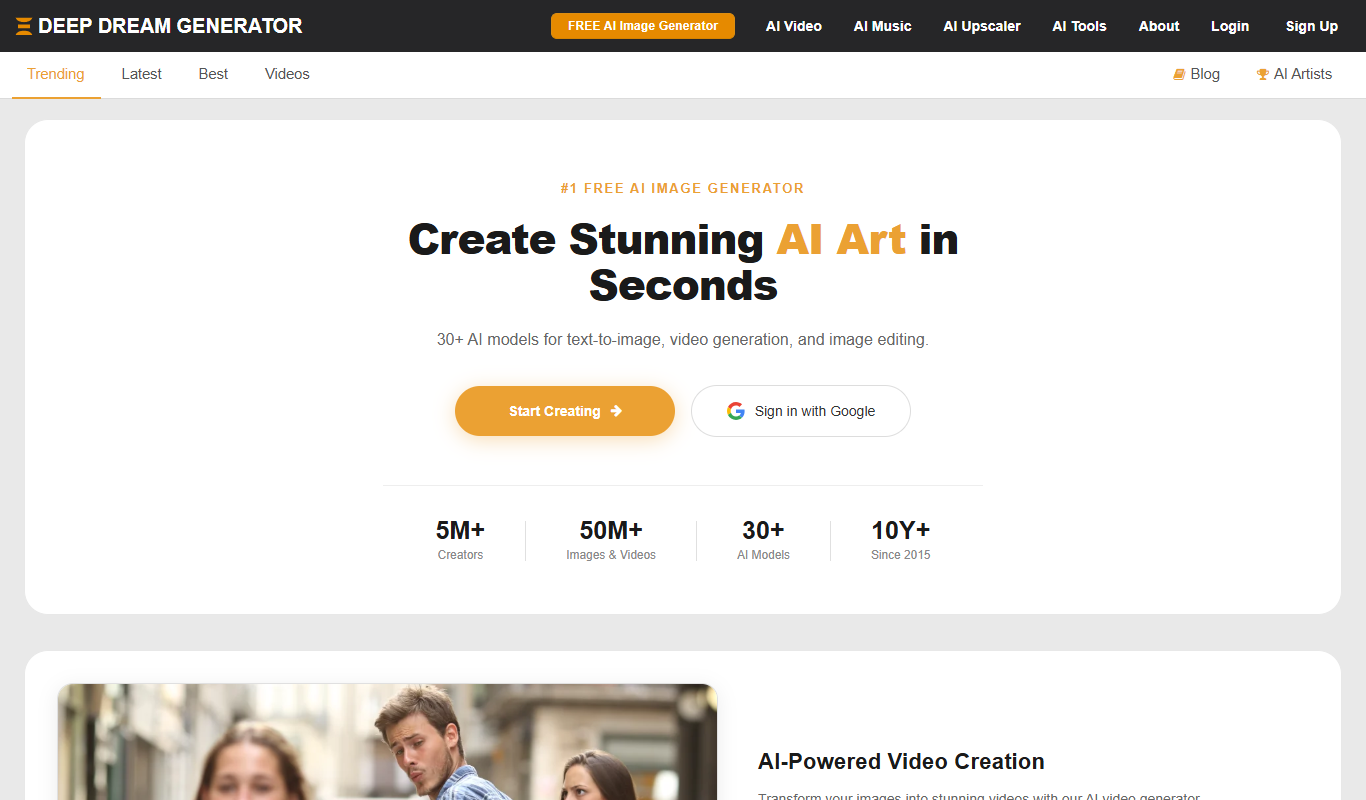
Deep Dream Generator
Deep Dream Generator is an online AI tool that uses neural networks to create surreal and artistic images from user photos by applying various AI styles and effects.
- Free
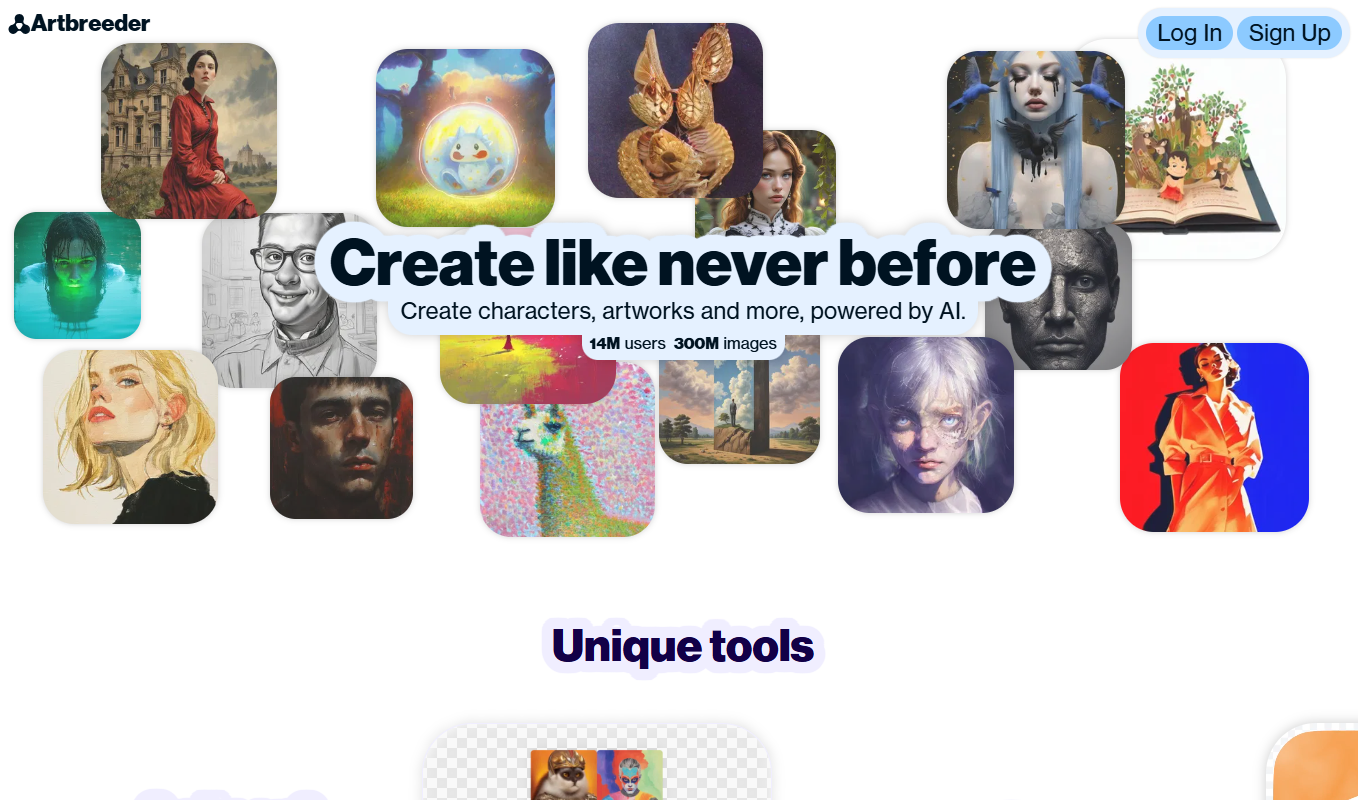
Artbreeder
Artbreeder is an AI-powered platform that allows users to create and evolve images by blending and editing visual traits using generative adversarial networks.
- Free
Krita AI
Krita AI is a free, open-source digital painting software that integrates AI features like automatic colorization and brush assistance to help artists create detailed artworks on desktop platforms.


AI tool lists that include Midjourney
Round-ups an editor has placed Midjourney in, ranked here by how many of this page's tools they share.
Best Midjourney Alternatives (Tested & Ranked)
Looking for the best midjourney alternatives? Our hands-on comparison reveals the top picks for every use case.
Midjourney, Stable Diffusion, Leonardo AI and 5 more
More AI Image Generator alternatives
Other alternatives guides whose subject shares a category with this one.
- Alternatives to Adobe
10 Best Adobe Alternatives in 2026 (Free & Paid)
Looking for the best Adobe alternatives in 2026? We compared the top options to find the right ai creative suite tool for your needs.
Canva, Midjourney, Stable Diffusion and 6 more Best Free & Paid DALL-E 3 Alternatives (2026 Guide)
Compare the best free and paid DALL-E 3 alternatives — features, pricing, and which ai image generator tool delivers more value for your use case.
Midjourney, Stable Diffusion, Adobe Firefly and 4 more- Alternatives to Leonardo AI
Leonardo AI Alternatives: Top Picks for 2026
Find the best Leonardo AI alternatives in 2026 — we compared features, pricing, and real-world performance to help you choose the right tool.
Midjourney, Stable Diffusion, Adobe Firefly and 3 more - Alternatives to Ideogram AI
9 Best Ideogram AI Alternatives & Competitors in 2026
Explore the top Ideogram AI alternatives in 2026 — compare features, pricing, and real-world performance to find the right ai image generator tool.
Midjourney, Stable Diffusion, Adobe Firefly and 3 more

Browse alternatives by category
Every category with more than one alternatives guide in it.