

Gamma App is an AI-powered presentation and document creation tool founded in 2020. It generates complete, beautifully designed presentations, documents, and webpages from a text outline or topic in seconds. Unlike traditional presentation tools, Gamma creates responsive interactive content that looks professional without any design effort.
Top Gamma App Alternatives Tested & Ranked (2026)
7 tools compared against Gamma App on pricing, platforms and what each one does differently.
- Alternatives
- 7
- Category
- AI Presentation Tools
- Free
- $0/month
- With a free tier
- 7 of 7


What is Gamma App?
Why Choose Gamma App AI Alternatives?
People leave Gamma App for different reasons, and each of the 7 AI Presentation Tools tools on this page answers a different one. Here is what separates the shortlist, taken from what each tool actually stores rather than from a ranking.
-
A free way in
All 7 tools below are free, freemium or open source, so you can try them before any card details are involved.
-
Different capabilities
Between them these tools are also filed under AI Presentation Generator Lite, Google Sheets Add-ons, Office & Productivity — categories Gamma App does not carry.
-
A different pricing shape
The shortlist spans Free, Freemium, Subscription, so the choice is not only which tool but which commercial model suits how you work.
-
Wider platform coverage
Tools on this shortlist additionally list Android, iOS, macOS among their platforms, which Gamma App does not.
-
More than one vendor
These come from 7 different companies, so you are choosing a supplier as well as a product.
Best Gamma App AI Alternatives in 2026
Every row links to that tool’s full entry further down the page.
| Tool | Best for | Pricing | Free tier | Platforms |
|---|---|---|---|---|
|
Gamma App
Current tool
|
Business Presentations |
|
Yes | Web |
 Beautiful.ai
|
Business Presentations |
|
Yes | Web |
 Canva
Canva
|
Social Media Graphics |
|
Yes | Android, iOS, macOS |
| Plus AI for Google Slides | Automated Slide Generation |
|
Yes | Google Workspace Marketplace, Web |
| Pitch | Team Presentations |
|
Yes | Desktop (Mac, Web, Windows |
| Visme | Presentation Design |
|
Yes | Web |
| MagicSlides | Business Presentations |
|
Yes | Web |
| SlidesAI | Business Presentations |
|
Yes | Chrome Extension, Web |
Top Gamma App AI Alternatives for 2026
-
Number 1: Beautiful.ai

Beautiful.ai is an AI-powered presentation software designed to simplify the creation of professional slides. It uses smart templates and design automation to help users build visually consistent and engaging presentations quickly without needing advanced design skills.
Best for Business Presentations
vs Gamma App Also covers AI Presentation Generator Lite, Google Sheets Add-ons
Key features of Beautiful.ai
-
Smart Templates
Pre-designed templates that adapt dynamically to your content for professional layouts.
-
Automated Design
AI-driven formatting ensures slides are visually balanced and consistent.
-
Data Visualization
Built-in charts and graphs that update automatically with your data.
-
Collaboration Tools
Real-time collaboration with team members for seamless presentation development.
-
Cloud-Based Platform
Access and edit presentations from any device with internet connectivity.
Pros and cons of Beautiful.ai
Pros
- Easy-to-use interface with AI-powered design assistance
- Professional-looking slides without design expertise
- Strong data visualization capabilities
- Cloud-based access from anywhere
Cons
- Limited offline functionality
- No direct PowerPoint import feature
- Primarily English language support
Best use cases for Beautiful.ai
-
Marketing Content
Design engaging marketing decks and sales presentations that communicate brand messages effectively.
-
Educational Materials
Develop clear and attractive slides for teaching, training, and workshops.
-
Startup Pitch Decks
Build compelling investor pitch decks with data visualization and storytelling features.
-
-
Number 2: Canva

Canva is an online graphic design platform founded in 2013 in Australia. It has evolved into a comprehensive AI-powered design suite with over 225M monthly visitors. Canva's Magic AI tools allow anyone to create professional-quality graphics, presentations, videos, and documents regardless of design experience.Key AI features include Magic Write (AI copywriting), Magic Design (auto-generate designs from prompts), Magic Edit (AI photo editing), Text to Image, and Magic Animate. Canva offers 1M+ templates across every design category.
Best for Social Media Graphics
vs Gamma App Also covers AI Design Tools, Creative Design
Key features of Canva
-
Magic Design
Auto-generate complete designs, presentations, and social posts from a text prompt.
-
Magic Write
Generate on-brand copy and captions directly within your Canva designs.
-
Text to Image
Create custom AI-generated images from text descriptions without leaving Canva.
-
Magic Edit & Eraser
Remove backgrounds, erase objects, and make AI-powered edits to any photo.
-
Brand Kit
Maintain consistent brand colors, fonts, and logos across all team designs.
-
1M+ Templates
Access over one million professionally designed templates across every category.
Pros and cons of Canva
Pros
- Extremely easy to use — no design experience required
- Comprehensive Magic AI suite
- Massive library of 1M+ templates
- Available on all devices including mobile
Cons
- Less precise control than professional tools like Adobe Illustrator
- AI image quality not as high as Midjourney or DALL-E
- Exported files may need further editing for print-ready work
- Can feel overwhelming with too many features for simple tasks
Best use cases for Canva
-
Presentations
Build professional presentations with AI-generated layouts, animations, and speaker notes.
-
Marketing Materials
Design flyers, brochures, banners, and email graphics with branded consistency.
-
Video Creation
Produce short-form videos, reels, and animated graphics with drag-and-drop tools.
-
-
Number 3: Plus AI for Google Slides

Plus AI for Google Slides is an AI-powered add-on designed to streamline the creation and enhancement of presentations within Google Slides. It leverages artificial intelligence to help users generate slide content, improve existing slides, and suggest design improvements, all directly integrated into the Google Workspace environment.
Best for Automated Slide Generation
vs Gamma App Also covers AI Presentation Generator Lite, AI Productivity Tools
Key features of Plus AI for Google Slides
-
AI-Powered Slide Creation
Automatically generate slide content based on user prompts to speed up presentation building.
-
Content Improvement
Enhance slide text with AI suggestions for clarity, engagement, and professionalism.
-
Design Recommendations
Receive layout and design tips to improve the visual appeal of your slides.
-
Seamless Google Slides Integration
Works directly within Google Slides without the need for external tools or exports.
Pros and cons of Plus AI for Google Slides
Pros
- Integrates directly with Google Slides for convenience
- Speeds up slide creation with AI-generated content
- Offers design suggestions to improve presentation quality
Cons
- Limited information on pricing and company details
- Dependent on internet connection and Google Slides platform
Best use cases for Plus AI for Google Slides
-
Content Enhancement
Improve and expand slide content with AI suggestions to make presentations more engaging and informative.
-
Presentation Design Assistance
Get AI-driven recommendations for slide layouts and designs to create professional-looking presentations.
-
Time-saving for Professionals
Reduce the time spent on manual slide creation, ideal for marketers, educators, and business professionals.
-
-
Number 4: Pitch

Pitch is a modern presentation software designed for teams to create, collaborate, and deliver presentations efficiently. It combines powerful design capabilities with real-time collaboration features, making it ideal for remote and distributed teams. Pitch aims to replace traditional slide tools by integrating workflow, feedback, and version control into one platform.
Best for Team Presentations
vs Gamma App Also covers AI Collaboration & Team Tools, AI Presentation Generator Lite
Key features of Pitch
-
Real-Time Collaboration
Multiple users can edit and comment simultaneously with live updates.
-
Version History and Control
Track changes, revert to previous versions, and manage presentation iterations.
-
Customizable Templates
Access a library of professional templates that can be tailored to your brand.
-
Integrations
Connect with tools like Slack, Notion, and Google Drive to streamline workflows.
-
Export and Sharing Options
Export presentations as PDFs, PowerPoint files, or share live links with viewers.
Pros and cons of Pitch
Pros
- Intuitive and modern user interface
- Strong real-time collaboration features
- Good selection of customizable templates
- Robust version control and history
Cons
- Limited offline functionality
- Some advanced features require paid plans
- Currently supports only English language
Best use cases for Pitch
-
Remote Work Collaboration
Facilitate remote team collaboration with live commenting, version control, and shared access to presentations.
-
Sales and Marketing Pitches
Design visually compelling sales decks and marketing presentations that can be easily updated and shared.
-
Project Reporting
Use Pitch to build clear and engaging project reports that keep stakeholders informed.
-
-
Number 5: Visme

Visme is a web-based visual content creation platform that empowers users to design presentations, infographics, reports, social media graphics, and other visual materials without requiring advanced design skills. It offers a drag-and-drop interface, a vast library of templates, icons, images, and data visualization tools to help individuals and businesses communicate ideas effectively through compelling visuals.
Best for Presentation Design
vs Gamma App Also covers Art & Creative Design, Marketing & Advertising
Key features of Visme
-
Drag-and-Drop Editor
User-friendly interface that allows easy customization of templates and design elements.
-
Extensive Template Library
Access to hundreds of templates across various categories including business, education, and marketing.
-
Interactive Data Widgets
Create dynamic charts, graphs, and maps to visualize data effectively.
-
Brand Kit
Maintain brand consistency by uploading logos, fonts, and color palettes.
-
Collaboration Tools
Real-time collaboration features for teams to work together on projects.
-
Multiple Export Options
Export designs as images, PDFs, HTML5, or share online with embed codes.
Pros and cons of Visme
Pros
- Intuitive drag-and-drop interface
- Wide variety of customizable templates
- Strong data visualization capabilities
- Collaboration features for teams
Cons
- Free plan has limited features and exports
- No desktop or mobile app; web-only platform
- Some advanced features require higher-tier plans
Best use cases for Visme
-
Infographic Creation
Design data-driven infographics to visually communicate complex information clearly and attractively.
-
Marketing Content
Develop marketing materials such as social media graphics, flyers, and reports to support brand promotion and campaigns.
-
Data Visualization
Transform raw data into charts, graphs, and interactive widgets to enhance reports and presentations.
-
-
Number 6: MagicSlides
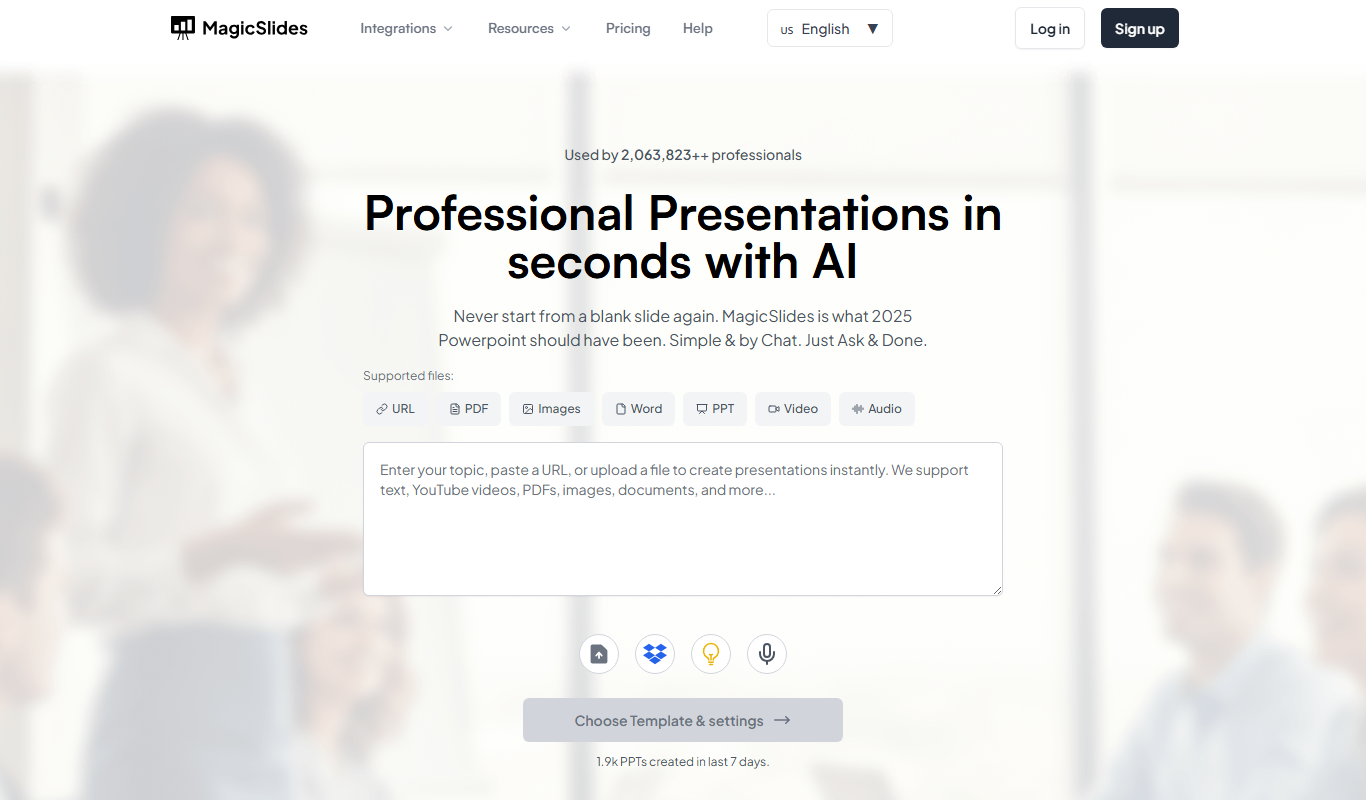
MagicSlides is an AI-powered presentation maker that transforms simple text prompts or outlines into fully designed slide decks. It automates the creation of presentation content and design, enabling users to produce professional slides quickly without manual formatting or extensive design skills.
Best for Business Presentations
vs Gamma App Also covers AI Ai Tools, AI Pitch Deck Generator
Key features of MagicSlides
-
AI-Powered Content Generation
Automatically creates slide text and structure based on user input.
-
Automatic Slide Design
Applies professional layouts and formatting to slides without manual effort.
-
Easy Editing Interface
Allows users to tweak slide content and design with a simple editor.
-
Export Options
Supports exporting presentations to formats like PDF and PowerPoint.
Pros and cons of MagicSlides
Pros
- Speeds up slide deck creation significantly
- User-friendly interface with easy editing
- AI generates both content and design
- Affordable pricing with a free tier
Cons
- Limited language support (English only)
- Web-only platform without mobile apps
- Some AI-generated content may need manual refinement
Best use cases for MagicSlides
-
Educational Lectures
Generate structured presentation slides for lectures and seminars, saving educators time on slide creation.
-
Marketing Pitches
Develop compelling marketing presentations with AI assistance to highlight key points and visuals.
-
Startup Investor Decks
Build investor-ready pitch decks rapidly with AI-generated slide content tailored to startup needs.
-
-
Number 7: SlidesAI
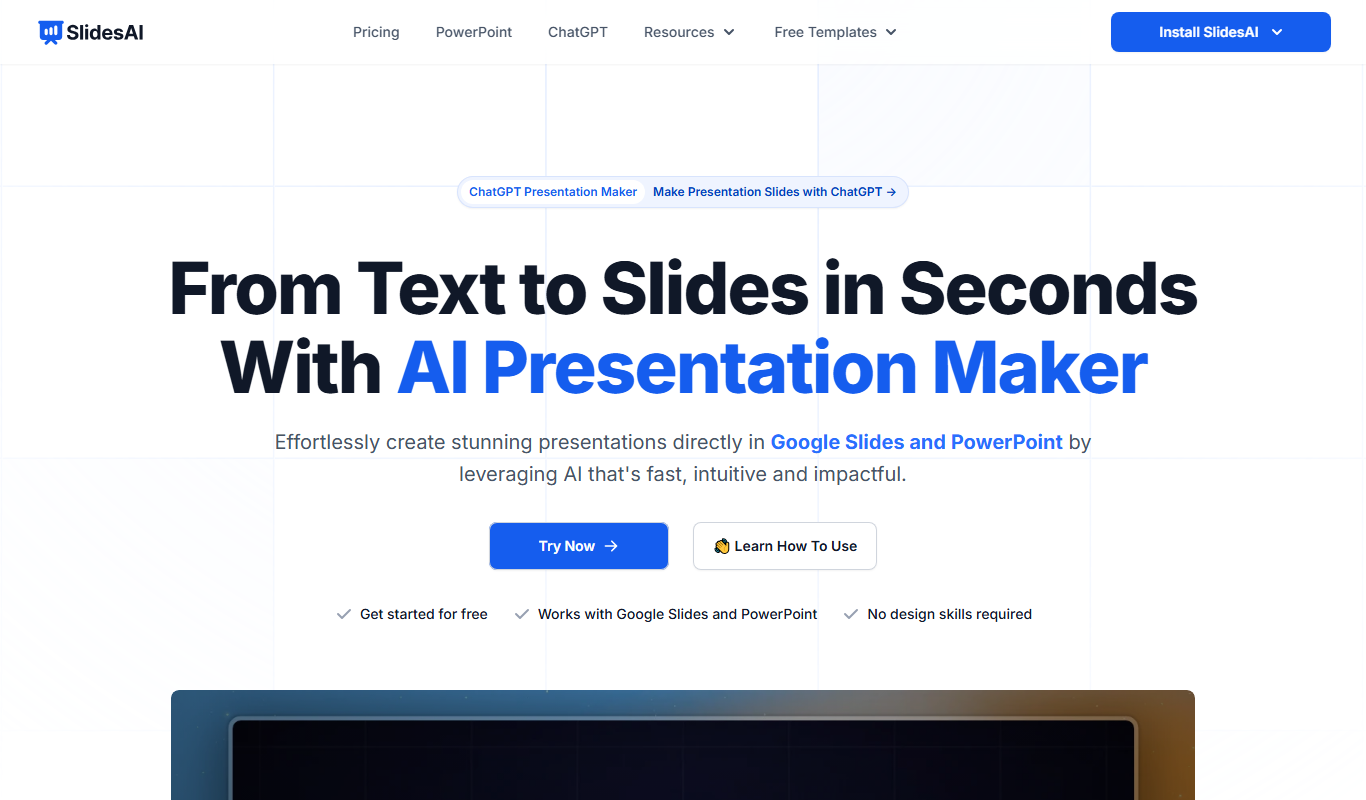
SlidesAI is an AI-powered presentation tool designed to automate the creation of slide decks from plain text. By leveraging artificial intelligence, it transforms written content into well-structured, visually appealing presentations, saving users significant time and effort in slide design and formatting.
Best for Business Presentations
vs Gamma App Also covers AI Ai Tools, AI Productivity Tools
Key features of SlidesAI
-
AI-Powered Slide Creation
Automatically generates slide decks from plain text or outlines using advanced AI algorithms.
-
Chrome Extension
Enables quick slide generation directly within the browser for enhanced productivity.
-
Customizable Templates
Offers a variety of slide templates that users can customize to fit their branding and style.
-
Integration with Presentation Platforms
Supports exporting slides to popular formats and platforms like Google Slides and PowerPoint.
-
User-Friendly Interface
Designed for ease of use, allowing users with no design experience to create professional presentations.
Pros and cons of SlidesAI
Pros
- Speeds up presentation creation significantly
- Easy to use with minimal learning curve
- Produces clean, professional slide layouts
- Chrome extension enhances workflow
Cons
- Limited language support beyond English
- Customization options can be basic for advanced designers
- Dependent on quality of input text for best results
Best use cases for SlidesAI
-
Educational Content
Teachers and students can generate slide decks from text content to support lectures and assignments.
-
Content Repurposing
Transform blog posts, articles, or reports into engaging slide presentations for wider audience reach.
-
Marketing and Sales
Generate persuasive sales decks and marketing presentations with minimal manual effort.
-
No alternatives match that pricing model.
Which Gamma App alternative is right for you?
Each tool below lists this as the first thing it is built for, in its own words.
- Business Presentations
-
Create professional and visually appealing presentations for meetings, pitches, and reports.
- Social Media Graphics
-
Create scroll-stopping posts, stories, and ads for Instagram, TikTok, LinkedIn, and more.
- Automated Slide Generation
-
Generate complete Google Slides presentations quickly using AI based on your input topics or outlines.
- Team Presentations
-
Create and collaborate on presentations in real-time with team members, streamlining feedback and edits.
- Presentation Design
-
Create professional and engaging presentations for business, education, or personal use with customizable templates and design assets.
Compare Gamma App head to head
Published pages that put Gamma App against one other tool, side by side on pricing, features and use cases.
-
Gamma App Free vs Paid: Free vs Paid Compared
Compare the free and paid tiers of Gamma App Free and Paid — features, usage limits, and which plan is worth paying for.
-
Gamma App vs beautiful.ai: Which AI Design Tool Wins in 2026?
We tested Gamma App and Beautiful.ai on design output, AI features, ease of use, and pricing — here's the verdict.
- Gamma App: $10/month Starts at Beautiful.ai: $12/month
- Gamma App: 1 Platforms Beautiful.ai: 1
-
Gamma App vs Canva: UI Design, Prototyping & Collaboration
Compare Gamma App and Canva on UI design features, prototyping tools, team collaboration, and pricing.
- Gamma App: $10/month Starts at Canva: $15/month
- Gamma App: 1 Platforms Canva: 5
-

Gamma App vs Notion AI: Which AI Design Tool Wins in 2026?
We tested Gamma App and Notion AI on design output, AI features, ease of use, and pricing — here's the verdict.
- Gamma App: $10/month Starts at Notion AI: $10/month (+$8/member for AI)
- Gamma App: 1 Platforms Notion AI: 4
-
Gamma App vs Pitch: Ease of Use, Speed & Output Quality
Compare Gamma App and Pitch on design speed, AI quality, ease of use, and which delivers better results.
- Gamma App: $10/month Starts at Pitch: $12/month per user
- Gamma App: 1 Platforms Pitch: 3
-
Gamma App vs Powerpoint: For Beginners vs Professional Designers
Gamma App or Powerpoint? Compare learning curve, feature depth, output quality, and pricing for designers.
More AI Presentation Tools alternatives
Other alternatives guides whose subject shares a category with this one.
-
Alternatives to Canva
10 Best Canva Alternatives in 2026 (Free & Paid)
Looking for the best Canva alternatives in 2026? We compared the top options to find the right ai design platform tool for your needs.
Figma, PicsArt, Visme and 4 more -
Alternatives to Beautiful.ai
10 Best Beautiful.ai Alternatives & Competitors in 2026
Explore the top Beautiful.ai alternatives in 2026 — compare features, pricing, and real-world performance to find the right ai presentation tools tool.
Gamma App, Canva, Plus AI for Google Slides and 4 more
Browse alternatives by category
Every category with more than one alternatives guide in it.