

From my experience with ReadSpeaker, I found it excels at delivering high-quality, natural-sounding AI voices that significantly improve content accessibility. The platform’s multilingual support and flexible integration options make it a strong choice for organizations aiming to provide audio alternatives across websites, apps, and educational materials. However, the pricing model is custom and not transparent upfront, which may require direct engagement with their sales team, making it less accessible for casual or small-scale users. Overall, if your goal is to enhance accessibility and user engagement with professional-grade text-to-speech technology, ReadSpeaker offers a robust and scalable solution.
ReadSpeaker AI Text-to-Speech Solutions for Accessible Audio Content
ReadSpeaker is an AI text-to-speech platform that converts written text into natural, human-like audio across multiple languages, designed to enhance accessibility and user engagement.
- Best for
- Website Accessibility
- Key capability
- Natural Voice Quality

What is ReadSpeaker?
ReadSpeaker is a cloud-based AI text-to-speech platform that transforms written text into natural, human-like audio. It supports multiple languages and voices, enabling organizations to create accessible, engaging audio content across websites, applications, and digital media. The tool is designed to improve accessibility, user engagement, and content reach by providing clear and customizable speech synthesis solutions.
Key features of ReadSpeaker
ReadSpeaker offers real-time text-to-speech conversion, customizable voice options, multilingual support, API integration, and SDKs for embedding speech capabilities into various platforms. It also provides tools for audio file generation, accessibility compliance, and analytics to monitor usage and performance.
Natural Voice Quality
Uses advanced AI to produce clear, expressive, and human-like speech.
Multilingual Support
Supports over 30 languages and dialects with multiple voice options.
API and SDK Access
Flexible integration options for developers to embed TTS into custom applications.
Accessibility Compliance
Helps organizations meet WCAG and ADA standards by providing audio alternatives to text.
Custom Voice Creation
Offers bespoke voice development services for brand-specific audio identity.
Pros and cons of ReadSpeaker
Pros
- High-quality, natural-sounding voices
- Wide multilingual and dialect support
- Flexible integration via API and SDK
- Strong focus on accessibility compliance
- Custom voice creation available
Cons
- Pricing is not transparent and requires contacting sales
- Primarily focused on enterprise clients, less suited for casual users
Key use cases for ReadSpeaker
Website Accessibility
Enable websites to provide audio versions of text content to improve accessibility for users with visual impairments or reading difficulties.
E-Learning and Education
Convert educational materials into natural-sounding audio to support diverse learning styles and increase engagement.
Media and Publishing
Create audio articles and podcasts from written content to expand audience reach and provide alternative content consumption methods.
Customer Service Automation
Integrate AI voice synthesis into IVR systems and chatbots to deliver natural and clear spoken responses.
Mobile Applications
Embed text-to-speech capabilities in apps to enhance user experience with read-aloud features.
How ReadSpeaker works
-
1
Select Voice and Language
Choose from a variety of natural-sounding voices and supported languages to match your content and audience.
-
2
Input Text
Provide the text content via web interface, API, or SDK for conversion.
-
3
Generate Audio
The AI engine processes the text and produces high-quality speech audio in real time or as downloadable files.
-
4
Integrate and Deploy
Embed the audio player or speech functionality into websites, apps, or other digital platforms using provided tools.
Who is using ReadSpeaker
Educational institutions
Media and publishing companies
Government agencies
E-commerce websites
Mobile app developers
Accessibility service providers
ReadSpeaker pricing
Custom Pricing
Varies
Pricing tailored based on usage volume, features, and integration complexity.
Plans and prices are as published by the vendor and can change. Check the official site before you buy. Open the pricing page (opens in a new tab)
Frequently asked questions about ReadSpeaker
ReadSpeaker supports over 30 languages including English, Spanish, French, German, Dutch, and more.
Yes, ReadSpeaker provides APIs and SDKs for seamless integration into websites, mobile apps, and other platforms.
Yes, it helps organizations meet WCAG and ADA guidelines by providing audio alternatives to text content.
Yes, they offer bespoke voice creation services to develop unique brand voices.
It depends on your specific needs and how you plan to use the tool. The official website and documentation are the best sources for the latest details.
Yes, it can help with that use case depending on how you configure it and what features are available. You’ll get the best results with clear inputs and a defined goal.
Integration support depends on the tool and its available connectors or API. Check the official documentation or integrations page to confirm what is supported.
It depends on your specific needs and how you plan to use the tool. The official website and documentation are the best sources for the latest details.
Sign in to review this tool.
Sign In to ReviewNo reviews yet
Be the first to share how this tool worked for you.
Ask about pricing, limits, or how it compares — or answer someone else.
Sign In to AskNo questions yet
Have a question about using or paying for this tool? Be the first to ask.
Featured on TiorAI



More AI Speech Synthesis tools
Other tools in the same category, for when this one is not quite the fit.
Free
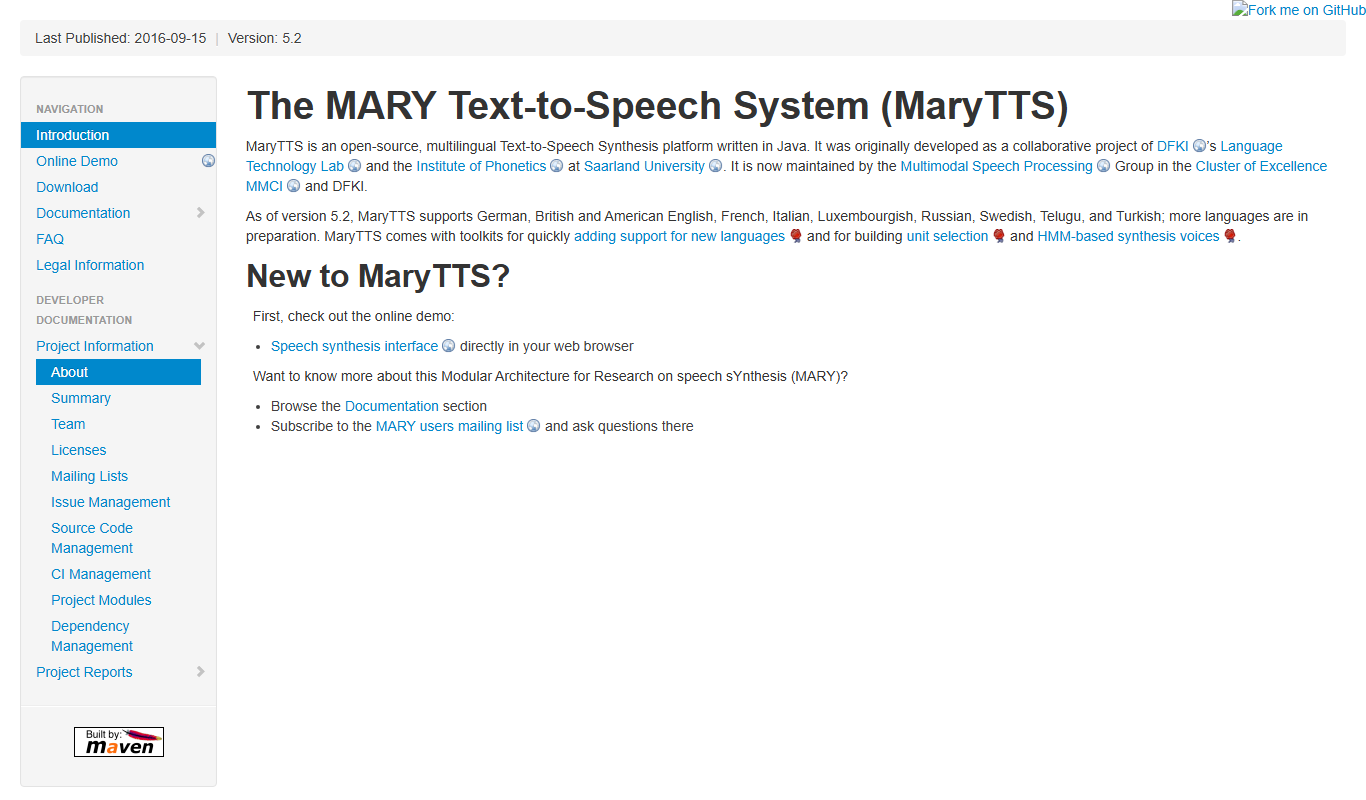
MaryTTS
MaryTTS is an open source text-to-speech system developed by DFKI that converts text into natural-sounding speech with multilingual support and customizable voices.
Freemium
Tactus Therapy
Tactus Therapy is a mobile app designed to help children with speech delays improve their articulation through interactive exercises and progress tracking.
Free
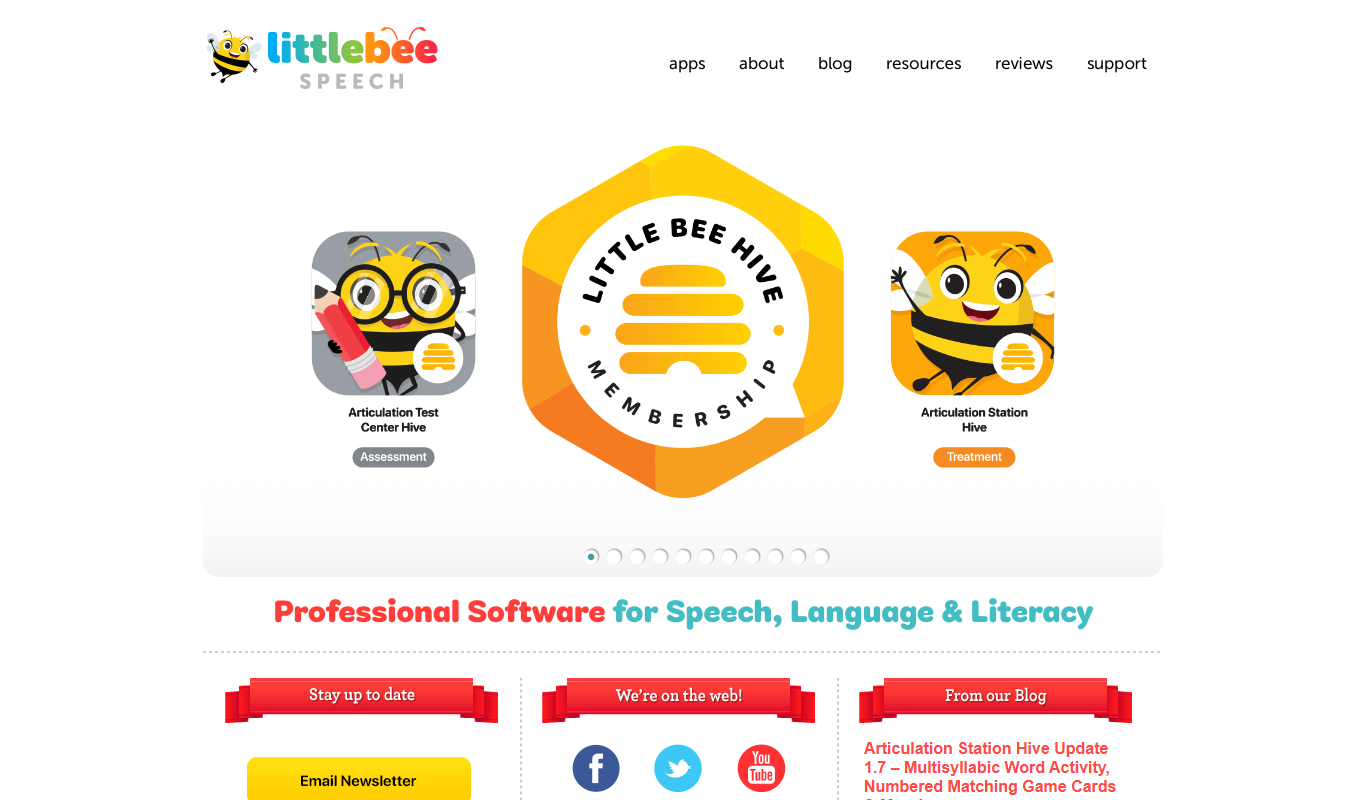
Articulation Station
Articulation Station is a mobile app by Little Bee Speech that helps children practice and improve their speech articulation through interactive exercises and audio modeling.
Free
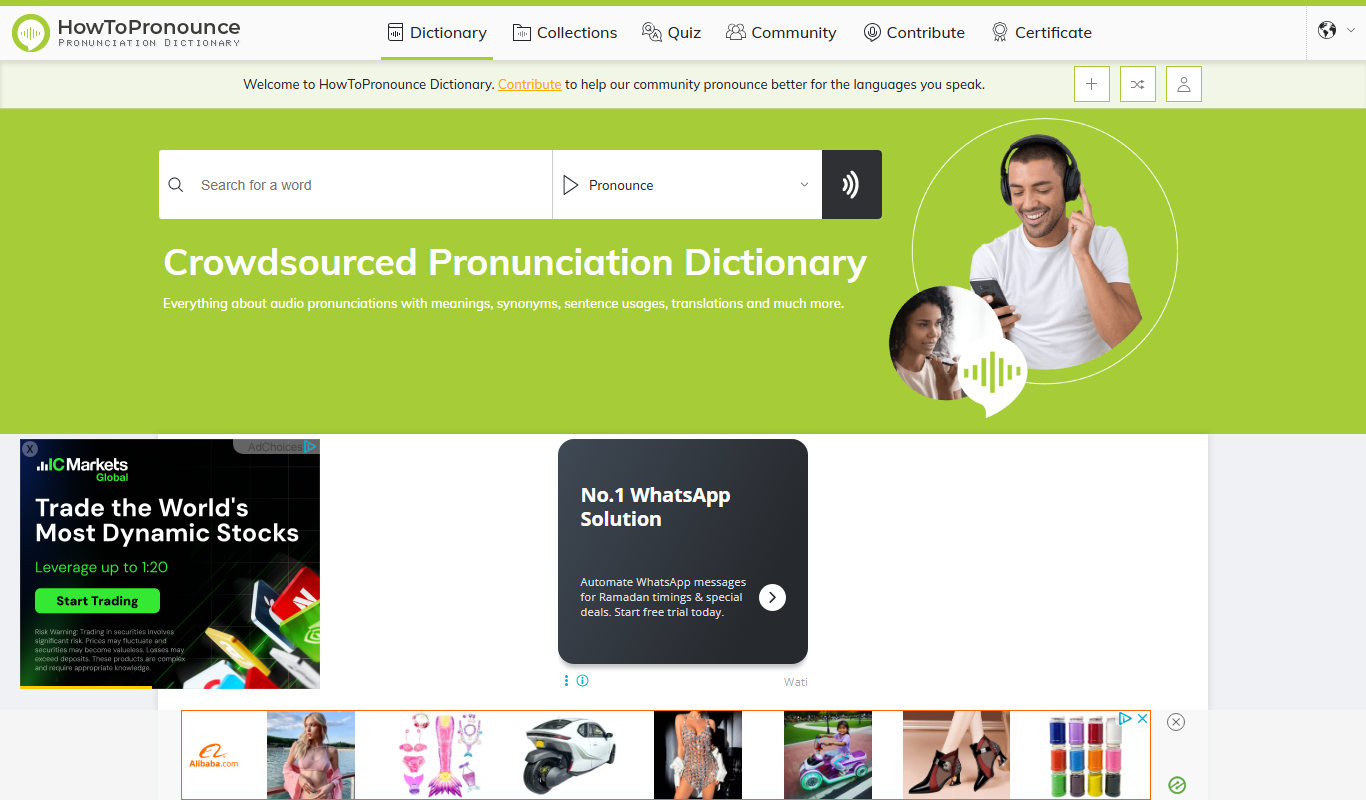
HowToPronounce
HowToPronounce is a free online tool that provides audio pronunciations and phonetic spellings for words in multiple languages, helping users learn correct pronunciation through native and expert recordings.

Free
EnglishCentral
EnglishCentral is an online English learning platform that uses video lessons and AI-powered speech recognition to help users improve their English speaking and listening skills through interactive practice and instant feedback.

Free
NVDA Screen Reader
NVDA is a free, open-source screen reader for Windows that helps visually impaired users access digital content through speech and braille output.

Free Trial
Audible
Audible is a subscription-based platform offering a vast library of audiobooks, podcasts, and spoken-word content with features like offline listening and Whispersync for Voice.

Free
EnglishClass101
EnglishClass101 is an online platform offering audio and video lessons, vocabulary tools, and cultural insights to help learners of all levels improve their English skills.