
From my experience with Speechnotes, I found it excels at providing a straightforward and reliable speech-to-text experience that is accessible across web and Android platforms. Its support for voice commands to insert punctuation makes dictation more natural and efficient. The offline mode on Android is a practical feature for users without constant internet access. However, the web version requires connectivity, and advanced editing features are somewhat limited compared to dedicated transcription software. Overall, if you need a simple, multi-language dictation tool for note-taking or transcription, Speechnotes delivers solid and user-friendly results.
Speechnotes AI Speech-to-Text Tool for Accurate Voice Transcription
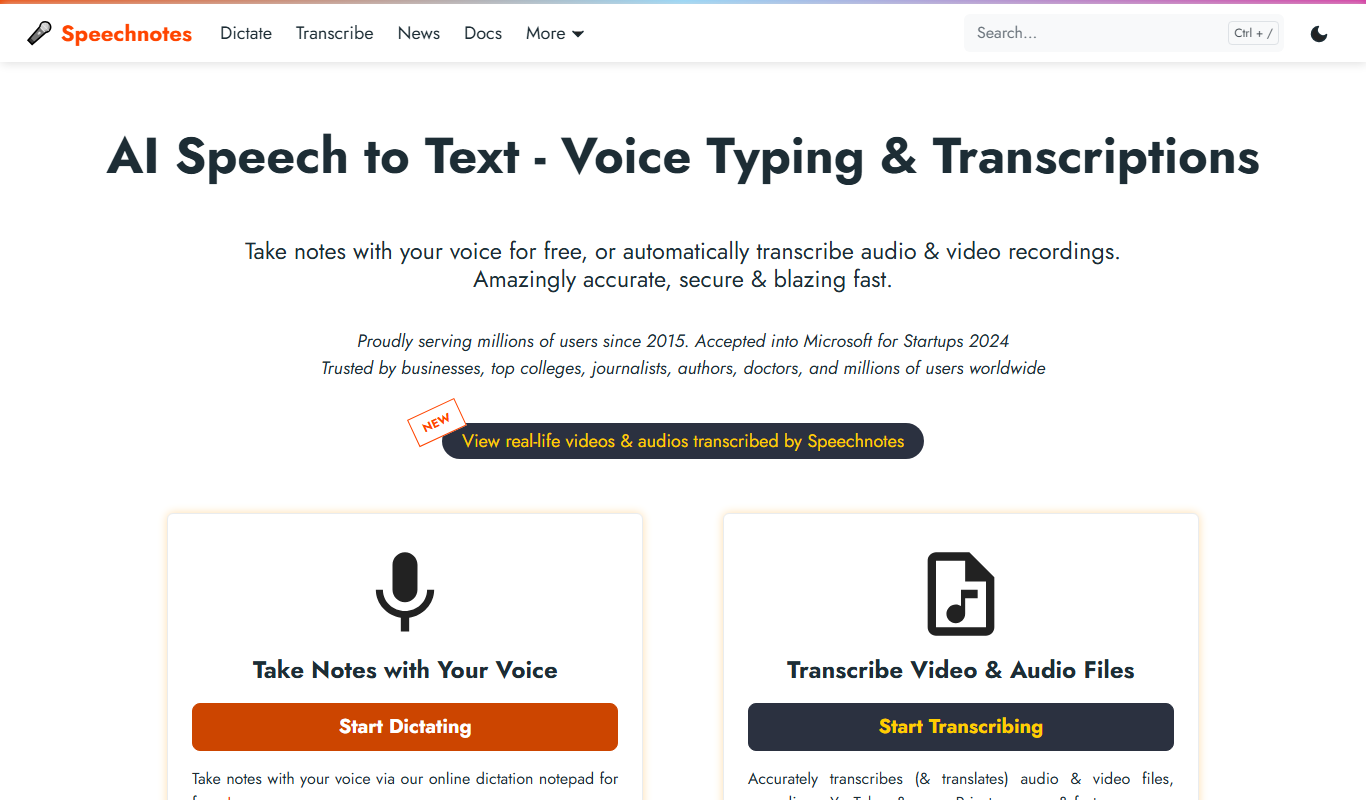
Speechnotes is an AI-powered speech-to-text application that converts spoken language into text in real time, supporting multiple languages and voice commands for punctuation.
What is Speechnotes?
Speechnotes is a web-based and mobile speech-to-text application that uses advanced voice recognition technology to convert spoken language into written text in real time. Designed for ease of use, it supports continuous dictation with punctuation commands and offers a distraction-free interface for note-taking, transcription, and writing assistance. Speechnotes aims to improve productivity by enabling hands-free text input across multiple languages.
Key Features of Speechnotes
Real-Time Speech Recognition
Converts spoken words into text instantly with high accuracy.
Punctuation Voice Commands
Allows users to add punctuation marks and formatting through voice instructions.
Multi-Language Support
Supports dictation in multiple languages including English, Spanish, French, and more.
Offline Mode (Android)
Enables speech-to-text functionality without an internet connection on Android devices.
Export and Integration
Export notes to text files, Google Drive, or share via email and other apps.
Chrome Extension
Quick access to dictation directly from the browser for convenience.
Pros and Cons of Speechnotes
Pros
- Easy to use with intuitive interface
- Supports multiple languages and dialects
- Offline functionality on Android
- Voice commands for punctuation
- Free version available
Cons
- Offline mode limited to Android app
- Web version requires internet connection
- Limited advanced editing features
Key Use Cases for Speechnotes
Note Taking
Convert spoken words into written notes quickly and accurately for meetings, lectures, or personal use.
Transcription
Transcribe interviews, podcasts, and voice memos into editable text for content creation or documentation.
Writing Assistance
Assist writers and content creators by dictating text hands-free to speed up the writing process.
Accessibility
Help users with disabilities or those who prefer voice input to interact with text-based applications.
Language Learning
Practice pronunciation and improve language skills by speaking and seeing real-time transcription.
How Speechnotes Works
-
1
Access the Platform
Open Speechnotes on the web, Android app, or Chrome extension.
-
2
Start Dictating
Click the microphone button and begin speaking naturally; the tool transcribes your speech in real time.
-
3
Use Voice Commands
Insert punctuation or formatting by speaking commands like ‘comma’, ‘period’, or ‘new line’.
-
4
Edit and Export
Review the transcribed text, make manual edits if needed, and export or save your notes in preferred formats.
Who's Using Speechnotes
Students and educators
Content creators and bloggers
Professionals needing transcription
People with disabilities
Language learners
Speechnotes Pricing
Free
$0/month
Basic speech-to-text features with ads and limited export options.
Premium
$9.99/month
Ad-free experience, unlimited dictation, advanced export options, and priority support.
Frequently Asked Questions About Speechnotes
Yes, Speechnotes offers a free version with basic features and ads.
It supports multiple languages including English, Spanish, French, German, Italian, and Portuguese.
Offline mode is available on the Android app but not on the web or Chrome extension.
Speechnotes uses Google’s speech recognition engine, providing high accuracy especially in quiet environments.
It depends on your specific needs and how you plan to use the tool. The official website and documentation are the best sources for the latest details.
Yes, it can help with that use case depending on how you configure it and what features are available. You’ll get the best results with clear inputs and a defined goal.
Yes, it can help with that use case depending on how you configure it and what features are available. You’ll get the best results with clear inputs and a defined goal.
Share your review
Reviews are limited to one per logged-in user and are published after moderation.
You need an account to review this tool.
0.0
★
★
★
★
★
0 reviews
5 star
0
4 star
0
3 star
0
2 star
0
1 star
0
No reviews yet
Be the first to share how this tool worked for you.
Questions from the community
Read questions and answers about this tool, or ask your own.
No questions yet
Start the conversation by asking the first question about this tool.
Is this tool helpful?

Free
LingQ
LingQ is an immersive language learning platform that uses authentic content and integrated vocabulary tools to help users learn multiple languages through reading, listening, and speaking practice.

Free
SpeakPipe
SpeakPipe is a web-based voice messaging tool that allows websites to collect voice messages from visitors via an embeddable recorder widget or direct links, facilitating customer feedback and audio communication.

Free
Typewise
Typewise is an AI-powered mobile keyboard app that enhances typing speed and accuracy with a unique hexagonal layout and privacy-focused on-device AI autocorrect supporting over 40 languages.

One-time purchase
Nuance Dragon
Nuance Dragon is a powerful speech recognition software that converts spoken words into text with high accuracy, supporting multiple languages and professional use cases such as medical and legal transcription.
Free
Zello
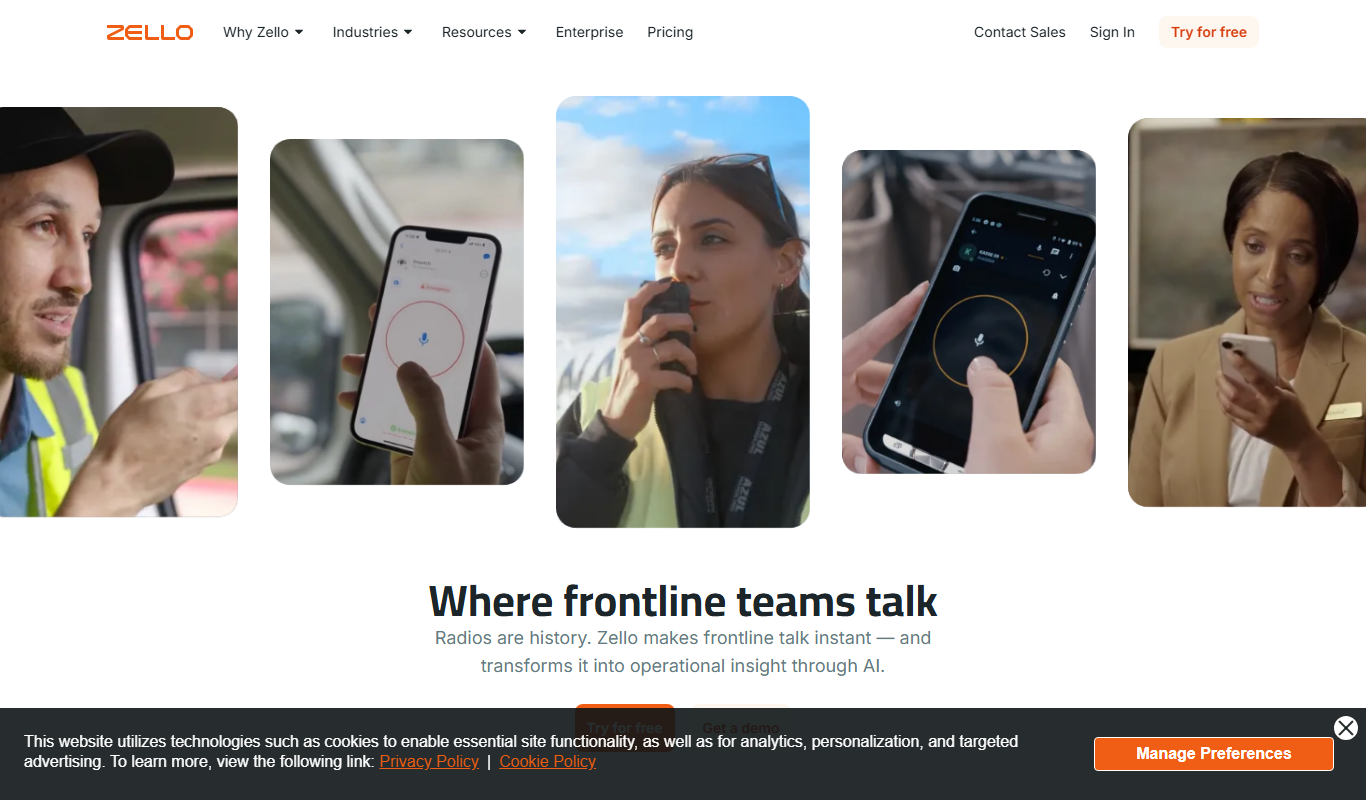
Zello is a push-to-talk app that turns your device into a walkie talkie for instant voice communication over the internet.
Free
Speeko
Speeko is an AI-powered speech coaching tool that analyzes your voice recordings to provide personalized feedback on public speaking and communication skills, helping you improve pace, tone, and clarity.

Custom Pricing
LanguageLine Solutions
LanguageLine Solutions provides professional interpretation and translation services in over 240 languages via phone, video, and onsite modes, supporting healthcare, legal, business, and government sectors with 24/7 availability.

Custom Pricing
Veritone
Veritone is an AI-powered media intelligence platform that automates transcription, content analysis, and advertising verification for audio and video media.