

From my experience with LingQ, I found it excels at providing authentic language content that truly immerses learners in real-world usage. The integrated vocabulary tools and flashcards make it easy to track and retain new words, which is crucial for language acquisition. After spending time with the platform, I can say it’s particularly well-suited for self-directed learners who want to improve reading and listening skills through engaging materials. However, the free plan limits access to some features, and beginners might find the interface a bit complex at first. Overall, if you want a comprehensive, immersive language learning experience, LingQ delivers solid results.
LingQ Language Learning Platform for Immersive Online Study and Practice
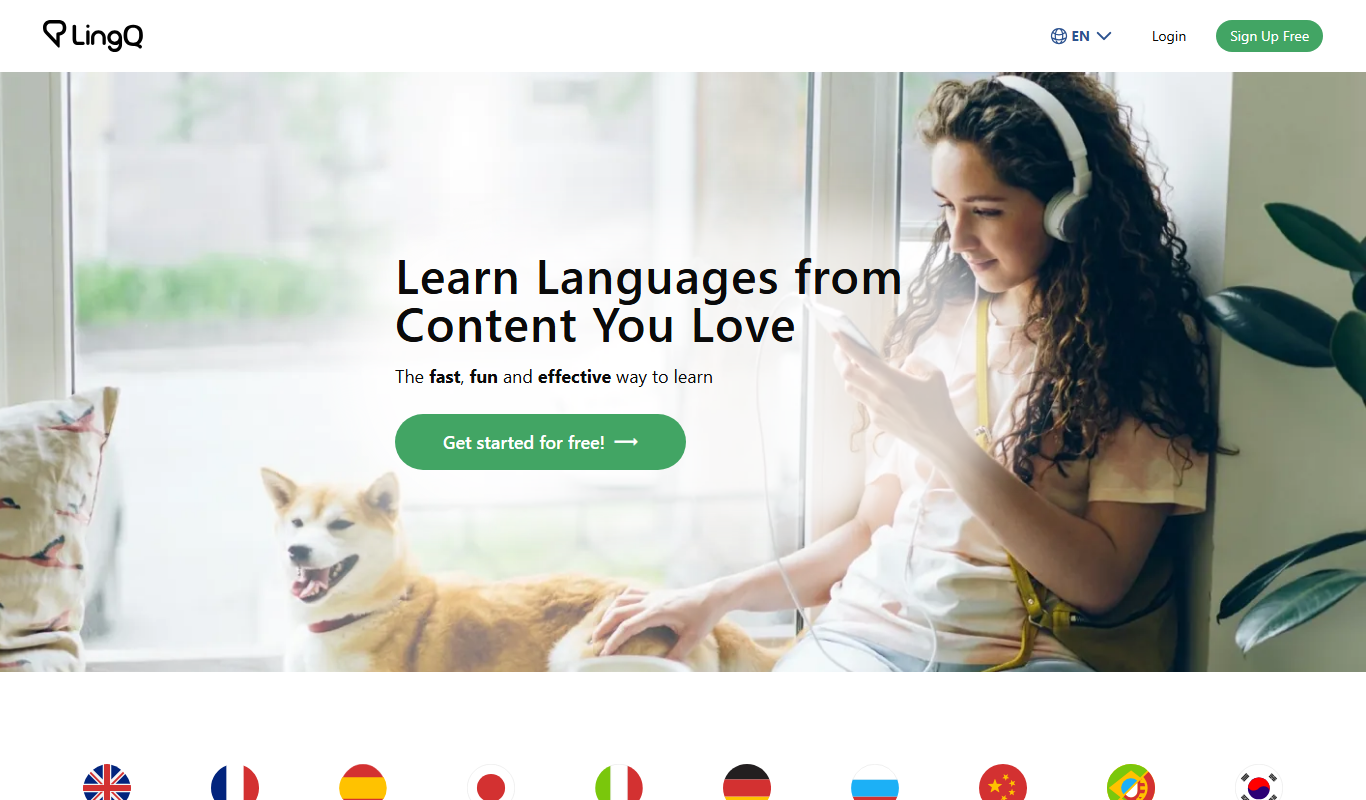
LingQ is an immersive language learning platform that uses authentic content and integrated vocabulary tools to help users learn multiple languages through reading, listening, and speaking practice.
- Best for
- Language Immersion
- Key capability
- Extensive Authentic Content Library
Do you recommend this tool?
What is LingQ?
LingQ is an online language learning platform designed to help users learn new languages through immersive reading and listening experiences. It provides access to thousands of hours of authentic content such as podcasts, articles, and videos, combined with tools to track vocabulary and progress. LingQ supports multiple languages and emphasizes natural language acquisition by engaging learners with real-world materials.
Key features of LingQ
LingQ’s main features include a vast library of authentic content, integrated vocabulary tracking, flashcards, audio and text synchronization, personalized study plans, and mobile apps for learning on the go. It combines reading, listening, and speaking practice to create a comprehensive language learning experience.
Extensive Authentic Content Library
Access thousands of hours of real-world language content across various topics and difficulty levels.
Vocabulary Tracking and Flashcards
Save new words as LingQs and review them with spaced repetition flashcards.
Audio and Text Synchronization
Listen to audio while following along with the text to improve comprehension.
Personalized Learning Dashboard
Track your progress and customize your learning path based on your goals.
Mobile Apps for Learning Anywhere
Use LingQ’s iOS and Android apps to study on the go.
Pros and cons of LingQ
Pros
- Access to authentic, real-world language content
- Integrated vocabulary tracking with flashcards
- Supports multiple languages and skill levels
- Mobile apps enable learning anywhere
- Personalized study plans and progress tracking
Cons
- Free plan has limited content and features
- Interface can be overwhelming for beginners
- Some advanced features require Premium subscription
Key use cases for LingQ
Language Immersion
Users immerse themselves in real-world content like articles, podcasts, and videos to learn new languages naturally.
Vocabulary Building
Learners build vocabulary by reading and listening to content with integrated tools to save and review words.
Listening and Reading Practice
The platform offers extensive listening and reading materials to improve comprehension skills.
Speaking Practice
Users can practice speaking by repeating phrases and using the platform’s speech recognition features.
Personalized Learning
Learners customize their study plans and select content that matches their interests and proficiency levels.
How LingQ works
- 1
Create an Account
Sign up on LingQ’s website or mobile app to start your language learning journey.
- 2
Choose a Language
Select the language you want to learn from the available options.
- 3
Engage with Content
Read and listen to authentic materials like articles, podcasts, and videos.
- 4
Save and Review Vocabulary
Highlight unknown words to save them as LingQs and review them with flashcards.
- 5
Practice Speaking
Use speech recognition tools to practice pronunciation and speaking skills.
Who is using LingQ
Language learners seeking immersive study
Self-directed learners and polyglots
Students wanting to improve reading and listening
Travelers preparing for foreign languages
Educators looking for authentic materials
LingQ pricing
Free
$0/month
Limited access to content and features with basic vocabulary tracking.
Premium
$19/month
Full access to all content, unlimited vocabulary saving, flashcards, and advanced features.
Plans and prices are as published by the vendor and can change. Check the official site before you buy. Open the pricing page (opens in a new tab)
Frequently asked questions about LingQ
LingQ offers courses in over 20 languages including Spanish, French, German, Japanese, Chinese, Russian, and Portuguese.
Yes, LingQ’s mobile apps allow you to download lessons and study offline.
Yes, LingQ includes speech recognition tools to help you practice pronunciation.
LingQ offers a free account with limited features, but you can upgrade to Premium anytime.
Yes, it can help with that use case depending on how you configure it and what features are available. You’ll get the best results with clear inputs and a defined goal.
Some tools offer a free plan or trial with limited features. Availability can vary, so confirm on the official website.
It depends on your specific needs and how you plan to use the tool. The official website and documentation are the best sources for the latest details.
Yes, it can help with that use case depending on how you configure it and what features are available. You’ll get the best results with clear inputs and a defined goal.
Sign in to review this tool.
Sign In to ReviewNo reviews yet
Be the first to share how this tool worked for you.
Ask about pricing, limits, or how it compares — or answer someone else.
Sign In to AskNo questions yet
Have a question about using or paying for this tool? Be the first to ask.
Featured on TiorAI



Alternative Tools
Explore similar AI tools that might fit your needs
Free
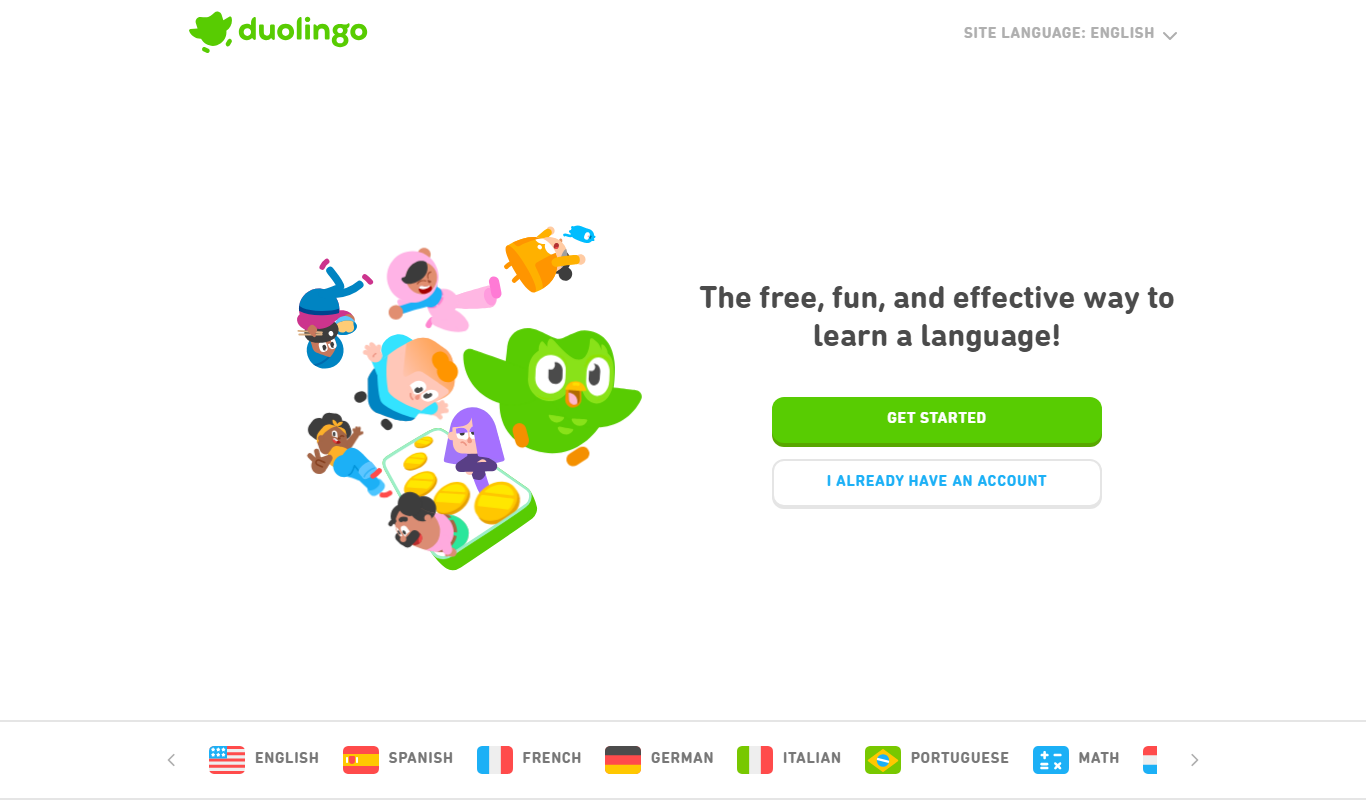
Duolingo
Duolingo is a free and subscription-based language learning app that uses gamified lessons and speech recognition to help users learn and practice multiple languages on web and mobile platforms.

Subscription
Babbel
Babbel is a subscription-based language learning app offering interactive lessons, speech recognition for pronunciation, and cultural insights to help users learn new languages effectively on web and mobile platforms.
More AI Speech-to-Text tools
Other tools in the same category, for when this one is not quite the fit.

Free
Speechify
Speechify is an AI-powered text-to-speech tool that converts written text into natural audio, supporting multiple languages and platforms to enhance accessibility and productivity.
Free Trial
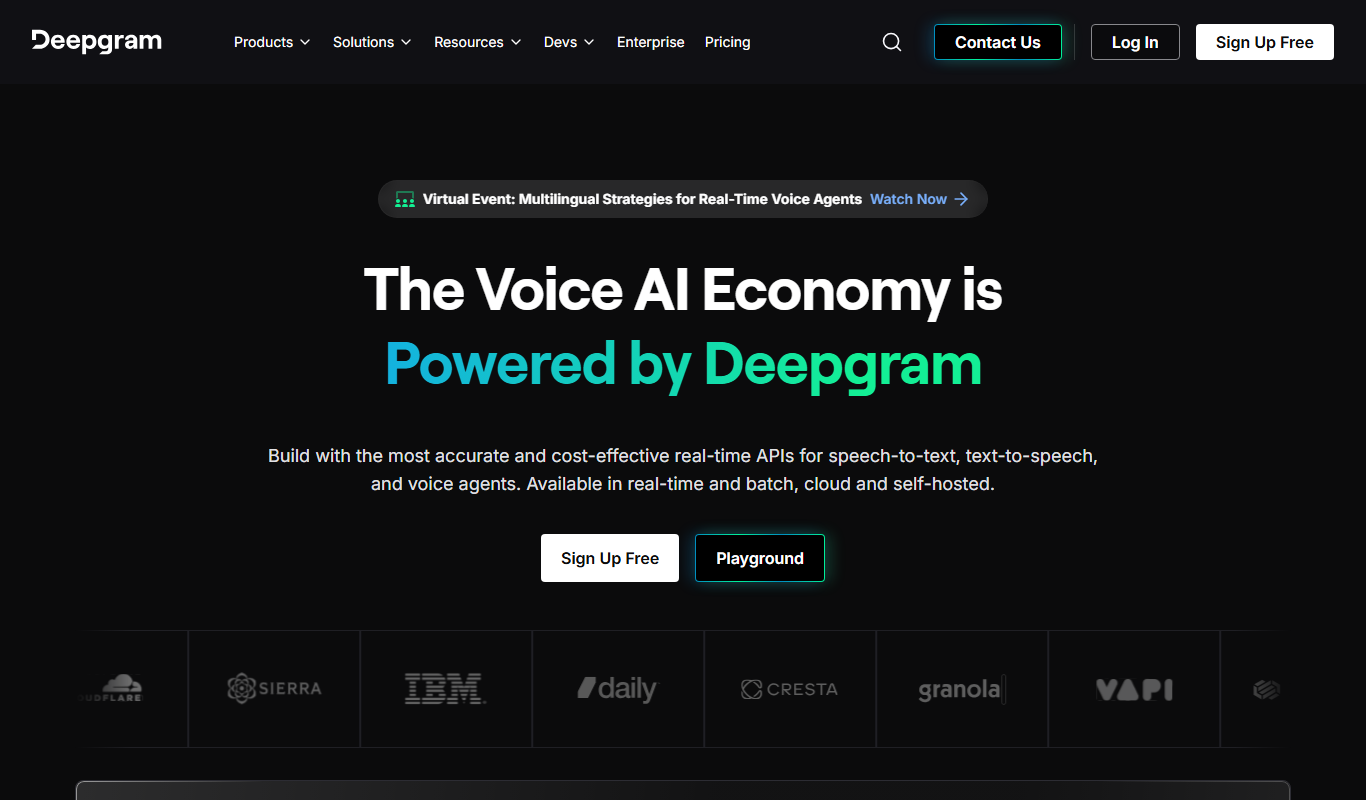
Deepgram
Deepgram is an AI-driven speech-to-text platform providing accurate, customizable, and scalable audio transcription services with real-time streaming and multi-language support.

Free
The TWIML AI Podcast
The TWIML AI Podcast is a free podcast platform offering expert interviews and discussions on artificial intelligence and machine learning topics.

Free
EnglishCentral
EnglishCentral is an online English learning platform that uses video lessons and AI-powered speech recognition to help users improve their English speaking and listening skills through interactive practice and instant feedback.

Free
Castbox Notes
Castbox Notes is a mobile app that uses AI to transcribe audio recordings into searchable text notes, ideal for podcasts, meetings, and lectures.

Custom Pricing
Veritone
Veritone is an AI-powered media intelligence platform that automates transcription, content analysis, and advertising verification for audio and video media.

Free
Musixmatch
Musixmatch is a music platform that identifies songs playing nearby and provides synchronized lyrics with multi-language translations, available on web and mobile.
Freemium
Verbling
Verbling is an online platform that connects language learners with native-speaking tutors for live video lessons, offering personalized and flexible language education.