

Natural Reader Text to Speech Software for Accessible Audio Content
Natural Reader is a text-to-speech software that converts written text into natural, human-like speech across multiple languages and platforms, supporting accessibility and content consumption.
- Best for
- Accessibility for Visually Impaired
- Key capability
- Multiple Natural Voices
Save Natural Reader, follow its updates and vote on it — everything stays in your account.
Sign in or create a free account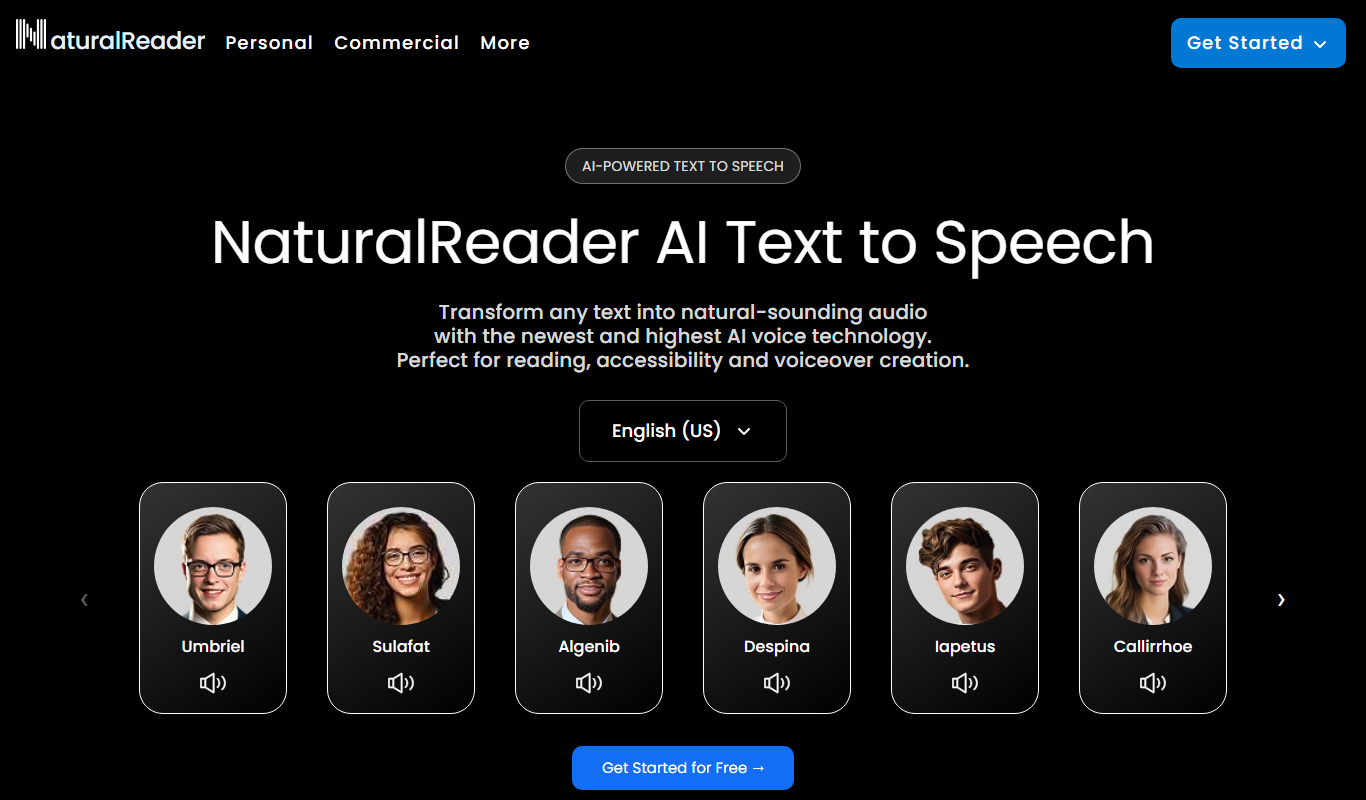
What is Natural Reader?
Natural Reader is a text-to-speech software that transforms written text into spoken words using AI-generated natural voices. It supports multiple languages and offers various voice options, making digital content accessible and easier to consume for a wide range of users, including those with reading disabilities or visual impairments.
Key features of Natural Reader
Natural Reader provides high-quality voice synthesis with customizable voice options, supports multiple document formats, offers cloud-based and desktop applications, and includes features like OCR for reading scanned documents and batch conversion for audio files.
Multiple Natural Voices
Offers a wide selection of AI-generated voices with natural intonation.
Multi-format Support
Supports text, PDF, Word documents, eBooks, and scanned images via OCR.
Cross-Platform Availability
Accessible via web, desktop apps for Windows and Mac, and mobile apps for iOS and Android.
Customizable Playback
Users can adjust speed, pitch, and volume to suit their listening preferences.
Batch Conversion
Convert multiple documents into audio files simultaneously.
Pros and cons of Natural Reader
Pros
- High-quality, natural-sounding voices
- Supports a wide range of document formats
- Cross-platform availability including mobile apps
- Customizable voice settings for personalized experience
- Useful for accessibility and language learning
Cons
- Free plan has limited voice options and usage
- Advanced features require higher-tier subscriptions
- No offline mobile app functionality without subscription
Key use cases for Natural Reader
Accessibility for Visually Impaired
Converts written text into natural-sounding speech to assist users with visual impairments or reading difficulties.
Content Consumption
Allows users to listen to articles, documents, and eBooks on the go, improving multitasking and learning.
Language Learning
Supports multiple languages and voices, helping language learners improve pronunciation and comprehension.
Proofreading and Editing
Enables writers and editors to listen to their text read aloud, making it easier to catch errors and improve flow.
Audiobook Creation
Facilitates quick conversion of text content into audio format for audiobook production or personal use.
How Natural Reader works
- 1
Upload or Paste Text
Users can upload documents or paste text directly into the interface.
- 2
Select Voice and Language
Choose from a variety of natural-sounding voices and supported languages.
- 3
Adjust Settings
Customize reading speed, volume, and other preferences.
- 4
Listen or Download Audio
Play the speech output in real-time or download it as an audio file.
Who is using Natural Reader
Natural Reader pricing
Free
$0/month
Basic features with limited voices and usage.
Plus
$20.90/month or $119/year
Converts any text, PDF, image, webpage and physical book into natural-sounding audio for personal listening.
Pro
$25.90/month or $159/year
Advanced features including batch conversion, OCR, and priority support.
Plans and prices are as published by the vendor and can change. Check the official site before you buy. Open the pricing page (opens in a new tab)
Frequently asked questions about Natural Reader
Commercial use is not part of the Personal plans; it is a separate Commercial product.
Yes, it supports multiple languages including Spanish, French, German, Chinese, and Japanese.
Yes, Natural Reader offers apps for both iOS and Android devices.
Yes. NaturalReader has an OCR Camera Scanner that scans physical books and documents so they can be read aloud.
Yes, it can help with that use case depending on how you configure it and what features are available. You’ll get the best results with clear inputs and a defined goal.
Yes, it can help with that use case depending on how you configure it and what features are available. You’ll get the best results with clear inputs and a defined goal.
Some tools offer a free plan or trial with limited features. Availability can vary, so confirm on the official website.
It depends on your specific needs and how you plan to use the tool. The official website and documentation are the best sources for the latest details.
Conclusion
Text is uploaded as a document or pasted in, a voice and language are chosen, and the speech can be played in real time or downloaded as an audio file. Supported inputs include text, PDF, Word documents, eBooks and scanned images read through OCR. Apps cover the web, Windows and Mac desktops, and iOS and Android devices.
It is designed for people with visual impairments or reading difficulties, students and language learners, and writers who want to hear their text read aloud. A Free plan offers limited voices and usage, while Plus costs $20.90 per month or $119 per year and Pro costs $25.90 per month or $159 per year. Commercial use is a separate product rather than part of these personal plans.
Sources
Sign in to review this tool.
Sign In to ReviewNo reviews yet
Be the first to share how this tool worked for you.
Ask about pricing, limits, or how it compares — or answer someone else.
Sign In to AskNo questions yet
Have a question about using or paying for this tool? Be the first to ask.
Featured on TiorAI



Alternative Tools
Explore similar AI tools that might fit your needs


More AI Audio Enhancer tools
Other tools in the same category, for when this one is not quite the fit.
SermonAudio
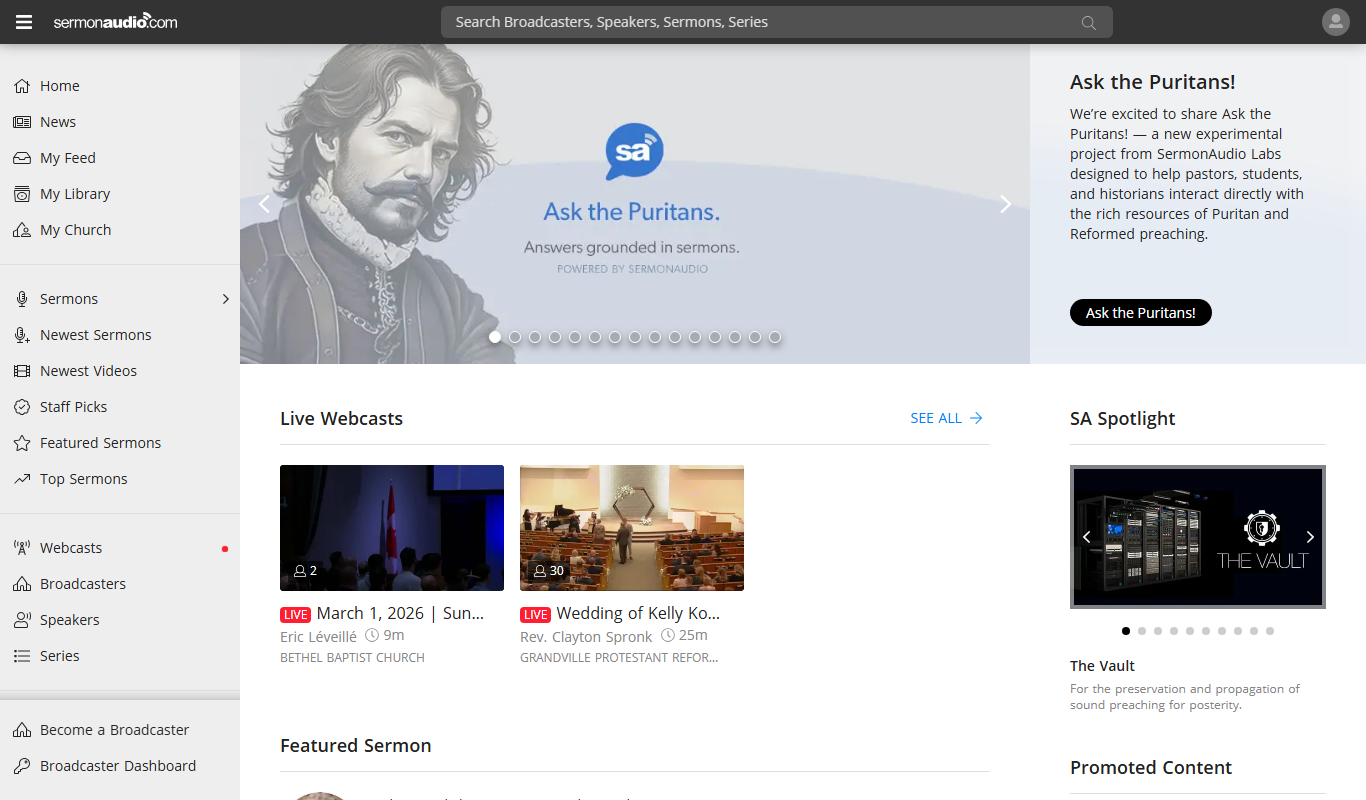
SermonAudio is an online platform that allows users to stream, upload, and share Christian sermons and religious audio content, including live broadcasts and podcasts.

Ayat – Al Quran
Ayat Al Quran is a free digital Quran application providing Arabic text, multiple translations, synchronized audio recitations, and tafsir to support Quran reading, listening, and study.

Soundly
Soundly is a cloud-based sound effects library and audio editing tool that provides instant access to thousands of high-quality sounds, integrated editing features, and cloud syncing for creative professionals.
Boom Library
BOOM Library is a professional provider of high-quality, royalty-free sound effects used in film, TV, games, and music production, offering extensive libraries with detailed metadata and high-resolution audio files.

ThinkUp Affirmations
ThinkUp Affirmations is an app that enables users to create, record, and listen to personalized positive affirmations with background music to support mental wellness and motivation.

Speechling
Speechling is a nonprofit pronunciation and speaking practice platform with feedback from human coaches.

SoliCall
SoliCall is a noise reduction and echo cancellation software that enhances voice call clarity by removing background noise and echo in real-time, ideal for call centers and VoIP communications.
AudioJungle
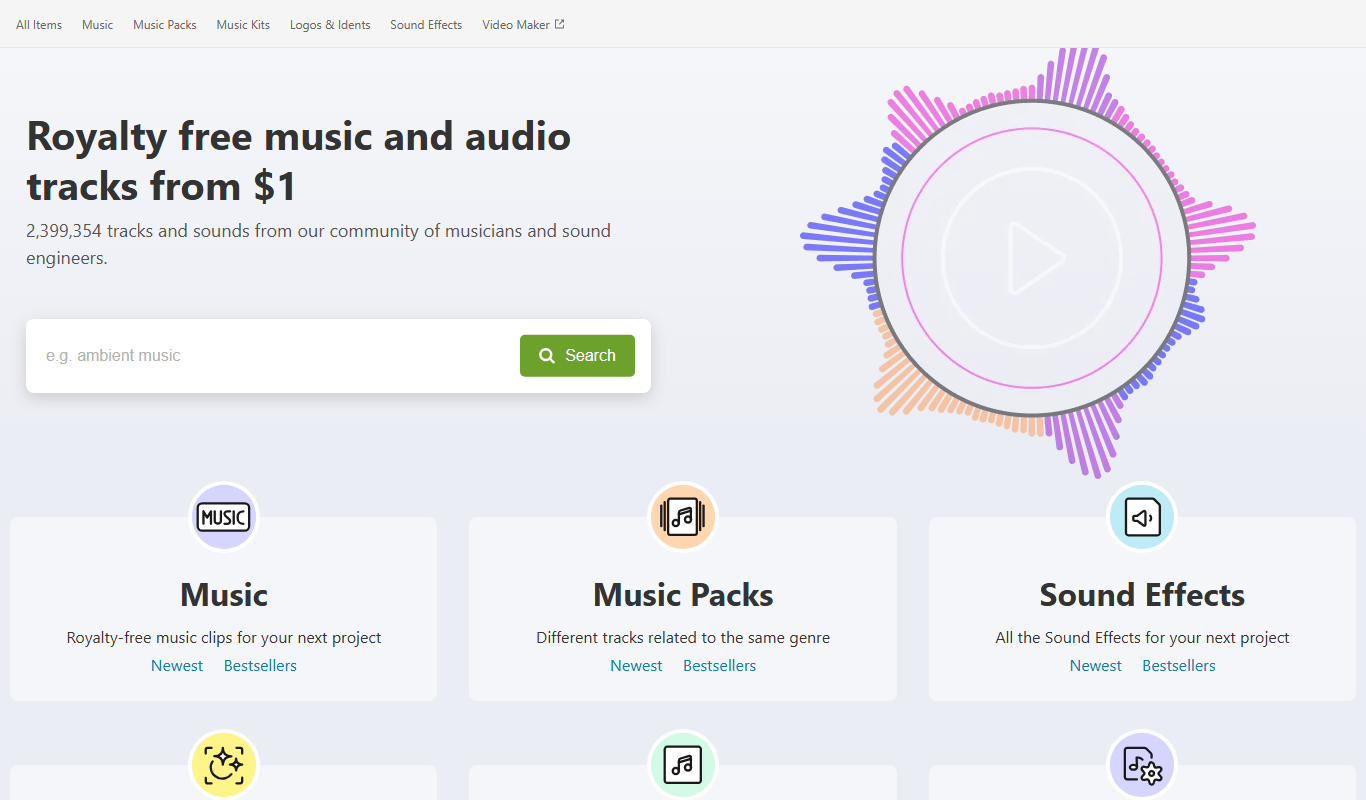
AudioJungle is an online marketplace offering royalty-free music and sound effects for licensing in creative projects such as videos, podcasts, and games.