

Soundly Audio Library and Sound Effects Tool for Creators and Editors
Soundly is a cloud-based sound effects library and audio editing tool that provides instant access to thousands of high-quality sounds, integrated editing features, and cloud syncing for creative professionals.
- Best for
- Sound Design for Media
- Key capability
- Extensive Sound Effects Library
Save Soundly, follow its updates and vote on it — everything stays in your account.
Sign in or create a free account
What is Soundly?
Soundly is a cloud-based sound effects library and audio editing tool designed for creative professionals. It provides instant access to thousands of high-quality sound effects and allows users to search, preview, and organize sounds efficiently. Integrated editing features and cloud syncing enable seamless workflows for sound designers, video editors, podcasters, and game developers.
Key features of Soundly
Soundly offers a vast searchable sound effects library, cloud syncing for projects and libraries, integrated audio editing tools, and collaboration features to streamline audio post-production and sound design workflows.
Extensive Sound Effects Library
Access thousands of professionally recorded sound effects across multiple categories.
Cloud Sync and Backup
Keep your sound libraries and projects synced and backed up across devices.
Integrated Audio Editing
Edit audio clips within the app with trimming, fading, and volume adjustments.
Powerful Search and Tagging
Find sounds quickly using advanced search filters and tagging.
Cross-Platform Desktop App
Use Soundly on Windows and macOS with a consistent user experience.
Pros and cons of Soundly
Pros
- Large, high-quality sound effects library
- Cloud syncing across devices
- Integrated audio editing tools
- User-friendly search and organization
- Cross-platform desktop support
Cons
- Limited features in free plan
- No mobile app available
- Some advanced features require Pro subscription
Key use cases for Soundly
Sound Design for Media
Use Soundly’s extensive sound effects library and editing tools to create immersive audio for films, games, and videos.
Audio Post-Production
Enhance and edit audio tracks efficiently with Soundly’s integrated editing features and cloud syncing.
Podcast and Voiceover Editing
Quickly find and add sound effects or background audio to podcasts and voiceover projects.
Game Audio Development
Access and organize sound effects for interactive media and game development workflows.
Collaborative Audio Projects
Sync and share audio libraries and projects across teams with cloud-based collaboration.
How Soundly works
- 1
Create an Account
Sign up on Soundly’s website or desktop app to access the sound library and tools.
- 2
Search and Preview Sounds
Use the powerful search engine to find sound effects and preview them instantly.
- 3
Download or Edit Sounds
Download sounds for offline use or edit them directly within the Soundly app.
- 4
Organize and Sync
Organize your sound library and sync projects across devices using cloud storage.
- 5
Collaborate with Teams
Share libraries and projects with team members for collaborative audio production.
Who is using Soundly
Soundly pricing
Free
$0/month
Access to a limited sound library and basic features.
Pro
$14.99/month
Full access to the entire sound library, cloud sync, and advanced editing tools.
Enterprise
Custom pricing
Tailored solutions for teams with collaboration and licensing options.
Plans and prices are as published by the vendor and can change. Check the official site before you buy. Open the pricing page (opens in a new tab)
Frequently asked questions about Soundly
Yes, Soundly provides royalty-free licenses for sounds included in their library for commercial use.
Yes, Soundly offers a free trial period for the Pro subscription to test full features.
Soundly supports Windows and macOS desktop applications and a web-based library interface.
Yes, users can import and organize their own sound files within the Soundly app.
This tool is designed to help users accomplish its core tasks more efficiently. It is typically used by individuals or teams looking to improve productivity and workflow.
Some tools offer a free plan or trial with limited features. Availability can vary, so confirm on the official website.
Yes, it can help with that use case depending on how you configure it and what features are available. You’ll get the best results with clear inputs and a defined goal.
Yes, it can help with that use case depending on how you configure it and what features are available. You’ll get the best results with clear inputs and a defined goal.
Conclusion
Sounds are found through a search engine with filters and tagging, previewed instantly, then downloaded for offline use or edited directly in the app. Editing covers trimming, fading and volume adjustments. Users can import and organize their own sound files, and libraries and projects stay synced and backed up across devices. Libraries and projects can also be shared with team members for collaborative audio production.
It is meant for sound designers, video editors, podcasters and game developers. Desktop applications run on Windows and macOS alongside a web-based library interface. The free plan has limited features, and Soundly Pro costs $14.99/month.
Sources
Sign in to review this tool.
Sign In to ReviewNo reviews yet
Be the first to share how this tool worked for you.
Ask about pricing, limits, or how it compares — or answer someone else.
Sign In to AskNo questions yet
Have a question about using or paying for this tool? Be the first to ask.
Featured on TiorAI



Alternative Tools
Explore similar AI tools that might fit your needs

Freesound
Freesound is a free online platform offering a large collection of Creative Commons licensed sound effects and audio samples for use in creative and educational projects.
Boom Library
BOOM Library is a professional provider of high-quality, royalty-free sound effects used in film, TV, games, and music production, offering extensive libraries with detailed metadata and high-resolution audio files.
More AI Audio Editing tools
Other tools in the same category, for when this one is not quite the fit.

SplitSong.com
SplitSong.com uses artificial intelligence to split songs into instrument tracks: drums, instrumental, bass and voice, from an upload or a YouTube link.
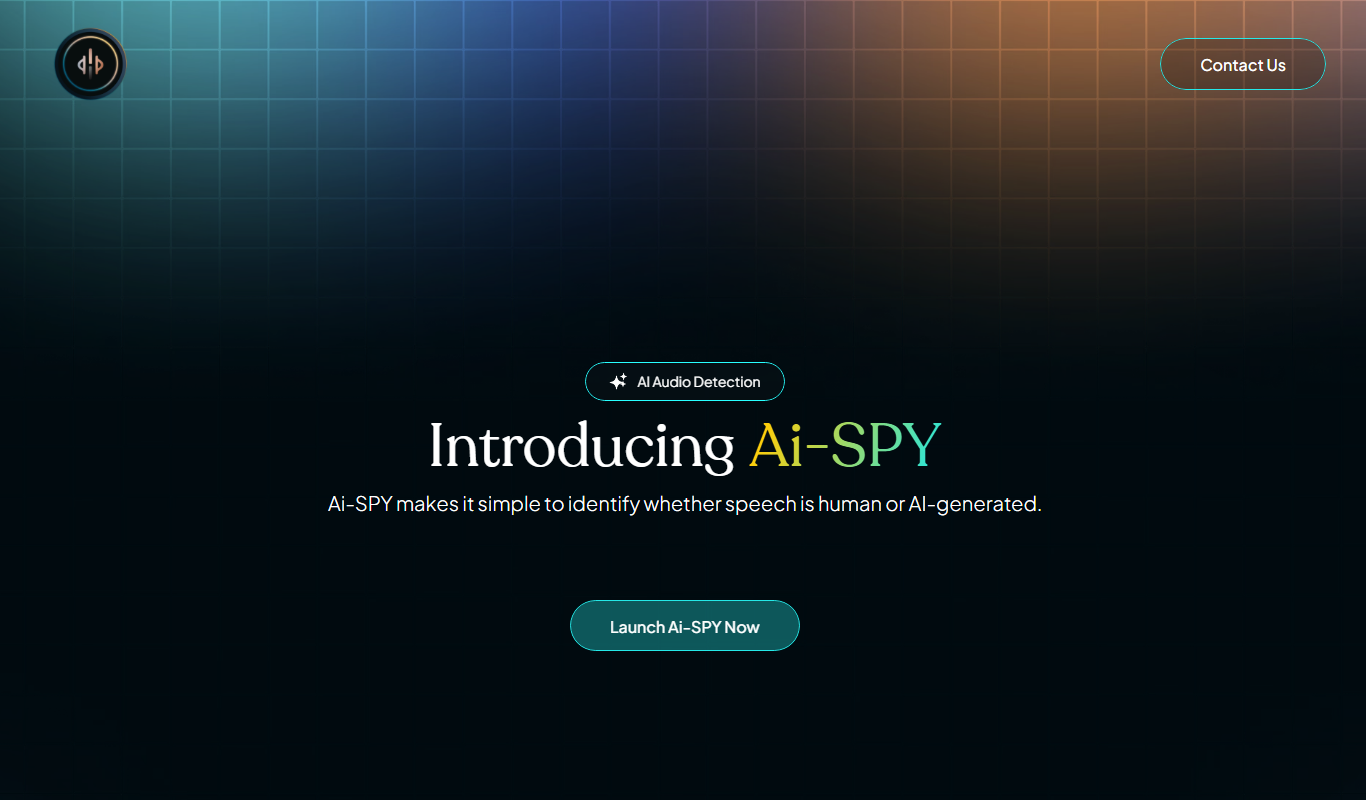
AI-Spy
AI-Spy detects whether audio is AI-generated or human: upload an mp3 or wav file or a link and get an authenticity result.

Santelmo
Santelmo Audio Engineering offers paid mixing and mastering, music production, podcast cleanup, film scoring and foley and AI music services, bought per job.

Koolio.ai
koolio.ai combines studio-grade processing with smart automation to transform raw concepts into polished audio in minutes, from podcast episodes to audiobooks and ads.

Xound.io
Xound.io is an AI voice cleaner that removes background noise, corrects pitch and levels audio for YouTubers, TikTokers and podcasters, with a free tier.

Artificial Studio
Artificial Studio is a platform that brings 60+ AI tools together for image, video, audio, 3D, marketing and design work.

article2audio
article2audio is an article narration service for publishers and readers that turns an HTML post, including images, tables, code blocks and footnotes, into audio.

Udio AI | Make your music
Udio AI is an online platform that uses artificial intelligence to generate original music tracks quickly and easily, suitable for creators and producers needing royalty-free compositions.