

From my experience with Balabolka, I found it excels at providing a robust, free text-to-speech solution for Windows users. Its support for multiple file formats and customizable voice settings makes it versatile for accessibility, language learning, and content consumption. The ability to save audio files and batch convert documents adds practical value. However, the interface feels somewhat outdated, and voice quality depends heavily on installed speech engines. Overall, if you need a no-cost, flexible TTS tool on Windows, Balabolka delivers reliable performance without restrictions.
Balabolka Text-to-Speech Software for Windows with Multiple Voice Support
Balabolka is a free Windows-based text-to-speech software that converts text from various formats into spoken audio using customizable voices and supports saving audio files.
- Best for
- Accessibility Support
- Key capability
- Multi-format Text Support

What is Balabolka?
Balabolka is a free text-to-speech (TTS) software for Windows that converts text from various file formats into spoken audio. It supports multiple speech engines and voices, allowing users to listen to written content aloud. The software offers customization options such as voice selection, speech rate, pitch, and pronunciation adjustments. It supports formats like TXT, DOC, PDF, EPUB, and HTML, making it versatile for different text sources.
Key features of Balabolka
Balabolka provides extensive text-to-speech capabilities including support for multiple file formats, customizable voice parameters, batch file conversion to audio, and saving speech as audio files in formats like MP3 and WAV. It integrates with Microsoft Speech API (SAPI) and supports third-party voices. Additional features include clipboard reading, subtitles creation, and pronunciation dictionary customization.
Multi-format Text Support
Reads text from TXT, DOC, PDF, EPUB, HTML, and other common document formats.
Voice Customization
Adjust speech rate, pitch, volume, and select from multiple installed voices.
Audio File Export
Save spoken text as audio files in MP3, WAV, OGG, or WMA formats.
Batch Conversion
Convert multiple text files to audio in one operation.
Pronunciation Dictionary
Customize how specific words are pronounced by creating a personal dictionary.
Pros and cons of Balabolka
Pros
- Completely free with no restrictions
- Supports a wide range of text file formats
- Highly customizable voice settings
- Ability to save speech as audio files
- Batch processing for multiple files
Cons
- Windows-only software, no Mac or Linux versions
- User interface is functional but dated
- Relies on installed speech engines for voice quality
Key use cases for Balabolka
Accessibility Support
Helps visually impaired users by reading text aloud from various document formats.
Content Consumption
Converts written content into audio for easier listening on the go.
Language Learning
Assists language learners by providing clear pronunciation of texts.
Audio Book Creation
Enables users to create audio books from text files using customizable voices.
Proofreading Aid
Allows writers to listen to their text to catch errors and improve flow.
How Balabolka works
-
1
Install and Launch
Download and install Balabolka on a Windows PC, then open the application.
-
2
Load Text
Import text from supported file formats or paste text directly into the interface.
-
3
Select Voice and Adjust Settings
Choose a speech engine and voice, then customize speed, pitch, and volume as needed.
-
4
Listen or Save Audio
Play the text aloud or save the speech output as an audio file for later use.
Who is using Balabolka
Visually impaired users
Students and language learners
Writers and editors
Content creators needing audio versions
Anyone seeking free TTS software on Windows
Balabolka pricing
Free
$0
Full-featured text-to-speech software available at no cost.
Plans and prices are as published by the vendor and can change. Check the official site before you buy. Open the pricing page (opens in a new tab)
Compare similar tools
How Balabolka lines up against the tools people weigh it against.
 Speechify
Balabolka
Speechify vs Balabolka: For Podcasts, Videos & eLearning
Frequently asked questions about Balabolka
Yes, Balabolka is completely free software with no paid plans.
Balabolka is designed exclusively for Windows operating systems.
Yes, Balabolka supports any voices installed on your system via Microsoft Speech API or third-party TTS engines.
It supports TXT, DOC, PDF, EPUB, HTML, RTF, and several other text formats.
It depends on your specific needs and how you plan to use the tool. The official website and documentation are the best sources for the latest details.
Some tools offer a free plan or trial with limited features. Availability can vary, so confirm on the official website.
Yes, it can help with that use case depending on how you configure it and what features are available. You’ll get the best results with clear inputs and a defined goal.
Yes, it can help with that use case depending on how you configure it and what features are available. You’ll get the best results with clear inputs and a defined goal.
Sign in to review this tool.
Sign In to ReviewNo reviews yet
Be the first to share how this tool worked for you.
Ask about pricing, limits, or how it compares — or answer someone else.
Sign In to AskNo questions yet
Have a question about using or paying for this tool? Be the first to ask.
Featured on TiorAI



Alternative Tools
Explore similar AI tools that might fit your needs

Free
ReadAloud
ReadAloud is a versatile text-to-speech tool available as browser extensions and mobile apps that converts written text into natural speech, supporting multiple languages and voices to enhance accessibility and content consumption.
More AI Speech Synthesis tools
Other tools in the same category, for when this one is not quite the fit.
Free
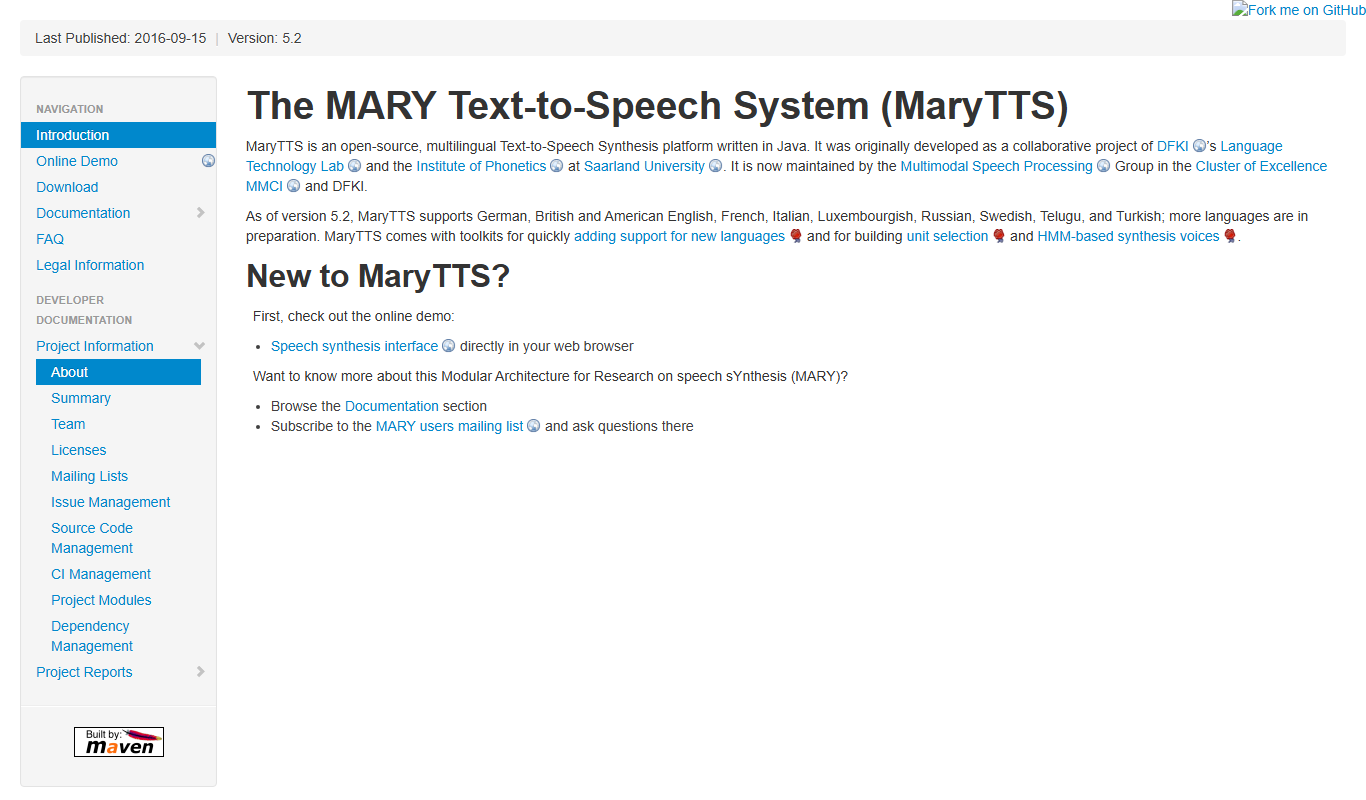
MaryTTS
MaryTTS is an open source text-to-speech system developed by DFKI that converts text into natural-sounding speech with multilingual support and customizable voices.
Freemium
Tactus Therapy
Tactus Therapy is a mobile app designed to help children with speech delays improve their articulation through interactive exercises and progress tracking.
Free
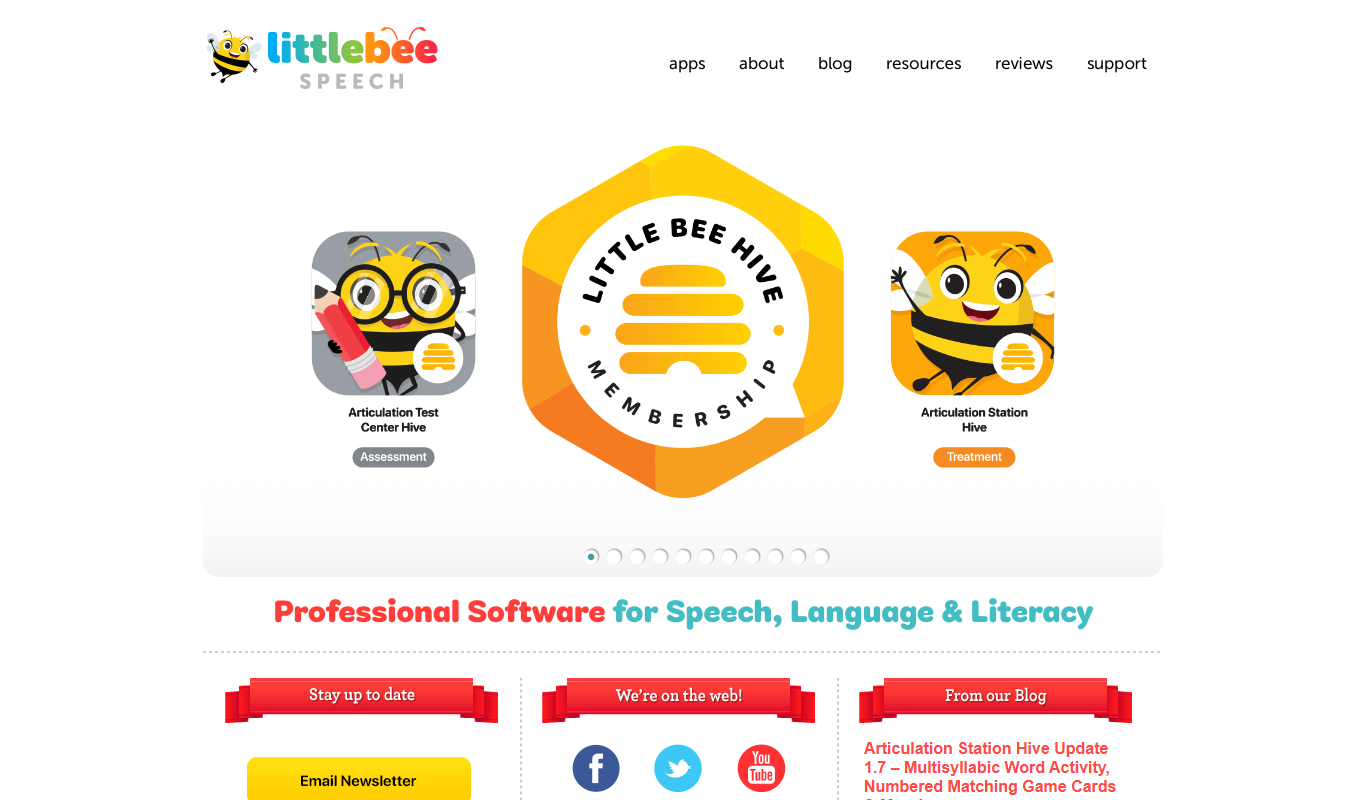
Articulation Station
Articulation Station is a mobile app by Little Bee Speech that helps children practice and improve their speech articulation through interactive exercises and audio modeling.
Free
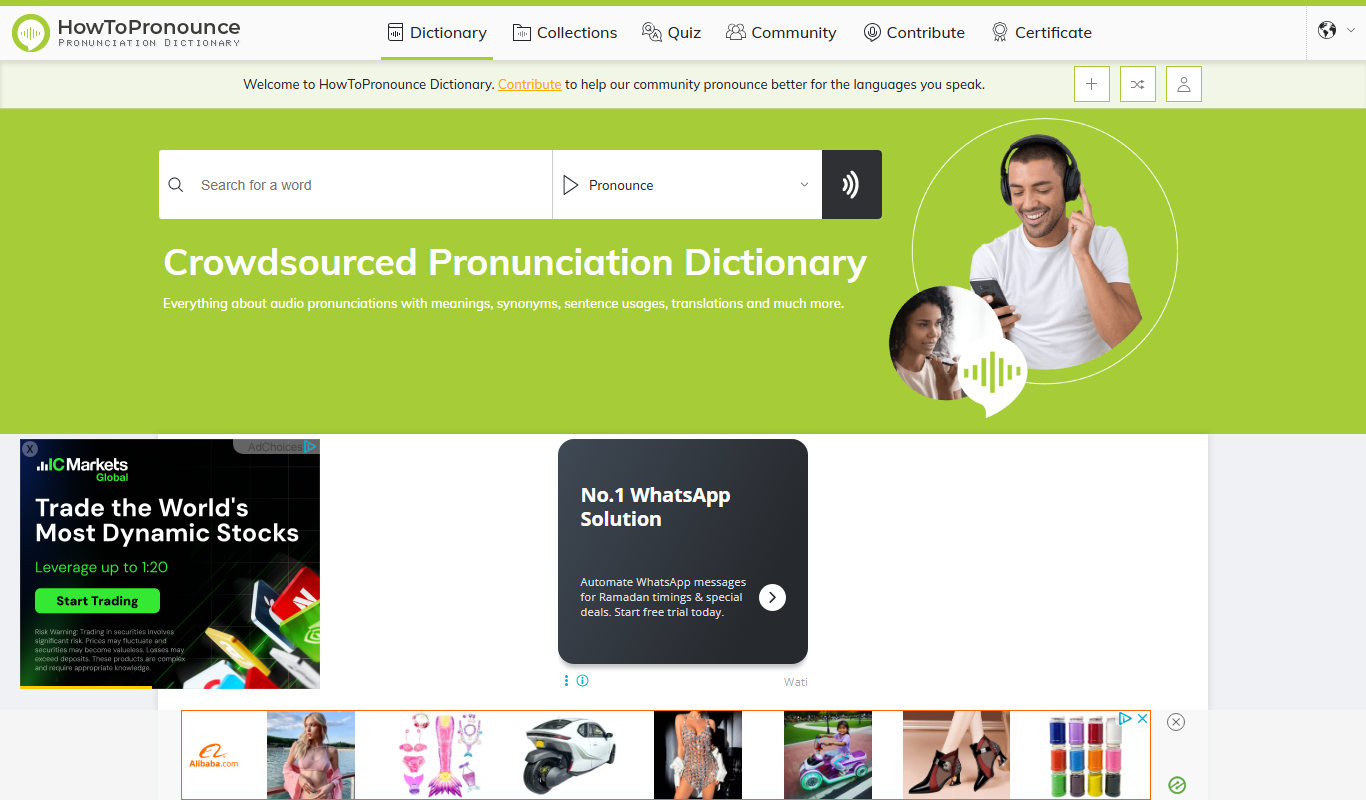
HowToPronounce
HowToPronounce is a free online tool that provides audio pronunciations and phonetic spellings for words in multiple languages, helping users learn correct pronunciation through native and expert recordings.

Free
EnglishCentral
EnglishCentral is an online English learning platform that uses video lessons and AI-powered speech recognition to help users improve their English speaking and listening skills through interactive practice and instant feedback.

Free
NVDA Screen Reader
NVDA is a free, open-source screen reader for Windows that helps visually impaired users access digital content through speech and braille output.

Free Trial
Audible
Audible is a subscription-based platform offering a vast library of audiobooks, podcasts, and spoken-word content with features like offline listening and Whispersync for Voice.

Free
EnglishClass101
EnglishClass101 is an online platform offering audio and video lessons, vocabulary tools, and cultural insights to help learners of all levels improve their English skills.