

Voxify AI Voice Generator for Text to Speech Voiceovers
Voxify is an AI text to speech voice generator with 450+ voices in 140+ languages and controls for pitch, speed and emotion.
- Best for
- Podcasts, audiobooks and narrated videos
- Key capability
- 450+ AI voices
Save Voxify, follow its updates and vote on it — everything stays in your account.
Sign in or create a free account

What is Voxify?
Voxify is an AI voice generator that turns text into speech using a library of 450+ AI voices in 140+ languages and accents. Users can adjust pitch, speed and emotional delivery, assign different voices to different lines of a script, preview the audio and download voiceovers for videos, lessons, podcasts, ads and product demos.
Key features of Voxify
Voxify offers a library of 450+ AI voices in 140+ languages and accents, controls for pitch, speed and emotional delivery, segment-based script editing with a different voice per line, and fast previews with downloadable audio.
450+ AI voices
Choose from a large voice library for narration, explainers, branded content, podcasts, character reads and short-form videos.
Custom Voice Styles
Adjust tone, speed, and emotion to fit different use cases.
Segment-based script editing
Assign different voices to different lines so one project can handle interviews, lessons, dialogue and multi-part narration.
Fast previews and downloadable audio
Generate voice audio in seconds, review it in the browser and download the finished track.
Pros and cons of Voxify
Pros
- Library of 450+ AI voices in 140+ languages and accents
- Fast previews and downloadable audio
- API available for developer integration
- Customizable voice parameters
Cons
- Limited language support (English only)
- Subscription pricing may be high for casual users
- Requires clear audio samples for best results
Key use cases for Voxify
Podcasts, audiobooks and narrated videos
Turn scripts into narration for YouTube, podcast intros, explainers, audiobooks and social clips without recording every revision.
Product, support and internal teams
Create onboarding clips, support walkthroughs, internal training and product updates with reusable scripts and fast voice swaps.
Characters, promos and entertainment
Test character voices, dramatic reads, trailers and creative concepts with a wider emotional range than standard TTS.
Education and course content
Build lessons, reading support, pronunciation examples and course narration that stays consistent across every module.
How Voxify works
- 1
Choose a voice
Pick a voice from the library of 450+ AI voices and a language or accent from 140+ options.
- 2
Adjust delivery
Adjust speed, pitch and delivery style, and assign different voices to each segment of the script.
- 3
Generate and preview
Generate voice audio in seconds and review it in the browser.
- 4
Download
Download the finished track when it sounds right.
Who is using Voxify
Voxify pricing
Free account
Free
Create an account and test Voxify before committing to a plan.
Standard
$4.99 USD/month
100,000 characters per month, all 450+ voices, all 140+ languages and regional variants, emotional and style controls, commercial usage.
Pro
$8.99 USD/month
250,000 characters per month, all 450+ voices, all 140+ languages and regional variants, emotional and style controls, commercial usage.
Custom
Custom price
For a larger character allowance, a team setup or a custom workflow.
Plans and prices are as published by the vendor and can change. Check the official site before you buy. Open the pricing page (opens in a new tab)
Frequently asked questions about Voxify
Every plan includes access to all 450+ voices, 140+ languages and variants, emotional voice controls and commercial usage rights.
Yes. For a larger allowance or a custom setup, users can email Voxify and describe their workflow.
Yes, Voxify allows adjustments to voice style including tone, speed, and emotional expression.
It depends on your specific needs and how you plan to use the tool. The official website and documentation are the best sources for the latest details.
It depends on your specific needs and how you plan to use the tool. The official website and documentation are the best sources for the latest details.
Some tools offer a free plan or trial with limited features. Availability can vary, so confirm on the official website.
Conclusion
A typed script becomes a downloadable voiceover here, voiced from a library of 450+ AI voices across 140+ languages and accents. Pitch, speed and emotional delivery can all be tuned, and different voices can be assigned to separate lines so one project can handle interviews, lessons and dialogue. Audio generates in seconds, plays back in the browser for review and is downloaded once it sounds right.
The service is described as meant for creators, podcasters, educators and marketers who need polished voiceovers without hiring talent for every draft. Typical projects range from YouTube narration and course lessons to support walkthroughs and character reads. A free account allows testing before any commitment, and the two paid plans differ mainly in their monthly character allowance while both include commercial usage. Larger allowances or team setups are arranged through custom pricing on request.
Sources
Sign in to review this tool.
Sign In to ReviewNo reviews yet
Be the first to share how this tool worked for you.
Ask about pricing, limits, or how it compares — or answer someone else.
Sign In to AskNo questions yet
Have a question about using or paying for this tool? Be the first to ask.
Featured on TiorAI



More AI Music & Audio Tools tools
Other tools in the same category, for when this one is not quite the fit.

Output
Output is a music software company offering virtual instruments and plugins designed for creative sound design and music production, compatible with major DAWs on MacOS and Windows.

Soundify
Soundify is a free AI generator that creates sound effects from text descriptions, with 5 free generations a day for signed-in users.

AI Song Generator
AI Song Generator is a web tool that creates original songs and lyrics from your genre, mood and topic, with a limited free plan and paid subscriptions.

A.V. Mapping
A.V. Mapping is an AI platform that analyzes your video or photo, recommends licensed music and sound effects from musicians, and handles the music license in one place.

ampedstudio.com
Amped Studio is an online DAW with AI music tools to create beats, record vocals, mix tracks and produce songs in your browser without installation.

Beatoven.ai
Beatoven.ai is an AI-driven platform that generates custom royalty-free music tracks tailored to your project's mood and style, ideal for content creators and marketers.
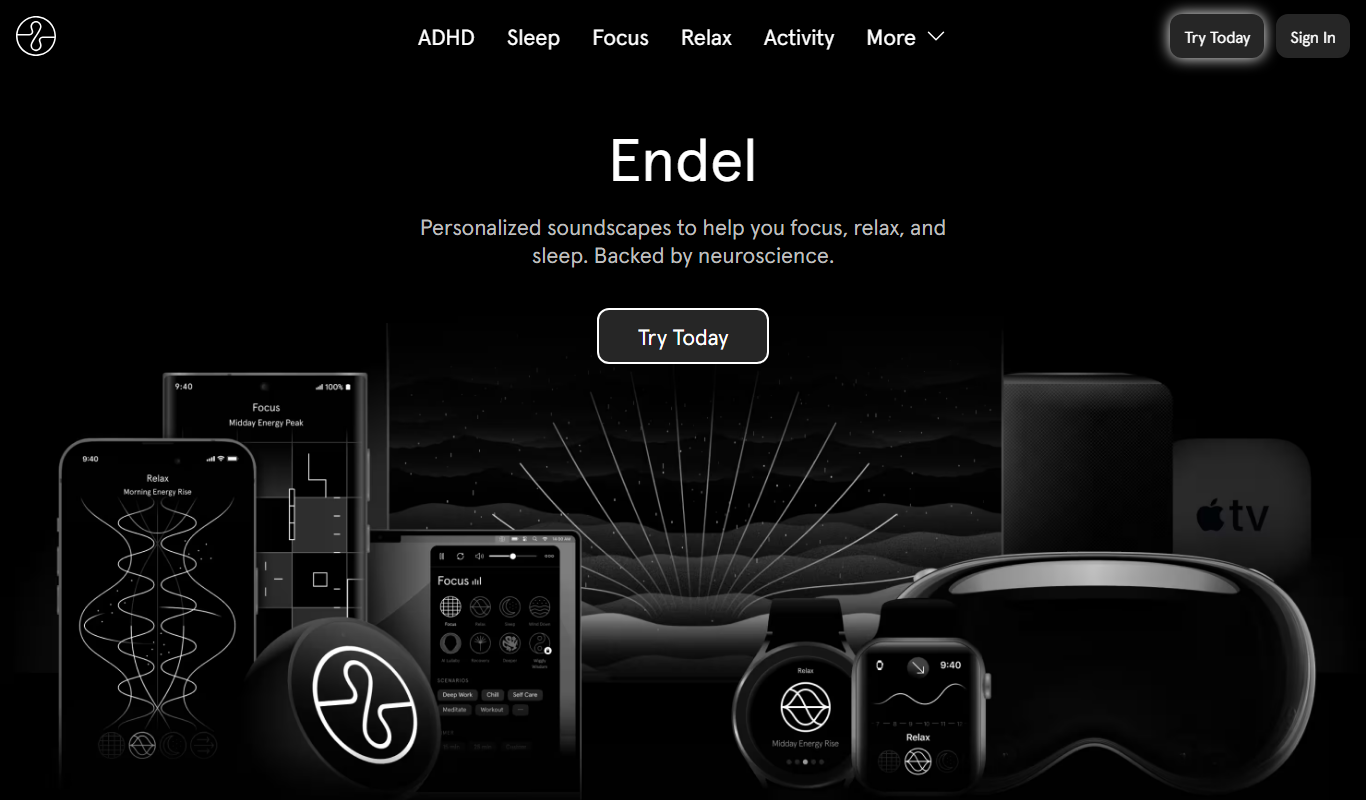
Endel
Endel is an AI-driven app that generates adaptive soundscapes tailored to improve focus, relaxation, and sleep by using real-time data such as time, location, and biometric inputs.

SONOTELLER
SONOTELLER.AI is an AI song analyzer that tags lyrics and music (genres, moods, instruments, BPM and key) and autotags music catalogs through its API.