

From my experience with SONOTELLER, I found it excels at delivering accurate and fast AI-powered voice transcription combined with useful meeting summaries. The platform’s ability to convert spoken content into searchable text and concise summaries makes it a valuable tool for professionals who want to save time on note-taking and improve meeting productivity. While it currently supports only English and lacks a dedicated mobile app, its web interface and API integration options provide flexibility for various workflows. Overall, if you need reliable transcription and meeting summarization, SONOTELLER offers a practical and efficient solution.
SONOTELLER AI Voice Transcription and Meeting Summary Software
SONOTELLER is an AI-driven tool that transcribes voice conversations and generates meeting summaries to help professionals save time and improve communication.
- Best for
- Meeting Transcription
- Key capability
- Accurate AI Transcription
Your actions
Save SONOTELLER, follow its updates and vote on it — everything stays in your account.
Sign in or create a free account
What is SONOTELLER?
SONOTELLER is an AI-powered voice transcription and meeting summary tool designed to convert spoken conversations into accurate text and concise summaries. It helps professionals save time by automating the transcription process and providing actionable insights from meetings, calls, and discussions.
Key features of SONOTELLER
SONOTELLER offers real-time and post-meeting transcription, AI-generated meeting summaries, searchable transcripts, and easy sharing options to enhance productivity and collaboration in professional settings.
Accurate AI Transcription
High-quality speech-to-text conversion with support for various accents and clear speaker differentiation.
Automated Meeting Summaries
Summarizes lengthy conversations into digestible key points to save time.
Searchable Transcripts
Enables quick keyword search within transcripts for easy information retrieval.
Multi-format Export
Export transcripts and summaries in formats like PDF, TXT, and DOCX.
Secure Cloud Storage
Stores data securely with encryption and privacy compliance.
Pros and cons of SONOTELLER
Pros
- Accurate and fast AI transcription
- Automated meeting summaries save time
- User-friendly interface with easy sharing
- Supports real-time and uploaded audio
- Secure cloud storage with privacy focus
Cons
- Supports English language only
- Limited free plan transcription minutes
- No dedicated mobile app currently
Key use cases for SONOTELLER
Meeting Transcription
Automatically transcribe meetings and calls to capture all spoken content accurately.
Meeting Summaries
Generate concise summaries of meetings to quickly review key points and decisions.
Note Taking Automation
Reduce manual note-taking by leveraging AI to create detailed notes from voice conversations.
Content Search and Retrieval
Easily search through transcribed text to find specific information from past meetings.
Collaboration Enhancement
Share transcriptions and summaries with team members to improve communication and alignment.
How SONOTELLER works
- 1
Record or Upload Audio
Users can record meetings directly or upload audio files for transcription.
- 2
AI Transcription Processing
The AI engine processes the audio to generate accurate text transcripts.
- 3
Generate Meeting Summary
An AI-powered summary is created highlighting key points and decisions.
- 4
Review and Share
Users can review transcripts and summaries, then share them with stakeholders.
Who is using SONOTELLER
Business professionals
Remote teams
Content creators
Sales and customer support teams
Meeting facilitators
SONOTELLER pricing
Free
$0/month
Limited transcription minutes and basic features for casual users.
Pro
$19/month
Extended transcription limits, advanced features, and priority support.
Business
Custom pricing
Tailored solutions with team collaboration tools and dedicated account management.
Plans and prices are as published by the vendor and can change. Check the official site before you buy. Open the pricing page (opens in a new tab)
Frequently asked questions about SONOTELLER
Currently, SONOTELLER supports English transcription only.
Yes, SONOTELLER offers real-time transcription capabilities during meetings.
SONOTELLER uses encryption and follows industry best practices to ensure data privacy and security.
Yes, SONOTELLER provides an API to integrate transcription services into other applications.
It depends on your specific needs and how you plan to use the tool. The official website and documentation are the best sources for the latest details.
Yes, it can help with that use case depending on how you configure it and what features are available. You’ll get the best results with clear inputs and a defined goal.
Yes, it can help with that use case depending on how you configure it and what features are available. You’ll get the best results with clear inputs and a defined goal.
Sign in to review this tool.
Sign In to ReviewNo reviews yet
Be the first to share how this tool worked for you.
Ask about pricing, limits, or how it compares — or answer someone else.
Sign In to AskNo questions yet
Have a question about using or paying for this tool? Be the first to ask.
Featured on TiorAI



More AI Melody Generator tools
Other tools in the same category, for when this one is not quite the fit.

Free
aimusic.one
aimusic.one is an AI-driven online platform that generates original, royalty-free music tracks customized by style, mood, and tempo, suitable for content creators and hobbyists.

Free
DiffRhythm
DiffRhythm is an AI music generation platform that creates custom soundtracks and beats tailored to your project’s style and mood.

Free
Song GPT
Song GPT is an AI music generation platform that creates original song lyrics and melodies based on user input, helping musicians and creators produce custom songs easily.

Free
Snon Lyric
Snon Lyric is an AI-based web tool that generates original song lyrics based on user-provided themes and keywords, helping musicians and creators overcome writer's block.
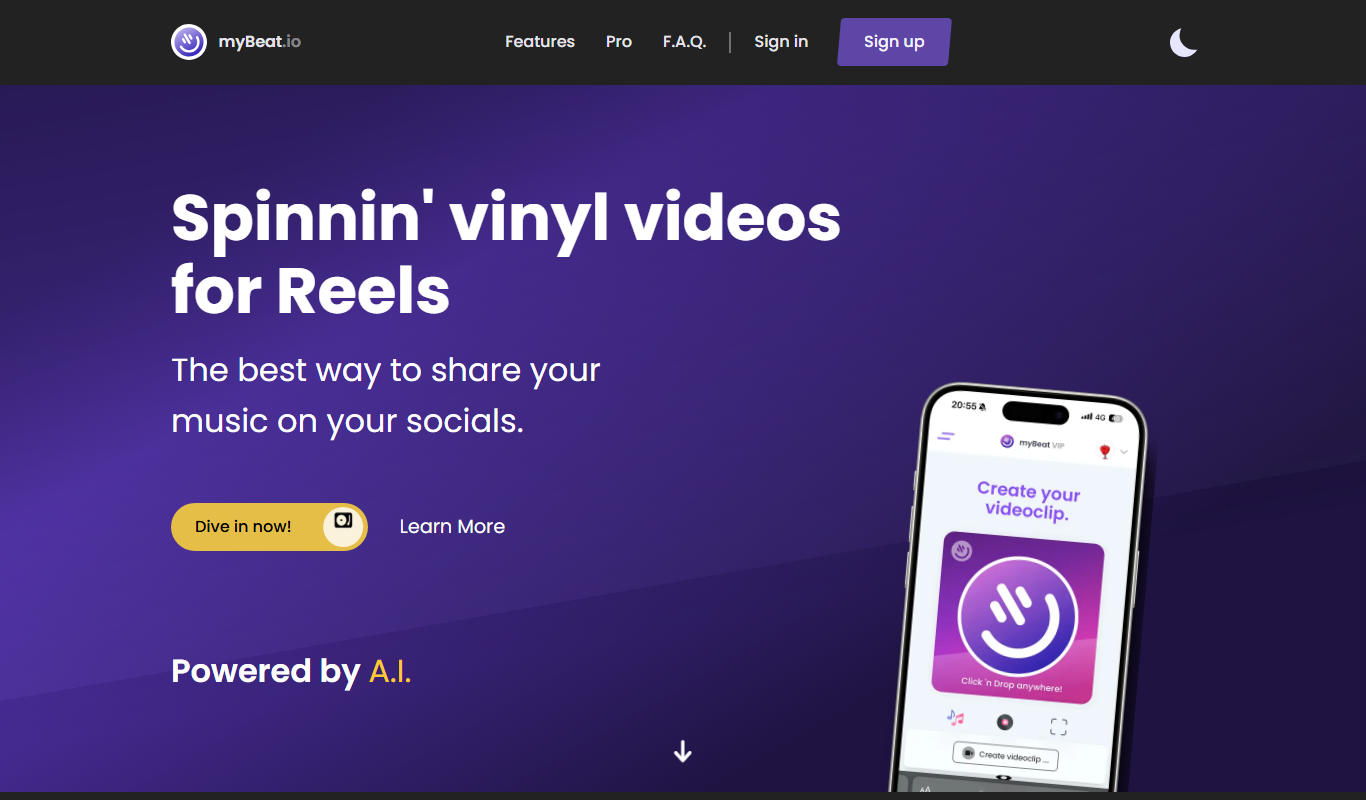
Free
myBeat
myBeat is an AI-powered online tool that generates custom beats and soundtracks in various styles and moods, offering royalty-free music for commercial use.

Free
Boomy
Boomy is an AI-powered platform that allows users to create, customize, and publish original music tracks quickly without needing music production skills.

Free
AI Song Generator-Make Song
AI Song Generator-Make Song is an online tool that uses artificial intelligence to create original songs by generating melodies and lyrics based on user inputs such as themes or moods.

Free
Suno Music Downloader
Suno Music Downloader is a free web-based tool that lets you search and download MP3 music files quickly without registration or installation.