

Boomy AI Music Generator for Creating Custom Songs Online
Boomy is an AI-powered platform that allows users to create, customize, and publish original music tracks quickly without needing music production skills.
- Best for
- Music Creation for Content Creators
- Key capability
- AI-Powered Music Composition
Save Boomy, follow its updates and vote on it — everything stays in your account.
Sign in or create a free account

What is Boomy?
Boomy is an AI-powered music generation platform that enables users to create original songs instantly. It leverages artificial intelligence to compose, produce, and master music tracks in various styles without requiring prior musical expertise. Users can customize their songs, publish them, and even distribute them on major streaming platforms to earn royalties.
Key features of Boomy
Boomy offers an intuitive interface for generating music with AI, options to customize styles and instruments, automatic mastering, and direct publishing to streaming services. It supports collaboration and monetization features, making music creation accessible to everyone.
AI-Powered Music Composition
Automatically generate original songs in multiple genres with minimal input.
Customizable Music Elements
Modify instruments, tempo, and arrangement to tailor tracks to your needs.
Automatic Mastering
Enhance audio quality with built-in mastering tools for professional sound.
Direct Publishing and Monetization
Distribute your music on platforms like Spotify and Apple Music and earn revenue.
User-Friendly Interface
Accessible design that requires no prior music production experience.
Pros and cons of Boomy
Pros
- Easy to use for beginners
- Fast AI-generated music creation
- Direct publishing to streaming platforms
- Affordable subscription plan
- No need for music production skills
Cons
- Limited control over deep music composition details
- Customization options may feel basic for advanced producers
- Web-only platform with no dedicated desktop app
Key use cases for Boomy
Music Creation for Content Creators
Create custom royalty-free music tracks quickly for videos, podcasts, and other digital content.
Independent Music Production
Generate original songs and beats without needing traditional music production skills.
Background Music for Games and Apps
Produce unique background soundtracks tailored to interactive media projects.
Experimentation and Inspiration
Use AI-generated music as a creative starting point or inspiration for musicians and producers.
How Boomy works
- 1
Select a Style
Choose from a variety of musical genres and moods to set the foundation for your song.
- 2
Generate a Song
Boomy’s AI composes a unique track based on your selected style and preferences.
- 3
Customize and Edit
Adjust elements like tempo, instruments, and structure to personalize your music.
- 4
Publish and Distribute
Release your song on streaming platforms directly through Boomy and earn royalties.
Who is using Boomy
Boomy pricing
Free
$0/month
Create and edit songs with basic song editing tools; 25 song saves; no downloads and no commercial use.
Creator
$9.99/month (33% off $14.99/month)
Create and edit songs with advanced song editing tools; 500 song saves; 25 WAV downloads per month; full commercial use of downloaded songs; permission to distribute downloaded songs to DSPs.
Pro
$29.99/month (25% off $39.99/month)
Create and edit songs with advanced song editing tools; unlimited song saves; 250 WAV downloads per month; full commercial use of downloaded songs; permission to distribute downloaded songs to DSPs.
Plans and prices are as published by the vendor and can change. Check the official site before you buy. Open the pricing page (opens in a new tab)
Compare similar tools
How Boomy lines up against the tools people weigh it against.
 Suno AI Boomy
Suno vs Boomy: Which AI Music Generator Is Better?
Frequently asked questions about Boomy
Yes, Boomy is designed for users with no prior music experience to create songs easily using AI.
You can publish your songs to major streaming platforms through Boomy and earn royalties from streams.
Full commercial use applies to songs downloaded on the paid Creator and Pro plans; the Free plan has no downloads and no commercial use.
Boomy supports a variety of genres including pop, hip-hop, electronic, rock, and more.
It depends on your specific needs and how you plan to use the tool. The official website and documentation are the best sources for the latest details.
Yes, it can help with that use case depending on how you configure it and what features are available. You’ll get the best results with clear inputs and a defined goal.
Some tools offer a free plan or trial with limited features. Availability can vary, so confirm on the official website.
Yes, it can help with that use case depending on how you configure it and what features are available. You’ll get the best results with clear inputs and a defined goal.
Conclusion
Song creation on Boomy is aimed at people who have never made music before. Songs are created and edited on the platform, and paid plans add the advanced song editing tools. Finished songs can be shared and monetized with full commercial rights, and the site counts 22,130,137 original songs created by Boomy artists.
The Free plan covers song creation with basic editing and 25 song saves, but it allows no downloads and no commercial use. Creator and Pro add more song saves and monthly WAV downloads, together with full commercial use and permission to distribute downloaded songs to DSPs.
Sources
Sign in to review this tool.
Sign In to ReviewNo reviews yet
Be the first to share how this tool worked for you.
Ask about pricing, limits, or how it compares — or answer someone else.
Sign In to AskNo questions yet
Have a question about using or paying for this tool? Be the first to ask.
Featured on TiorAI



More AI Ai Tools tools
Other tools in the same category, for when this one is not quite the fit.

NoFOMO.AI
noFOMO OS is a free web calendar: add the venues you love and its scraper scans their websites every day, pulling every event into one calendar.

AI Song Generator
AI Song Generator is a web tool that creates original songs and lyrics from your genre, mood and topic, with a limited free plan and paid subscriptions.

Beatoven.ai
Beatoven.ai is an AI-driven platform that generates custom royalty-free music tracks tailored to your project's mood and style, ideal for content creators and marketers.
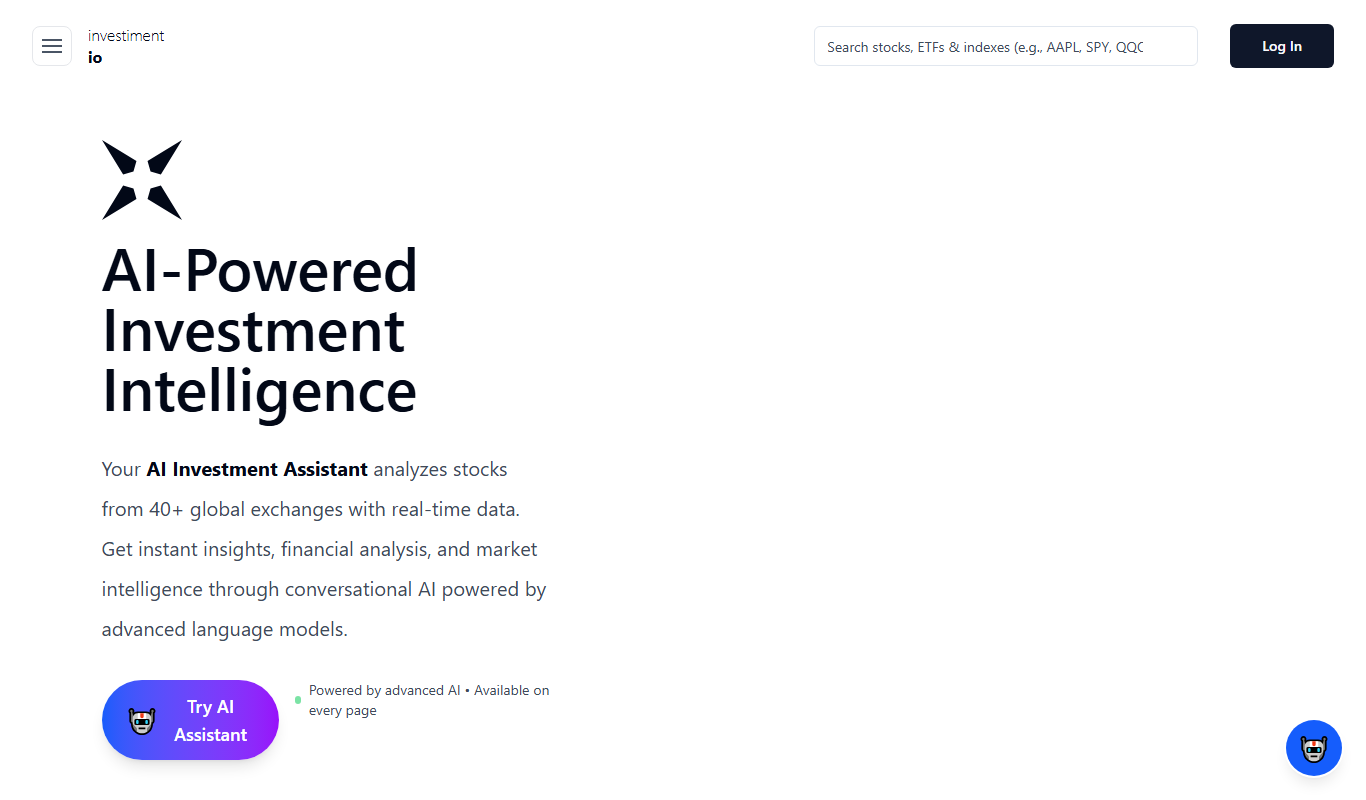
investiment.io
investiment.io is an AI-powered investment platform featuring an intelligent assistant that provides real-time stock analysis across 40+ global exchanges through conversational AI.

Remodel AI
Remodel AI is a web-based AI tool that redesigns any room or home exterior from an uploaded photo in seconds.

Parcae: AI Mind Map Creator
Parcae is an AI-powered mobile mind mapping app that instantly transforms typed, pasted or dictated text into a mind map.

WiseMap.ai
WiseMap.ai is an AI-driven mind mapping tool that helps users generate, organize, and collaborate on ideas visually, enhancing creativity and productivity.

AI Song Generator-Make Song
AI Song Generator-Make Song is an online tool that uses artificial intelligence to create original songs by generating melodies and lyrics based on user inputs such as themes or moods.