

From my experience with A.V. Mapping, I found it excels at providing a flexible and intuitive platform for creating sophisticated audio-visual projection mapping projects. The real-time synchronization and interactive features make it particularly well-suited for artists and event producers aiming to deliver immersive live experiences. However, the free plan’s limitations on project size may require upgrading for larger or more complex installations. Overall, if you need a reliable tool for creative projection mapping and interactive visual art, A.V. Mapping offers a solid balance of power and usability.
A.V. Mapping - Advanced Audio-Visual Mapping Software for Creative Projects
A.V. Mapping is a software platform that enables users to create and manage complex audio-visual projection mapping projects with real-time synchronization and interactive features.
- Best for
- Projection Mapping
- Key capability
- Multi-layer Projection Mapping
Your actions
Save A.V. Mapping, follow its updates and vote on it — everything stays in your account.
Sign in or create a free account
What is A.V. Mapping?
A.V. Mapping is an advanced software platform designed for creating and managing audio-visual mapping projects. It enables artists, designers, and event producers to craft immersive visual experiences by mapping video and audio content onto physical surfaces and environments. The tool supports complex layering, synchronization, and interactive features to enhance creative expression in live and installation settings.
Key features of A.V. Mapping
A.V. Mapping offers a robust set of features including multi-layer projection mapping, real-time audio-visual synchronization, interactive controls, and support for various media formats. Its intuitive interface allows users to design detailed mapping projects with precision and flexibility, making it suitable for both beginners and professionals in the creative industry.
Multi-layer Projection Mapping
Supports multiple layers of video and images for complex visual compositions.
Real-time Audio-Visual Synchronization
Synchronize audio tracks with visuals in real time for dynamic presentations.
Interactive Controls
Add interactive triggers and controls to engage audiences during live events.
Flexible Media Support
Compatible with various video, image, and audio formats for versatile content creation.
User-friendly Interface
Intuitive design tools that cater to both beginners and experienced users.
Pros and cons of A.V. Mapping
Pros
- Supports complex multi-layer mapping projects
- Real-time synchronization of audio and visuals
- Interactive features enhance audience engagement
- User-friendly interface suitable for all skill levels
Cons
- Limited free plan features may restrict large projects
- No mobile app currently available
Key use cases for A.V. Mapping
Projection Mapping
Create complex projection mapping projects for events, performances, and installations.
Interactive Visual Art
Design interactive audio-visual experiences that respond to user input or environmental factors.
Event Production
Manage and deliver synchronized audio-visual content for live shows and exhibitions.
Creative Installations
Develop immersive installations combining sound and visuals for galleries and public spaces.
How A.V. Mapping works
- 1
Create Project
Start by setting up a new audio-visual mapping project within the software.
- 2
Import Media
Import video, images, and audio files to be used in your mapping composition.
- 3
Map Surfaces
Define and map your media onto physical surfaces or 3D models within the workspace.
- 4
Synchronize Audio and Visuals
Align audio tracks with visual elements to create cohesive multimedia experiences.
- 5
Add Interactivity
Incorporate interactive elements that respond to user input or environmental sensors.
- 6
Export and Deploy
Export your project for live performance or installation deployment.
Who is using A.V. Mapping
Visual artists
Event producers
Creative agencies
Installation designers
Performing artists
A.V. Mapping pricing
Free
$0/month
Basic features with limited project size and export options.
Pro
$29/month
Full feature access including unlimited projects, advanced controls, and priority support.
Plans and prices are as published by the vendor and can change. Check the official site before you buy. Open the pricing page (opens in a new tab)
Frequently asked questions about A.V. Mapping
Yes, the software offers an intuitive interface and tutorials to help beginners get started.
Absolutely, it is designed to handle live audio-visual synchronization and interactive performances.
It is available as a web application and desktop software compatible with major operating systems.
This tool is designed to help users accomplish its core tasks more efficiently. It is typically used by individuals or teams looking to improve productivity and workflow.
Yes, it can help with that use case depending on how you configure it and what features are available. You’ll get the best results with clear inputs and a defined goal.
Some tools offer a free plan or trial with limited features. Availability can vary, so confirm on the official website.
Sign in to review this tool.
Sign In to ReviewNo reviews yet
Be the first to share how this tool worked for you.
Ask about pricing, limits, or how it compares — or answer someone else.
Sign In to AskNo questions yet
Have a question about using or paying for this tool? Be the first to ask.
Featured on TiorAI



Alternative Tools
Explore similar AI tools that might fit your needs

Free Trial
MadMapper
MadMapper is a desktop software for projection and LED mapping that allows artists and designers to map video content onto physical surfaces and control visuals in real-time using MIDI and DMX.
Paid
Resolume Arena
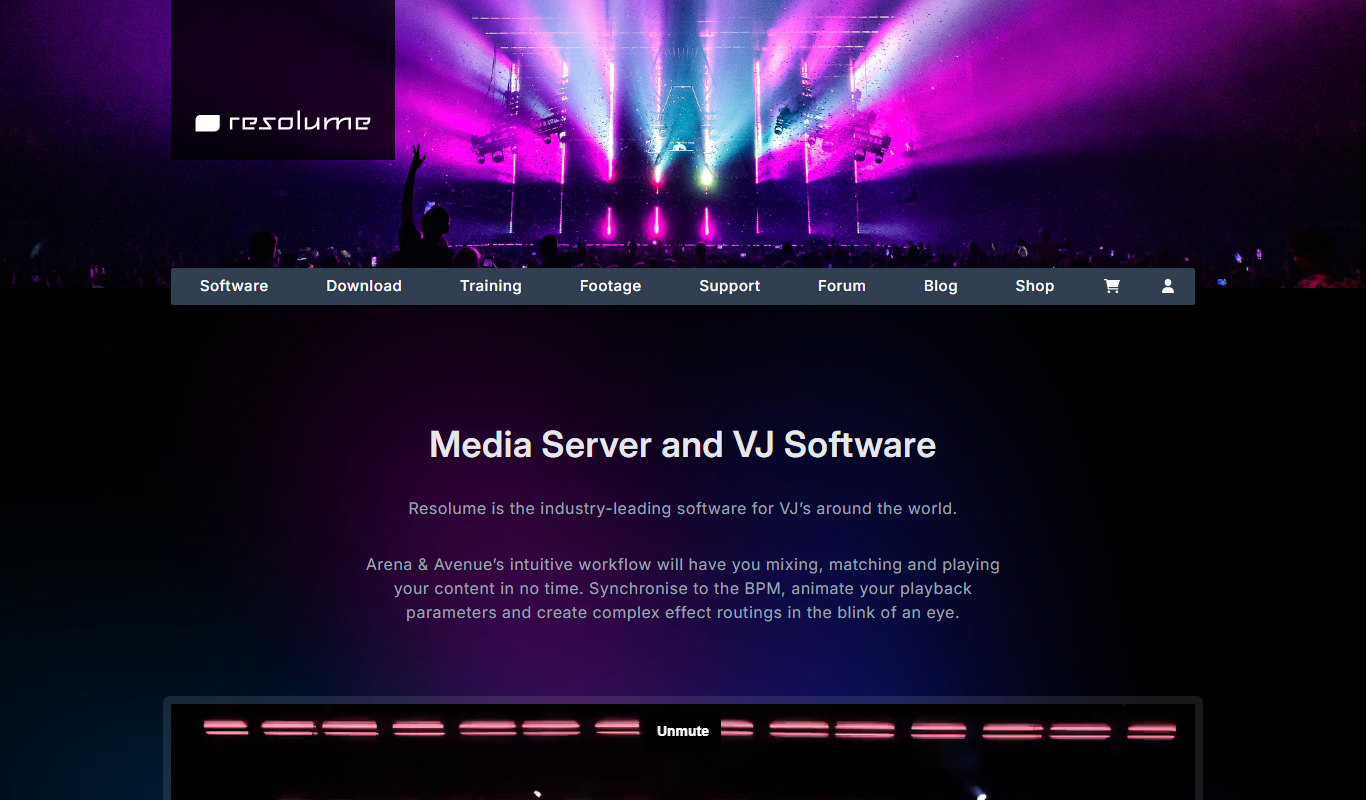
Resolume Arena is a professional VJ software designed for live video mixing and advanced projection mapping, enabling artists to create immersive audiovisual experiences in real time.
More AI Design & Creative Tools tools
Other tools in the same category, for when this one is not quite the fit.
Free
FreePlanTour
FreePlanTour is a free, browser-based floor plan design tool that allows users to create and save detailed home and office layouts without any software installation.

Freemium
Morphlin
Morphlin is an AI-powered art generation tool that enables users to create unique digital images through image morphing and style transfer techniques on a user-friendly web platform.

Freemium
Sloyd
Sloyd is a web-based AI-assisted 3D modeling tool designed to help game developers and designers quickly create customizable low-poly 3D assets with ease.

Free Trial
Tattoo Canvas
Tattoo Canvas is a web-based digital tattoo design software that provides tattoo artists with vector-based tools, customizable brushes, and stencil creation features to create and present professional tattoo artwork.

Free
Tattoo Cook
Tattoo Cook is a web-based AI tool that generates custom tattoo designs from user text prompts, helping users create unique ink ideas quickly and easily.

Freemium
MolyPix.AI
MolyPix.AI is a web-based AI tool that generates images from text prompts, offering style customization and high-resolution downloads for creative projects.

Free
Pikzels
Pikzels is an AI-powered image generation tool that transforms text prompts into unique digital artworks, ideal for content creators and marketers seeking custom visuals.

Freemium
Pikzels AI
Pikzels AI is a web platform that uses artificial intelligence to generate images from user text prompts, enabling easy creation of unique visuals for various creative uses.