

From my experience with Music 2 Tube, I found it excels at simplifying the process of turning audio tracks into YouTube-ready videos without requiring any video editing skills. The platform’s straightforward interface and customizable visuals make it ideal for independent musicians and podcasters looking to expand their reach on video platforms quickly. However, the free plan’s watermark and limited customization options may be a drawback for users seeking fully branded videos. Overall, if you want a fast and easy way to create music videos for YouTube, Music 2 Tube delivers reliable and user-friendly results.
Music 2 Tube - Convert Music to YouTube Videos Easily Online
Music 2 Tube is an online tool that converts your music or audio files into videos optimized for YouTube by combining audio with customizable visuals.
- Best for
- YouTube Music Video Creation
- Key capability
- Audio to Video Conversion
Your actions
Save Music 2 Tube, follow its updates and vote on it — everything stays in your account.
Sign in or create a free account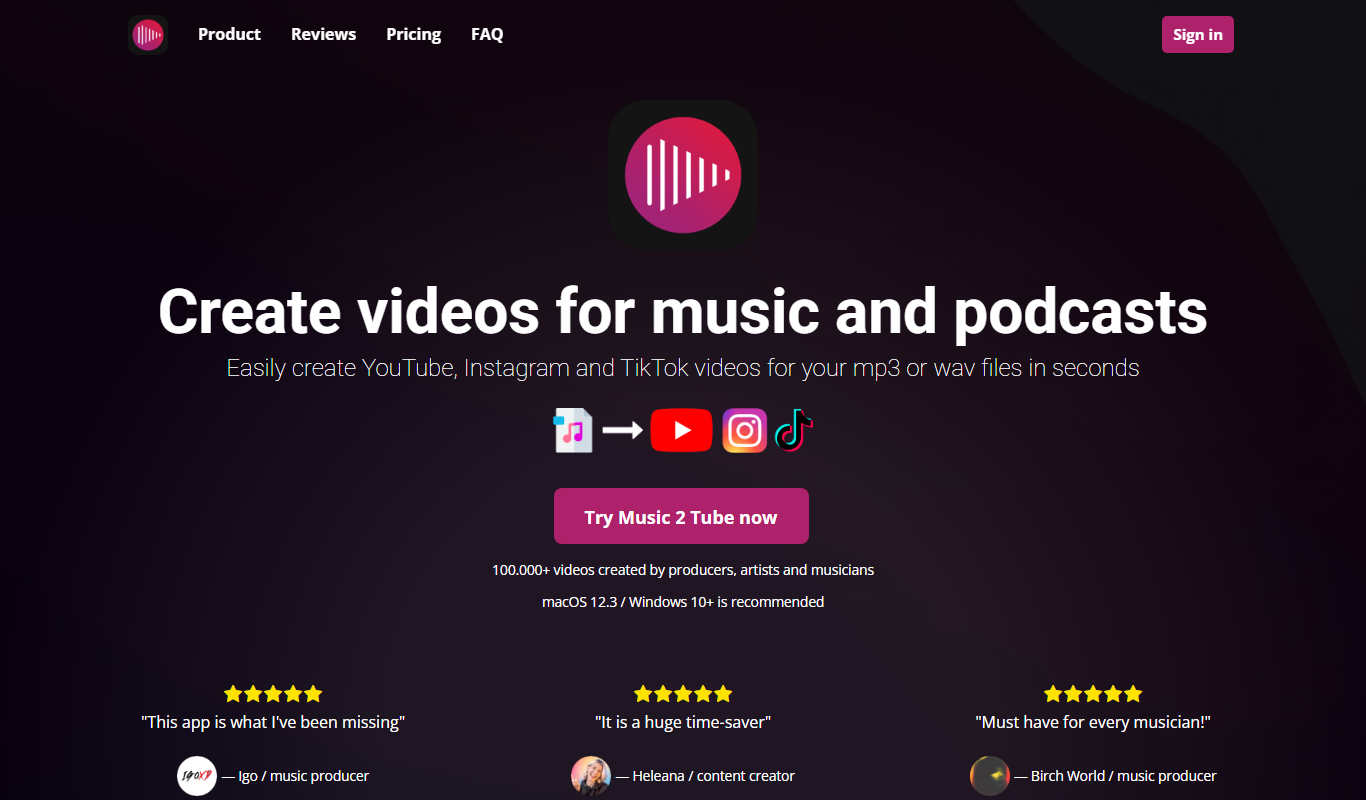
What is Music 2 Tube?
Music 2 Tube is an online platform that allows users to convert audio files, such as music tracks or podcasts, into video format optimized for YouTube. It simplifies the process of creating videos by automatically combining uploaded audio with customizable visual elements, enabling creators to publish their music or audio content as videos without requiring advanced video editing skills.
Key features of Music 2 Tube
The tool offers easy audio upload, automatic video generation with customizable backgrounds and images, and direct download of the resulting video file. It supports multiple audio formats and provides a straightforward interface for quick video creation tailored for YouTube publishing.
Audio to Video Conversion
Transforms audio files into video format suitable for YouTube uploads.
Customizable Visual Backgrounds
Allows users to select images or colors as video backgrounds.
Text Overlay Support
Add titles or descriptions directly onto the video.
Multiple Audio Format Support
Accepts common audio formats like MP3, WAV, and others.
Simple Web-Based Interface
No software installation required; works directly in the browser.
Pros and cons of Music 2 Tube
Pros
- Easy to use with no video editing skills required
- Quick conversion from audio to video
- Customizable visuals enhance video appeal
- Supports multiple audio formats
- Web-based with no installation needed
Cons
- Free plan includes watermark on videos
- Limited advanced customization options
- No mobile app available
Key use cases for Music 2 Tube
YouTube Music Video Creation
Convert audio tracks into engaging YouTube videos with customizable visuals to share music easily.
Music Promotion
Create videos from music files to promote songs on YouTube without needing video editing skills.
Content Monetization
Generate video content from audio to monetize music on video platforms like YouTube.
Podcast Video Creation
Turn podcast audio episodes into videos for wider distribution on video streaming platforms.
How Music 2 Tube works
- 1
Upload Audio
Select and upload your music or audio file in supported formats.
- 2
Customize Visuals
Choose background images or colors and add text overlays to personalize the video.
- 3
Generate Video
The platform processes the audio and visuals to create a video file.
- 4
Download and Share
Download the finished video and upload it to YouTube or other video platforms.
Who is using Music 2 Tube
Independent musicians
Podcasters
YouTube content creators
Music promoters
Small businesses creating audio content
Music 2 Tube pricing
Free
$0
Basic video creation with limited customization and watermark.
Premium
$9.99/month
Full access to all features, no watermark, higher quality exports.
Plans and prices are as published by the vendor and can change. Check the official site before you buy. Open the pricing page (opens in a new tab)
Frequently asked questions about Music 2 Tube
It supports popular formats such as MP3, WAV, and others commonly used for music and podcasts.
Yes, you can choose from preset images, upload your own, or select background colors.
Yes, videos created with the free plan include a watermark.
No, the tool is fully web-based and works in your browser.
It depends on your specific needs and how you plan to use the tool. The official website and documentation are the best sources for the latest details.
Yes, it can help with that use case depending on how you configure it and what features are available. You’ll get the best results with clear inputs and a defined goal.
Some tools offer a free plan or trial with limited features. Availability can vary, so confirm on the official website.
Yes, it can help with that use case depending on how you configure it and what features are available. You’ll get the best results with clear inputs and a defined goal.
Sign in to review this tool.
Sign In to ReviewNo reviews yet
Be the first to share how this tool worked for you.
Ask about pricing, limits, or how it compares — or answer someone else.
Sign In to AskNo questions yet
Have a question about using or paying for this tool? Be the first to ask.
Featured on TiorAI



Alternative Tools
Explore similar AI tools that might fit your needs
Free
Wavve
Wavve is a web-based tool that converts audio clips into engaging videos with animated waveforms, captions, and branding, ideal for social media and podcast promotion.
More AI Music & Audio Tools tools
Other tools in the same category, for when this one is not quite the fit.

Free
aimusic.one
aimusic.one is an AI-driven online platform that generates original, royalty-free music tracks customized by style, mood, and tempo, suitable for content creators and hobbyists.

Free
DiffRhythm
DiffRhythm is an AI music generation platform that creates custom soundtracks and beats tailored to your project’s style and mood.

Free
Song GPT
Song GPT is an AI music generation platform that creates original song lyrics and melodies based on user input, helping musicians and creators produce custom songs easily.
Free
Notewize: Guitar Lessons
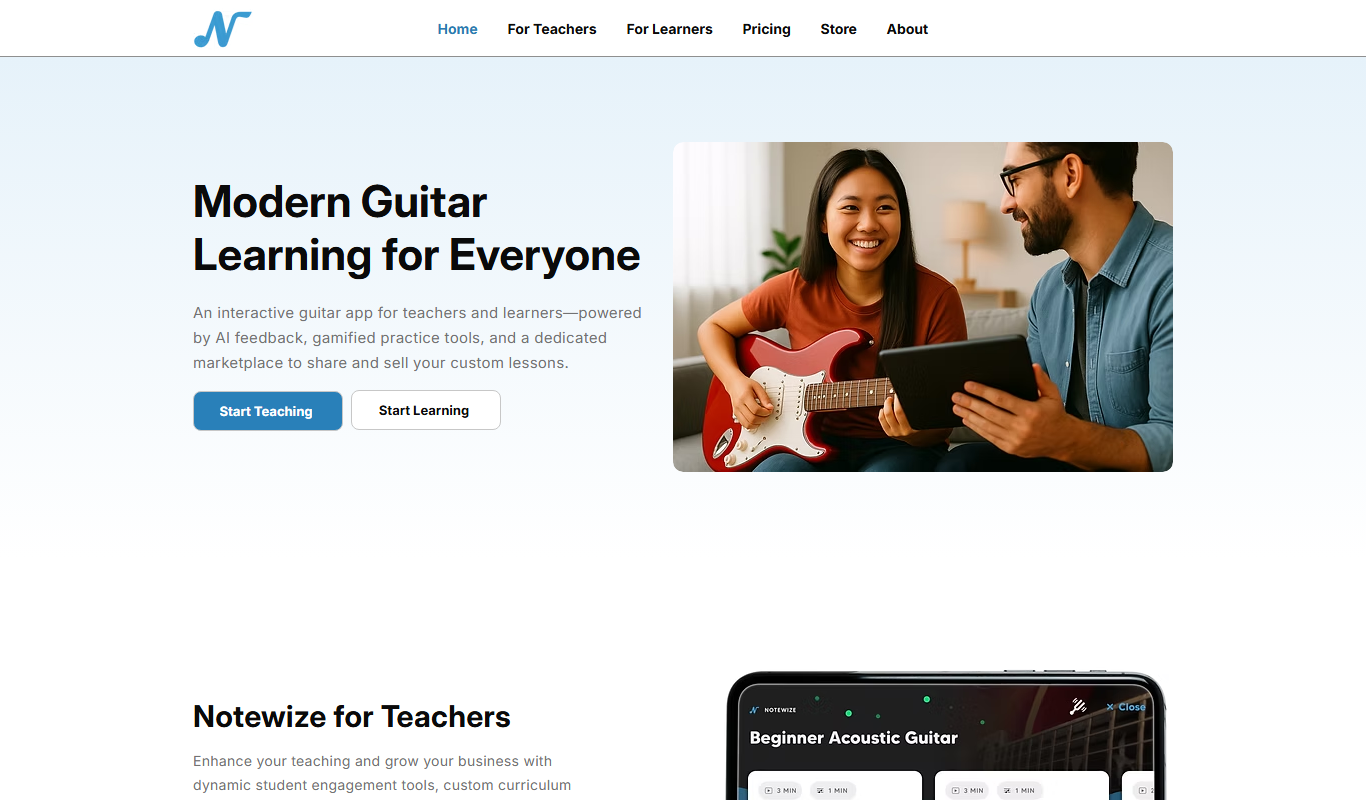
Notewize is an interactive guitar lessons app that combines music theory, real-time playing feedback, and a song library to help beginners and intermediate players learn guitar effectively on web and mobile platforms.

Free
audio2text
Audio2Text is an online speech-to-text converter that automatically transcribes audio files into text in multiple languages, accessible via a web browser with free and pay-as-you-go pricing.

Subscription
Castmagic
Castmagic is an AI-driven platform that transcribes podcast audio, extracts highlights, and generates summaries to streamline podcast editing and content repurposing.

Freemium
YouMusic.AI
YouMusic.AI turns text prompts or your own lyrics into complete songs, with free credits for new users and commercial rights on paid plans.

Free
Harmonai
Harmonai is the Stability AI lab for open-source audio, publishing tools for AI music generation.