

From my experience with SongCleaner, I found it excels at simplifying the noise reduction process for users without audio engineering expertise. The automatic noise detection and removal work well for common background sounds, making it a practical choice for musicians and podcasters who need quick, clean audio. However, the tool’s web-only platform means you need a reliable internet connection, and it lacks advanced editing features found in desktop software. Overall, if you want straightforward, effective noise cleaning without a steep learning curve, SongCleaner delivers solid results.
SongCleaner Audio Noise Reduction Software for Clear Music Tracks
SongCleaner is a web-based audio noise reduction tool that automatically removes background noise and hiss from music and voice recordings, improving audio clarity without requiring technical skills.
- Best for
- Audio Noise Reduction
- Key capability
- Automatic Noise Detection and Removal
Your actions
Save SongCleaner, follow its updates and vote on it — everything stays in your account.
Sign in or create a free account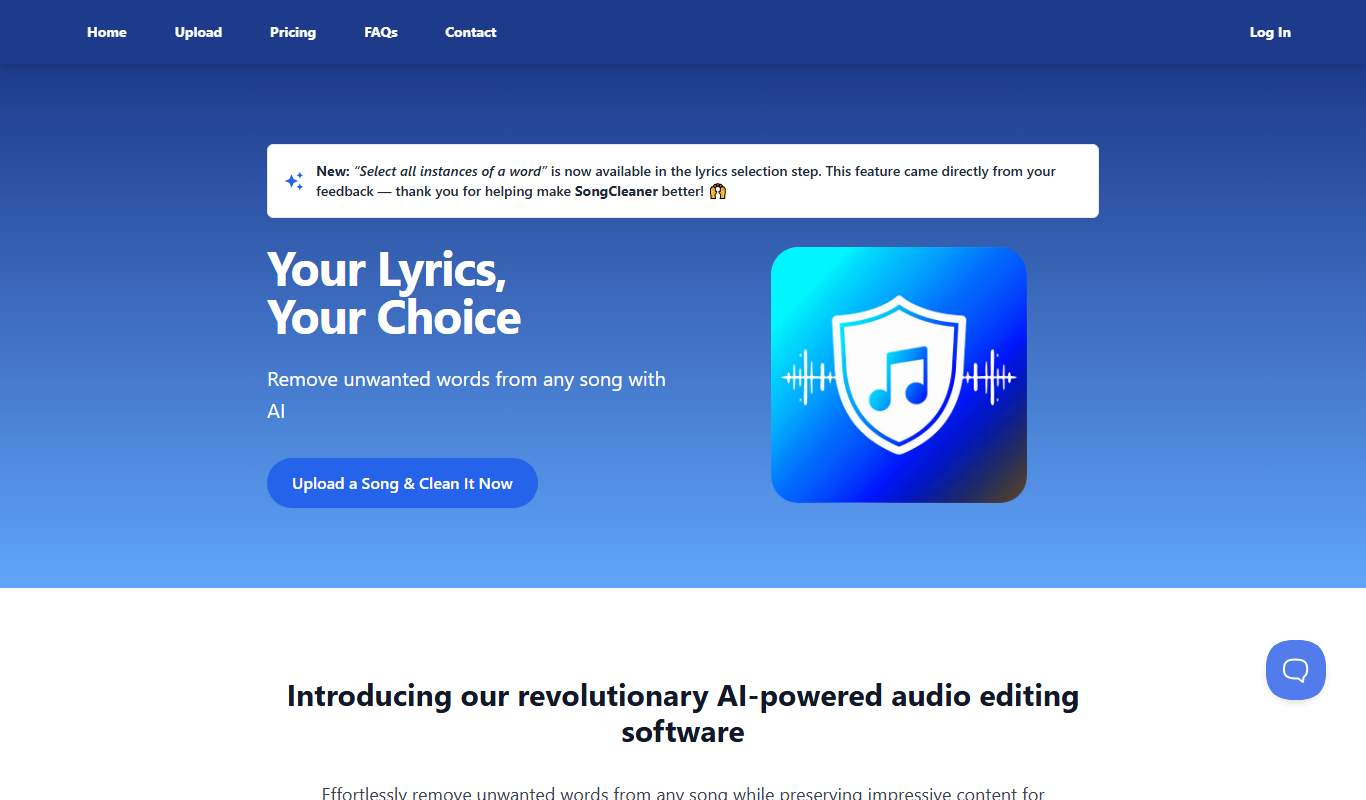

What is SongCleaner?
SongCleaner is an online audio noise reduction tool designed to clean and enhance music and audio recordings by removing unwanted background noise, hiss, and hum. It uses advanced algorithms to analyze audio files and automatically reduce noise while preserving the original sound quality, making it easier for musicians, podcasters, and audio professionals to produce clear and polished audio tracks.
Key features of SongCleaner
SongCleaner offers automatic noise reduction, batch processing, easy-to-use web interface, and supports multiple audio formats. It focuses on simplifying the audio cleaning process without requiring advanced technical skills.
Automatic Noise Detection and Removal
Intelligent algorithms automatically identify and reduce various types of background noise.
Batch Processing
Process multiple audio files at once to save time for users with large projects.
Web-Based Platform
No software installation required; accessible from any modern web browser.
Supports Multiple Audio Formats
Compatible with common audio file types such as MP3, WAV, and AIFF.
User-Friendly Interface
Simple drag-and-drop upload and straightforward controls designed for users of all skill levels.
Pros and cons of SongCleaner
Pros
- Easy to use with no technical expertise required
- Effective automatic noise reduction
- Accessible from any device with a web browser
- Supports batch processing for efficiency
- Affordable subscription pricing
Cons
- Limited free usage before subscription required
- No offline or desktop version available
- Advanced audio editing features are limited
Key use cases for SongCleaner
Audio Noise Reduction
Remove background noise, hiss, hum, and other unwanted sounds from music tracks and audio recordings.
Music Production Enhancement
Improve the clarity and quality of music recordings to produce professional-sounding tracks.
Podcast and Voiceover Cleaning
Clean up spoken audio for podcasts, voiceovers, and interviews by eliminating distracting noises.
Audio Restoration
Restore old or damaged audio recordings by reducing artifacts and enhancing sound quality.
How SongCleaner works
- 1
Upload Audio File
Users upload their audio or music file directly through the SongCleaner web interface.
- 2
Automatic Noise Analysis
The tool analyzes the audio to detect noise patterns such as hiss, hum, or background sounds.
- 3
Noise Reduction Processing
SongCleaner applies noise reduction algorithms to clean the audio while preserving the original tone.
- 4
Download Cleaned Audio
Users download the processed audio file with reduced noise and improved clarity.
Who is using SongCleaner
Musicians and music producers
Podcasters and voiceover artists
Audio engineers and sound editors
Content creators needing clean audio
Small studios and hobbyists
SongCleaner pricing
Free Trial
$0
Limited number of free audio files processed to test the service.
Monthly Subscription
$9.99/month
Unlimited audio cleaning with batch processing and priority support.
Annual Subscription
$99.99/year
Discounted yearly plan with all monthly subscription benefits.
Plans and prices are as published by the vendor and can change. Check the official site before you buy. Open the pricing page (opens in a new tab)
Frequently asked questions about SongCleaner
SongCleaner can reduce background noise such as hiss, hum, static, and other unwanted sounds commonly found in music and voice recordings.
No, SongCleaner is a web-based tool that runs entirely in your browser without any installation.
It supports popular audio formats including MP3, WAV, and AIFF.
Yes, batch processing is available for subscribers to clean multiple files simultaneously.
It depends on your specific needs and how you plan to use the tool. The official website and documentation are the best sources for the latest details.
Some tools offer a free plan or trial with limited features. Availability can vary, so confirm on the official website.
Yes, it can help with that use case depending on how you configure it and what features are available. You’ll get the best results with clear inputs and a defined goal.
Sign in to review this tool.
Sign In to ReviewNo reviews yet
Be the first to share how this tool worked for you.
Ask about pricing, limits, or how it compares — or answer someone else.
Sign In to AskNo questions yet
Have a question about using or paying for this tool? Be the first to ask.
Featured on TiorAI



Alternative Tools
Explore similar AI tools that might fit your needs

Free
Audacity
Audacity is a free, open-source audio editing software that supports multi-track recording, editing, and effects processing for music and podcast production.
Freemium
Izotope RX
Izotope RX is a professional audio repair software that uses AI-driven tools to remove noise, clicks, hum, and other audio imperfections, widely used in music production, podcast editing, and post-production.
More AI Music & Audio Tools tools
Other tools in the same category, for when this one is not quite the fit.

Free
aimusic.one
aimusic.one is an AI-driven online platform that generates original, royalty-free music tracks customized by style, mood, and tempo, suitable for content creators and hobbyists.

Free
DiffRhythm
DiffRhythm is an AI music generation platform that creates custom soundtracks and beats tailored to your project’s style and mood.

Free
Song GPT
Song GPT is an AI music generation platform that creates original song lyrics and melodies based on user input, helping musicians and creators produce custom songs easily.

Free
Notewize: Guitar Lessons
Notewize is an interactive guitar lessons app that combines music theory, real-time playing feedback, and a song library to help beginners and intermediate players learn guitar effectively on web and mobile platforms.

Free
audio2text
Audio2Text is an online speech-to-text converter that automatically transcribes audio files into text in multiple languages, accessible via a web browser with free and pay-as-you-go pricing.

Subscription
Castmagic
Castmagic is an AI-driven platform that transcribes podcast audio, extracts highlights, and generates summaries to streamline podcast editing and content repurposing.

Freemium
YouMusic.AI
YouMusic.AI turns text prompts or your own lyrics into complete songs, with free credits for new users and commercial rights on paid plans.

Free
Harmonai
Harmonai is the Stability AI lab for open-source audio, publishing tools for AI music generation.