

From my experience with VocalRemover.co, I found it excels at providing quick and accessible vocal removal directly in the browser without any software installation. Its AI-powered separation works well for most popular music tracks, making it a practical choice for musicians and karaoke fans who need fast results. However, the quality can vary with complex audio mixes, and the free version limits file size and download quality. Overall, if you want a straightforward online tool to create karaoke tracks or isolate vocals for remixing, VocalRemover.co delivers solid, user-friendly performance.
VocalRemover.co - Online AI Vocal Remover and Karaoke Maker Tool
VocalRemover.co is an online AI-powered tool that removes vocals from audio tracks to create karaoke versions or isolated stems for remixing and editing.
- Best for
- Karaoke Track Creation
- Key capability
- AI Vocal and Instrumental Separation
Your actions
Save VocalRemover.co, follow its updates and vote on it — everything stays in your account.
Sign in or create a free account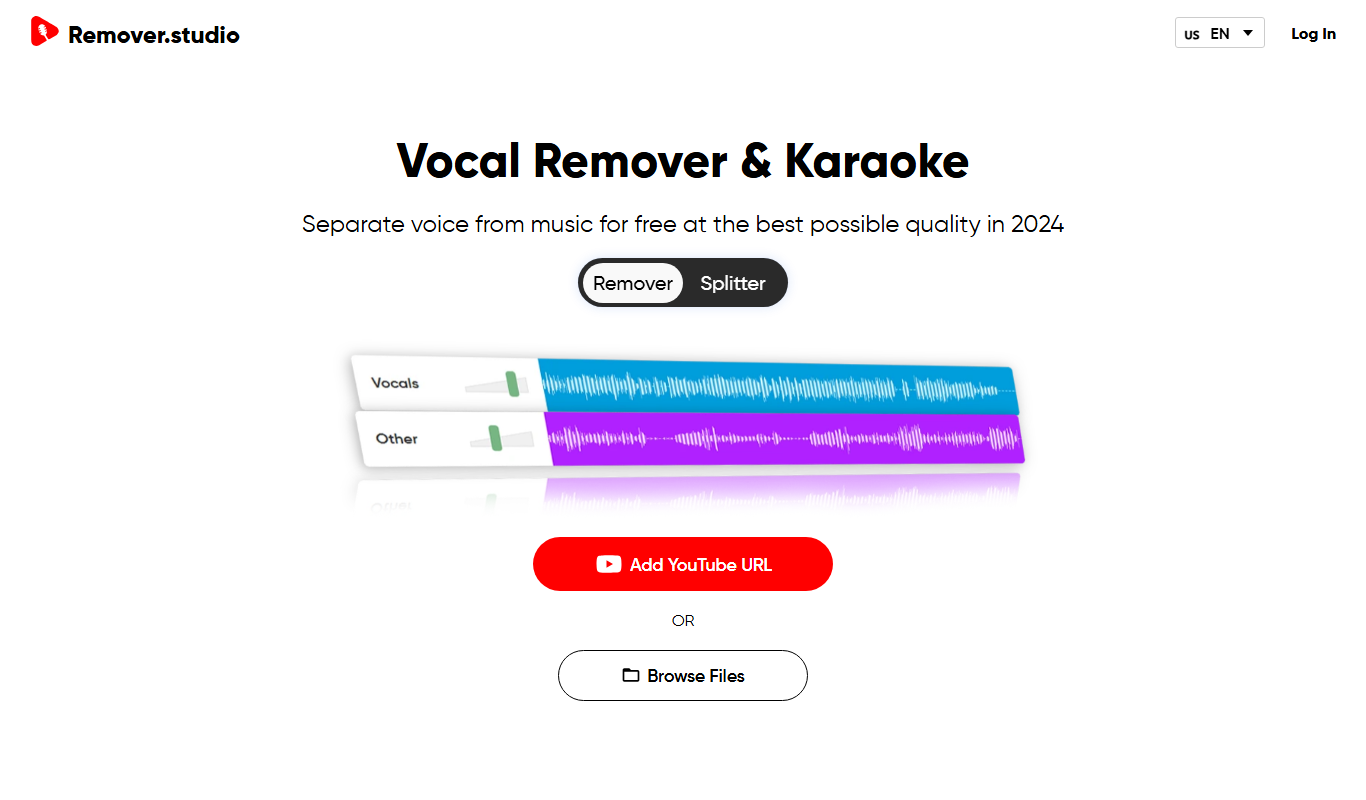
What is VocalRemover.co?
VocalRemover.co is a free online tool that uses AI technology to separate vocals and instrumentals from audio tracks. It allows users to upload songs and quickly remove or isolate vocals, creating karaoke tracks or stems for remixing and audio editing purposes. The platform is web-based, requiring no software installation, making it accessible for musicians, DJs, and content creators.
Key features of VocalRemover.co
The tool offers AI-powered vocal and instrumental separation, supports multiple audio formats, provides instant processing, and allows users to download the separated tracks. It also includes a simple interface for previewing results before downloading.
AI Vocal and Instrumental Separation
Advanced AI algorithms separate vocals and instrumentals with high accuracy.
Multiple Audio Format Support
Supports common audio formats including MP3, WAV, and others.
Instant Online Processing
Fast processing times with results available within seconds.
No Software Installation Required
Fully web-based platform accessible from any modern browser.
Free Basic Usage
Users can remove vocals from tracks for free with some limitations.
Pros and cons of VocalRemover.co
Pros
- Easy-to-use web interface with no installation
- Free tier available for casual users
- Fast AI-powered vocal separation
- Supports multiple audio formats
- Accessible on any device with a browser
Cons
- Free version has file size and quality limitations
- Separation quality can vary with complex audio
- No desktop or mobile app versions
Key use cases for VocalRemover.co
Karaoke Track Creation
Remove vocals from songs to create karaoke versions for personal or professional use.
Music Remixing
Extract instrumentals or vocals to remix or produce new music tracks.
Audio Analysis
Separate vocals and instrumentals for detailed audio study or practice.
Podcast Editing
Isolate vocals or background music for clearer podcast audio editing.
How VocalRemover.co works
- 1
Upload Audio
Users upload their audio file in supported formats like MP3 or WAV.
- 2
AI Processing
The AI model analyzes the audio and separates vocals from instrumentals.
- 3
Preview and Adjust
Users can preview the separated tracks and adjust settings if available.
- 4
Download Results
Download the vocal-free instrumental or isolated vocal track for use.
Who is using VocalRemover.co
Musicians and DJs
Karaoke enthusiasts
Music producers and remixers
Podcast editors
Content creators
VocalRemover.co pricing
Free
$0/month
Basic vocal removal with limited file size and download quality.
Premium
$9.99/month
Higher quality downloads, larger file size support, and faster processing.
Plans and prices are as published by the vendor and can change. Check the official site before you buy. Open the pricing page (opens in a new tab)
Frequently asked questions about VocalRemover.co
It supports common formats such as MP3 and WAV.
Yes, free users have a file size limit, which is increased for premium subscribers.
Yes, since it is web-based, it works on mobile browsers as well.
While the AI is advanced, results may vary depending on the audio complexity.
It depends on your specific needs and how you plan to use the tool. The official website and documentation are the best sources for the latest details.
Some tools offer a free plan or trial with limited features. Availability can vary, so confirm on the official website.
Yes, it can help with that use case depending on how you configure it and what features are available. You’ll get the best results with clear inputs and a defined goal.
Yes, it can help with that use case depending on how you configure it and what features are available. You’ll get the best results with clear inputs and a defined goal.
Sign in to review this tool.
Sign In to ReviewNo reviews yet
Be the first to share how this tool worked for you.
Ask about pricing, limits, or how it compares — or answer someone else.
Sign In to AskNo questions yet
Have a question about using or paying for this tool? Be the first to ask.
Featured on TiorAI



Alternative Tools
Explore similar AI tools that might fit your needs

Free
Moises.ai
Moises.ai is an AI-based music tool that separates audio tracks into individual stems like vocals and instruments, allowing users to edit, remix, and create karaoke tracks easily.

Pay As You Go
PhonicMind
PhonicMind is an AI-powered web tool that separates music tracks into vocals, drums, bass, and other stems, enabling vocal removal and remixing.
More AI Music & Audio Tools tools
Other tools in the same category, for when this one is not quite the fit.

Free
aimusic.one
aimusic.one is an AI-driven online platform that generates original, royalty-free music tracks customized by style, mood, and tempo, suitable for content creators and hobbyists.

Free
DiffRhythm
DiffRhythm is an AI music generation platform that creates custom soundtracks and beats tailored to your project’s style and mood.

Free
Song GPT
Song GPT is an AI music generation platform that creates original song lyrics and melodies based on user input, helping musicians and creators produce custom songs easily.
Free
Notewize: Guitar Lessons
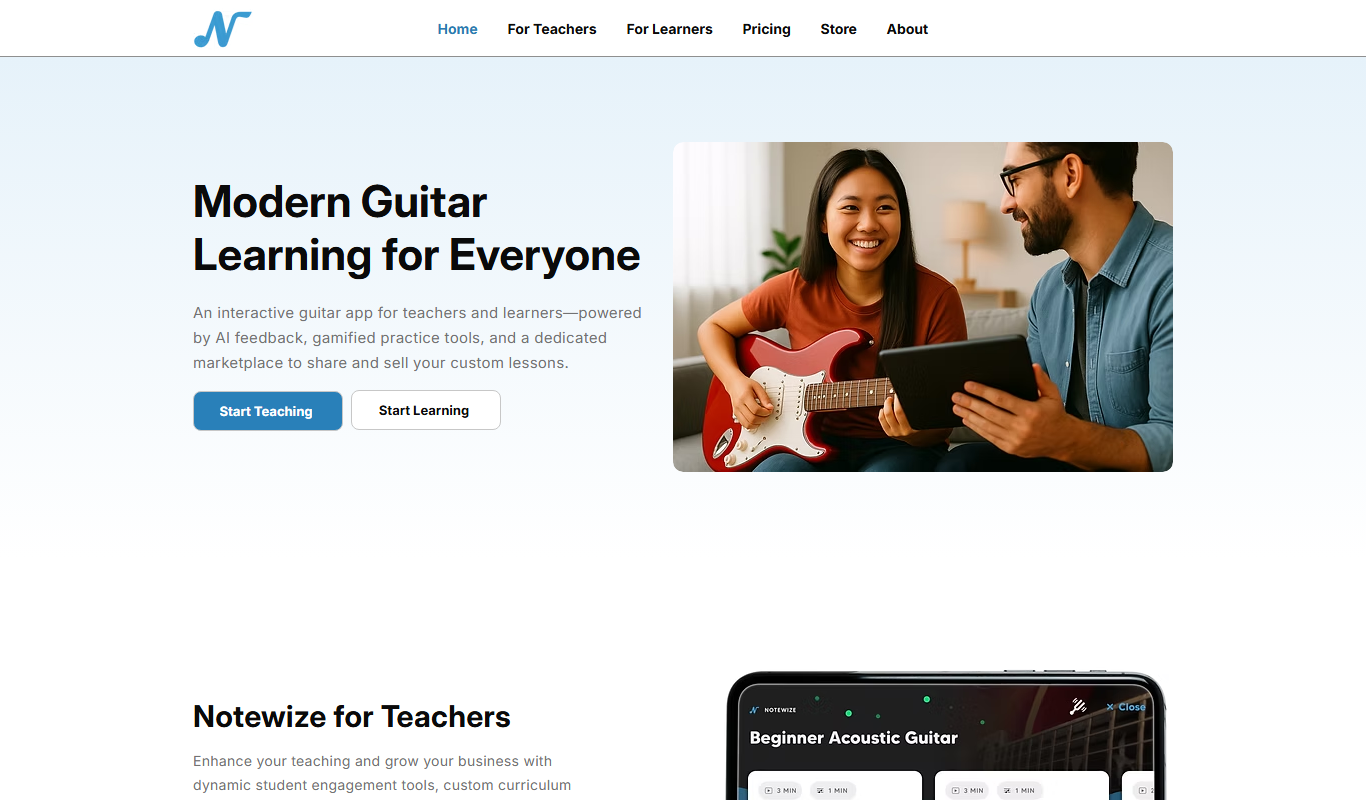
Notewize is an interactive guitar lessons app that combines music theory, real-time playing feedback, and a song library to help beginners and intermediate players learn guitar effectively on web and mobile platforms.

Free
audio2text
Audio2Text is an online speech-to-text converter that automatically transcribes audio files into text in multiple languages, accessible via a web browser with free and pay-as-you-go pricing.

Subscription
Castmagic
Castmagic is an AI-driven platform that transcribes podcast audio, extracts highlights, and generates summaries to streamline podcast editing and content repurposing.

Freemium
YouMusic.AI
YouMusic.AI turns text prompts or your own lyrics into complete songs, with free credits for new users and commercial rights on paid plans.

Free
Harmonai
Harmonai is the Stability AI lab for open-source audio, publishing tools for AI music generation.