

From my experience with Output, I found it excels at providing uniquely crafted sounds and an intuitive interface that sparks creativity in music production. The combination of innovative sound libraries and powerful synthesis tools makes it particularly well-suited for producers and sound designers looking to push sonic boundaries. However, the need for a compatible DAW and the pricing for individual products can be a barrier for some users. Overall, if you want high-quality virtual instruments with flexible sound design capabilities, Output delivers a compelling package.
Output Music Production Software for Creative Audio and Sound Design
Output is a music software company offering virtual instruments and plugins designed for creative sound design and music production, compatible with major DAWs on MacOS and Windows.
- Best for
- Music Composition
- Key capability
- Innovative Sound Libraries
Your actions

Do you recommend this tool?
What is Output?
Output is a music software company specializing in innovative virtual instruments and audio plugins designed to inspire creativity in music production and sound design. Their products combine unique sound libraries with powerful synthesis engines and intuitive interfaces, enabling musicians, producers, and composers to craft distinctive sounds and textures.
Key features of Output
Output offers a range of virtual instruments and effects featuring rich sound libraries, customizable synthesis, and flexible modulation options. Their software integrates seamlessly with major digital audio workstations (DAWs) and supports multiple plugin formats for versatile use.
Innovative Sound Libraries
Extensive collections of unique, high-quality sounds tailored for various music genres.
Powerful Synthesis Engine
Advanced synthesis capabilities allowing deep sound manipulation and customization.
Intuitive User Interface
User-friendly design that simplifies complex sound design processes.
Flexible Modulation and Effects
Multiple modulation sources and built-in effects to shape and enhance sounds.
Cross-Platform Compatibility
Supports MacOS and Windows, and integrates with major DAWs via VST, AU, and AAX formats.
Pros and cons of Output
Pros
- High-quality, unique sound libraries
- Intuitive and visually appealing interface
- Strong integration with popular DAWs
- Flexible sound design and modulation options
Cons
- Requires a DAW to use
- Pricing can be high for individual products
- No standalone application
Key use cases for Output
Music Composition
Create and arrange music tracks using Output's virtual instruments and effects.
Sound Design
Design unique sounds and textures with advanced synthesis and effects.
Film Scoring
Produce cinematic soundscapes and atmospheres for visual media.
Live Performance
Use Output's instruments and effects in live setups for dynamic performances.
Audio Post-Production
Enhance audio tracks with creative effects and sound manipulation.
How Output works
- 1
Install the Software
Download and install Output’s virtual instruments or plugins on your computer.
- 2
Load in DAW
Open your preferred digital audio workstation and load the Output plugin or instrument.
- 3
Select or Customize Sounds
Browse presets or create your own sounds using the software’s synthesis and effects controls.
- 4
Compose and Produce
Use the sounds in your music projects, arranging and editing as needed.
Who is using Output
Music producers
Sound designers
Film and game composers
Electronic musicians
Live performers
Output pricing
One-time Purchase
Varies by product, typically $149 - $299
Buy individual instruments or plugins with lifetime access and updates.
Subscription (Arc Membership)
$19.99/month or $199/year
Access to the full Output product catalog and exclusive content with ongoing updates.
Plans and prices are as published by the vendor and can change. Check the official site before you buy. Open the pricing page (opens in a new tab)
Frequently asked questions about Output
Output software supports MacOS and Windows operating systems and works as plugins in major DAWs.
Output products are designed as plugins and require a compatible DAW or host software to run.
Output occasionally offers demos or trial versions; check their official website for current offers.
Output supports VST, AU, and AAX plugin formats.
This tool is designed to help users accomplish its core tasks more efficiently. It is typically used by individuals or teams looking to improve productivity and workflow.
It depends on your specific needs and how you plan to use the tool. The official website and documentation are the best sources for the latest details.
It depends on your specific needs and how you plan to use the tool. The official website and documentation are the best sources for the latest details.
Sign in to review this tool.
Sign In to ReviewNo reviews yet
Be the first to share how this tool worked for you.
Ask about pricing, limits, or how it compares — or answer someone else.
Sign In to AskNo questions yet
Have a question about using or paying for this tool? Be the first to ask.
Featured on TiorAI



Alternative Tools
Explore similar AI tools that might fit your needs
One-time purchase
Native Instruments Komplete
Native Instruments Komplete is a professional music production suite offering a vast collection of virtual instruments, effects, and sound libraries designed for composing, producing, and performing music.

One-time purchase
Spectrasonics Omnisphere
Spectrasonics Omnisphere is a comprehensive software synthesizer plugin combining multiple synthesis types and a vast sound library, widely used for music production, sound design, and live performance.
More AI Design & Creative Tools tools
Other tools in the same category, for when this one is not quite the fit.
Free
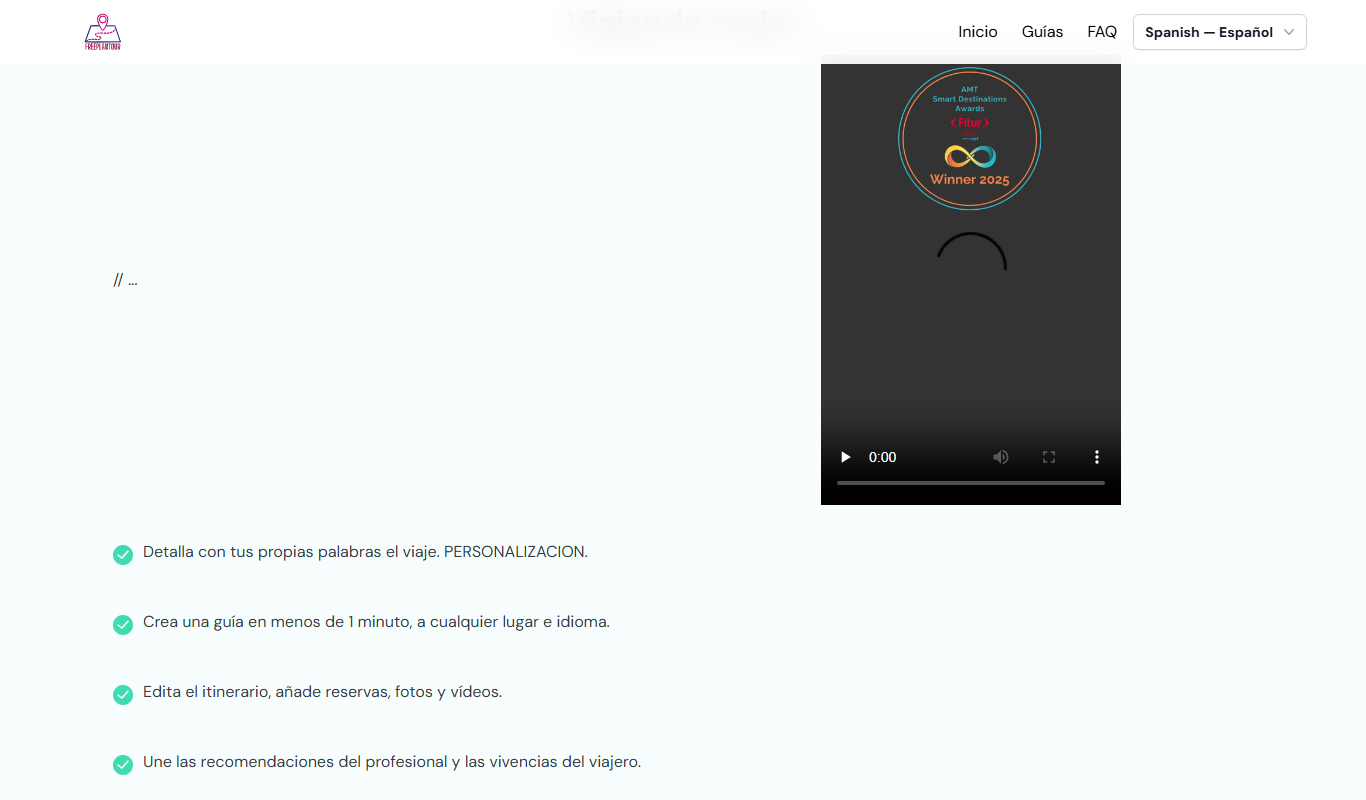
FreePlanTour
FreePlanTour is a free, browser-based floor plan design tool that allows users to create and save detailed home and office layouts without any software installation.

Freemium
Morphlin
Morphlin is an AI-powered art generation tool that enables users to create unique digital images through image morphing and style transfer techniques on a user-friendly web platform.
Free
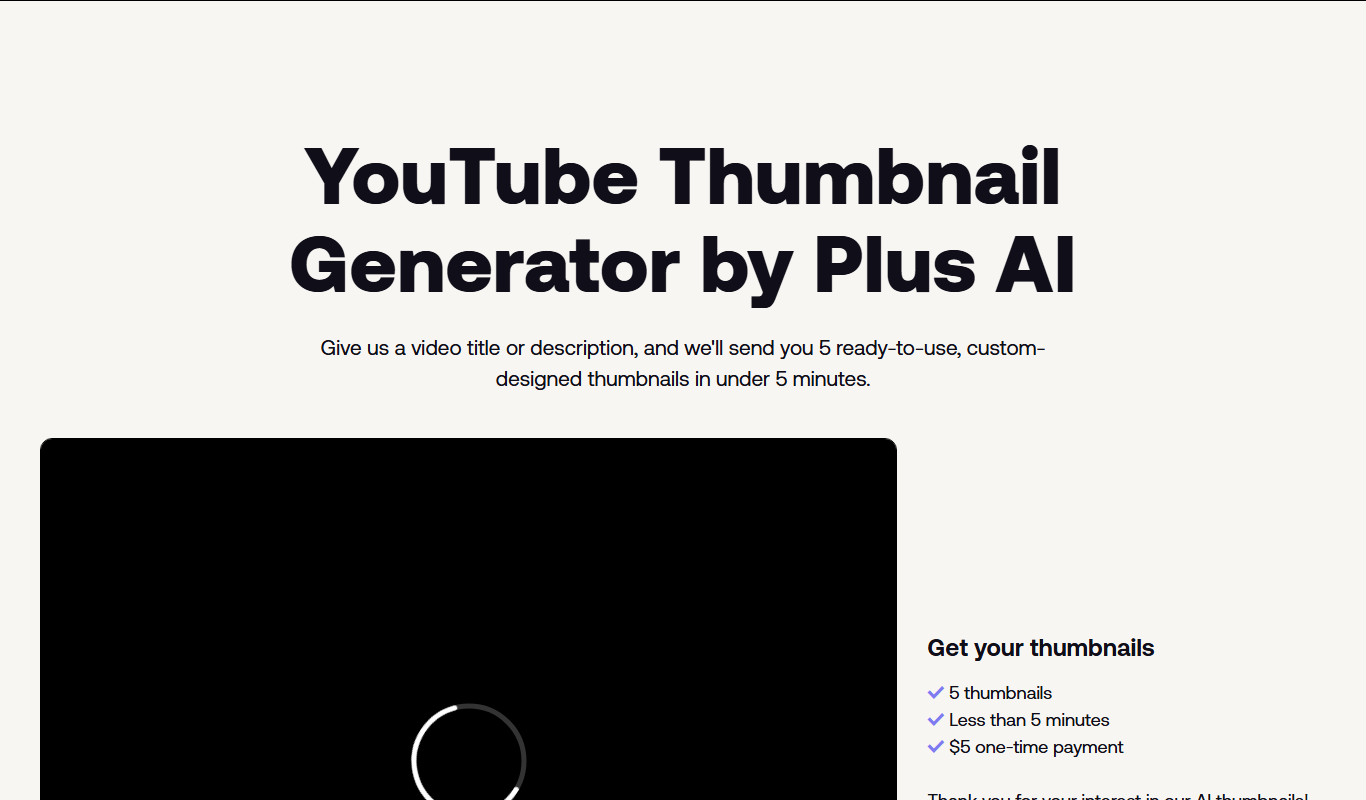
AI YouTube Thumbnails
AI YouTube Thumbnails is an AI-driven web tool that helps YouTube creators generate custom, optimized thumbnails quickly without design skills.
Freemium
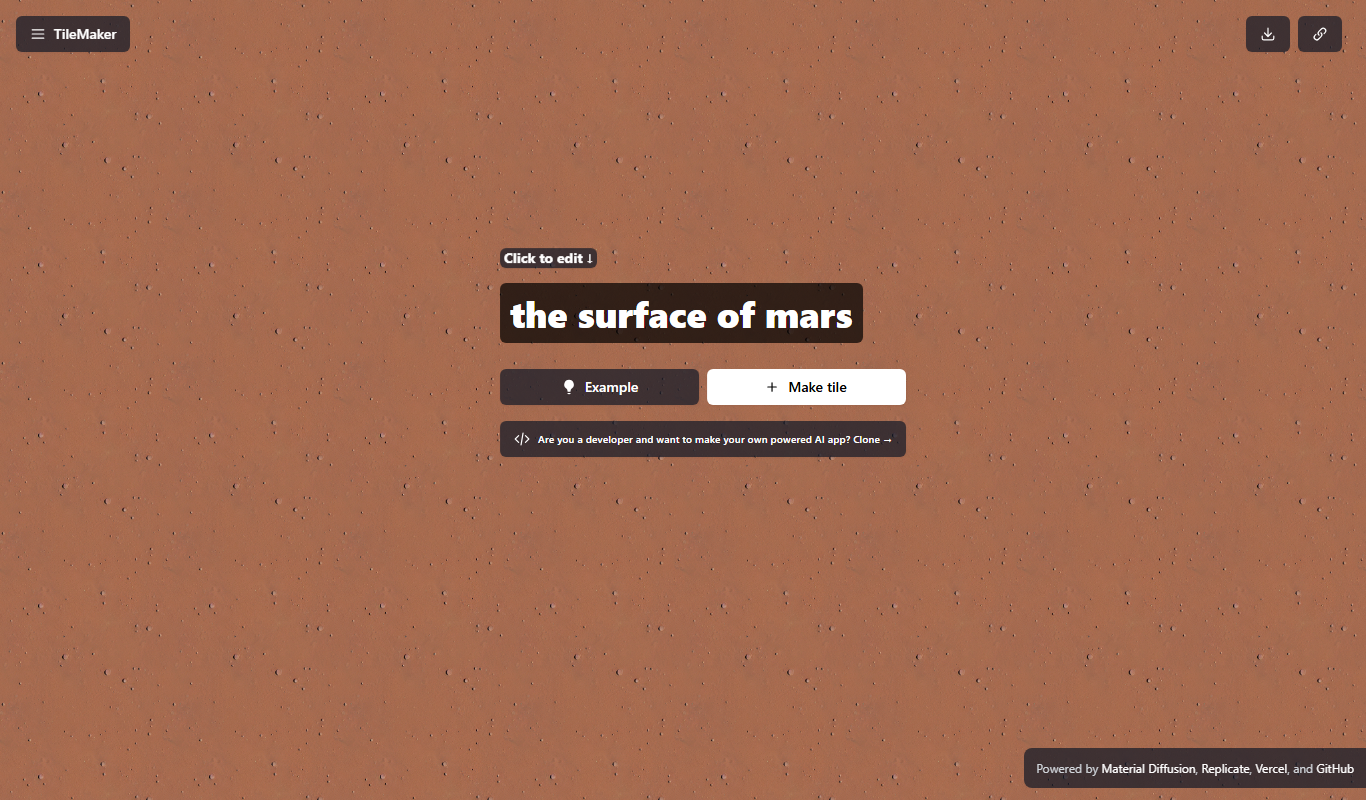
TileMaker
TileMaker is a design app that helps users create and visualize custom tile layouts with accurate measurements and export options for project planning.

Freemium
Sloyd
Sloyd is a web-based AI-assisted 3D modeling tool designed to help game developers and designers quickly create customizable low-poly 3D assets with ease.

Free
ai-dog.net
AI-Dog.net is a web-based AI image generator specialized in creating unique dog images from text prompts, offering multiple artistic styles and easy sharing options.

Free Trial
Tattoo Canvas
Tattoo Canvas is a web-based digital tattoo design software that provides tattoo artists with vector-based tools, customizable brushes, and stencil creation features to create and present professional tattoo artwork.

Free
svgtrace.com
svgtrace.com is a free web-based tool that converts raster images like PNG or JPG into scalable SVG vector graphics using automatic tracing algorithms.