
From my experience with Amped Studio, I found it excels at providing a fully functional digital audio workstation accessible directly through a web browser. This makes it especially convenient for musicians and producers who want to create or collaborate without the hassle of installing software. The real-time collaboration and cloud integration features stand out as practical tools for remote teamwork. However, the platform relies heavily on a stable internet connection and currently lacks a dedicated mobile app, which can limit flexibility on the go. Overall, if you need an easy-to-access, versatile online music production environment, Amped Studio delivers solid results.
Amped Studio Online Music Production Software with MIDI and Audio Editing
Amped Studio is a cloud-based digital audio workstation that enables music creation, MIDI sequencing, audio recording, and collaboration directly in your web browser without installation.
Tech Stack:
HTML5
JavaScript
Web Audio API
What is ampedstudio.com?
Amped Studio is a cloud-based digital audio workstation (DAW) that allows users to create, record, and edit music directly in their web browser. It supports MIDI sequencing, audio recording, and mixing without the need for downloads or installations. Designed for musicians, producers, and educators, Amped Studio offers an accessible platform for music production anywhere with internet access.

Key Features of ampedstudio.com
Browser-Based DAW
No installation required; works on any modern web browser.
MIDI and Audio Editing
Supports MIDI sequencing, audio recording, and multi-track editing.
Virtual Instruments and Effects
Includes a variety of built-in synthesizers, drum machines, and audio effects.
Real-Time Collaboration
Collaborate with other users on projects in real-time.
Cloud Storage Integration
Save and load projects from cloud services for easy access anywhere.
Pros and Cons of ampedstudio.com
Pros
- Accessible from any device with a web browser
- No installation or setup required
- Supports both MIDI and audio recording
- Real-time collaboration features
- Affordable premium subscription
Cons
- Requires stable internet connection
- Limited offline functionality
- Mobile experience is not optimized
Key Use Cases for ampedstudio.com
Music Composition
Create and arrange music tracks using MIDI instruments and audio samples directly in the browser.
Audio Recording and Editing
Record vocals or instruments and edit audio clips with built-in tools without installing software.
Collaborative Music Projects
Work with other musicians remotely by sharing projects and collaborating in real-time.
Learning Music Production
Ideal for beginners and educators to learn and teach music production concepts using an accessible online platform.
How ampedstudio.com Works
-
1
Create an Account
Sign up on the Amped Studio website to start saving projects and accessing premium features.
-
2
Start a New Project
Open the online DAW in your browser and create a new music project with MIDI and audio tracks.
-
3
Add Instruments and Effects
Use built-in virtual instruments and effects to compose and shape your sound.
-
4
Record and Edit
Record audio inputs or program MIDI sequences, then edit and arrange them on the timeline.
-
5
Collaborate and Export
Share your project with collaborators or export your final mix to audio files.
Who's Using ampedstudio.com
Independent musicians
Music producers
Music educators and students
Content creators needing quick music production
Collaborative music project teams
ampedstudio.com Pricing
Free
$0/month
Access to basic features with limitations on track count and instruments.
Premium
$9.99/month
Unlock unlimited tracks, premium instruments, effects, and collaboration features.
Frequently Asked Questions About ampedstudio.com
No, Amped Studio runs entirely in your web browser without any downloads.
Yes, Amped Studio supports real-time collaboration with other users.
You can export your projects as WAV or MP3 audio files.
Currently, Amped Studio is only available as a web application.
Some tools offer a free plan or trial with limited features. Availability can vary, so confirm on the official website.
Yes, it can help with that use case depending on how you configure it and what features are available. You’ll get the best results with clear inputs and a defined goal.
It depends on your specific needs and how you plan to use the tool. The official website and documentation are the best sources for the latest details.
Share your review
Reviews are limited to one per logged-in user and are published after moderation.
You need an account to review this tool.
0.0
★
★
★
★
★
0 reviews
5 star
0
4 star
0
3 star
0
2 star
0
1 star
0
No reviews yet
Be the first to share how this tool worked for you.
Questions from the community
Read questions and answers about this tool, or ask your own.
No questions yet
Start the conversation by asking the first question about this tool.
Is this tool helpful?
Alternative Tools
Explore similar AI tools that might fit your needs

Free
Soundtrap
Soundtrap is a cloud-based digital audio workstation that enables users to create, record, edit, and collaborate on music and podcasts online through web and mobile platforms.

Free
Audiotool
Audiotool is a web-based digital audio workstation that lets users create, mix, and collaborate on music projects online using virtual instruments and effects without software installation.
Free
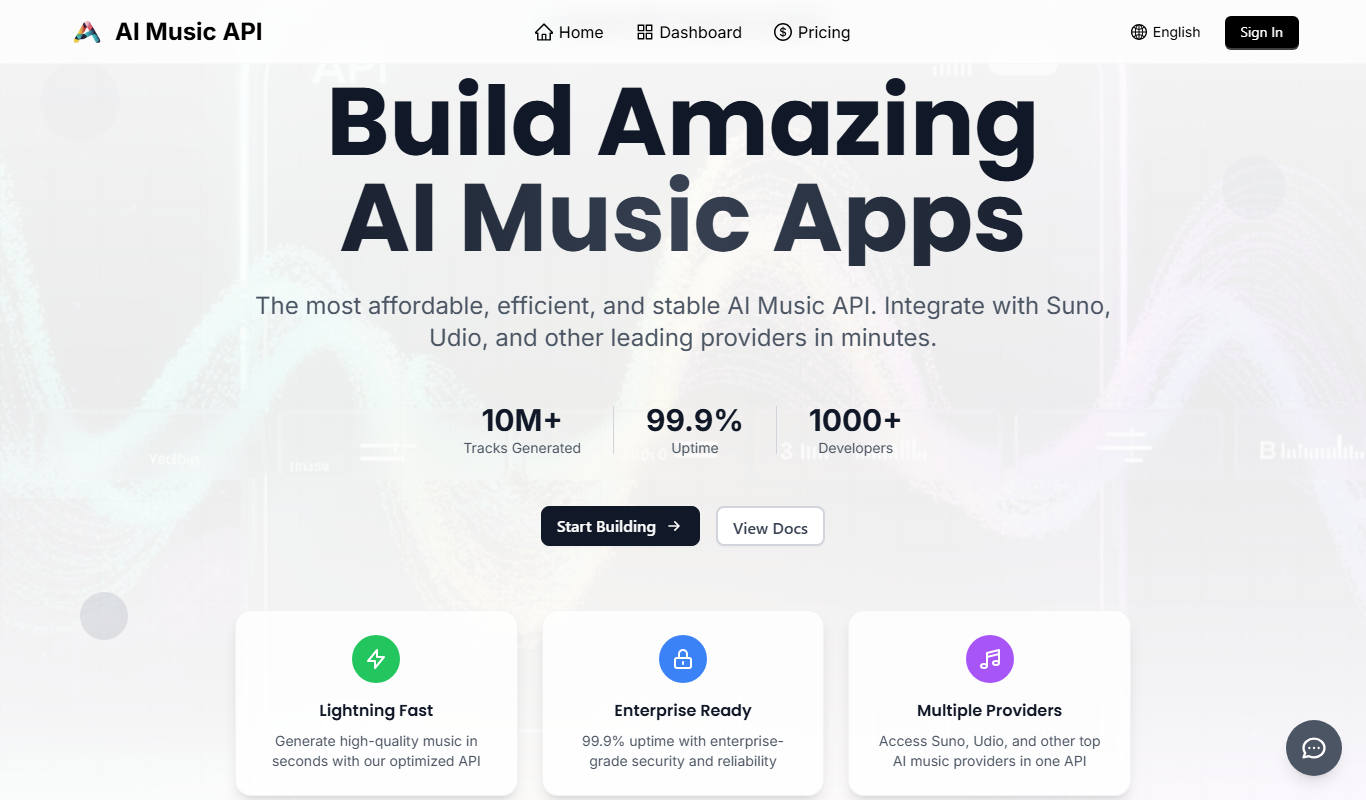
AI Music API, Free Cheap AI Music
AI Music API by UdioAPI provides developers with a free and affordable way to generate royalty-free AI-composed music tracks via an easy-to-use API supporting multiple genres and moods.

Free
free text Into Speech
Free Text Into Speech is a free web tool that converts typed text into natural-sounding speech with multiple voice options and downloadable MP3 audio.

Free
FliFlik Voice Changer
FliFlik Voice Changer is a web-based tool that lets you modify your voice in real-time using various effects without installing software, ideal for gaming, streaming, and entertainment.

Free
Instant Singer
Instant Singer is a web-based AI tool that creates realistic singing vocals from text and melody inputs, enabling music creators to generate vocal tracks without human singers.

Freemium
HumanizerPro AI
HumanizerPro AI is a software that enhances synthetic voices by adding natural human-like qualities such as emotion and intonation, making AI-generated speech sound more realistic and engaging.

Freemium
Dubformer
Dubformer is an AI voice cloning platform that creates realistic synthetic voices for dubbing and voiceover in multiple languages.

Free
Lyrics into Song AI
Lyrics Into Song AI is a web-based tool that converts user-written lyrics into complete songs using AI-generated melodies and vocals, supporting multiple genres and offering free and premium plans.

Free
AI Hits
AI Hits is an AI-driven music generation platform that creates royalty-free, customizable music tracks for content creators, marketers, and developers via a simple web interface.