

Dubformer AI Voice Cloning Tool for Realistic Speech Synthesis
Dubformer is an AI dubbing studio with phrase-level control in 140+ languages.
- Best for
- Content Localization
- Key capability
- High-Quality Voice Cloning
Save Dubformer, follow its updates and vote on it — everything stays in your account.
Sign in or create a free account
What is Dubformer?
Dubformer is an AI dubbing studio with phrase-level control in 140+ languages, where teams create a voice, direct how it sounds and export when ready.
Key features of Dubformer
Dubformer offers high-fidelity voice cloning, multi-language dubbing, customizable voice styles, and seamless integration through a user-friendly web interface. It supports batch processing and provides tools for fine-tuning voice output to match tone and emotion.
High-Quality Voice Cloning
Creates realistic voice replicas with natural intonation and emotion.
Multi-Language Support
Supports dubbing in multiple languages to facilitate global content reach.
Custom Voice Creation
Allows users to clone unique voices from provided samples.
User-Friendly Interface
Intuitive web platform that simplifies the dubbing and voice cloning process.
Batch Processing
Enables processing multiple files simultaneously for efficiency.
Pros and cons of Dubformer
Pros
- Produces highly realistic voice clones with natural emotion
- Supports multiple languages for global content localization
- Easy-to-use web interface with batch processing capabilities
- Offers custom voice cloning from user samples
- Flexible pricing plans including a free tier
Cons
- Limited offline or desktop application options
- Free plan has restricted usage limits
- Customization options may require technical knowledge
Key use cases for Dubformer
Content Localization
Automatically dub videos into multiple languages using realistic voice clones to reach global audiences.
Voiceover Production
Create professional voiceovers for videos, podcasts, and presentations without hiring voice actors.
Entertainment and Media
Generate character voices for animations, games, and films with high-quality AI voice synthesis.
Accessibility
Produce audio content for visually impaired users by converting text or video into natural-sounding speech.
How Dubformer works
- 1
Upload Audio or Video
Users upload source audio or video files to the platform for voice cloning or dubbing.
- 2
Select Target Voice and Language
Choose from a library of AI-generated voices or clone a custom voice, then select the desired output language.
- 3
Generate Dubbed Audio
The AI processes the input and produces a dubbed version with synchronized, natural-sounding speech.
- 4
Download and Use
Users download the final audio or video file for use in their projects.
Who is using Dubformer
Dubformer pricing
Free
Pay as you go, extra minutes $0.90
Pay as you go with extra minutes at $0.90, flexible transcript editing, free download of translated video, audio and subtitles, and API access; no watermark once you purchase minutes.
Basic
$25/month
Everything in Free plus full AI dubbing functionality, 30 minutes of translation renewable every month, extra minutes at $0.90 and soundalike voices.
Pro
$189/month
Everything in Basic plus 250 minutes of translation renewable every month, extra minutes at $0.80, custom glossaries and custom transcripts.
Custom
Contact us
Everything in Pro with a custom number of minutes renewed every month and a custom price for extra minutes.
Plans and prices are as published by the vendor and can change. Check the official site before you buy. Open the pricing page (opens in a new tab)
Frequently asked questions about Dubformer
Yes, Dubformer allows you to create a custom voice clone by uploading voice samples.
Dubformer dubs into 140+ languages.
Limits depend on your subscription plan, with higher tiers allowing longer audio processing.
Yes, commercial use is permitted under the terms of the paid subscription plans.
It depends on your specific needs and how you plan to use the tool. The official website and documentation are the best sources for the latest details.
Yes, it can help with that use case depending on how you configure it and what features are available. You’ll get the best results with clear inputs and a defined goal.
Some tools offer a free plan or trial with limited features. Availability can vary, so confirm on the official website.
Yes, it can help with that use case depending on how you configure it and what features are available. You’ll get the best results with clear inputs and a defined goal.
Conclusion
Once the source video is uploaded and target languages are selected, Studio transcribes the audio and identifies every speaker. Each speaker then gets a voice, either from a library of 1,000+ voices or through Emotion Transfer, which carries the original delivery into the target language. Reviewers set the emotion on each phrase and hear new takes until the delivery fits the scene. Approved languages are exported, with subtitle files available as VTT, SRT, TTML, XLSX or CSV.
The Studio targets localization teams that need editors in the loop, with role-based access so editors see only tasks matching their specialization. On the self-serve platform, Basic includes 30 minutes of translation renewable every month and Pro 250 minutes, with extra minutes available to buy.
Sources
Sign in to review this tool.
Sign In to ReviewNo reviews yet
Be the first to share how this tool worked for you.
Ask about pricing, limits, or how it compares — or answer someone else.
Sign In to AskNo questions yet
Have a question about using or paying for this tool? Be the first to ask.
Featured on TiorAI



More AI Music & Audio Tools tools
Other tools in the same category, for when this one is not quite the fit.

Beatoven.ai
Beatoven.ai is an AI-driven platform that generates custom royalty-free music tracks tailored to your project's mood and style, ideal for content creators and marketers.
Endel
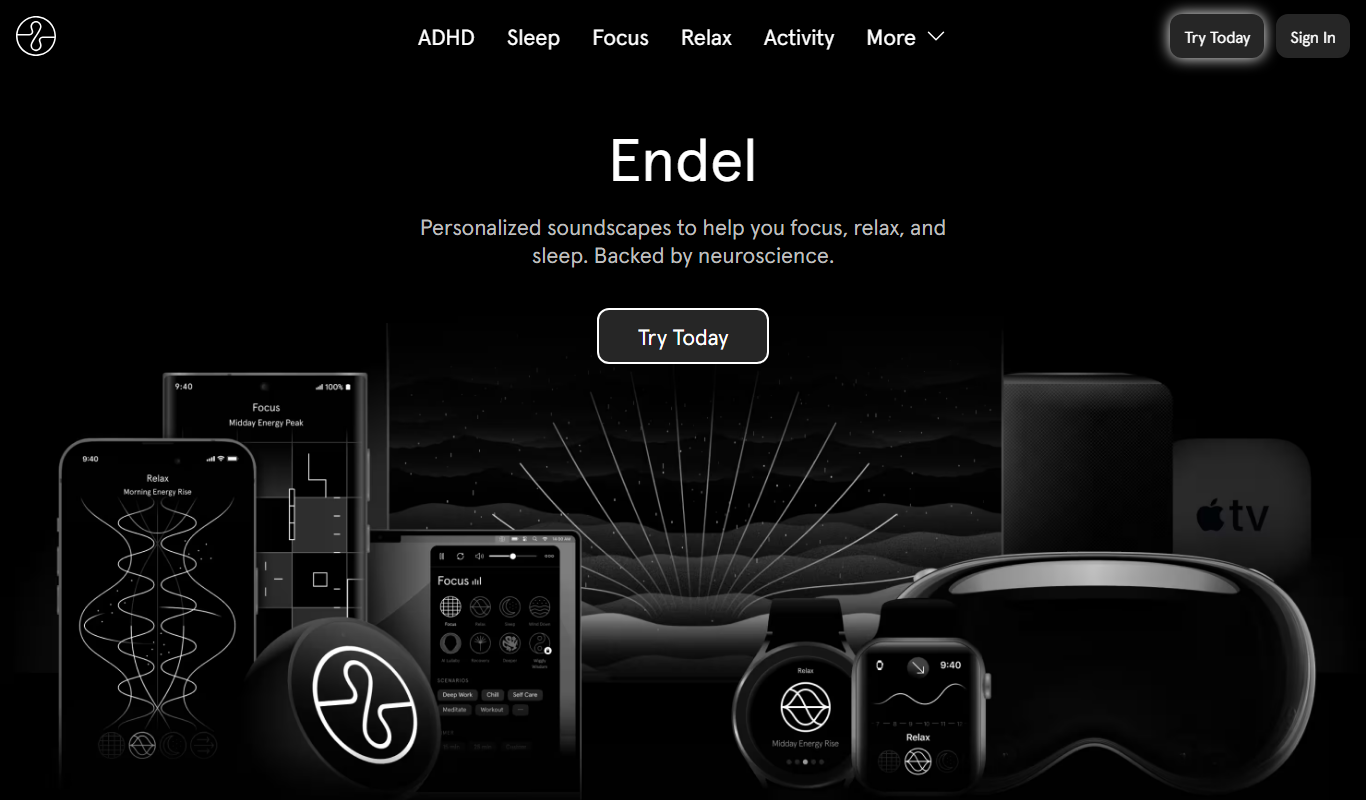
Endel is an AI-driven app that generates adaptive soundscapes tailored to improve focus, relaxation, and sleep by using real-time data such as time, location, and biometric inputs.

SONOTELLER
SONOTELLER.AI is an AI song analyzer that tags lyrics and music (genres, moods, instruments, BPM and key) and autotags music catalogs through its API.

AI Song Generator-Make Song
AI Song Generator-Make Song is an online tool that uses artificial intelligence to create original songs by generating melodies and lyrics based on user inputs such as themes or moods.
Mureka
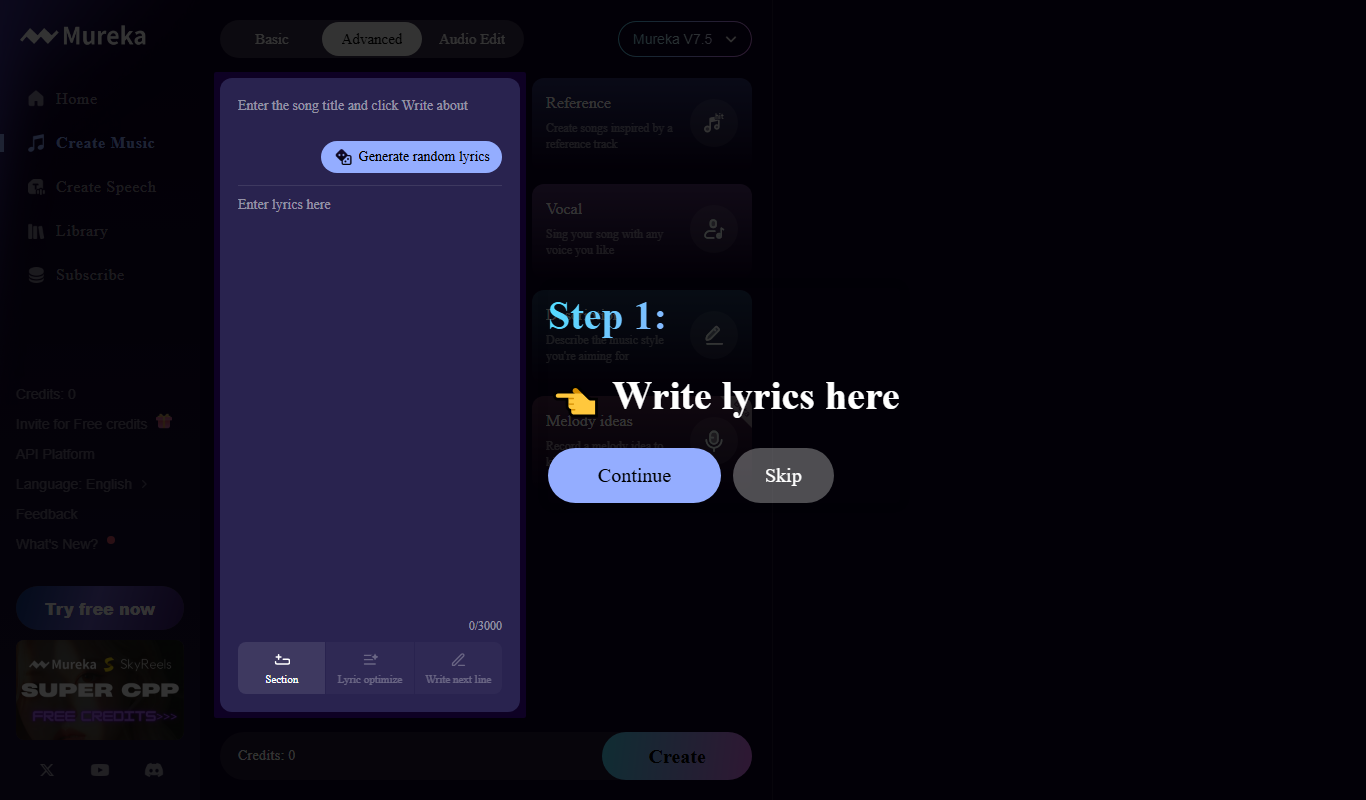
Mureka is an AI music generator that creates full songs, vocals, lyrics and instrumentals from text prompts, with free use and paid subscription plans.
Soundraw
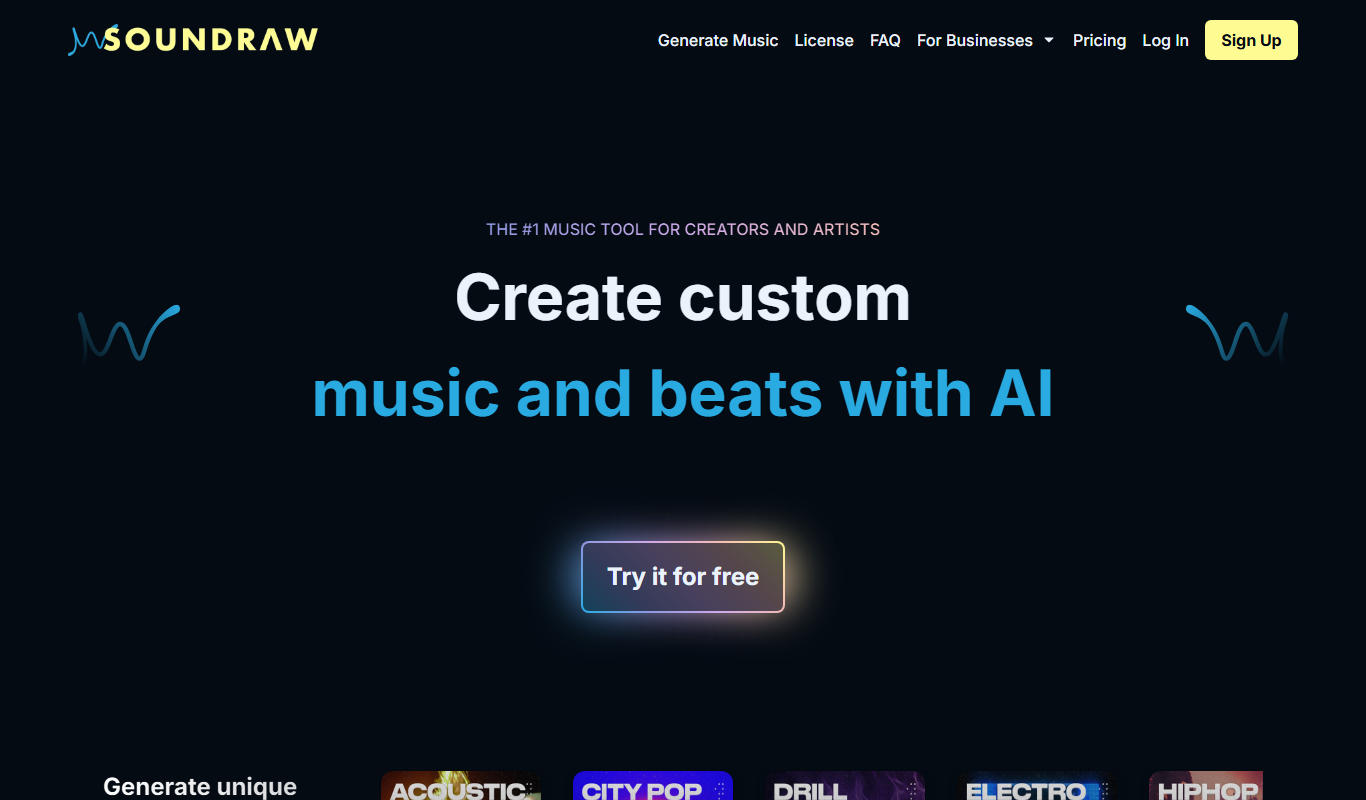
Soundraw is an AI-powered music generator that creates original, royalty-free music tracks customizable by mood, genre, and length, ideal for content creators and marketers.

ChordCreate
ChordCreate is an AI-powered web tool that generates chord progressions from a text prompt, which can then be heard, edited and exported.
AI Music API, Free Cheap AI Music
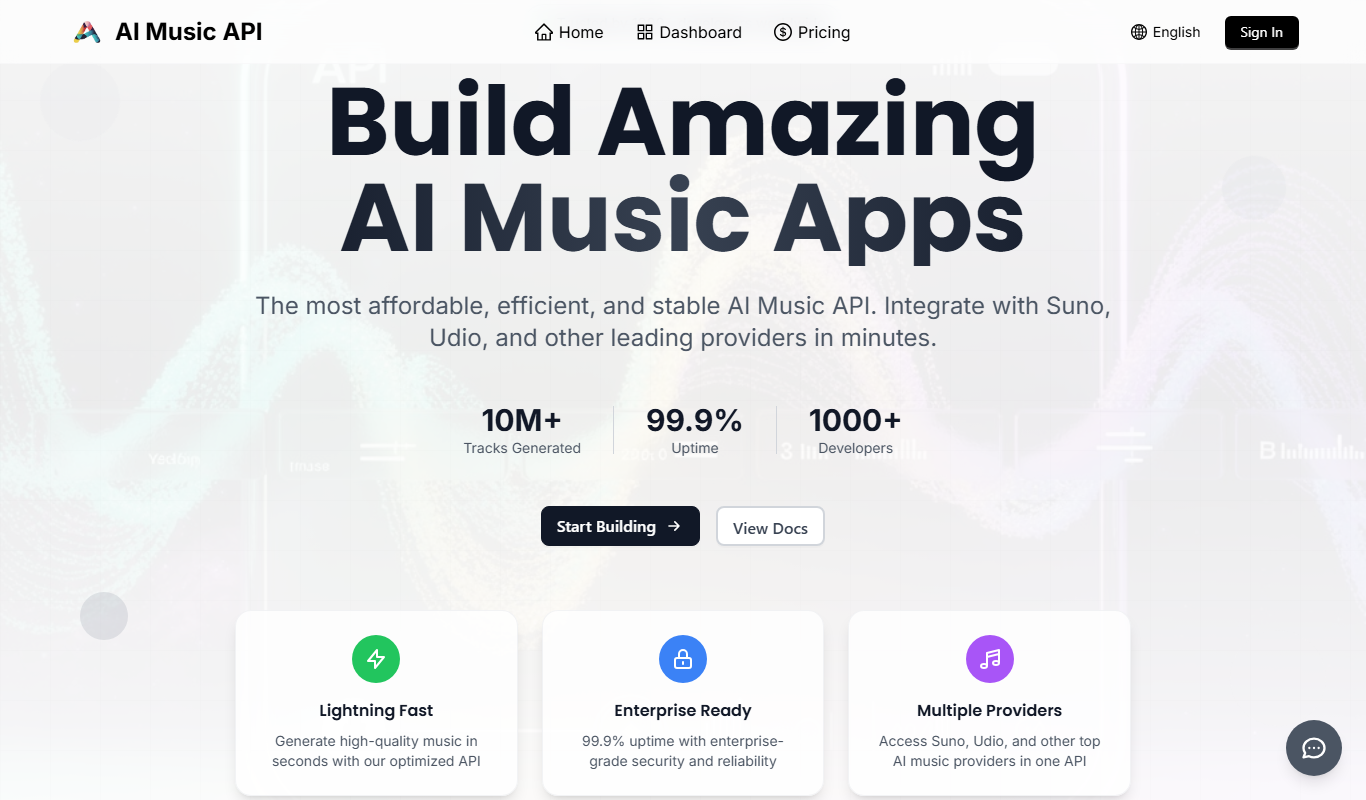
AI Music API is a unified AI music generation API that lets developers access Suno, Udio and other top AI music models through a single REST endpoint, with a free tier and credit-based plans.